LS25 FBM25 Sonnental v2.0.2.0

LS25 FBM25 Sonnental v2.0.2.0
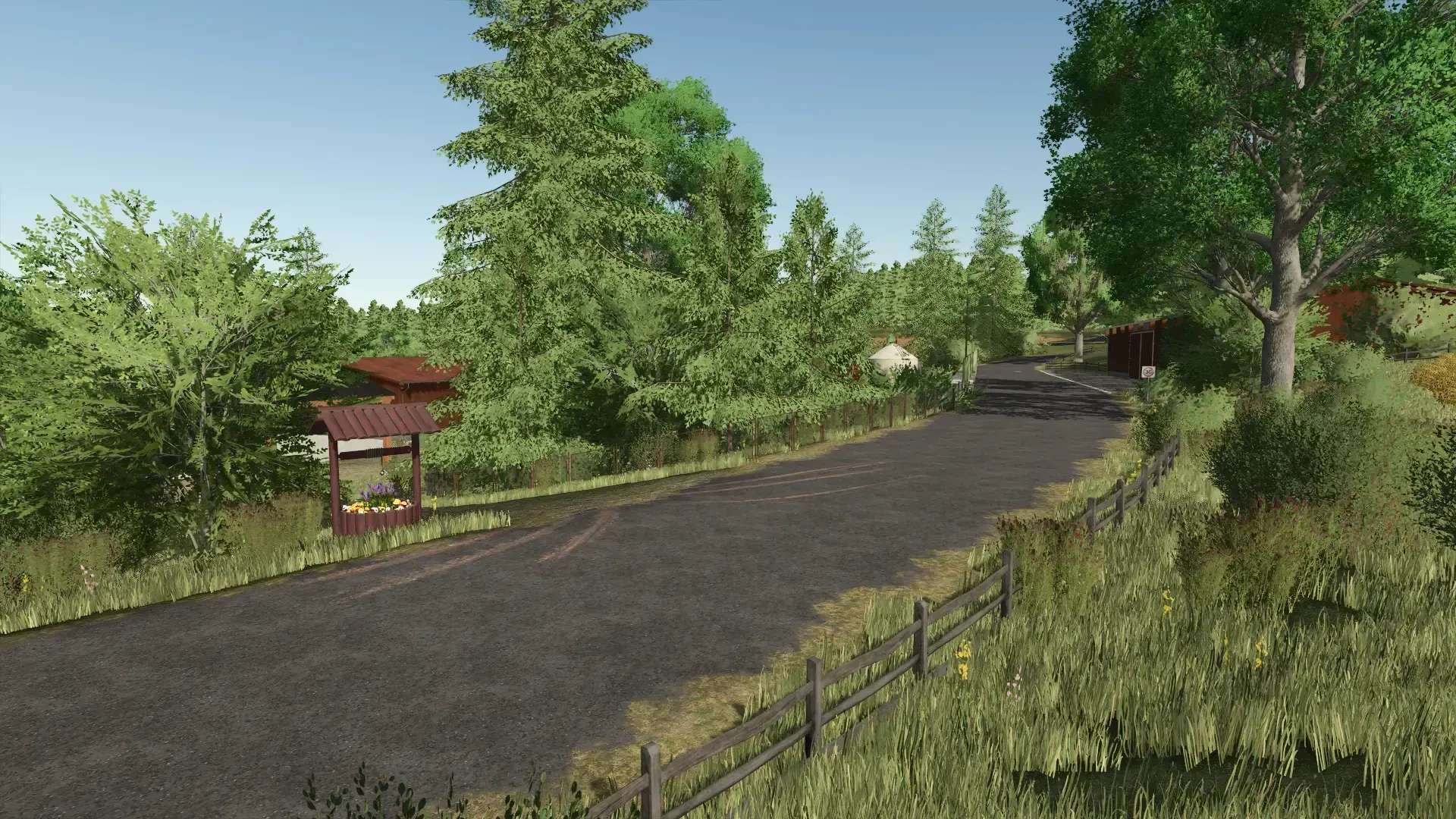
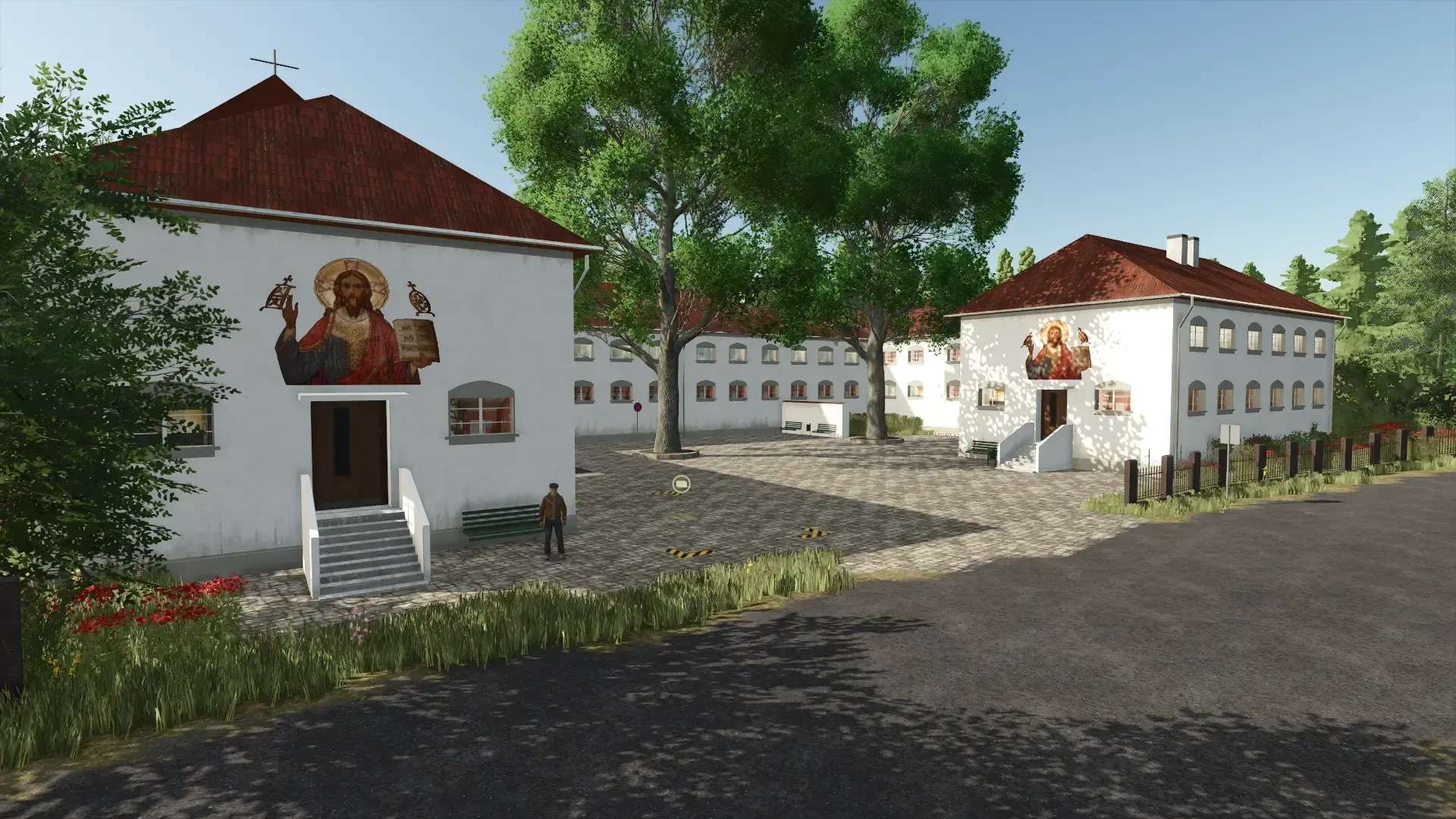
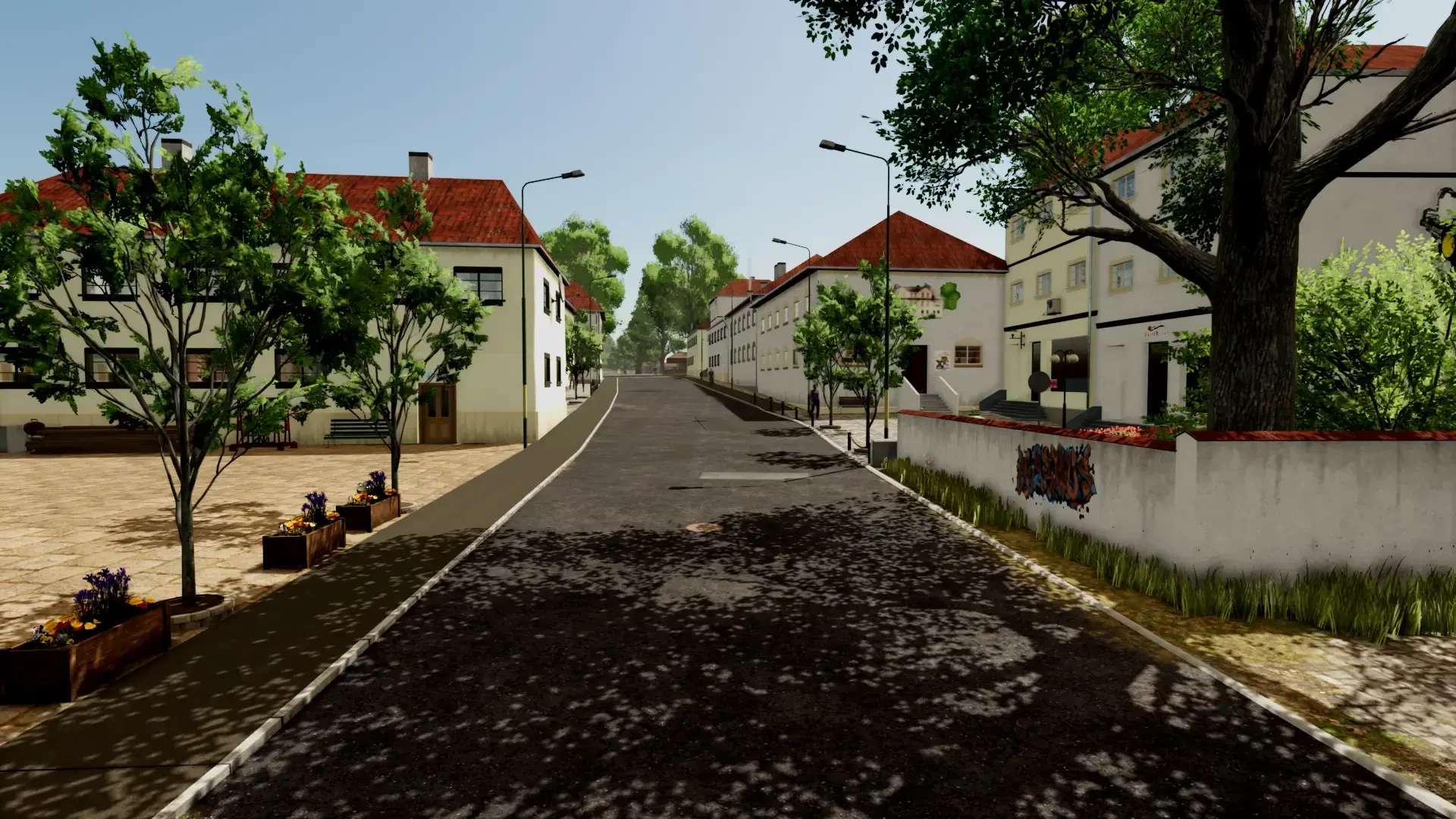
Welcome to Sonnental!
Changelog 2.0.2.0
– Various fixes
– Farm sales enabled.
INFO: If selling farms doesn’t work while the savegame is running, you’ll unfortunately have to start a new one.
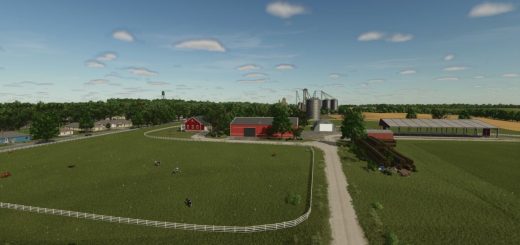
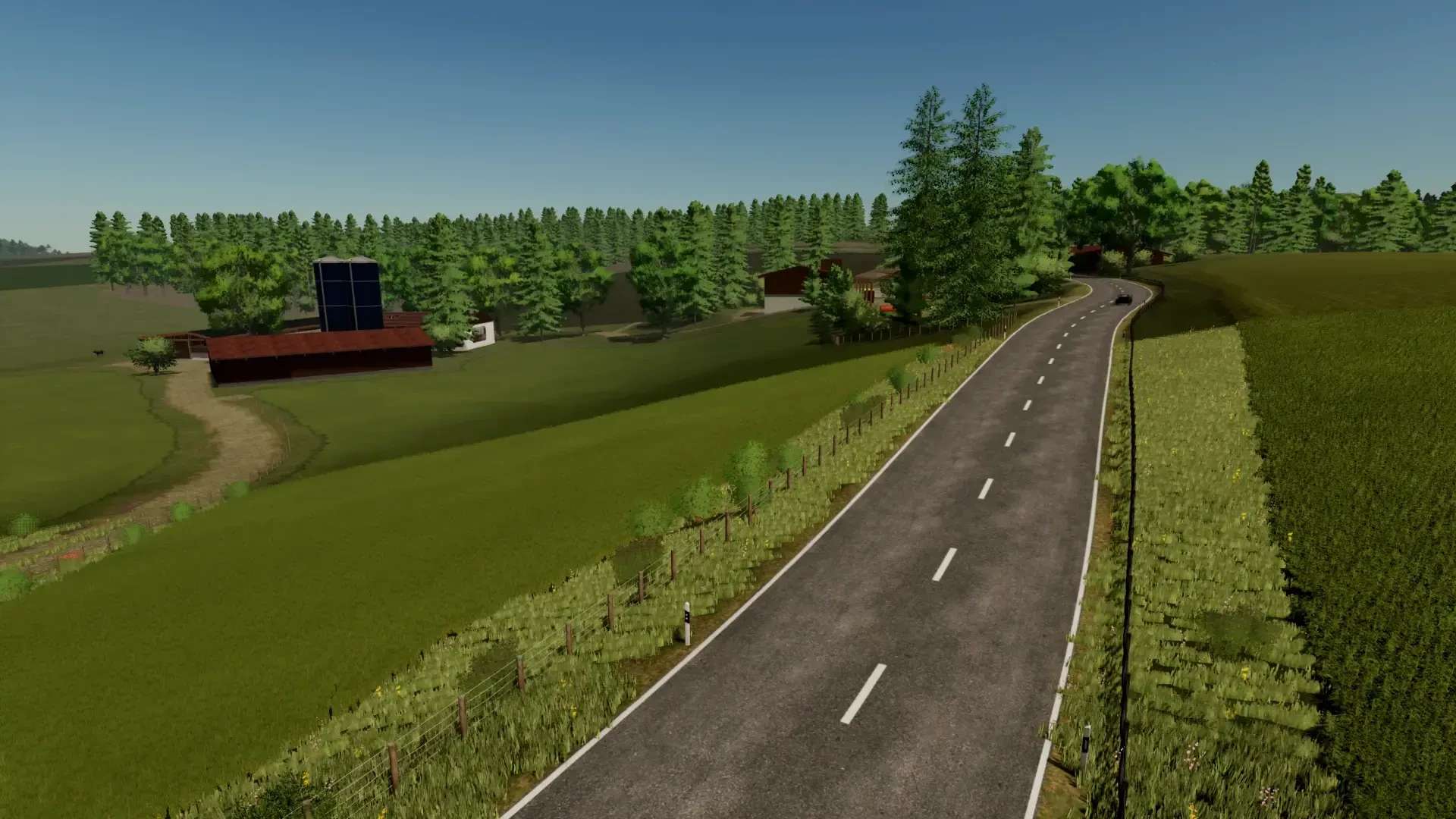
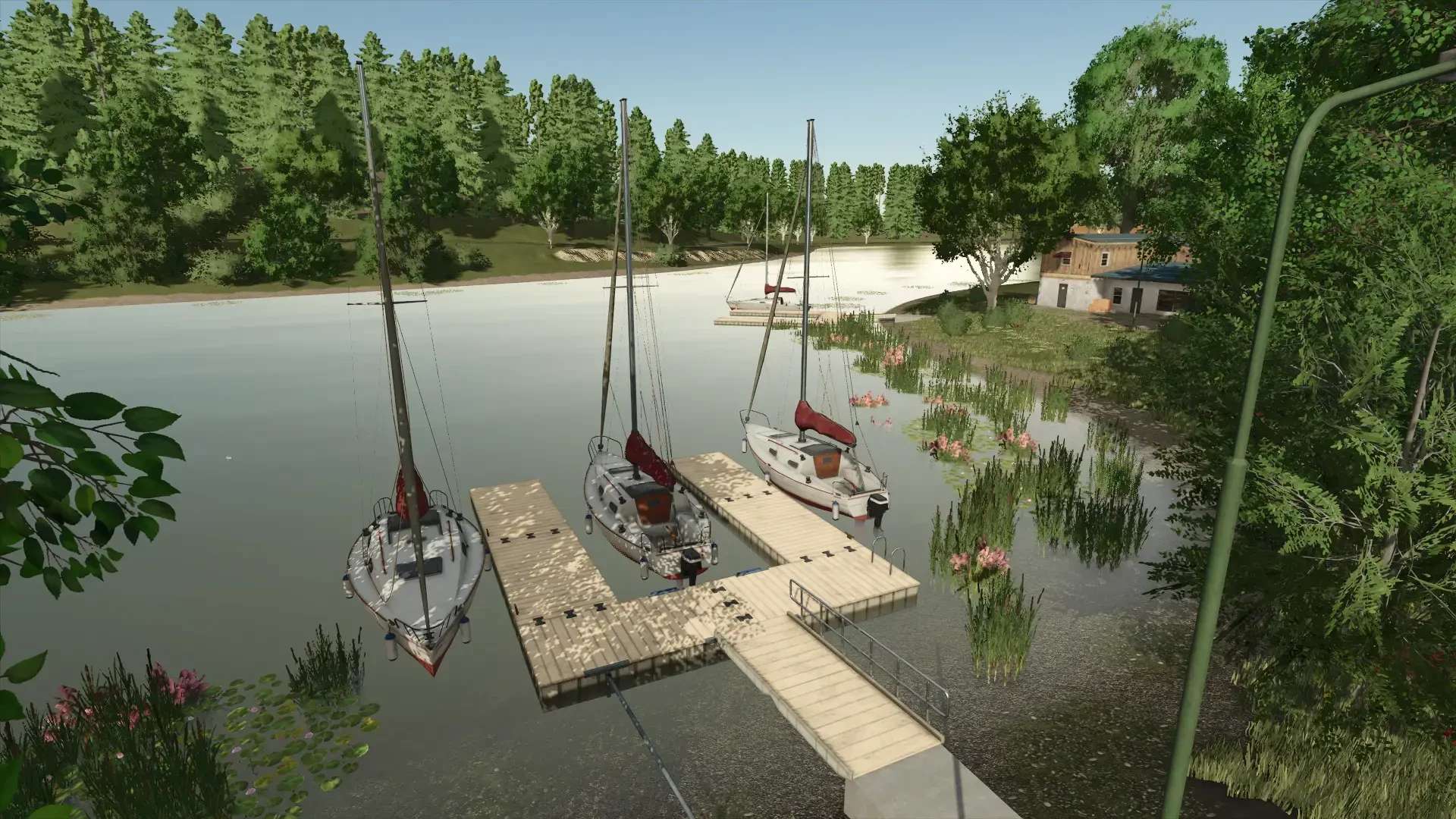
In Sonnental, you’ll find two lakes, two farms, 9 meadows, 4 forests, and 26 fields. You can buy various products at the Hornbach.
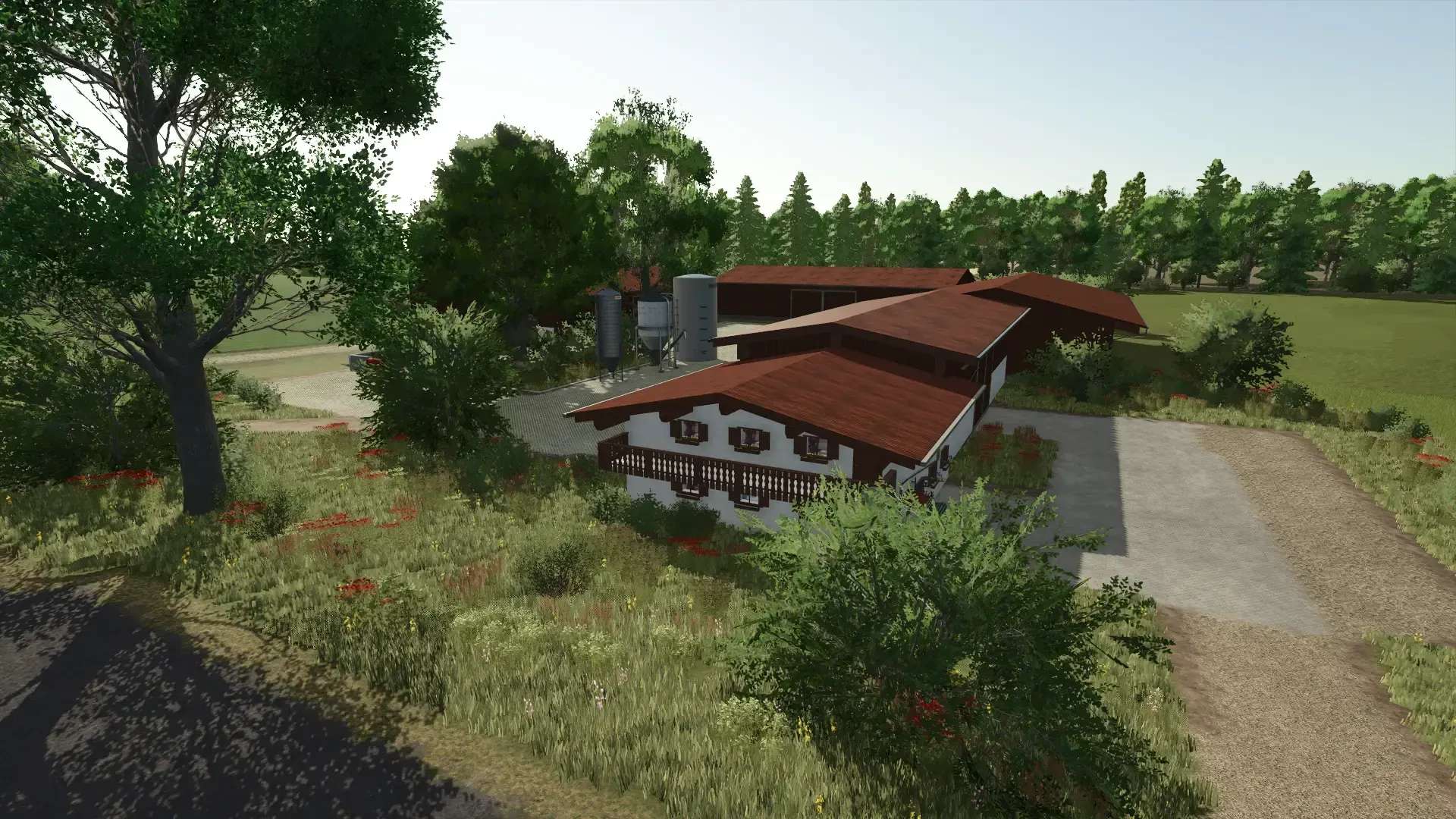
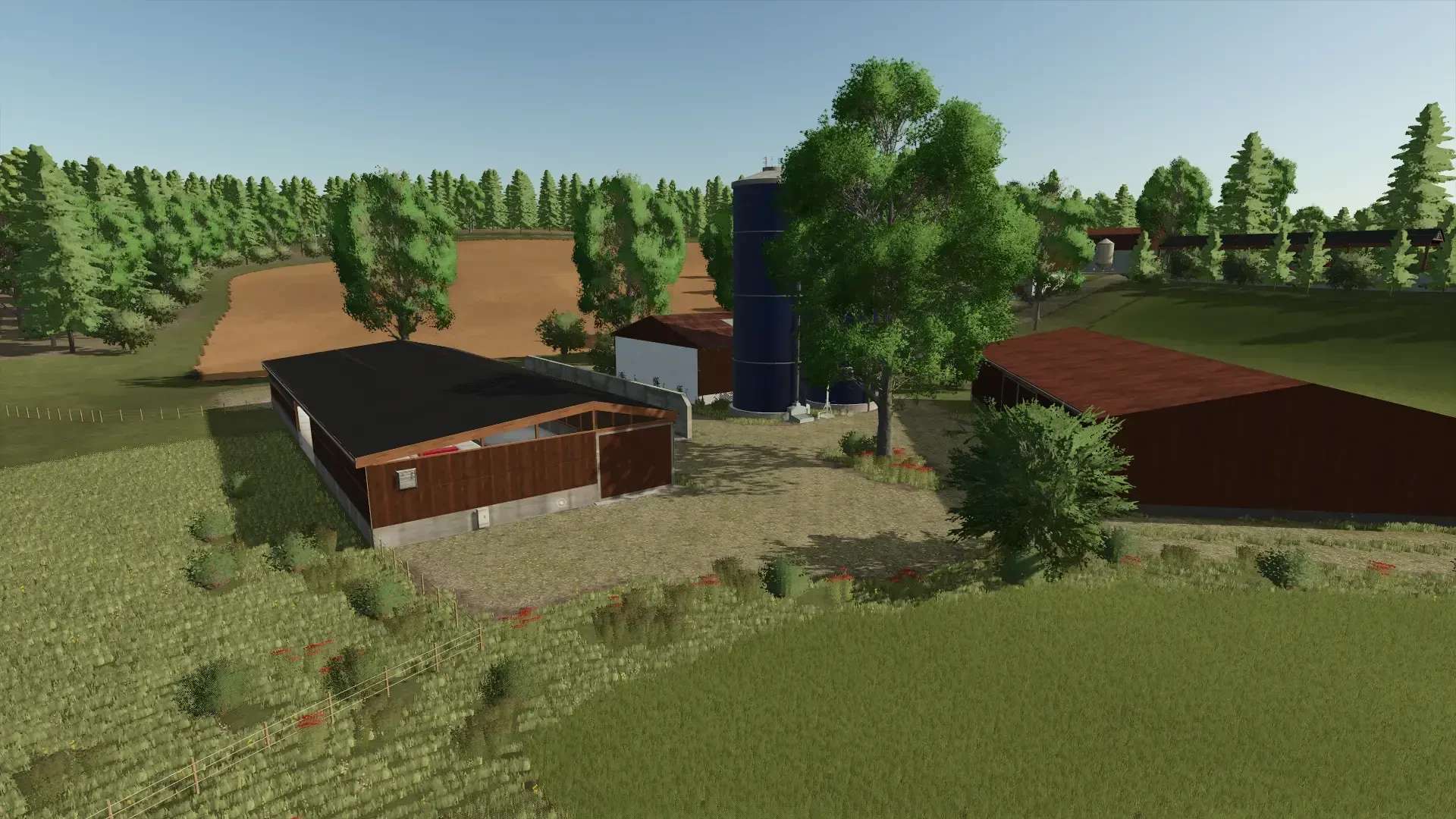
Farm 1:
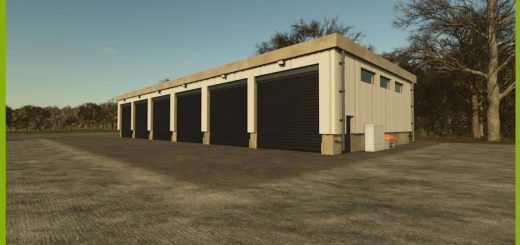
The farm has a cowshed, a bale storage area, farm production, a grain storage (multi), a fermenter for hay and silage, and enough space for vehicles and equipment.
Farm 2:
This farm offers the opportunity to start a contracting business, or you can use the farm as a field farmer or forester.
Water:
Water can be fetched from the lakes or from the well.
Sales:
There are enough sales points on the map.
Productions:
Large productions have been kept small. Small farm productions have been modified on the map that you can place.
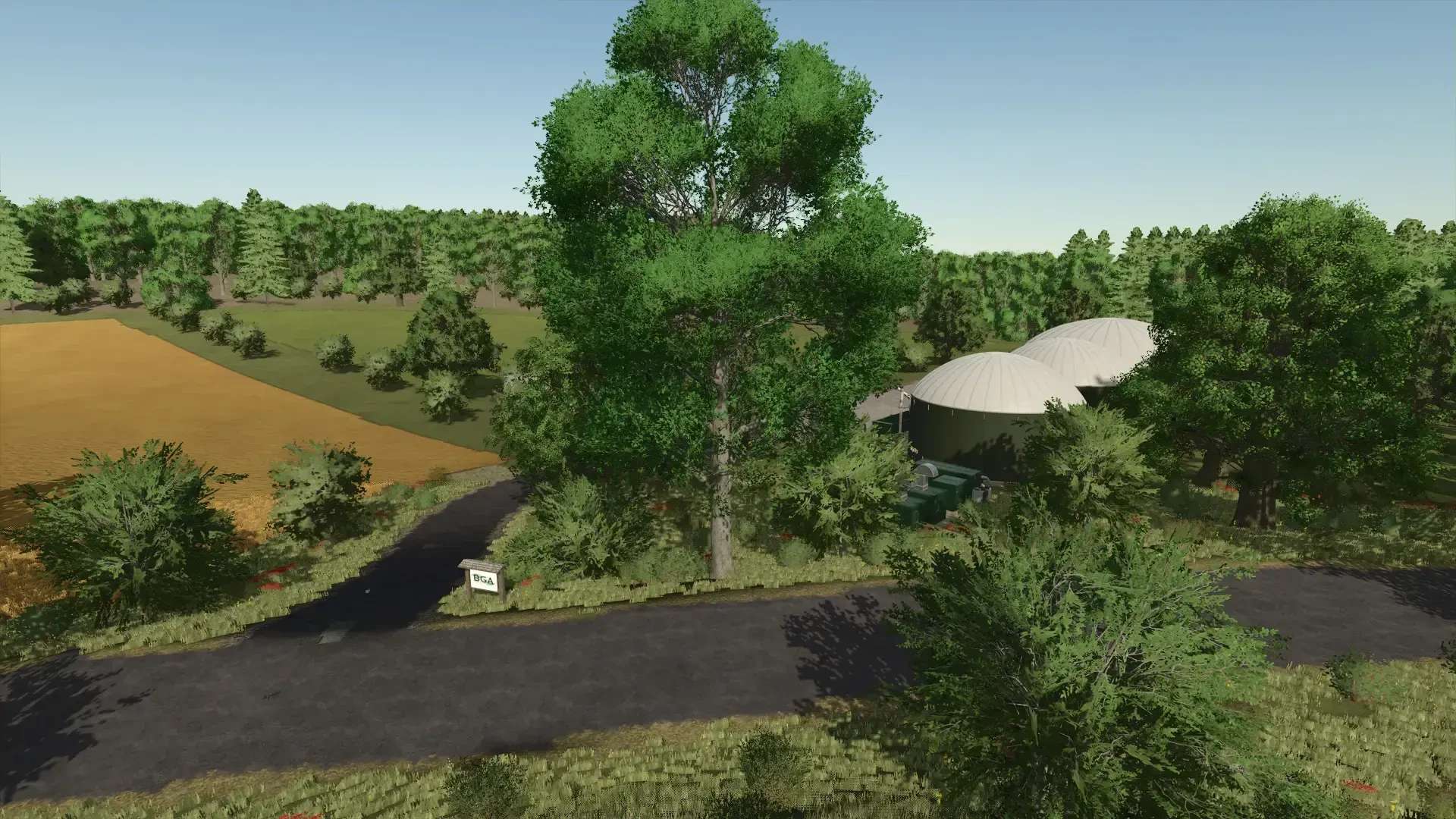
BGA:
There is a BGA on the map that you can also expand.
Sawmill:
At the sawmill, you have enough space to expand your sawmill.
Information: All fences and farms can be sold!
Important: The integrated Werner’s farm pack may not be removed from the map. The Werner’s farm pack has already been submitted to ModHub by TuneWar.