LS25 New Holland CH V2.1.0.0

LS25 New Holland CH V2.1.0.0
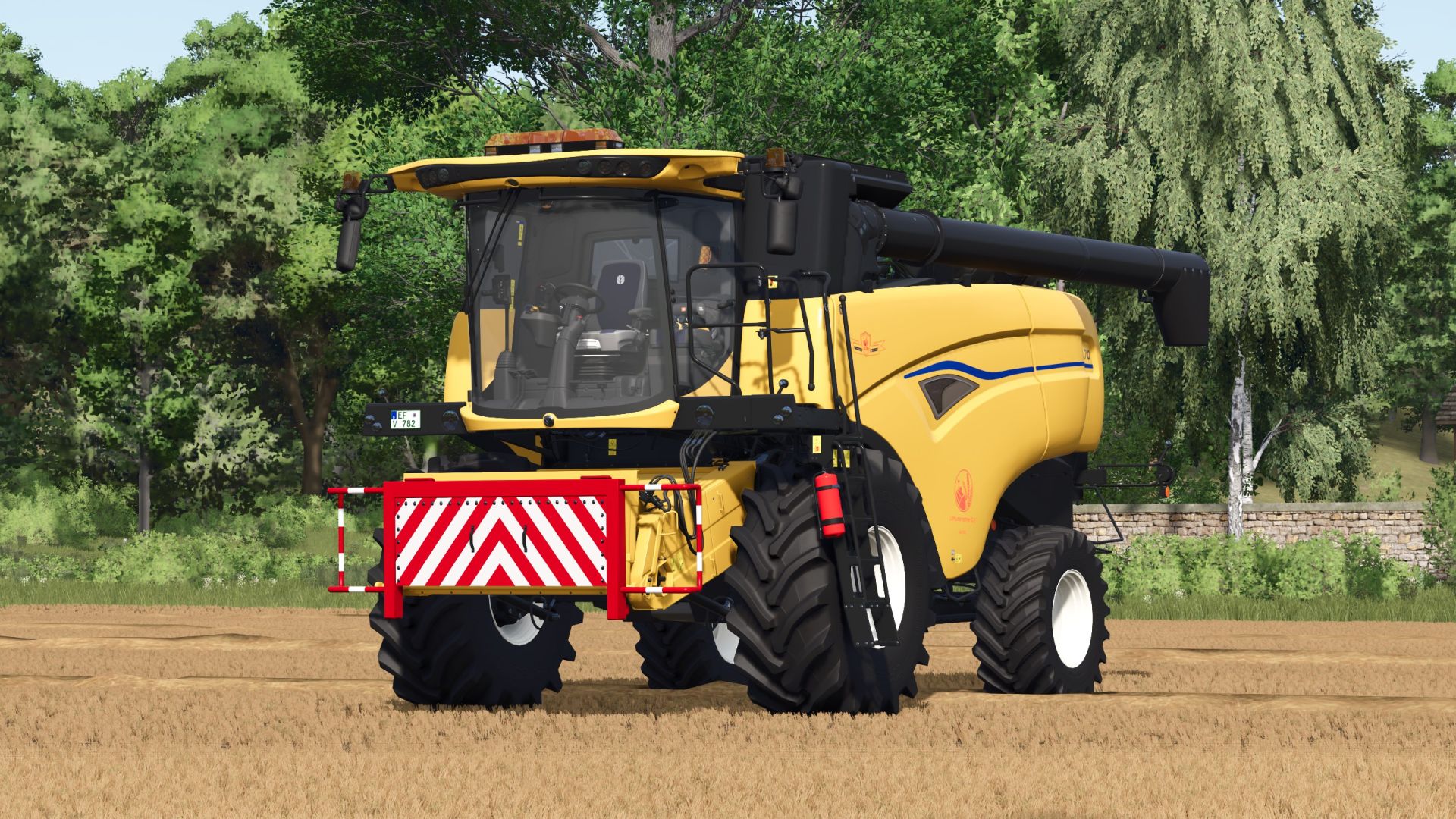
New Holland CH with Interactive Control & Real GPS
You already know my very realistic Varifeed header and today there is the matching New Holland CH combine harvester.
The thresher has: Interactive Control & real GPS
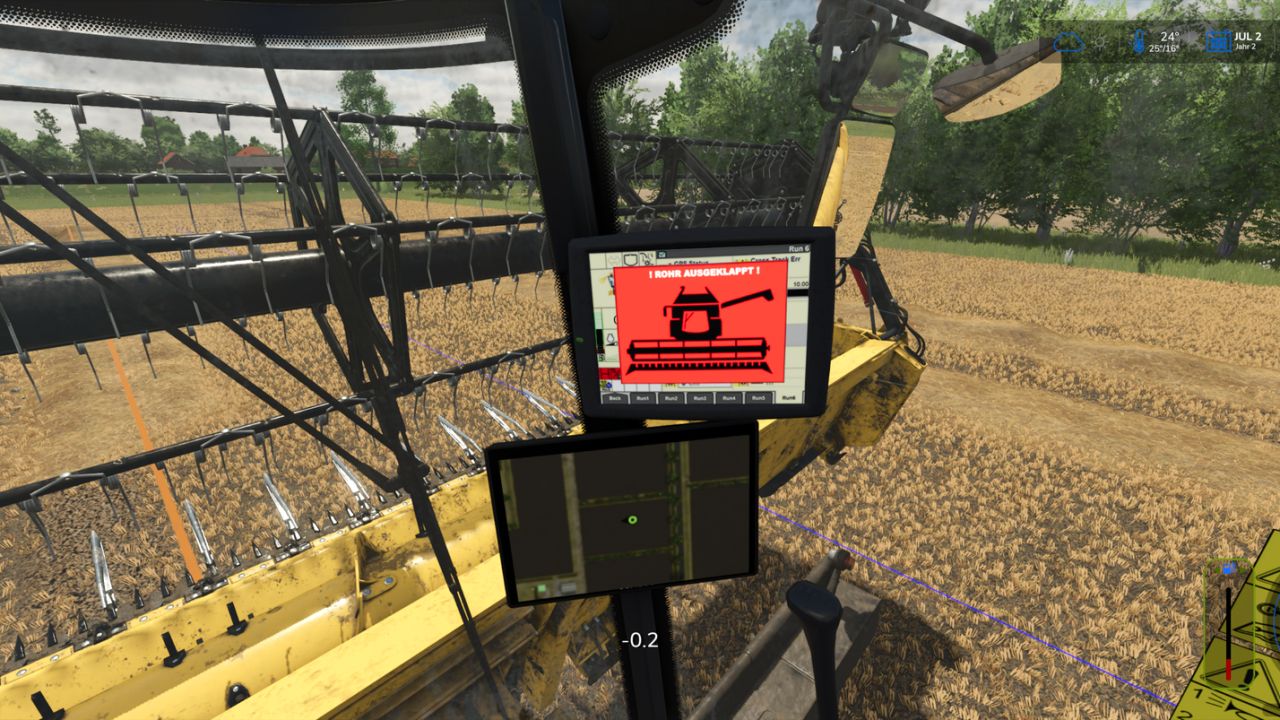
When the tube is unfolded, the monitor displays a warning that the tube is unfolded. When the tube is folded back in, this warning disappears.
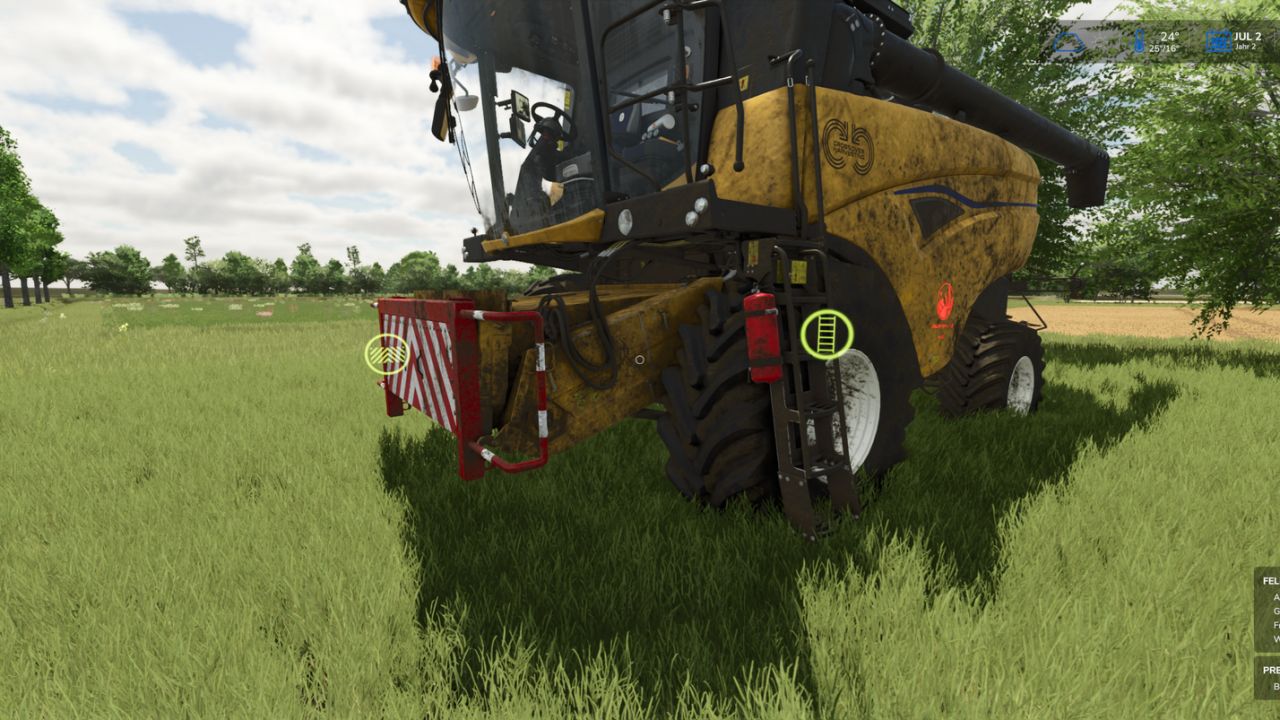
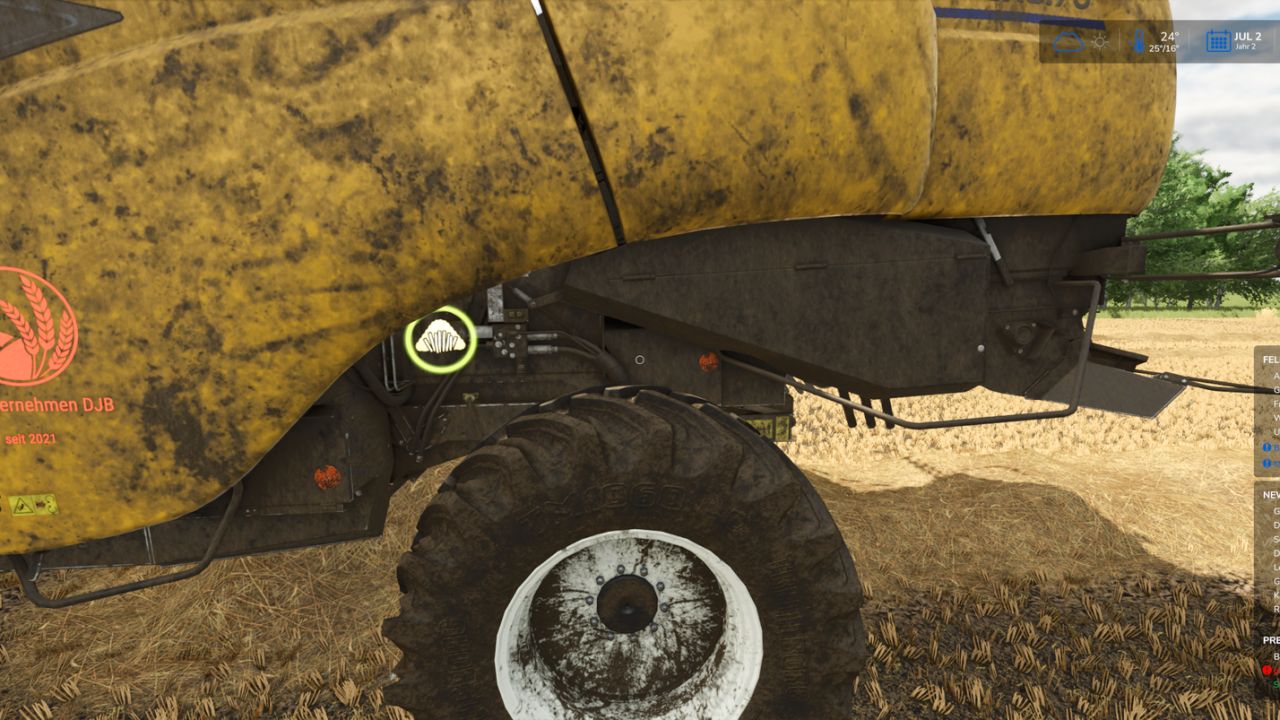
Interactive Control Outside:
– Ladder open/close,
– Install/remove warning sign
– Straw chopper/straw swath (only animation to switch between swath and chopping you have to do it as usual in the vehicle)
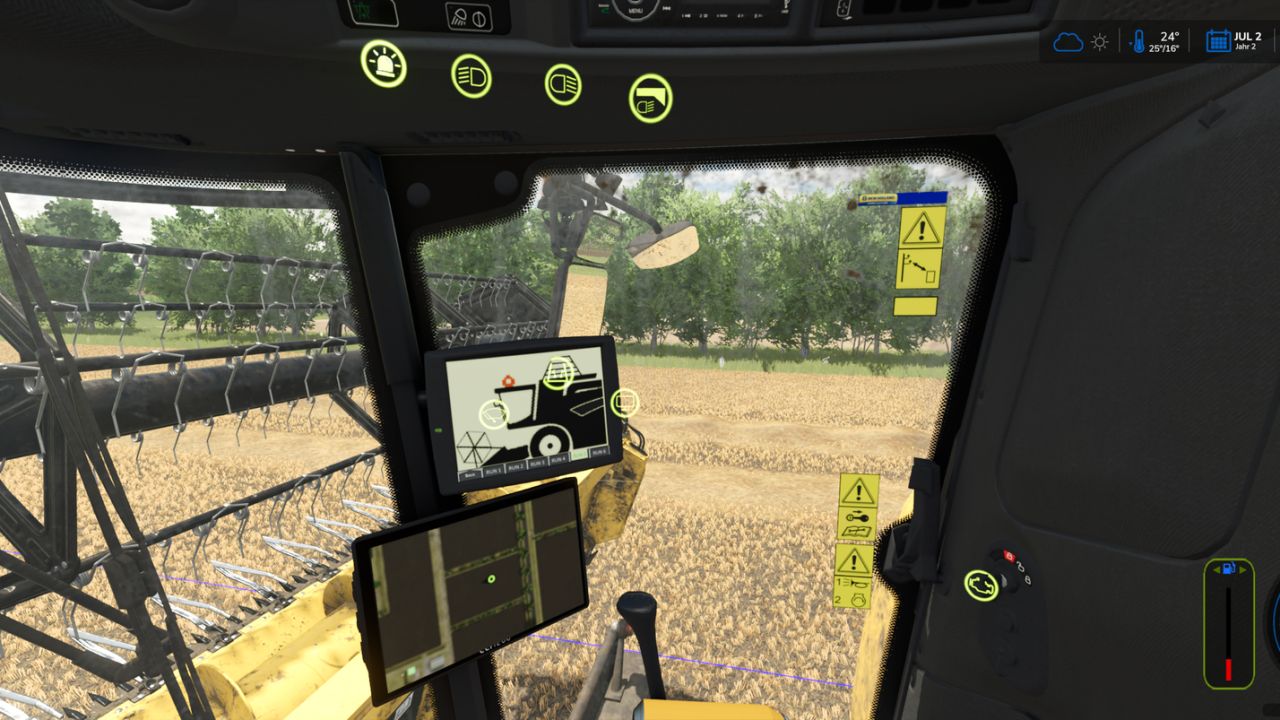
Interactive Control Inside:
– Ladder Open/Close
– Rotating beacon on/off
– Front work light on/off
– Rear work light on/off
– Switch between two monitors (additional IC points on the second display)
– Wiper on/off
– Thresher open/close
– Start/Switch off engine
– Start/Shutdown working mode
– Tube folding/unfolding
V2.1.0.0
– Pipe camera added
– The warning when the tube is out is now on the GPS monitor so that you can see how much is in the grain tank even with the tube.
Version 2.0.0.0
– You can now switch through different monitors (via interactivcontrol),
– Added level indicator in the monitor,
– Monitor Start Animation added,
– Both monitors can now be switched off,
– Real GPS can zoom in,
– Fixed various errors,
– Icon changed to the engine start (InteractivControl).
Console shows 2 errors because of loading animations. These are those that are displayed when you start the engine. If I don’t get fixed yet, you can ignore.
Version 1.1.1.0
– Modicon added
Version 1.1.0.0
– All -round light (bar on the roof) can be deselected in the shop,
– In the shop you can choose between the new and old New Holland logos,
– sign is standard
– The CH7.70 Scripture has been improved,
– All errors have been removed
– Energy doses in the cabin were adjusted,
Required mods:
Interactive Control
RealGPS