LS25 Realistic reshader v1.0.0.2
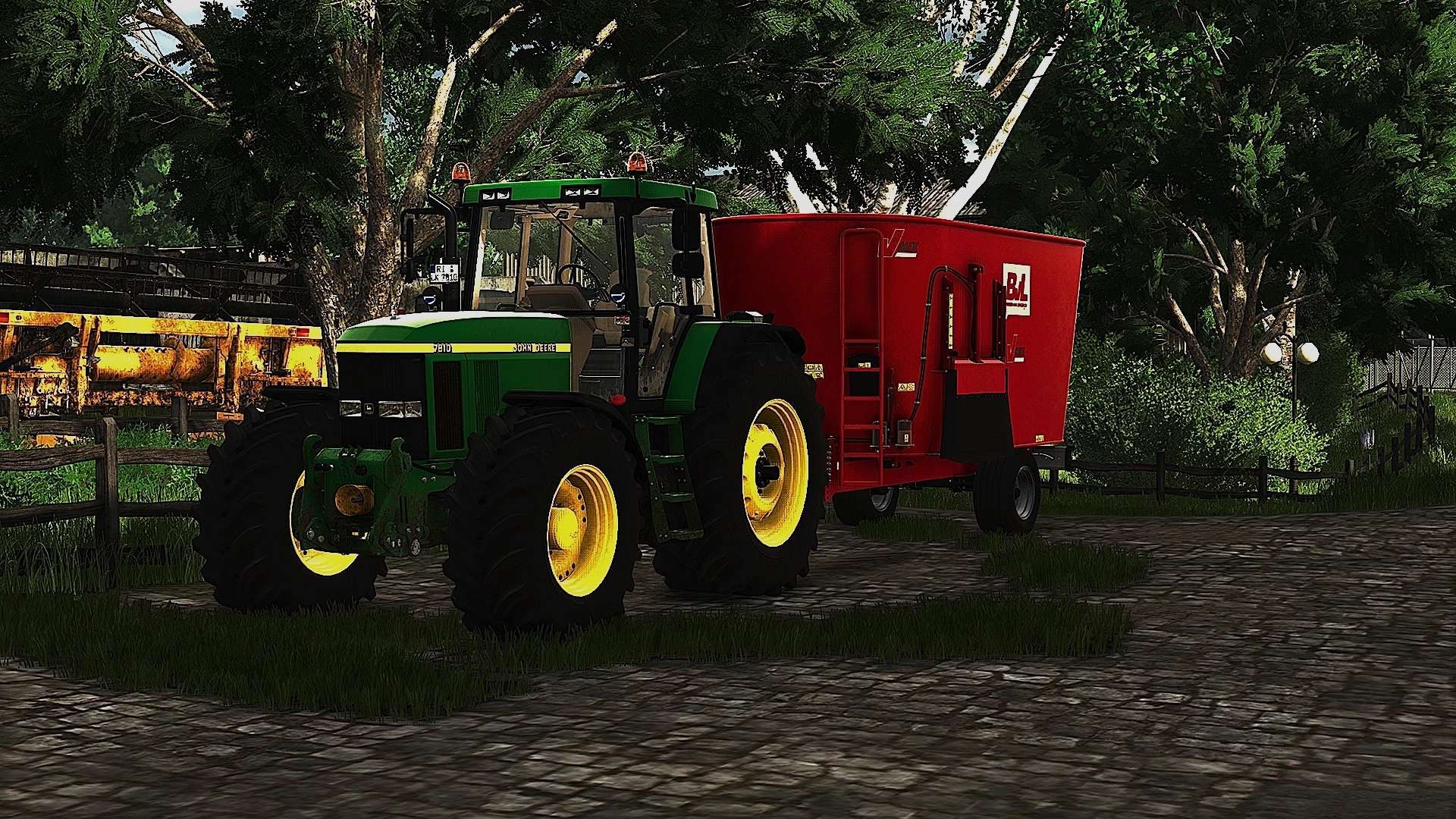

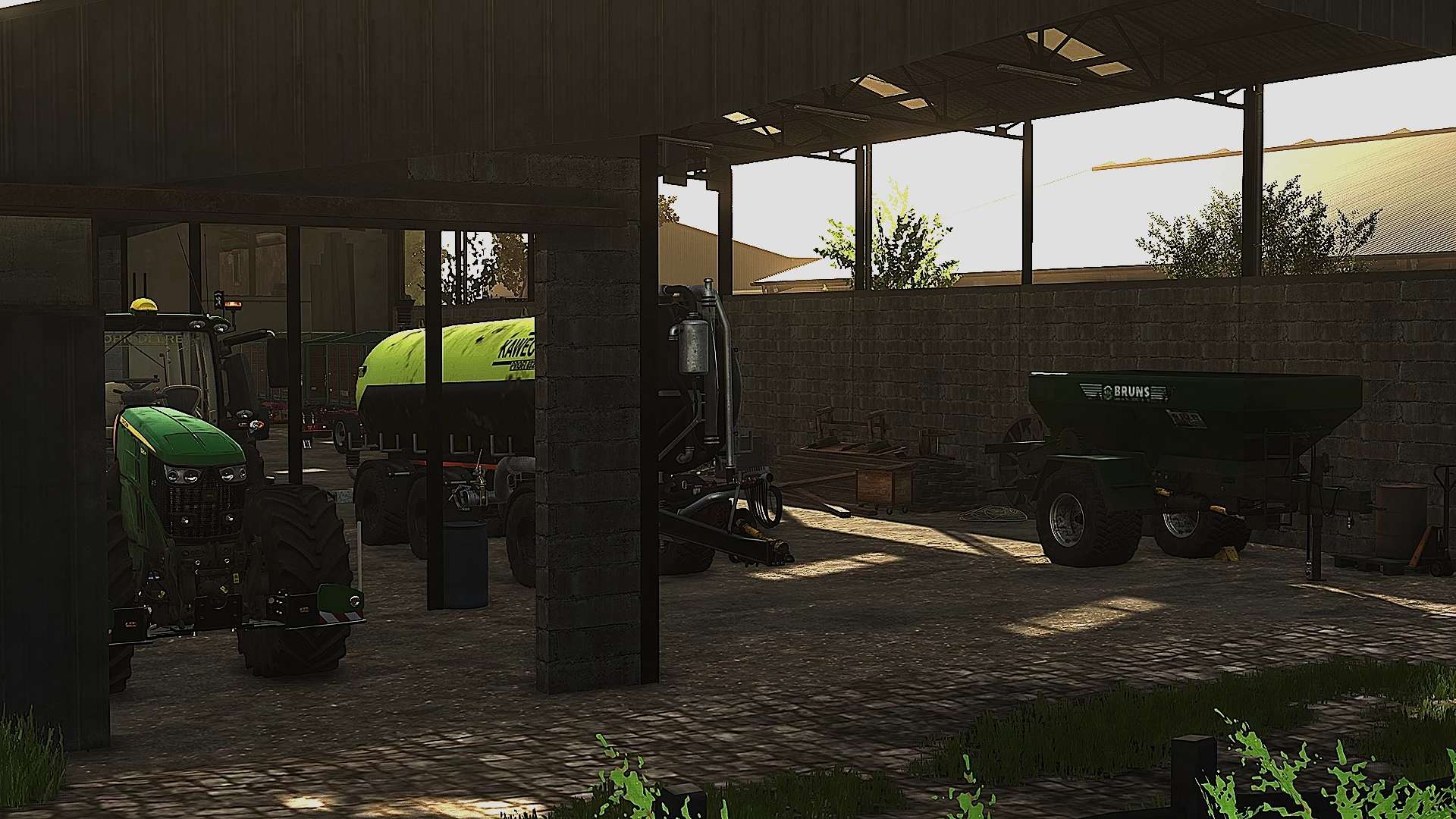
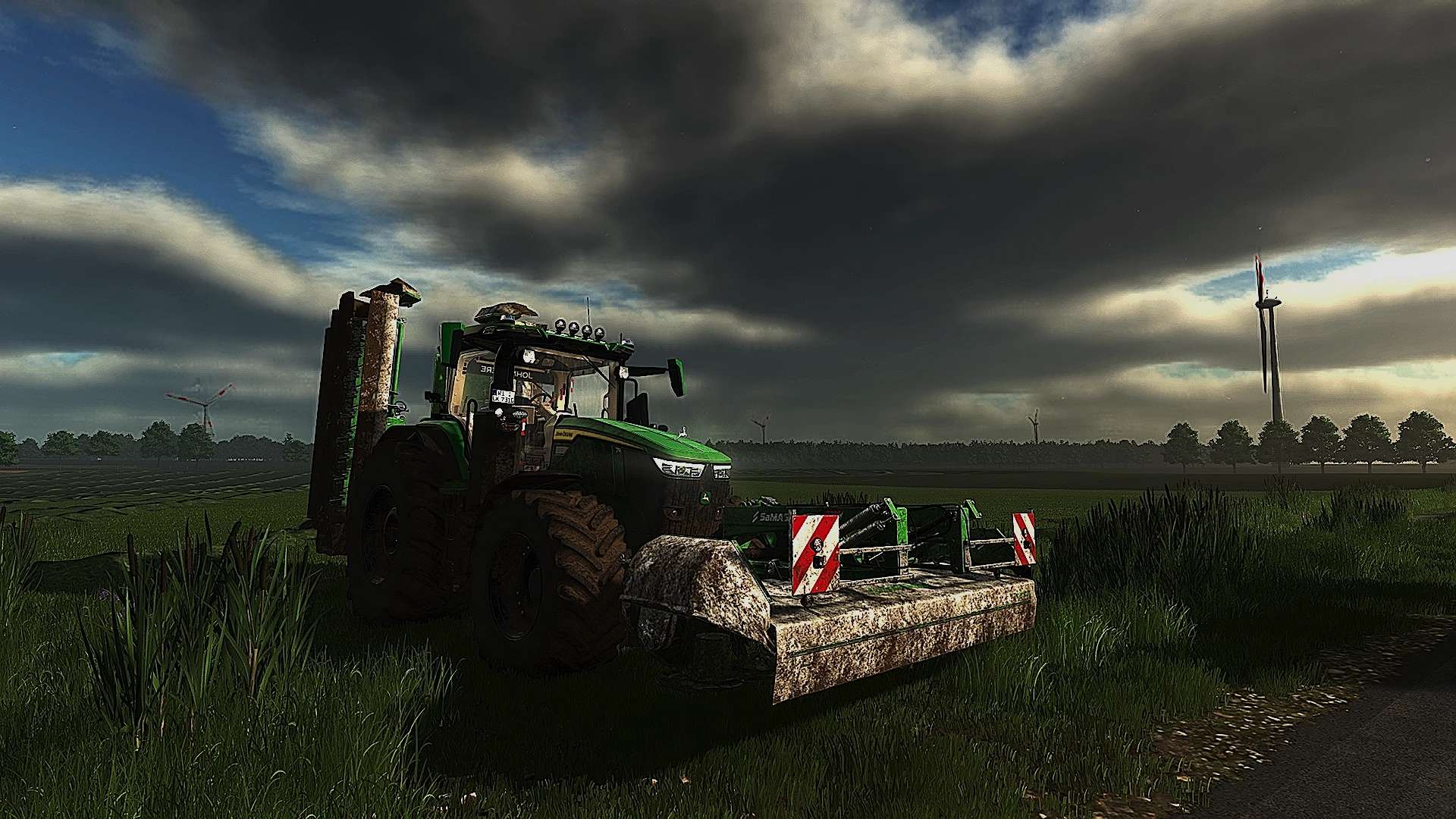
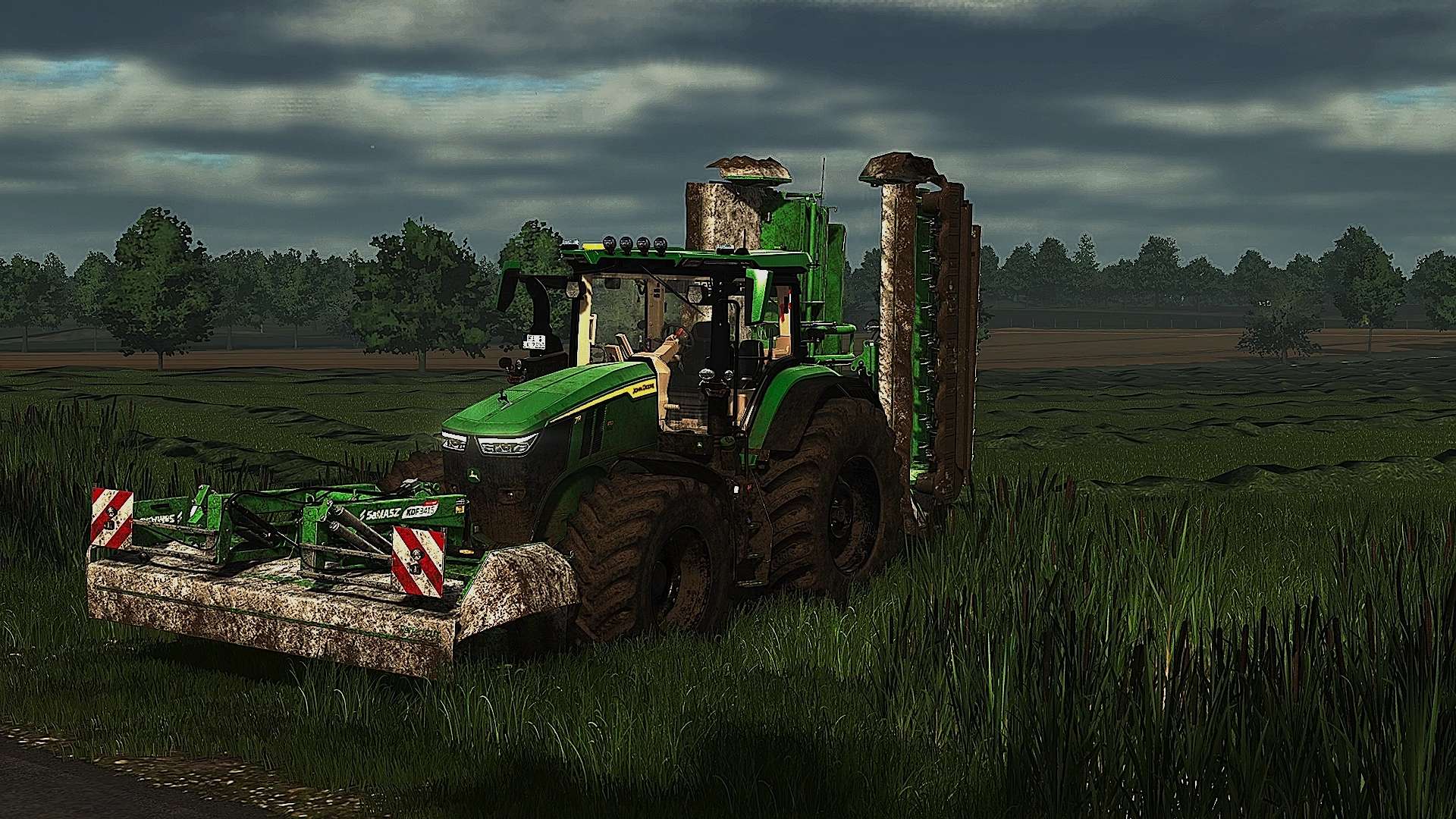
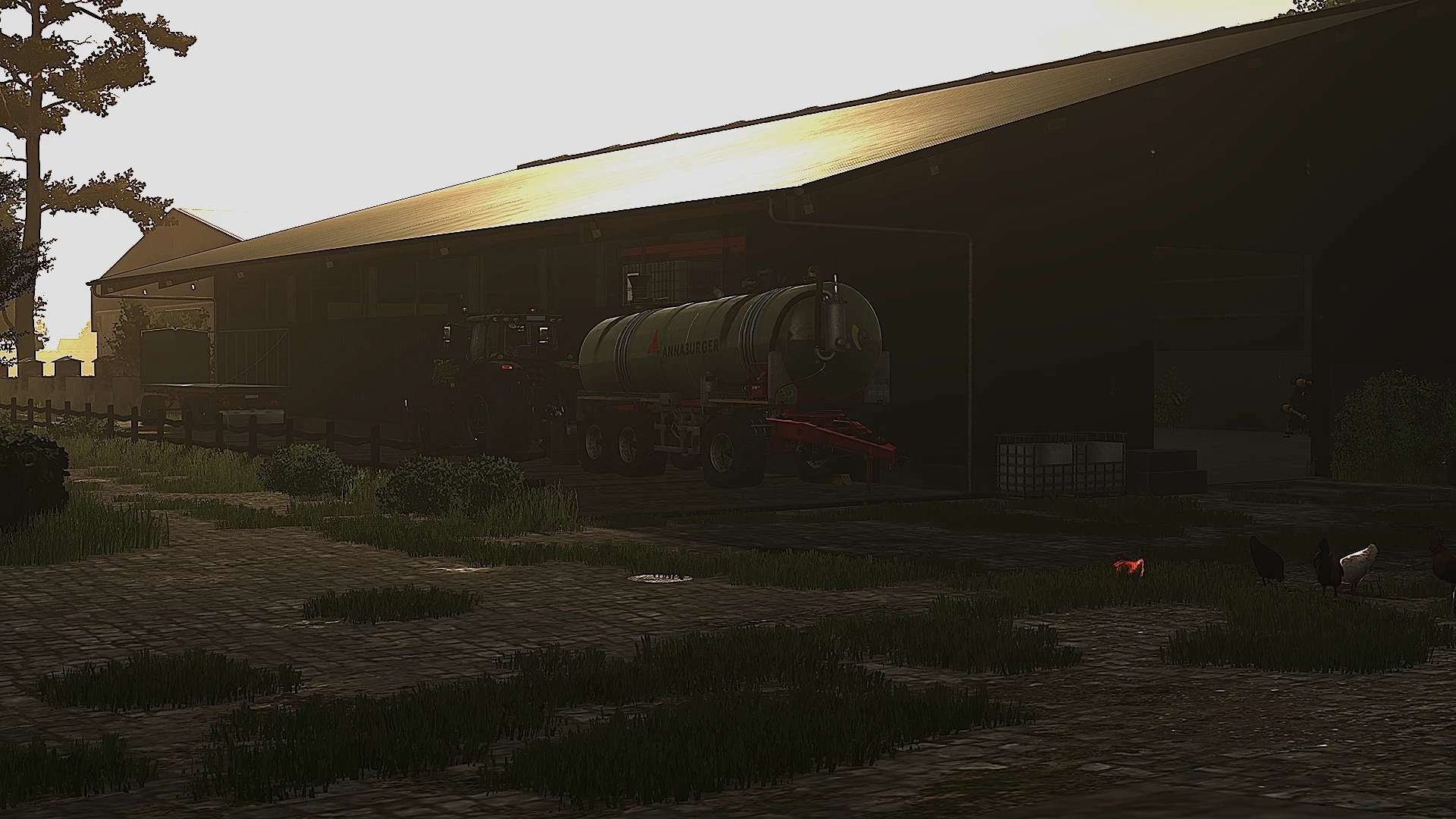
LS25 Realistic reshader v1.0.0.2
Version 1.0.0.2
Hi, I’ve put a lot of work into it again and revised and adjusted a lot of things.
You now need the mod: Additional Game Settings. To do this, you have to unzip the ZIP file; everything is described in the folder.
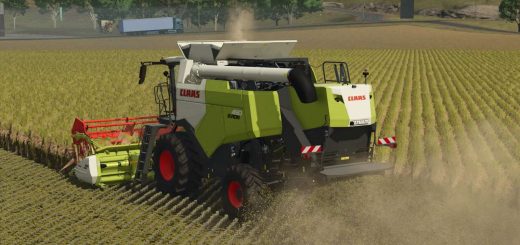
I’ve done my best to put together a shader for you that’s as realistic as possible, which I hope you’ll like.
You need to have Reshade_Setup_5.8.0 installed in the game to use it. You then need to copy the shader and paste it into the x64 folder in the game directory.
I would be happy if you could give me a rating on what you think and what could be improved if necessary.