LS25 New Holland CH v2.4.1.0

LS25 New Holland CH v2.4.1.0
New Holland CH with Interactive Control & Real GPS
Version 2.4.1
– If you select No Decals in the shop, you won’t have any decals anymore.
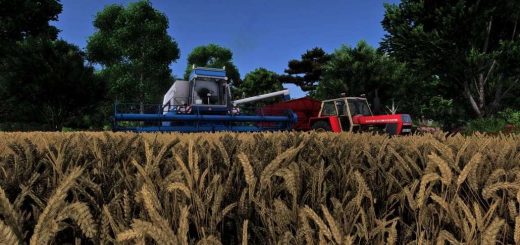
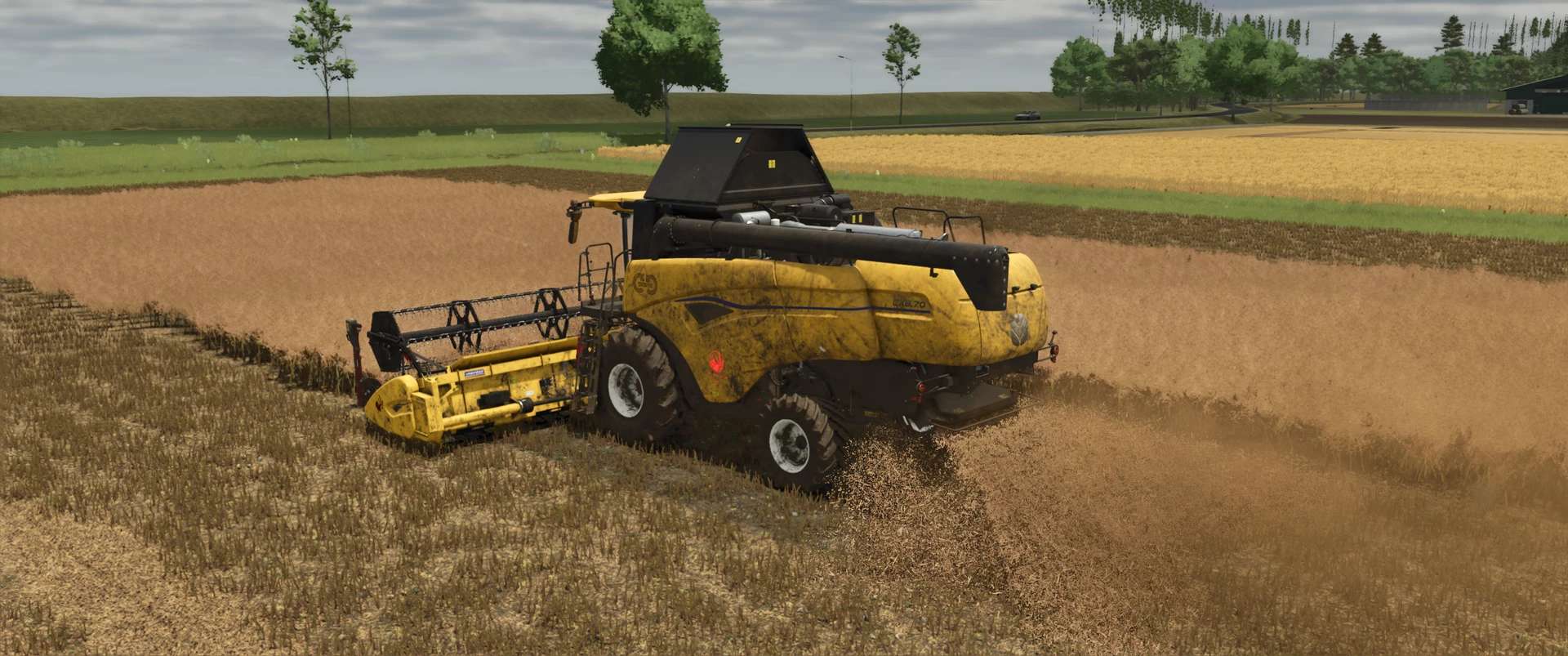
You already know my very realistic Varifeed header, and today there’s a matching New Holland CH combine harvester.
The combine harvester features: Interactive Control & Real GPS
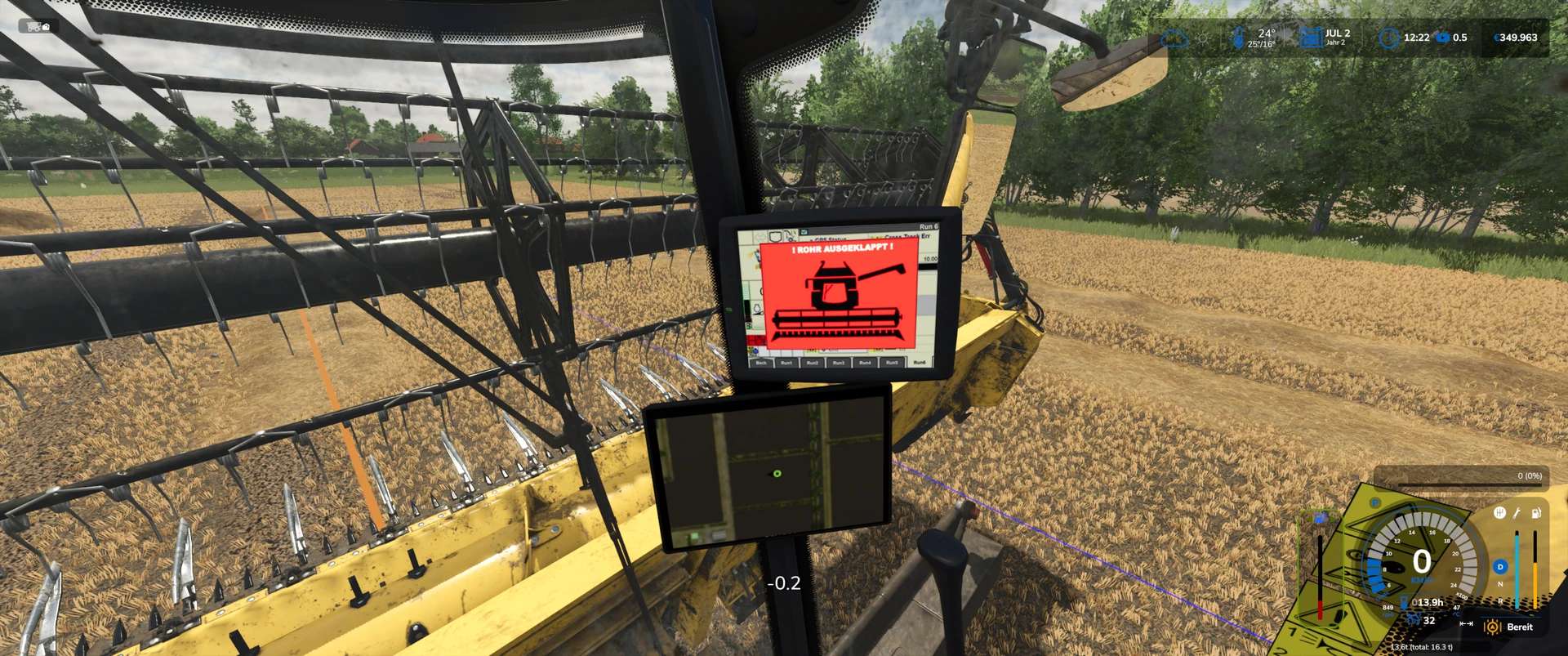
When the boom is unfolded, a warning appears on the monitor. When the boom is folded back in, this warning disappears.
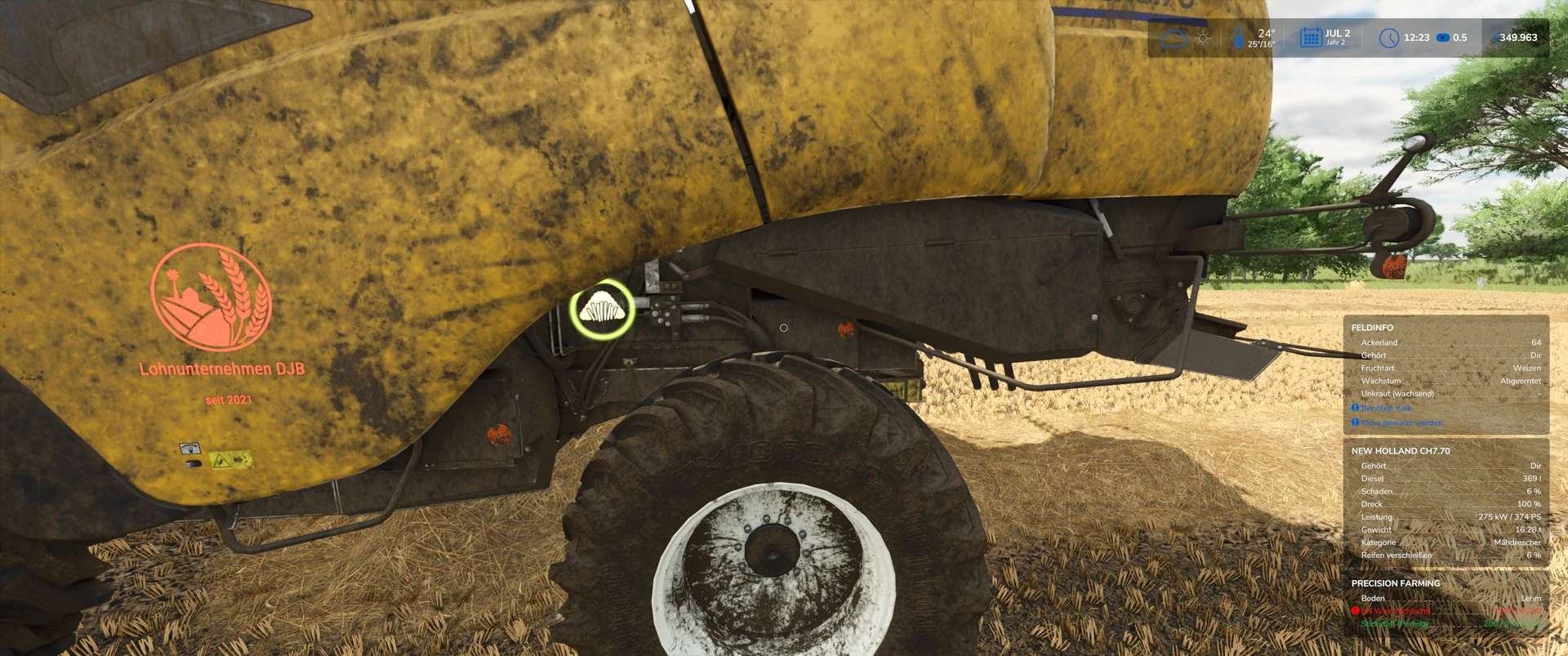
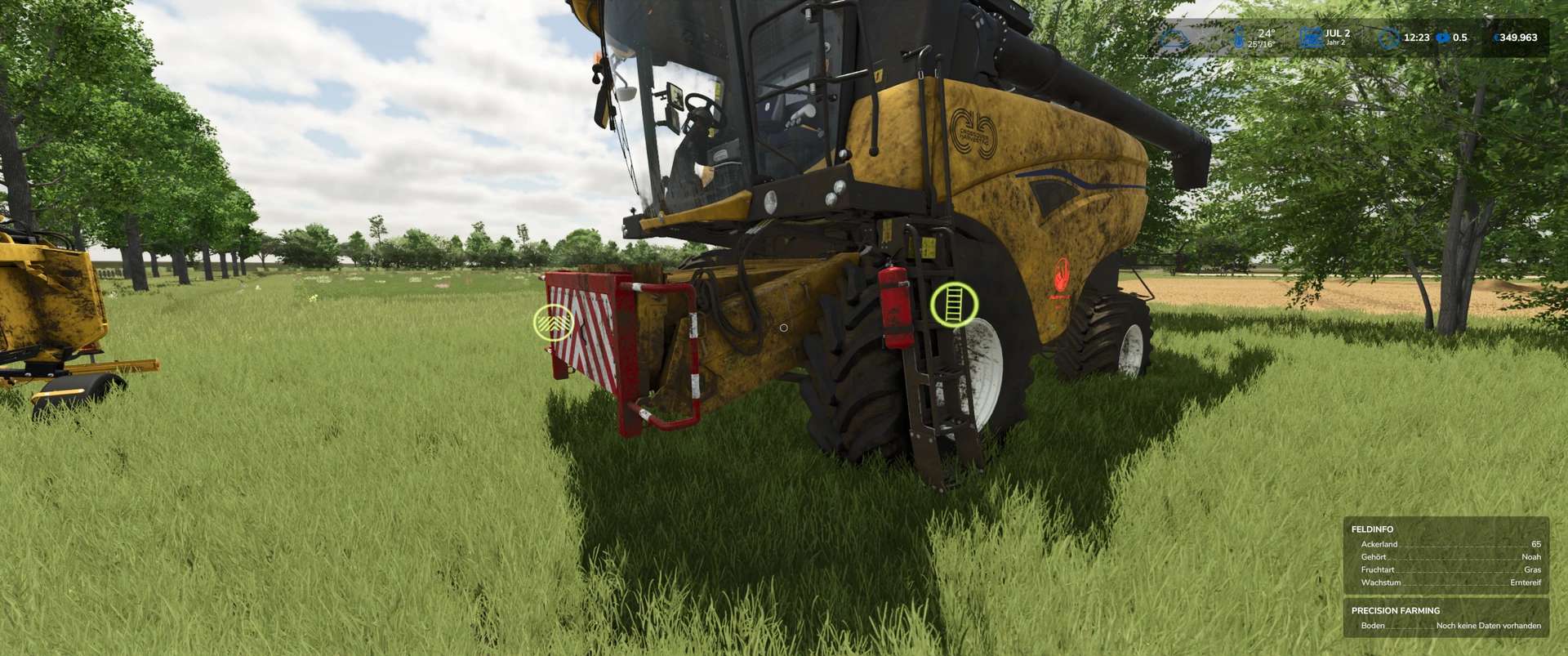
Interactive Control Outside:
– Ladder open/close,
– Warning sign attached/removed
– Straw chopper/straw swath (animation only; to switch between swathing and chopping, you must do this as usual in the vehicle)
Interactive Control Inside:
– Ladder open/close
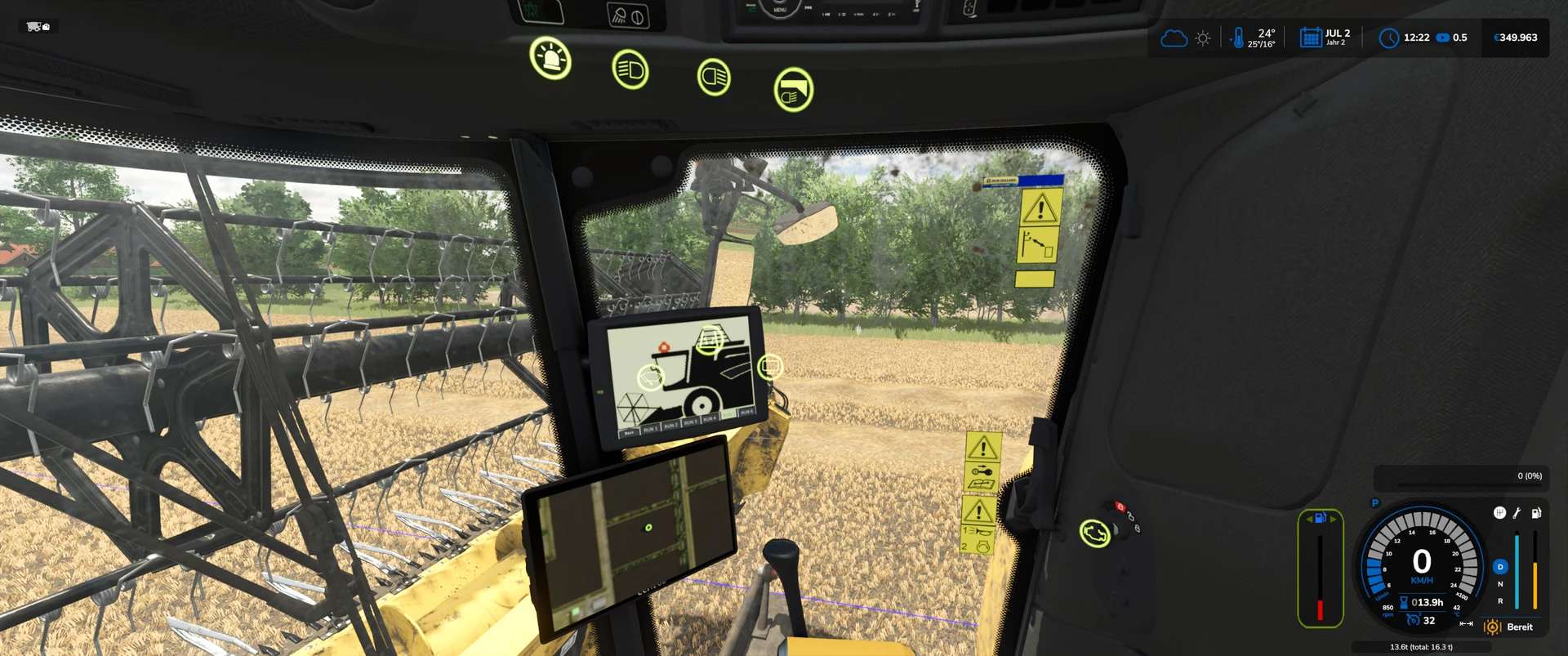
– Rotating beacon on/off
– Front work light on/off
– Rear work light on/off
– Switch between two monitors (additional IC points on the second display)
– Wiper on/off
– Thresher open/close
– Engine start/stop
– Work mode start/stop
– Pipe fold in/out