LS25 Realer Shader V1.0.0.0
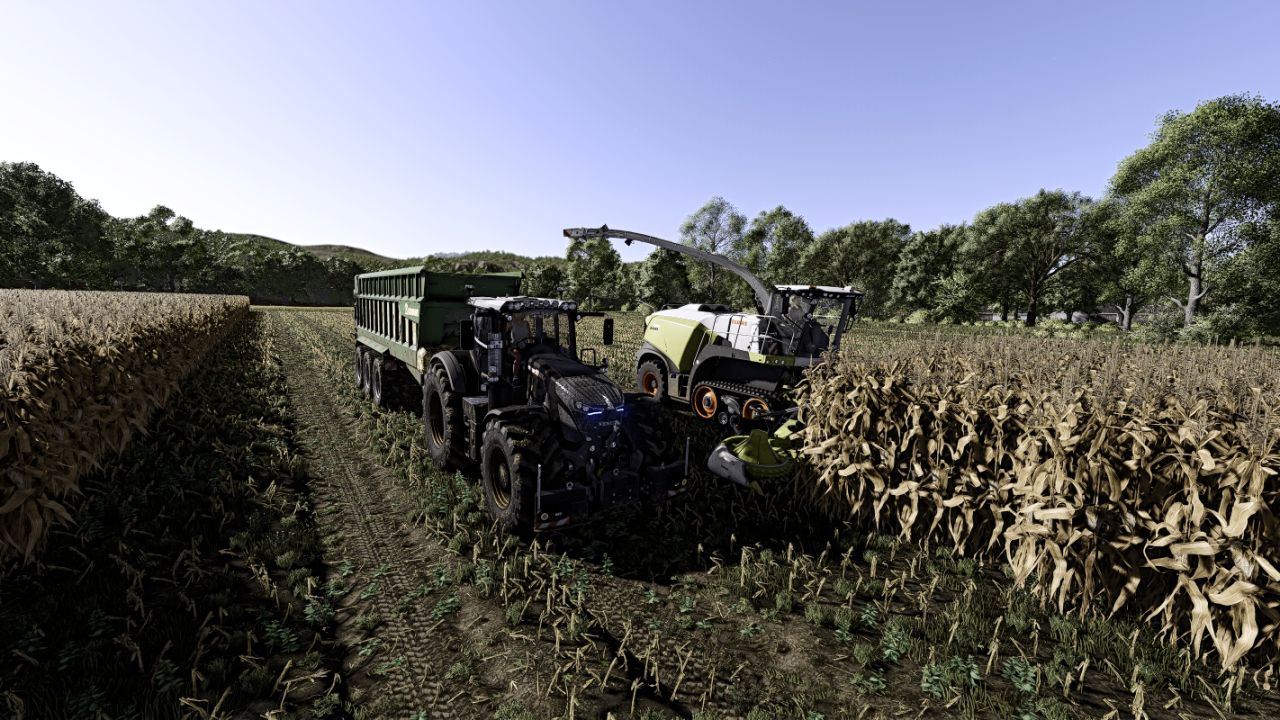

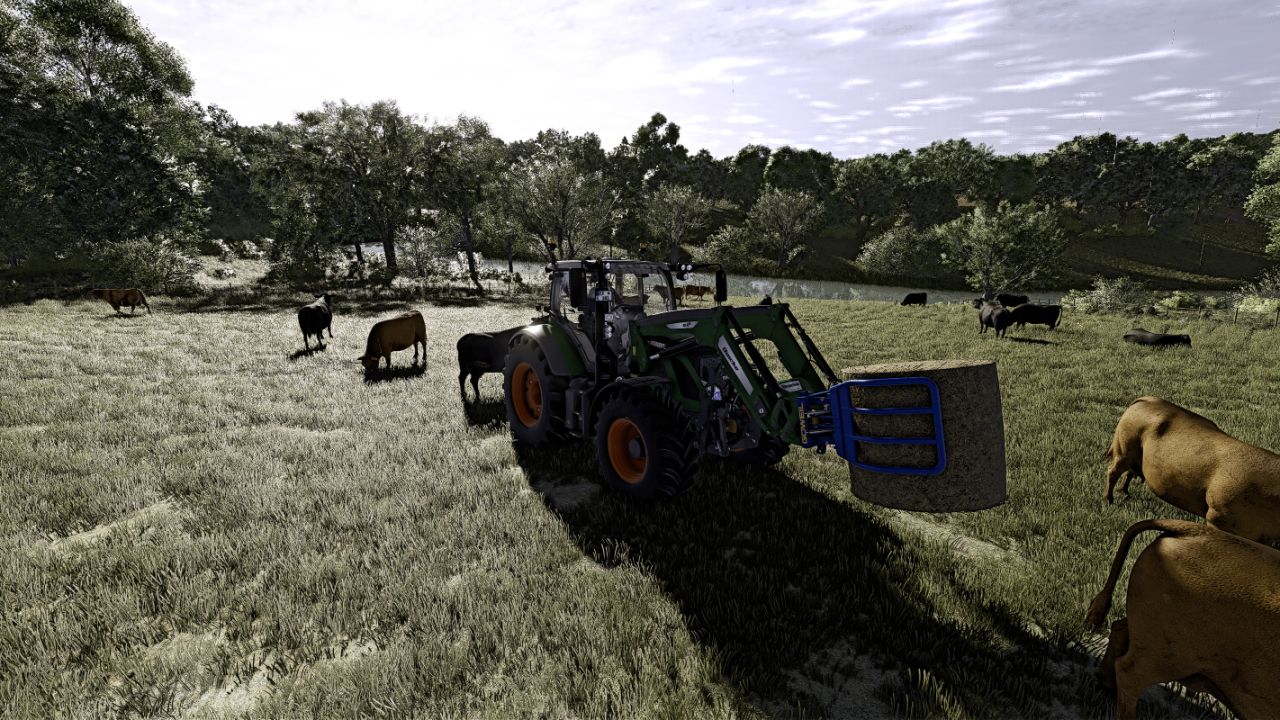
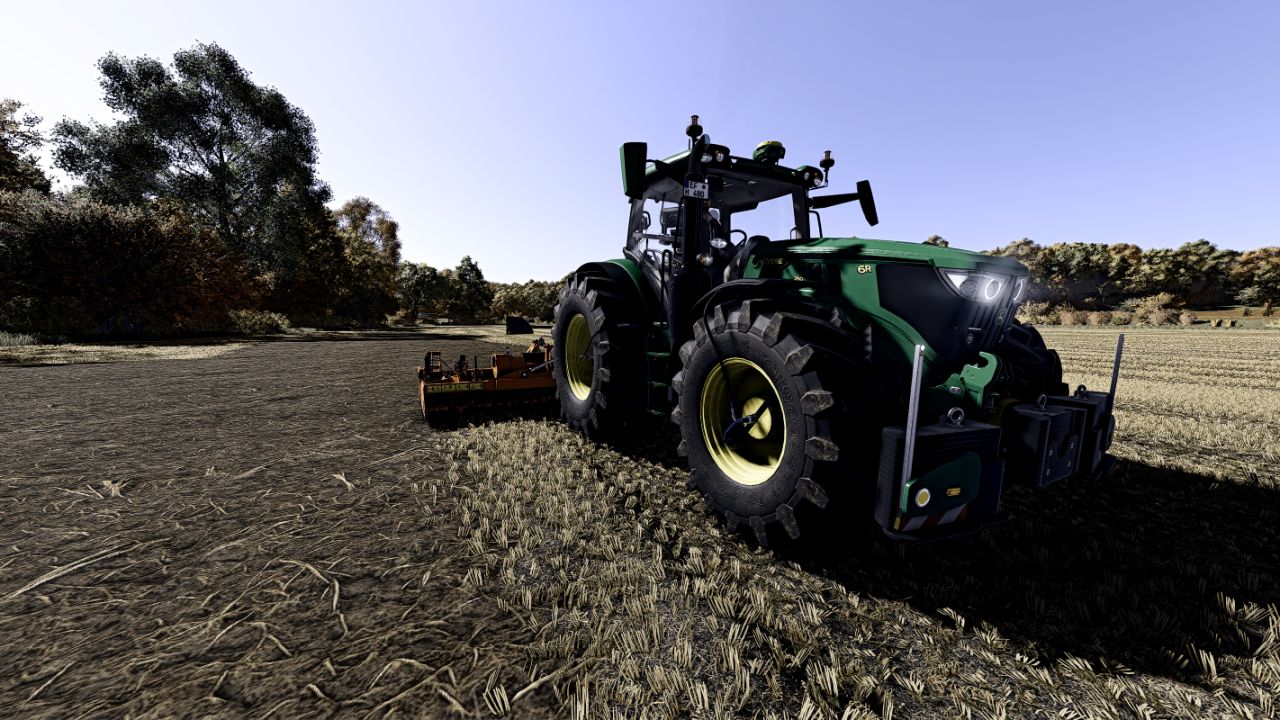
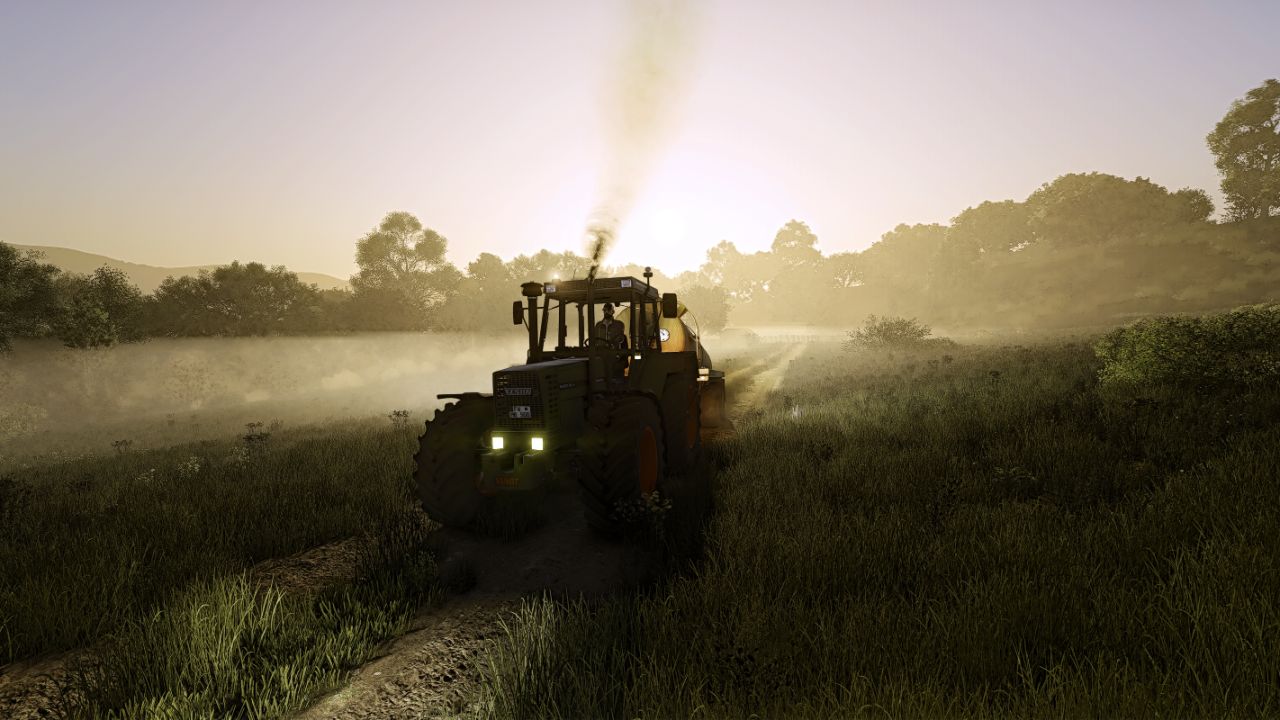
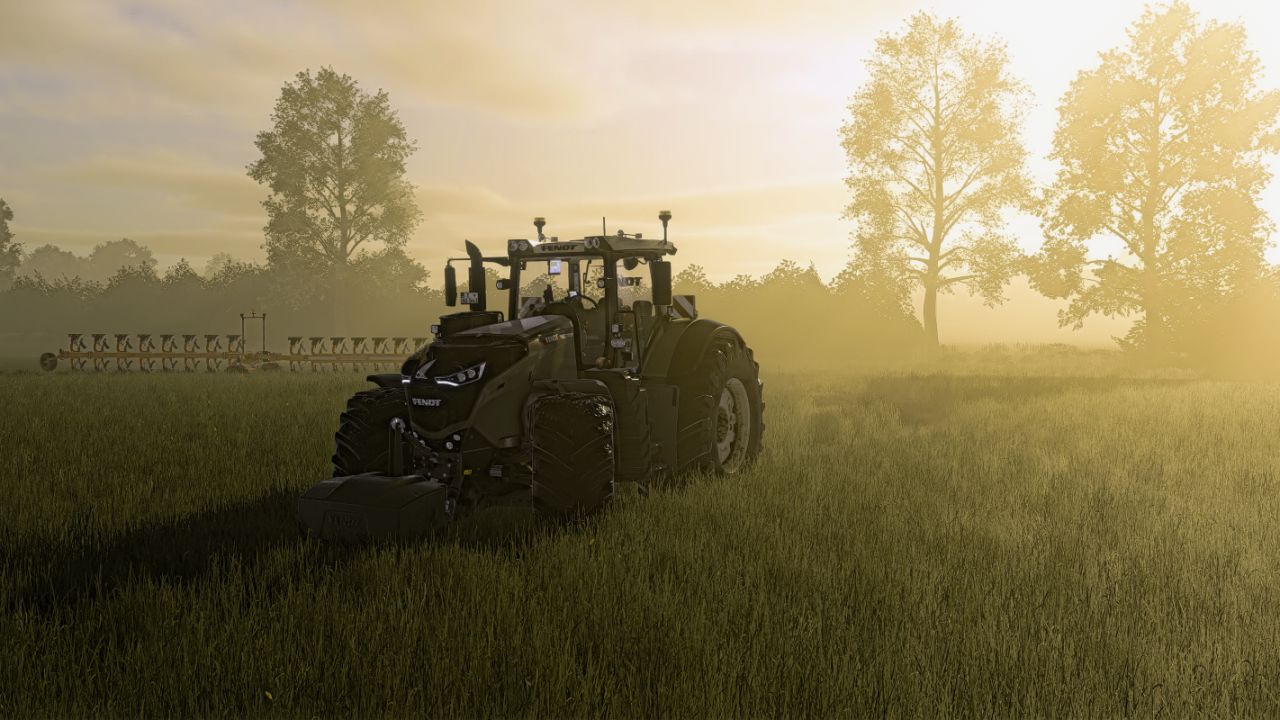
LS25 Realer Shader V1.0.0.0
Reshade with add-on support must be installed.
Disable in the settings of the LS25 HDR!
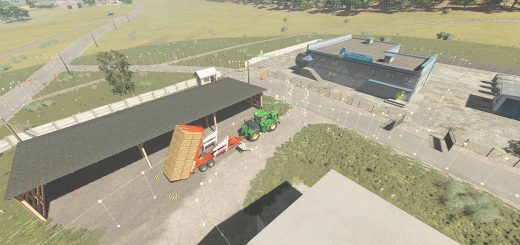
The shader includes slight adjustments to Martysmods Regrade. This option is only available by buying the respective FX files on the Martysmods website. However, color degrees settings are only minimal and by no means a must. Even without a regrade, the shader looks like in the pictures.
Copy the ini configuration file in the following path:
C: / Program Files (X86) / Steam / Steamapps / Common / Farming Simulator 25 / X64
Copy the folder with the lighting settings, in the following deposit: (and then select Ingame with the extended settings)
Documents / My Games / Farmingsimulator2025 / ModSettings / FS25_Additionalgamesettings / Lighting
Required mods:
Additional Game Settings