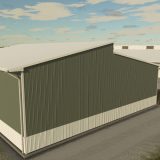
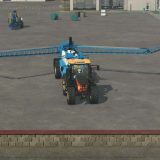
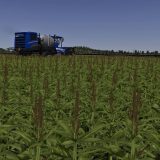
LS25 FS Realistic Shader V2.0.5.0
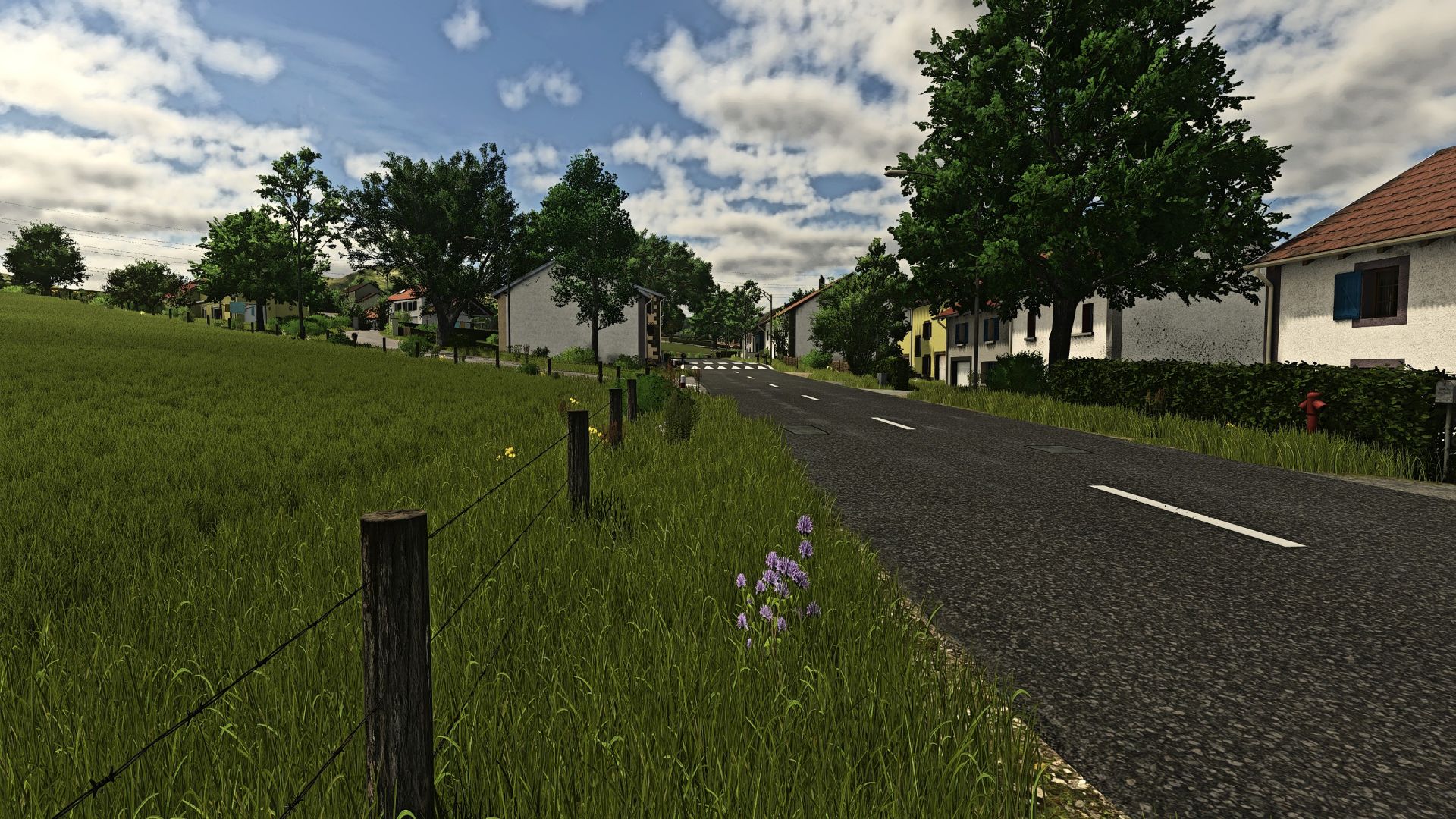

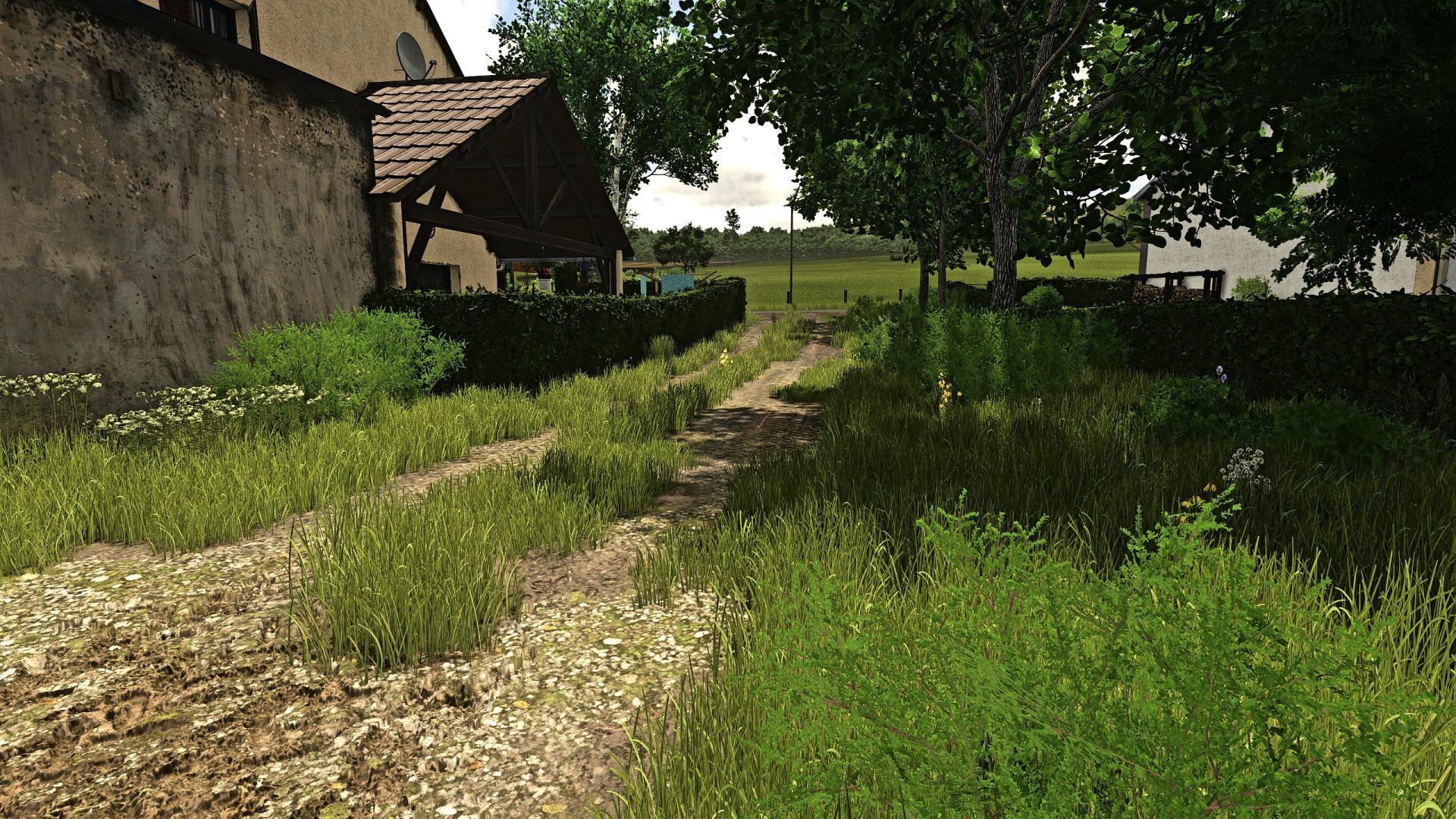
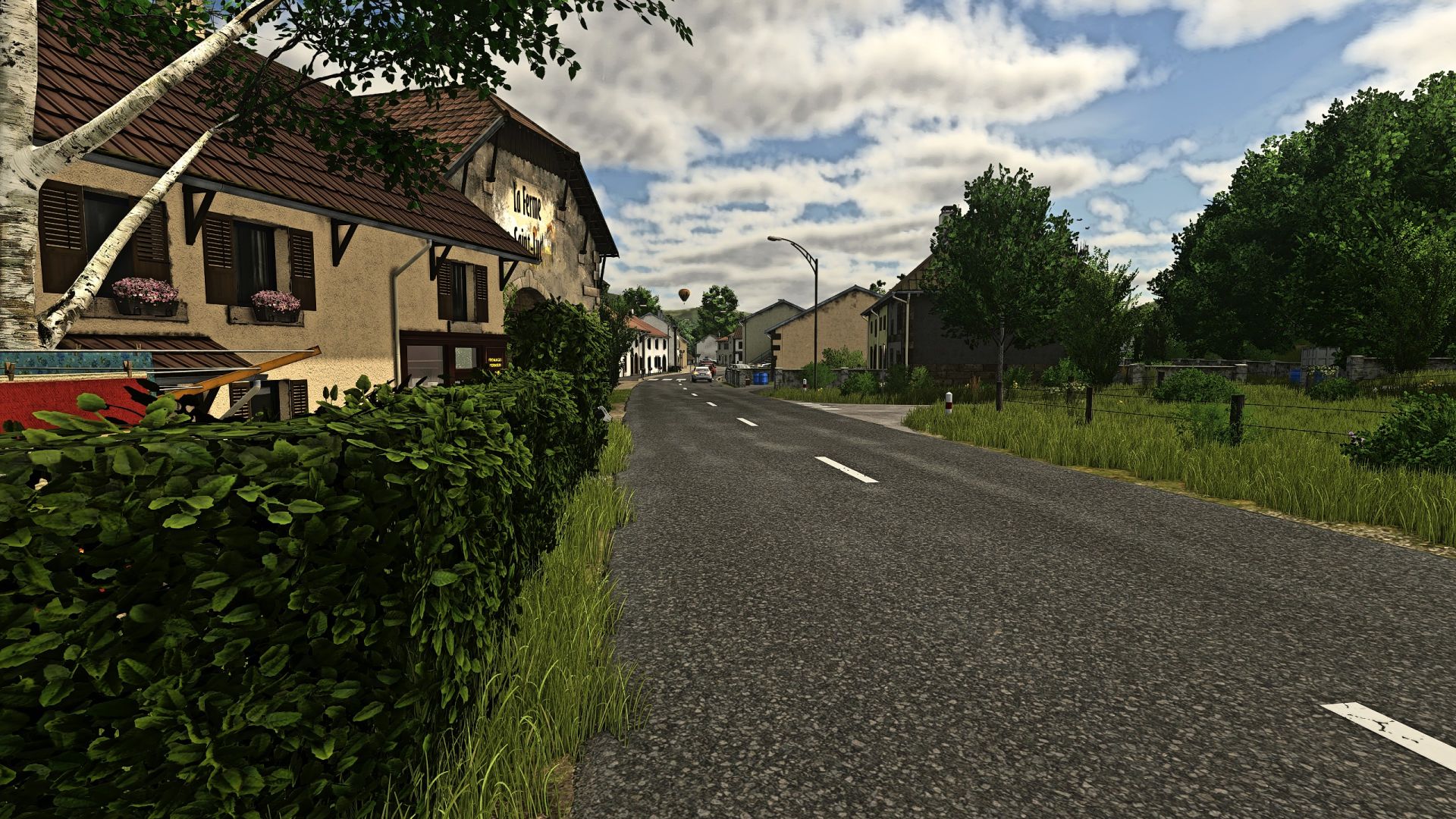
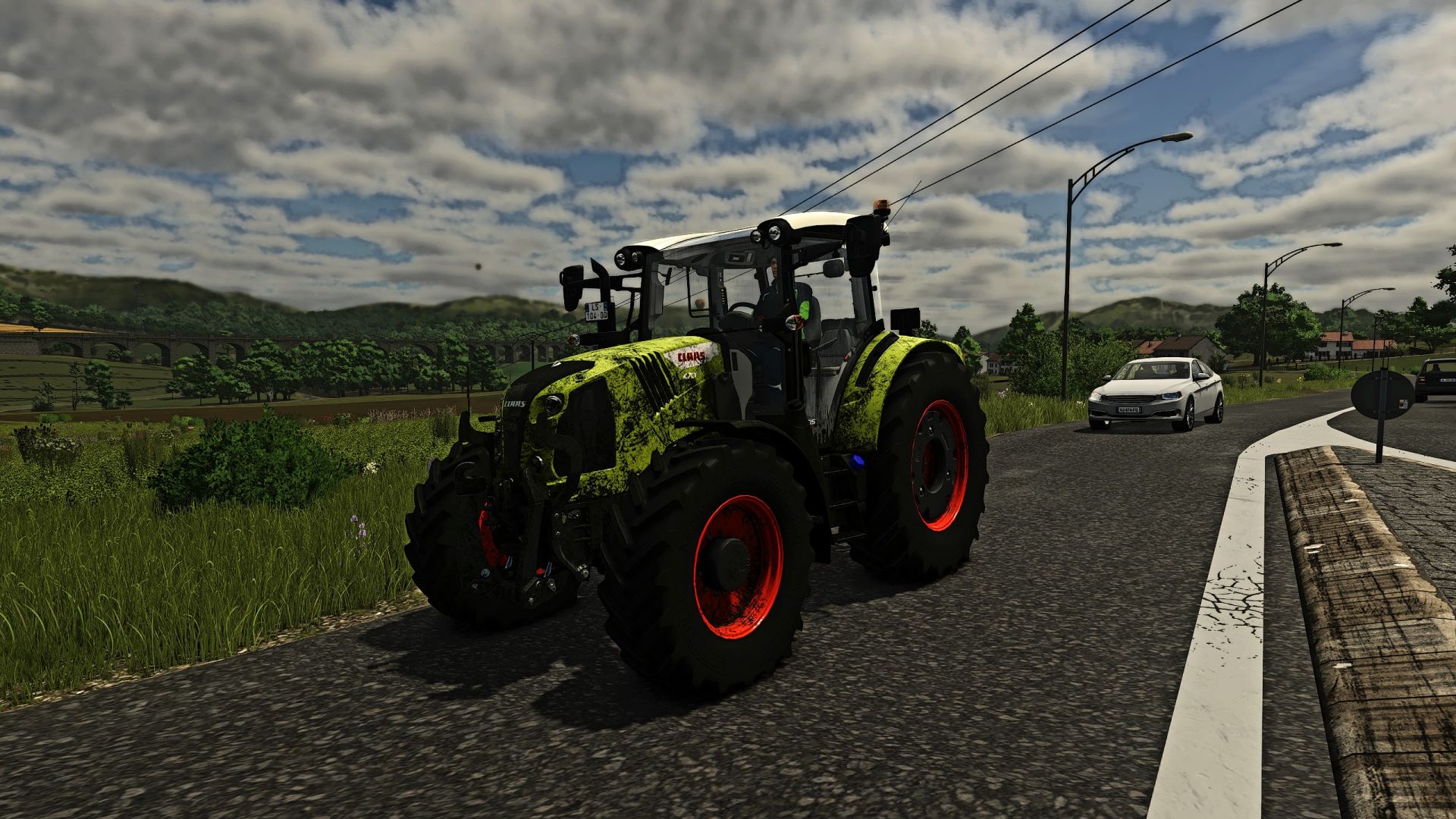
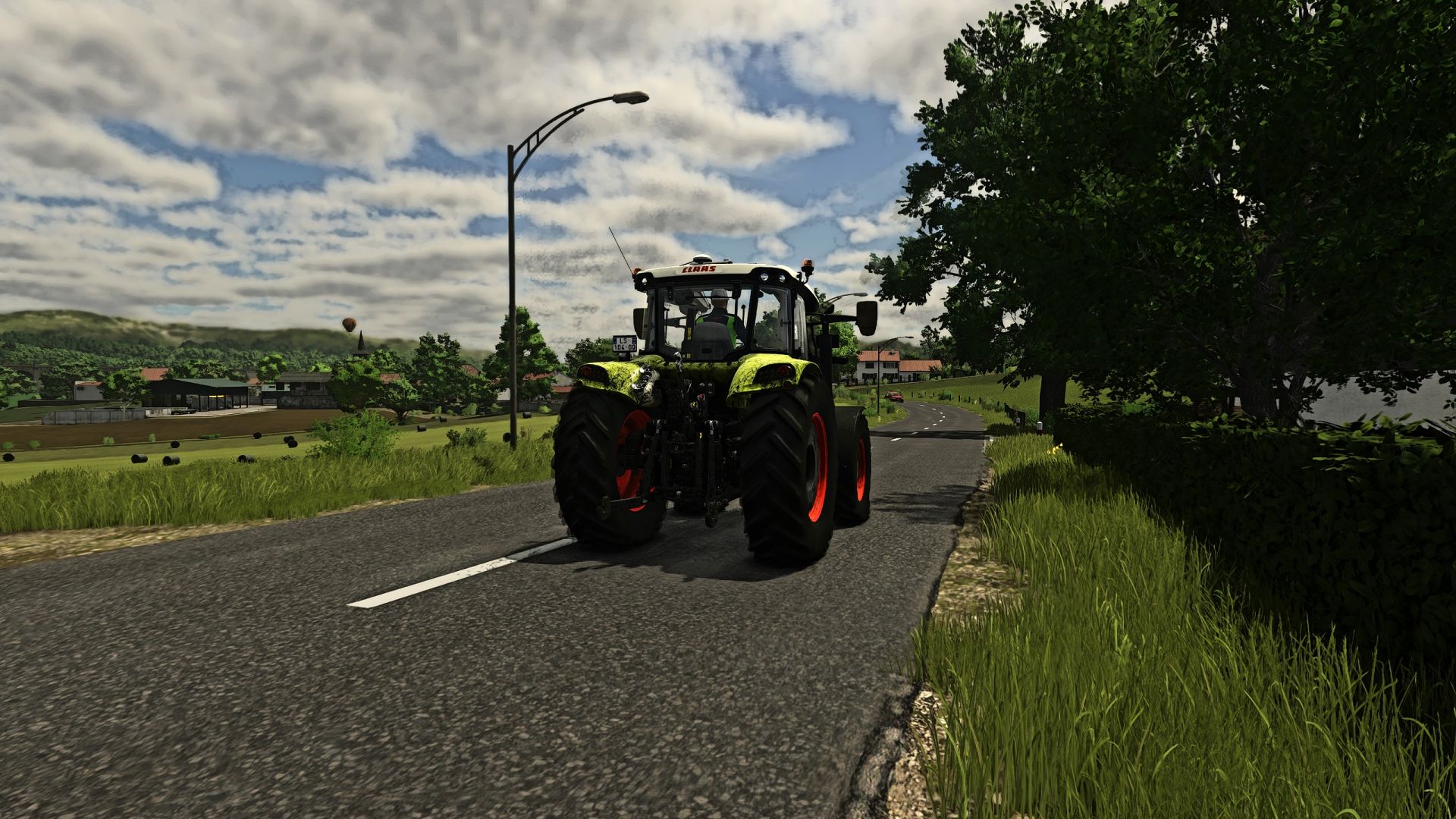
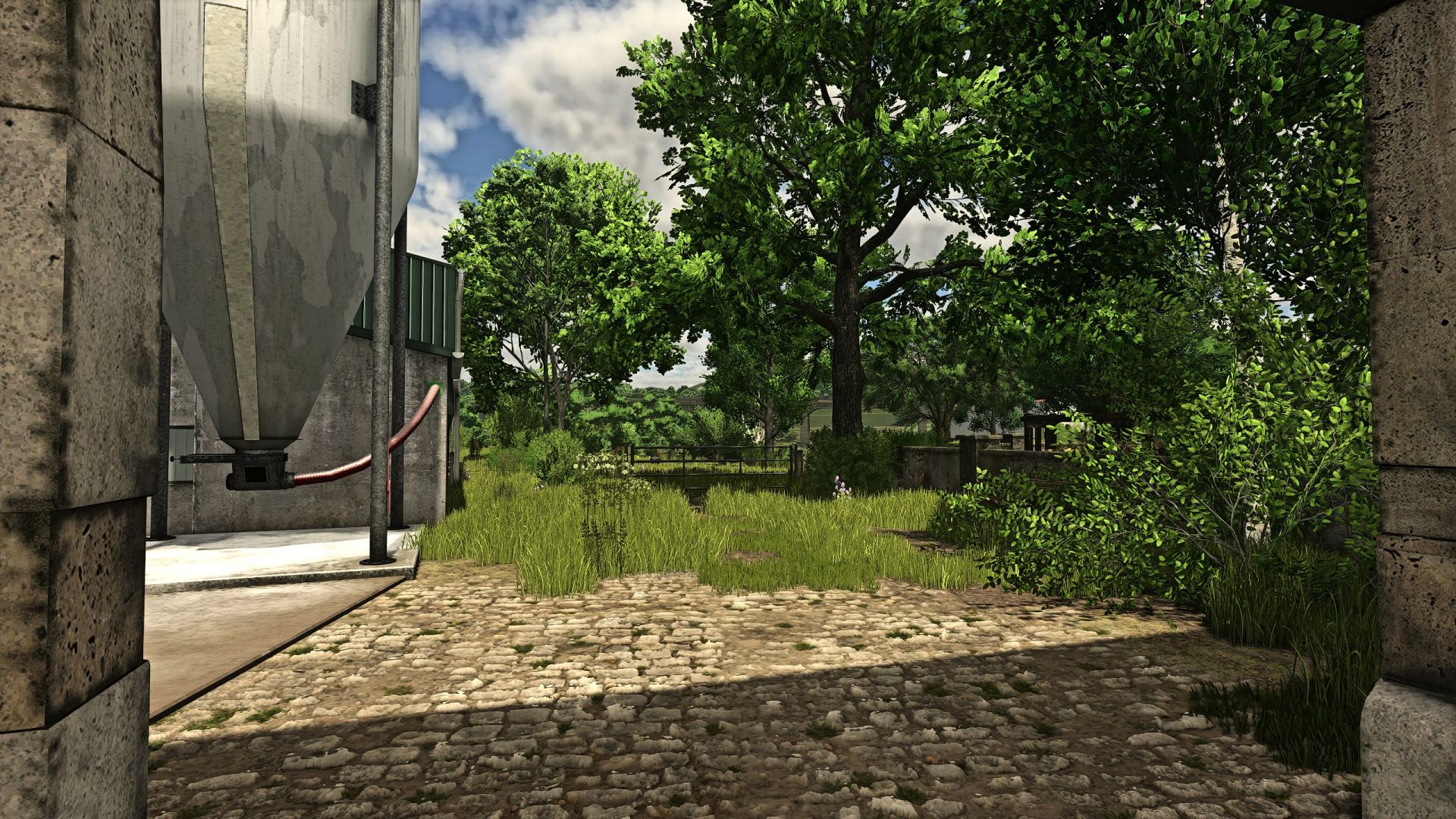
LS25 FS Realistic Shader V2.0.5.0
Shader for FS 25,
Installation in folder C: / Program Files (X86) / Steam / Steamapps / Common / Farming Simulator 25 / X64.
It is also necessary to activate two options in Reshade that I list below.
Copy Depth Buffer Befor Clear Operations
Copy Depth Buffer During Frame to Prevent Artifacts
Without that, you will have a dark image with flashes and artefacts.
V2.0.5.0
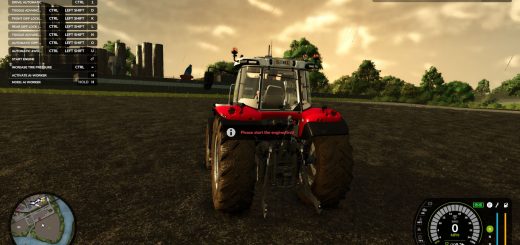
Modification of color and brightness as well as more flexible adjustment for the Sharpen. The grass is less green than on version 2.0.0.0 and much more pleasant to the eye.