LS25 Sun Presets V1.0.0.1
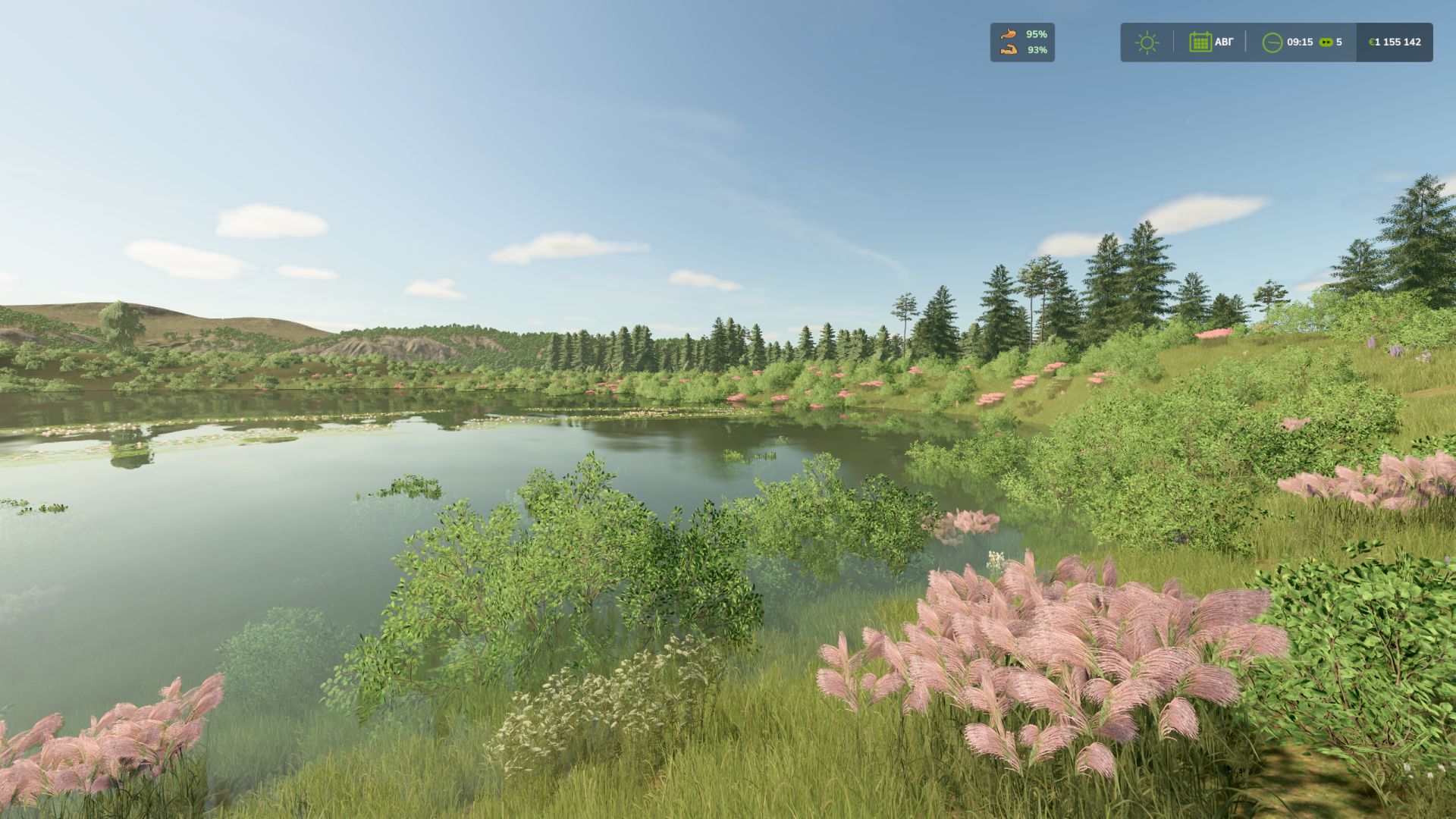

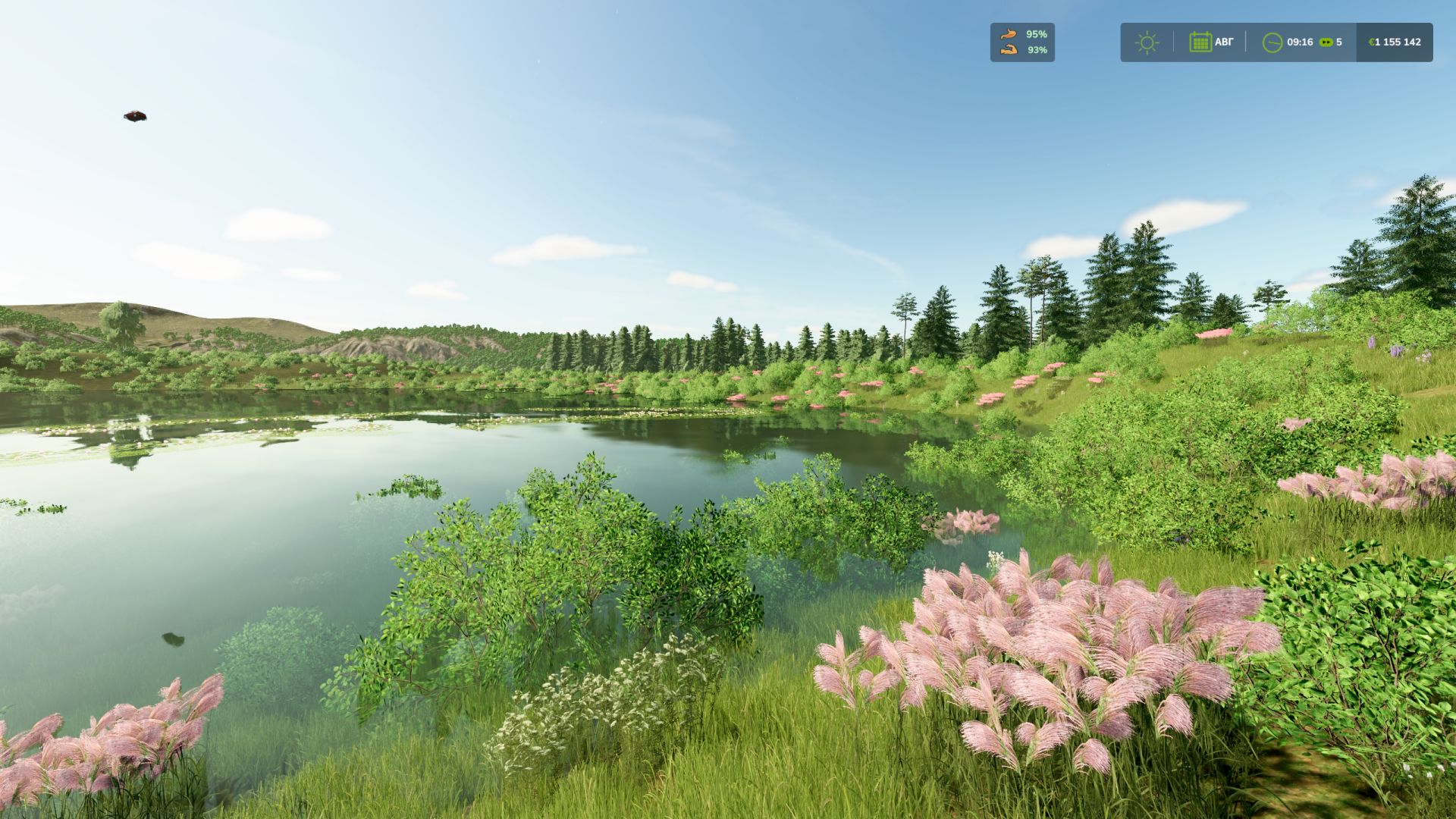
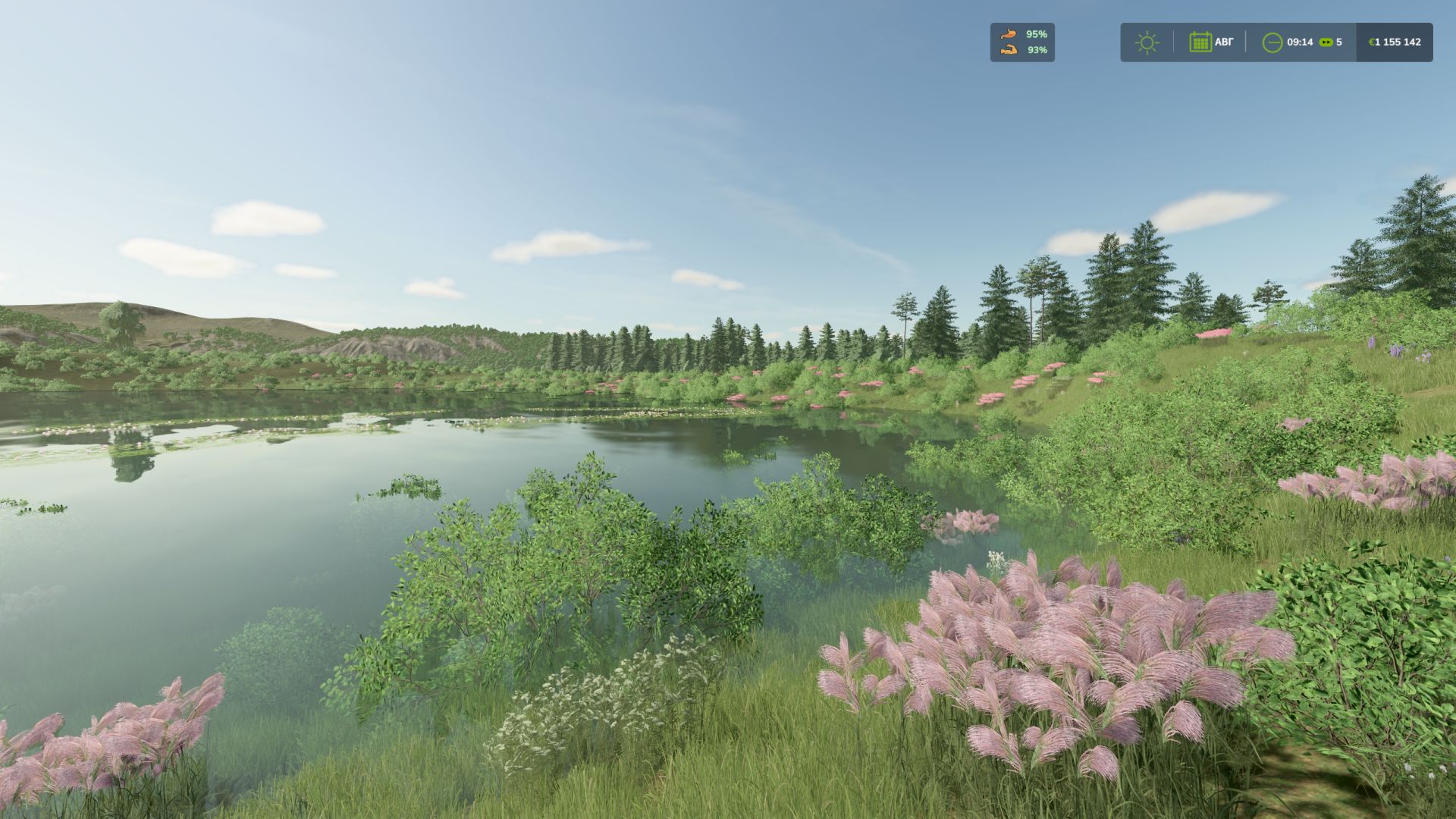
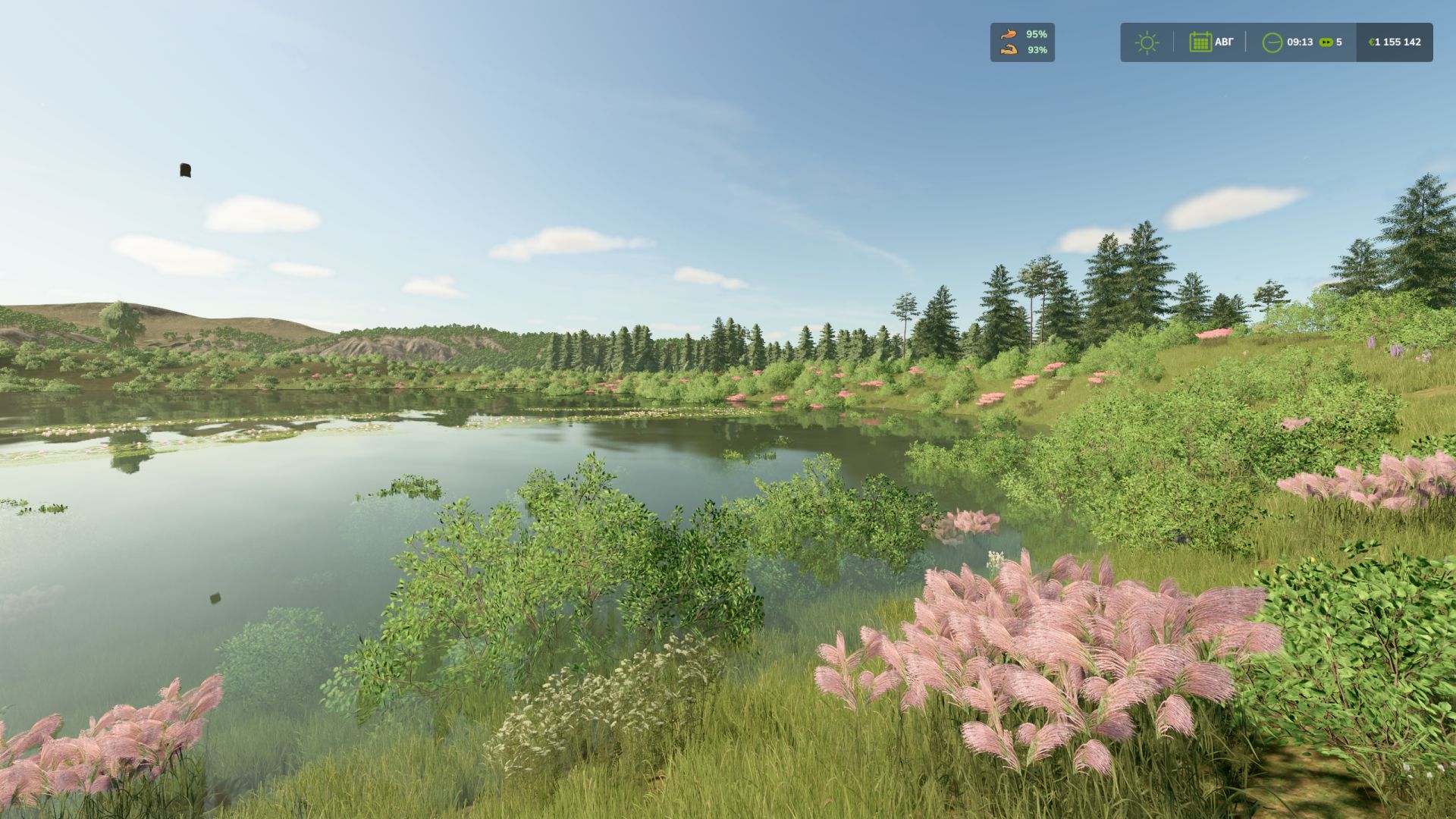
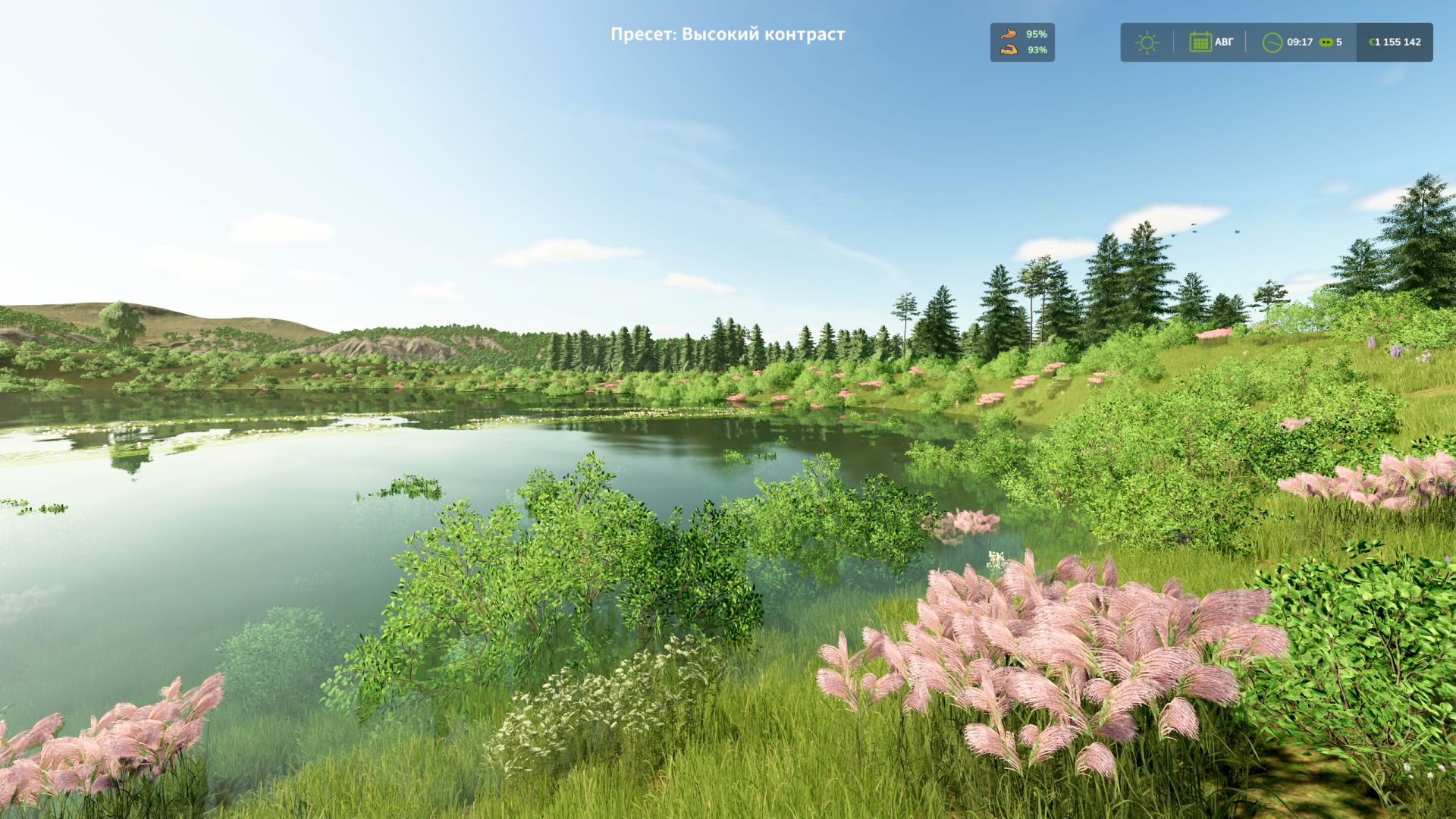
LS25 Sun Presets V1.0.0.1
Sun Presets – lighting presets for FS25!
What is this?
The mod adds 40 carefully selected lighting presets to the game:
The brightness/size of the sun, shade of sunlight, bloom, tone mapping and soft color grading change. You can quickly switch the atmosphere of the map – from “Golden Hour” and “Blue Season” to “Neon Night”, “Alpine Freshness” and “Desert Afternoon”.
How does this work?
Inside the mod there is a table of 40 presets.
Each preset contains:
sun brightness and size multipliers;
sun color (R/G/B);
bloom post-effect parameters (magnitude/threshold);
tone mapping parameters (slope/toe);
soft color grading adjustments (global/shadows/midtones/highlights + thresholds).
The mod does not edit map files: it multiplies and complements the base map lighting curves on the fly, so it is compatible with most maps and their environment.xml / colorGrading*.xml.
Controls (in game):
Right Ctrl + ← / → – switch presets without opening the menu.
When switching, a toast pops up with the name of the selected preset (2.5 sec).
Menu settings:
In “SettingsGeneral” the Lighting Presets section with the “Preset” slider appears.
Selecting through the menu is equivalent to hotkeys – always one current state.
Save!
The selected preset is saved to the profile file:
modSettings/SunPresets.xml
V1.0.0.1
Moddesk edits.
Enable multiplayer permission.
If you notice problems in multiplayer, please report it in the comments