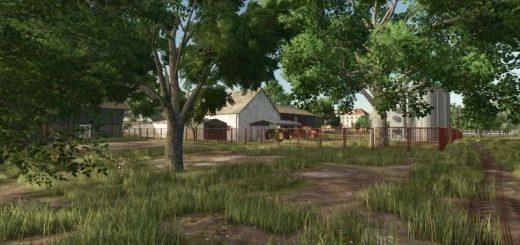
LS25 Real Shader FX V1.0.0.0


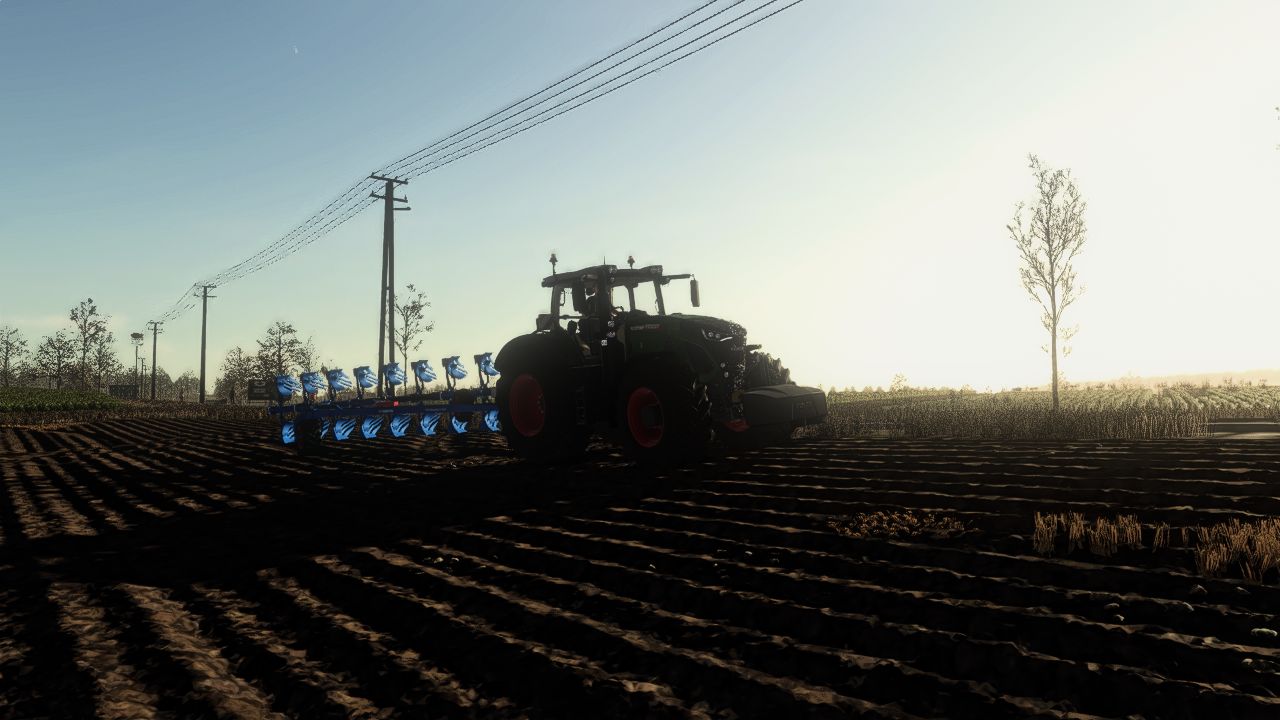
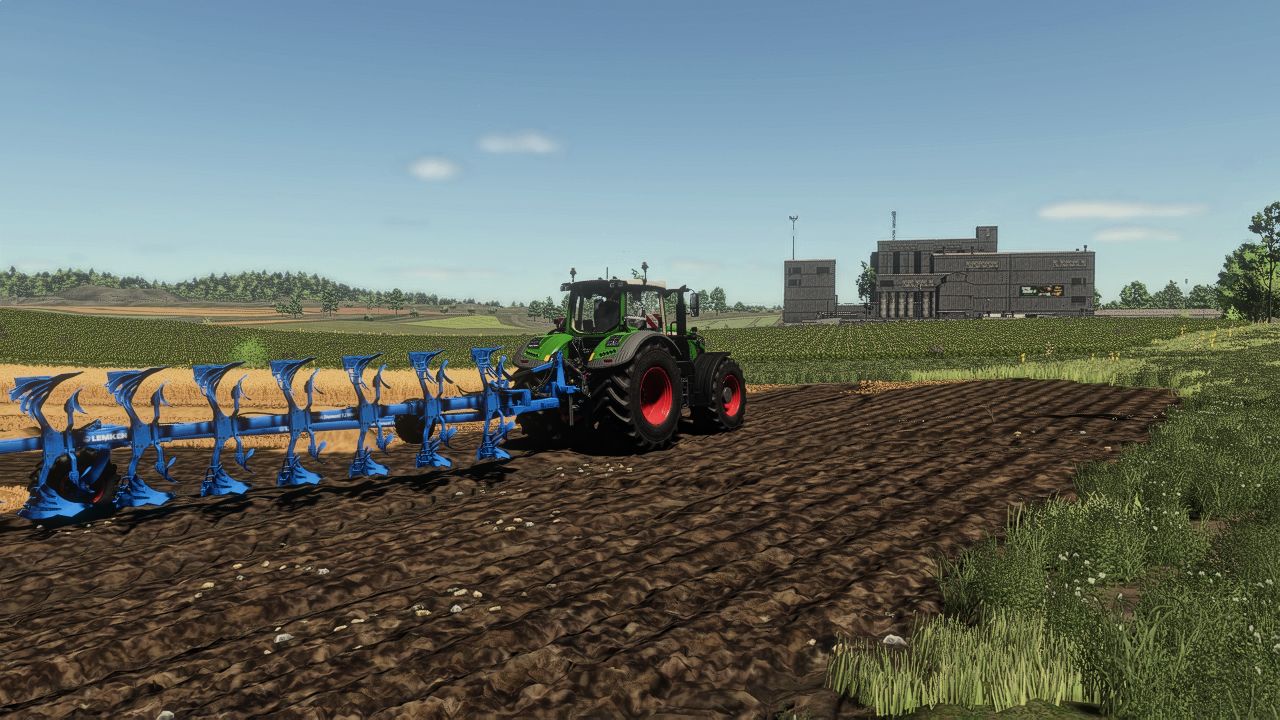
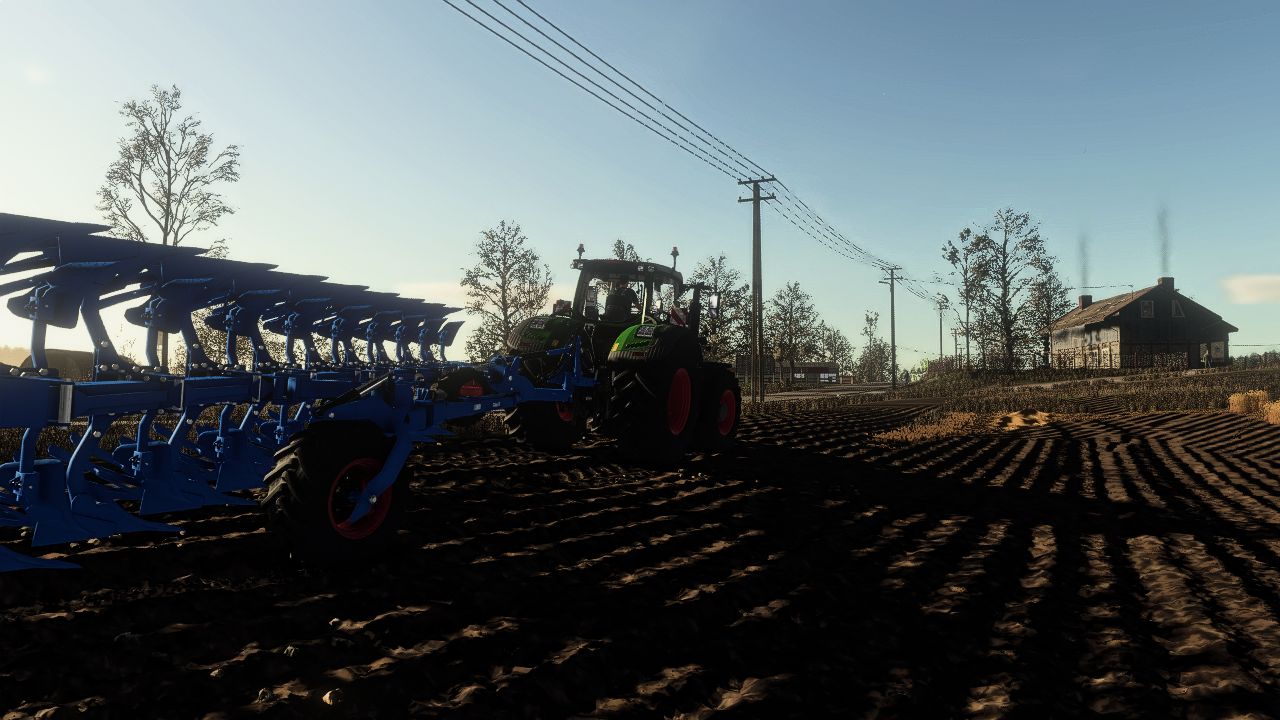
LS25 Real Shader FX V1.0.0.0
This mod introduces advanced, realistic ReShade shaders for Farming Simulator 25, giving the game deeper and more natural visuals. The lighting is carefully balanced — not overly realistic, but tuned to look beautiful, coherent, and pleasant during gameplay.
The updated lighting system not only improves the game’s appearance but also enhances the realism of sunrises and sunsets. In June, the sun sets at around 21:30, reflecting average conditions for Poland and Western Europe, making the in-game day-night cycle feel more authentic.
The mod enhances atmosphere, color balance, contrast, and scene clarity while maintaining performance and preserving the natural FS25 aesthetic.
Installation Guide
ReShade 6.6.2 is required.
Installing the shader:
Place the shader file into:
…/Farming Simulator 25/x64
Installing the lighting – option 1 (direct file replacement):
Place the lighting files into:
…/data/maps/mapEU/config
Allow the game files to be replaced.
Installing the lighting – option 2 (with AdditionalGameSettings mod):
Install the AdditionalGameSettings mod
Put the lighting files into:
…/Documents/My Games/FarmingSimulator25/modSettings/additionalGameSettings/lighting
This allows you to adjust lighting directly from the in-game menu.