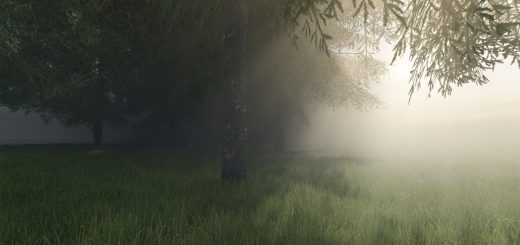
LS25 Realistic Simple ReShade v1.1.0.0
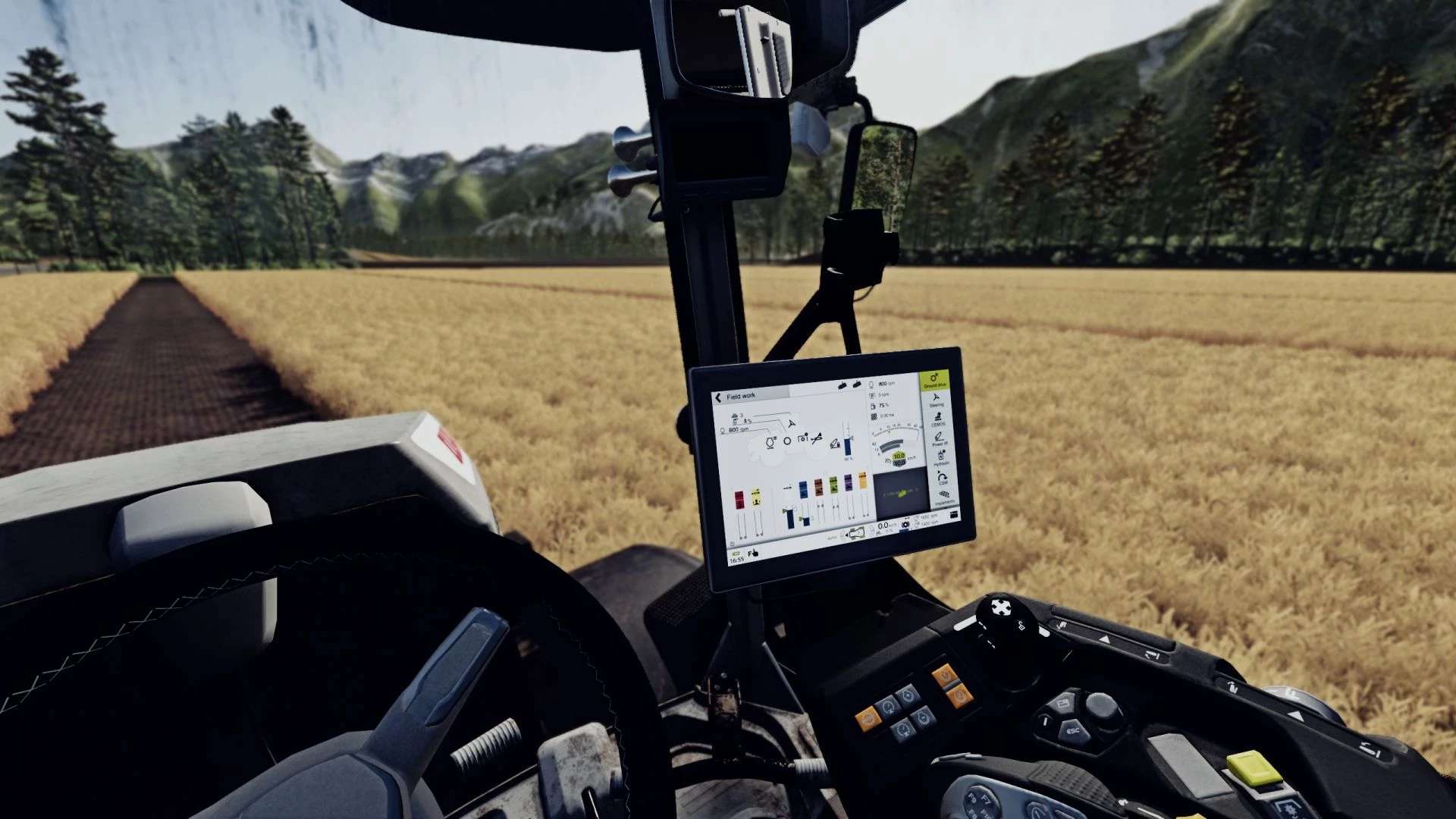

LS25 Realistic Simple ReShade v1.1.0.0
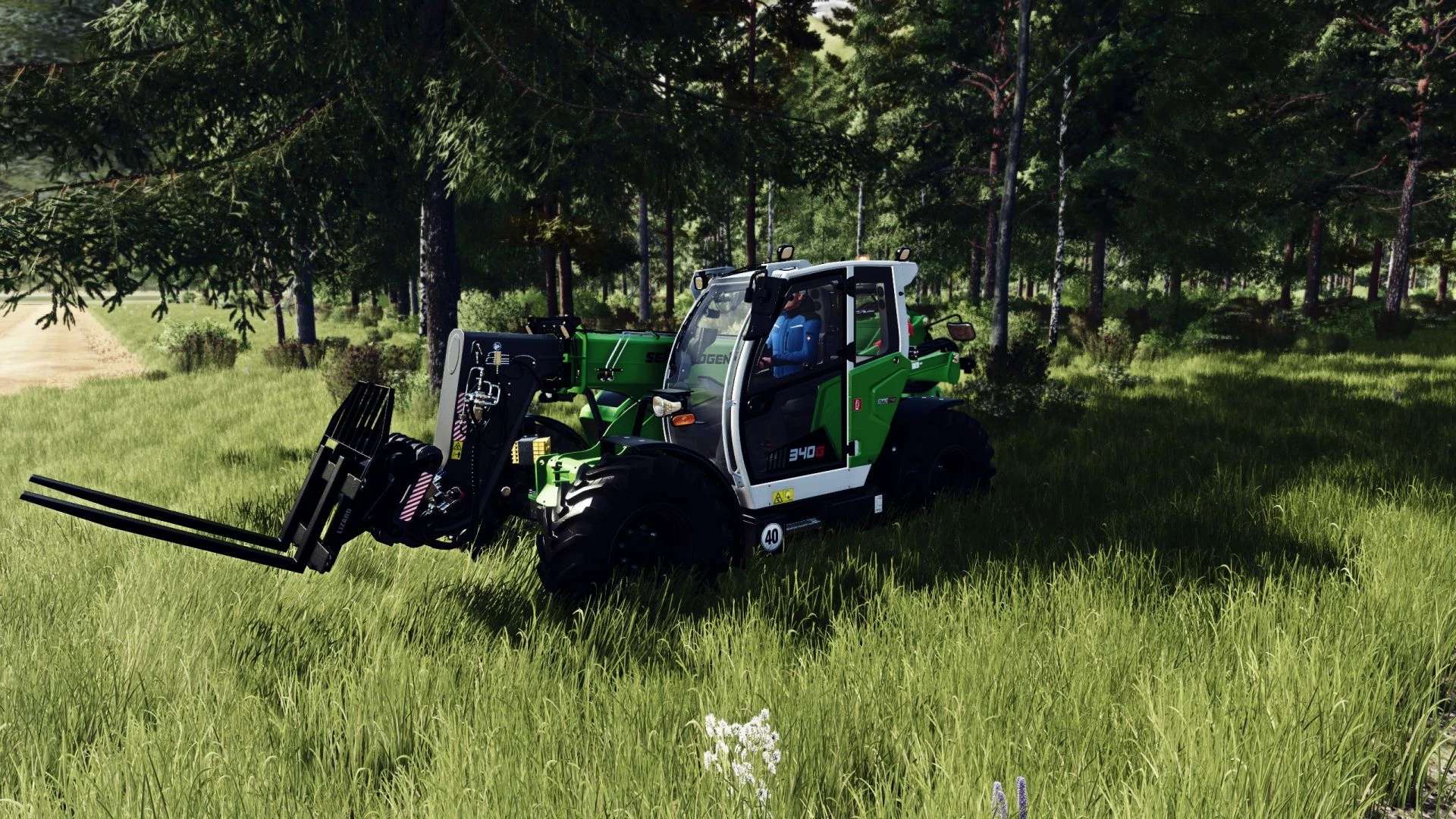
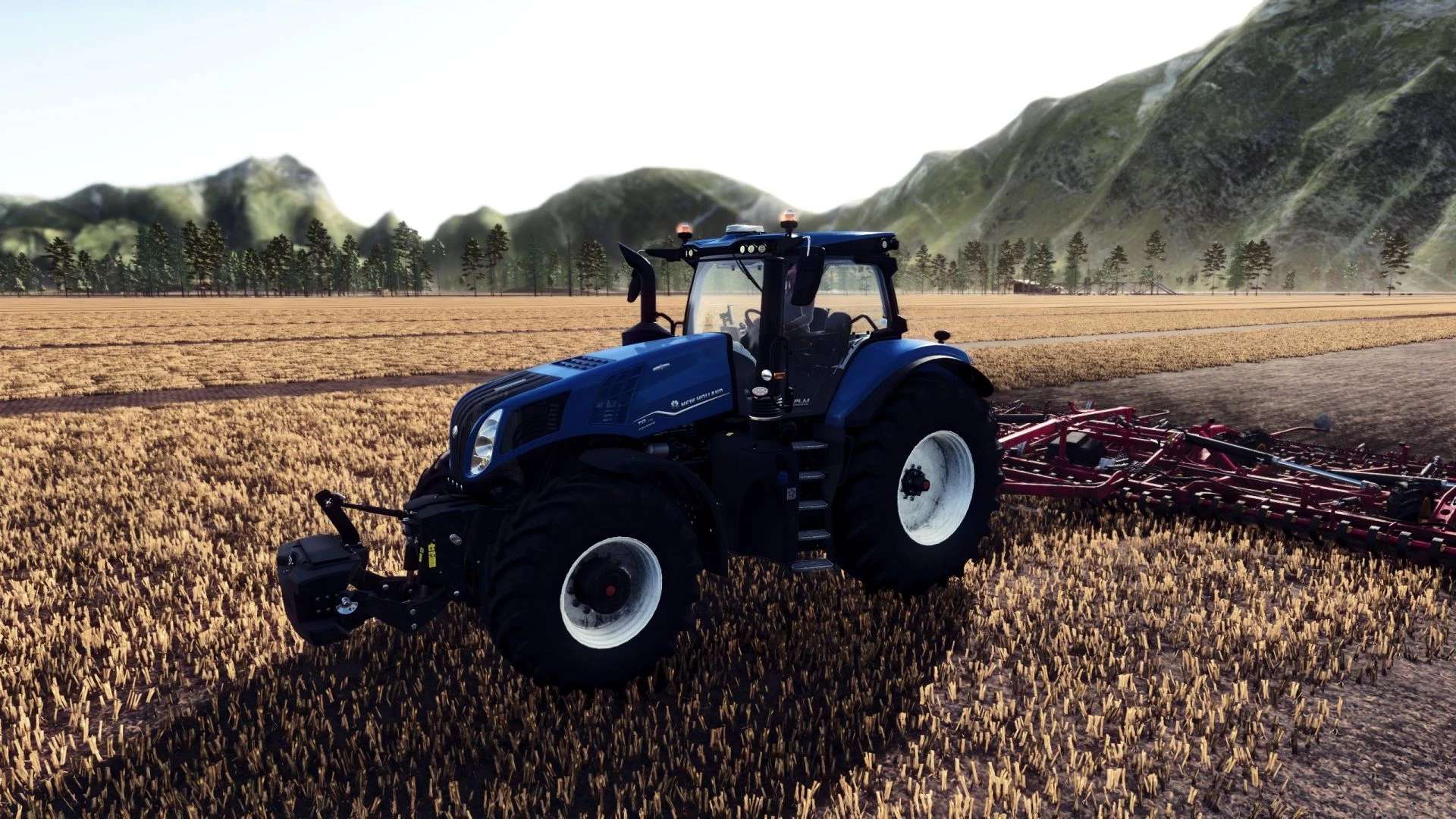
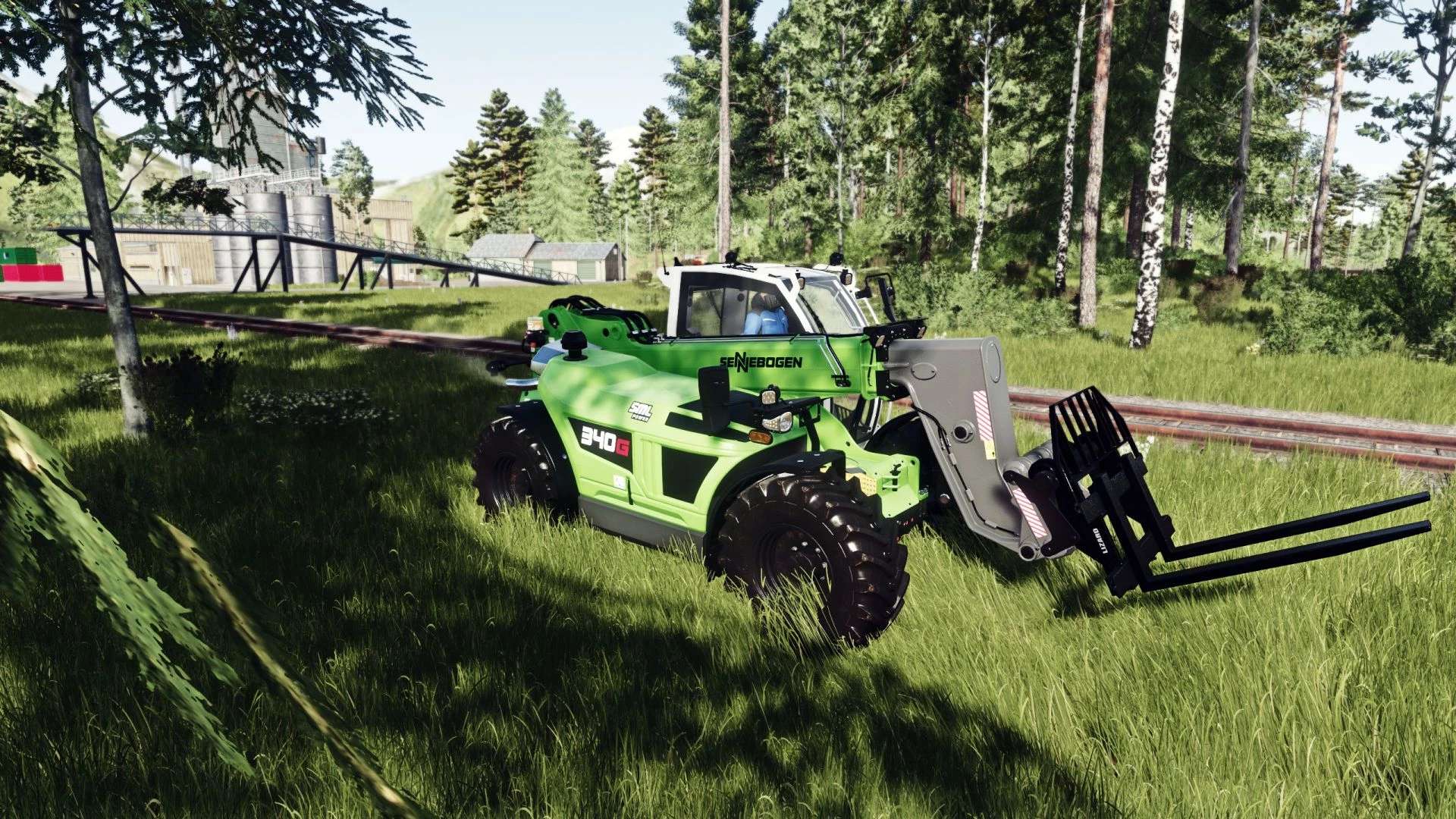
This ReShade preset is designed to bring realistic performance-friendly visuals to Farming Simulator 25.
It enhances clarity, color balance, lighting behavior and scene depth without breaking the original look of the game.
V1.1.0.0
Added and Refined various Effects.
Tweeked for even better performance
Tweeked night for better visuality
Fixed high contrast menu. Now is lighter.
Updated description, screenshots and Instalation instructions.
Main Features
Image sharper and cleaner, revealing natural detail.
Automatically balances brightness so nothing looks too dark or too bright.
More natural, photo-like colors and contrast.
Subtle ambient shadows, making objects look deeper and more realistic.
A cinematic focus blur effect ideal for screenshots.
Corrects black and white levels for a cleaner, less washed-out image.
Color Grading with LUT
Required In-Game Settings:
Disable the game’s built-in HDR (the preset handles all HDR-like behavior).
Disable the map’s Custom Lighting in the “Additional Game Settings” menu
(Prevents conflicts with exposure and color correction.)
Installation:
Download and install ReShade 6.0+.
Select the game executable:
…/Farming Simulator 25/x64/FarmingSimulator2025.exe
Choose DirectX 12.
When ReShade asks which shader packs to install, select:
– Standard Effects
– qUINT (MXAO, ADOF)
– PD80 / prod80
– HDR & Tonemap
– Clarity
Place the preset file RealisticSimple.ini inside:
*…./Farming Simulator 25/x64*
Launch the game, press Home, and select the preset and aply.
Remember to enable “performance mode”.