LS25 Work Tool Positioner v1.0.0.0

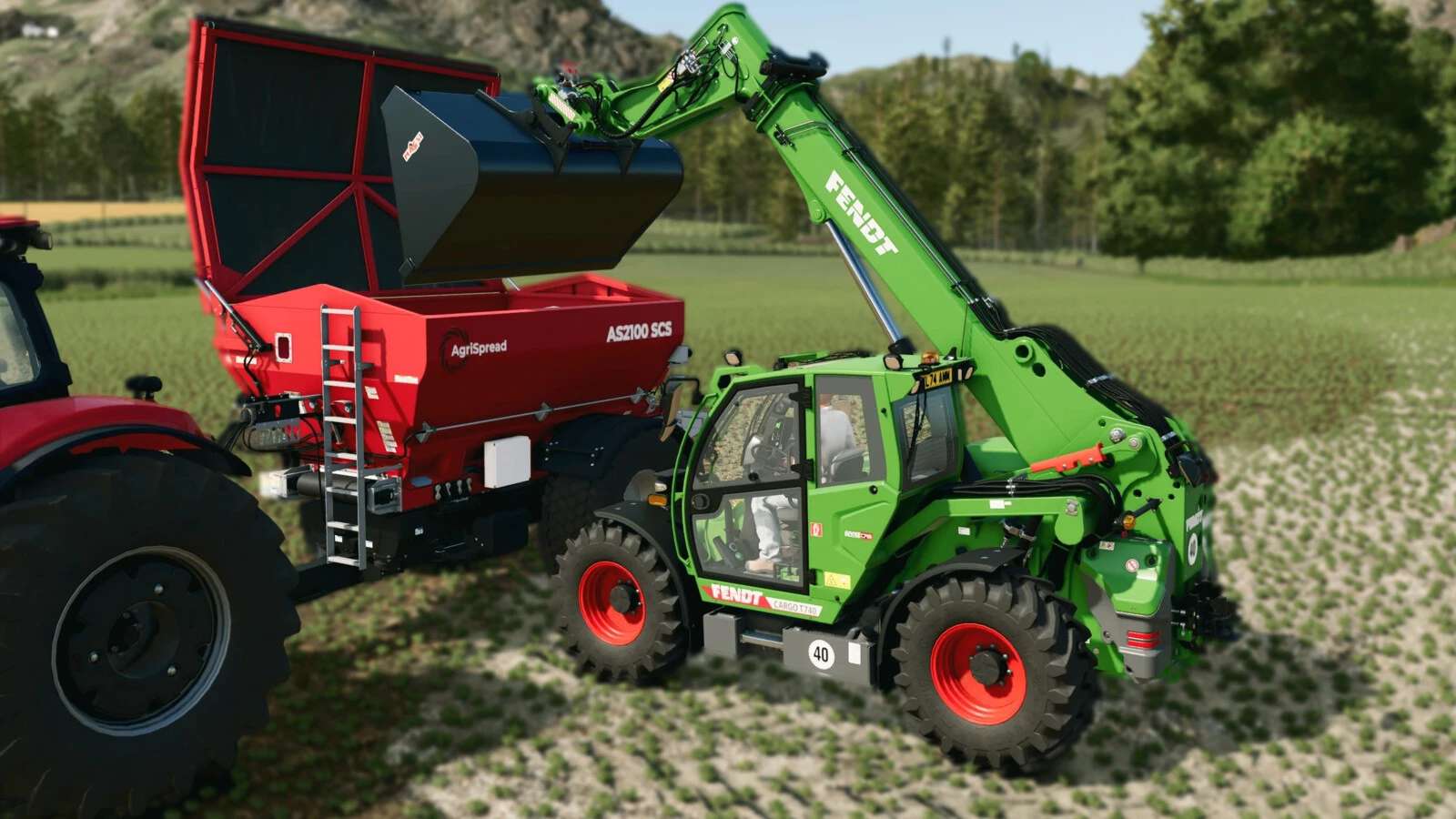
LS25 Work Tool Positioner v1.0.0.0
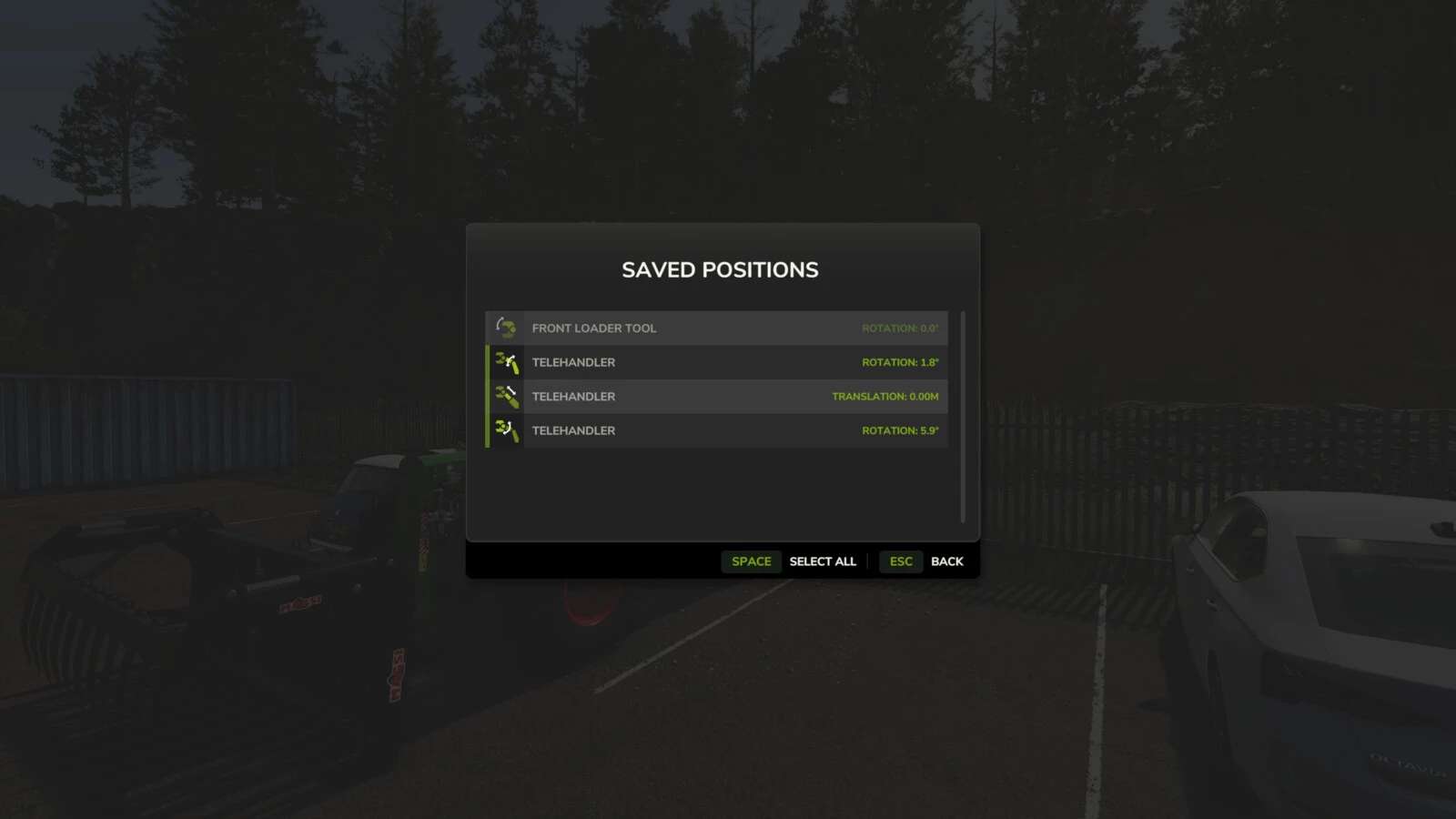
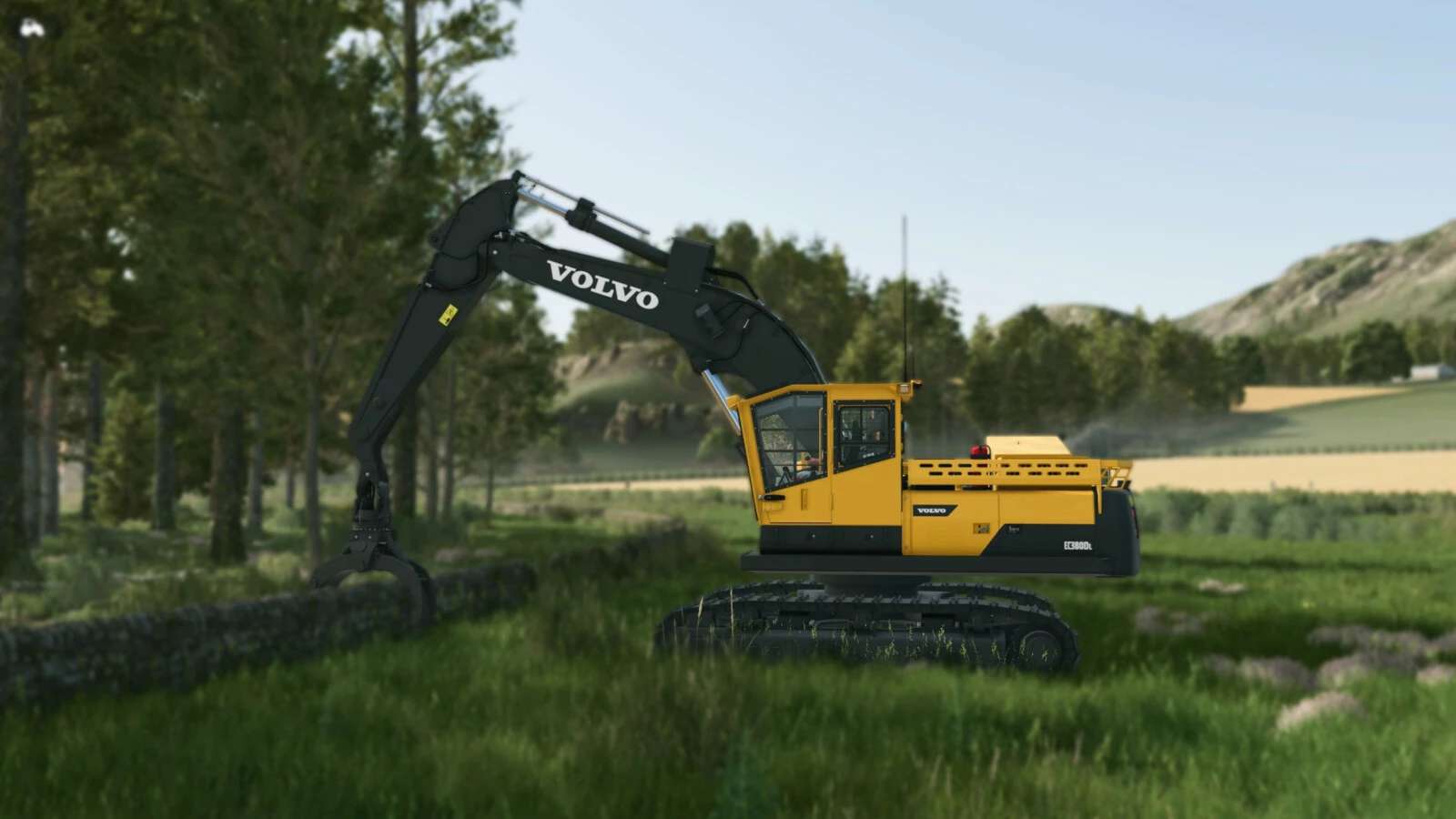
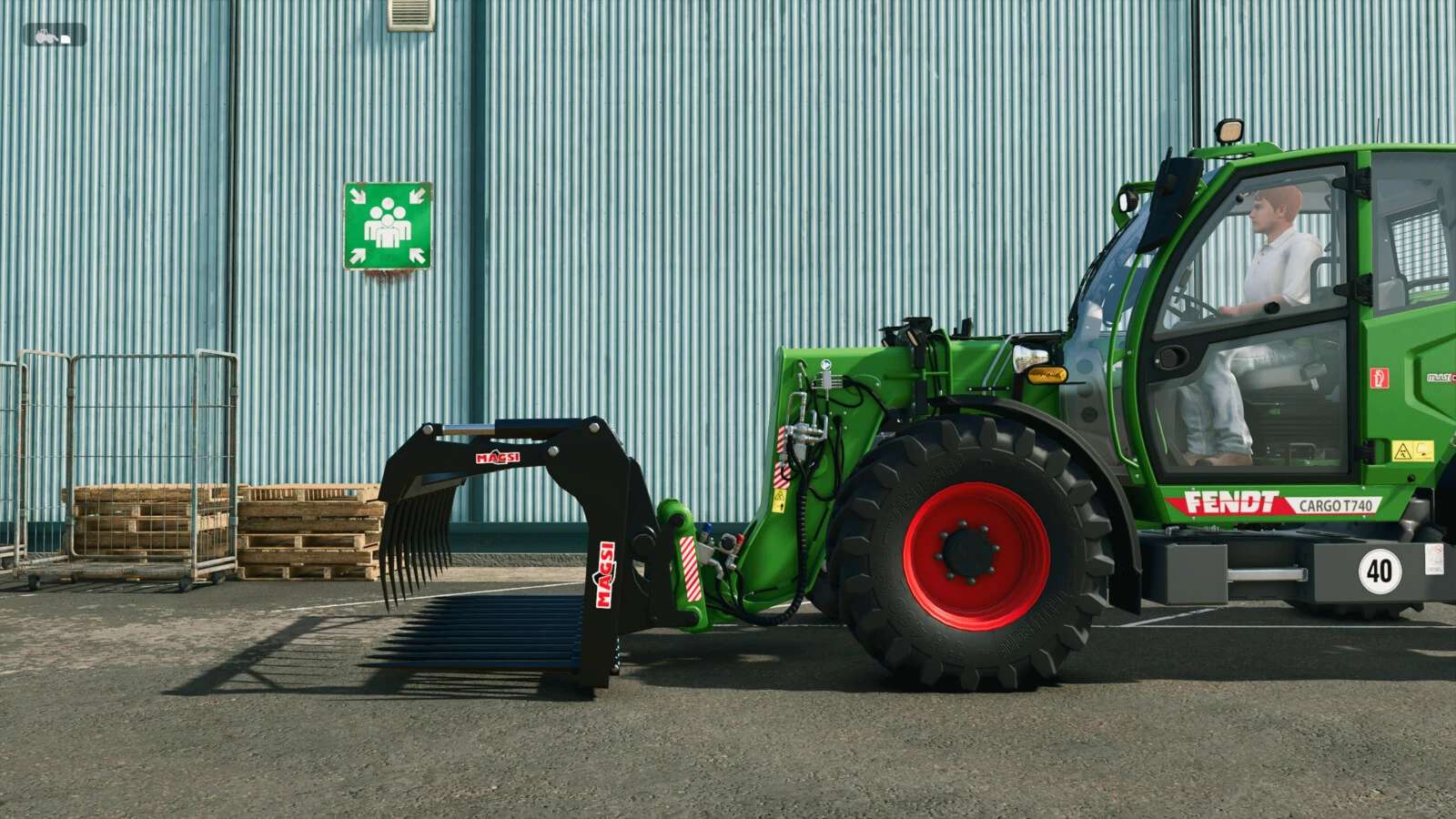
Save and restore tool positions on loaders, excavators, and tractors. Easily manage your equipment’s work state by capturing and smoothly restoring complex tool configurations. Features include a management dialog (LCTRL+Z), multiplayer support, and independent single-tool control (Z).
Hotkeys:
– Press Z key to restore the last moved tool position.
– Hold Z key to save the last moved tool position.
– Press LCTRL + Z to restore all saved tool positions.
– Hold LCTRL + Z to save current tool positions and open the management dialog.
For more information or to report a bug, please visit GitHub (modnext/workToolPositioner).