LS25 Szpakowo (Big Fields) V1.0.0.0

LS25 Szpakowo (Big Fields) V1.0.0.0
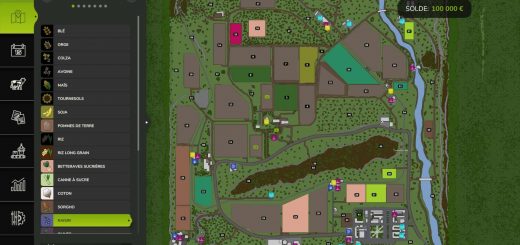
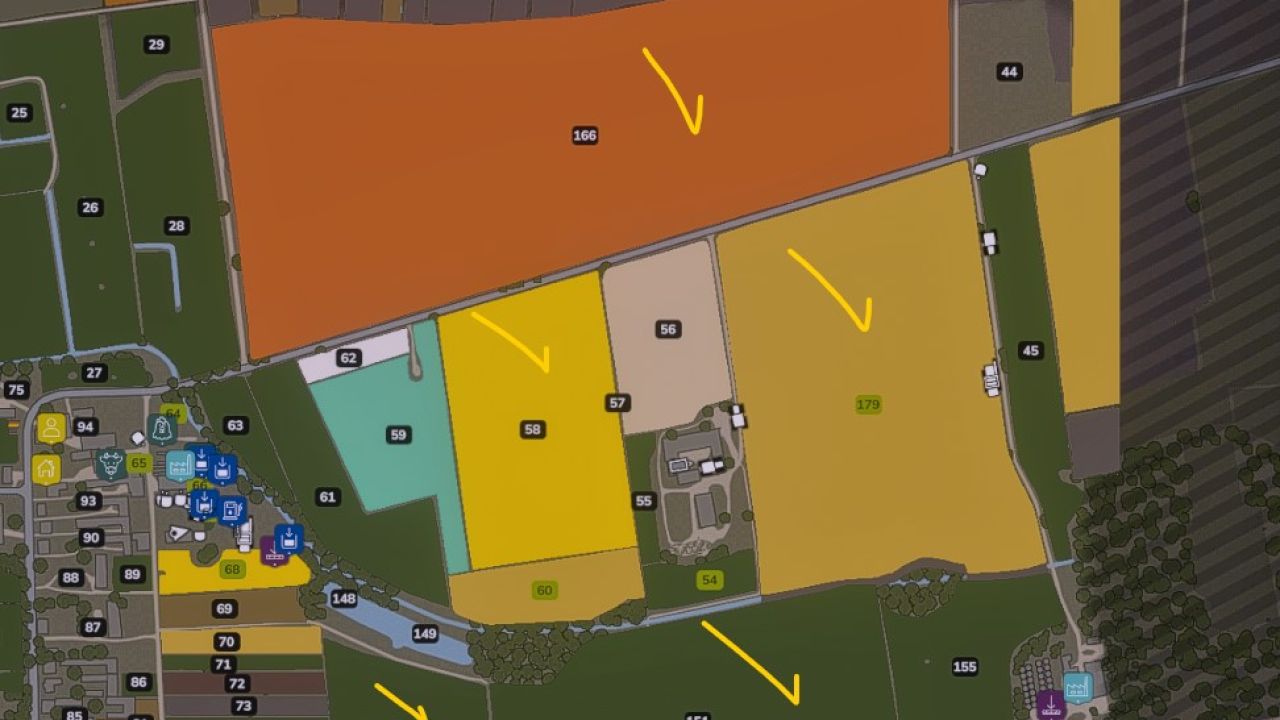
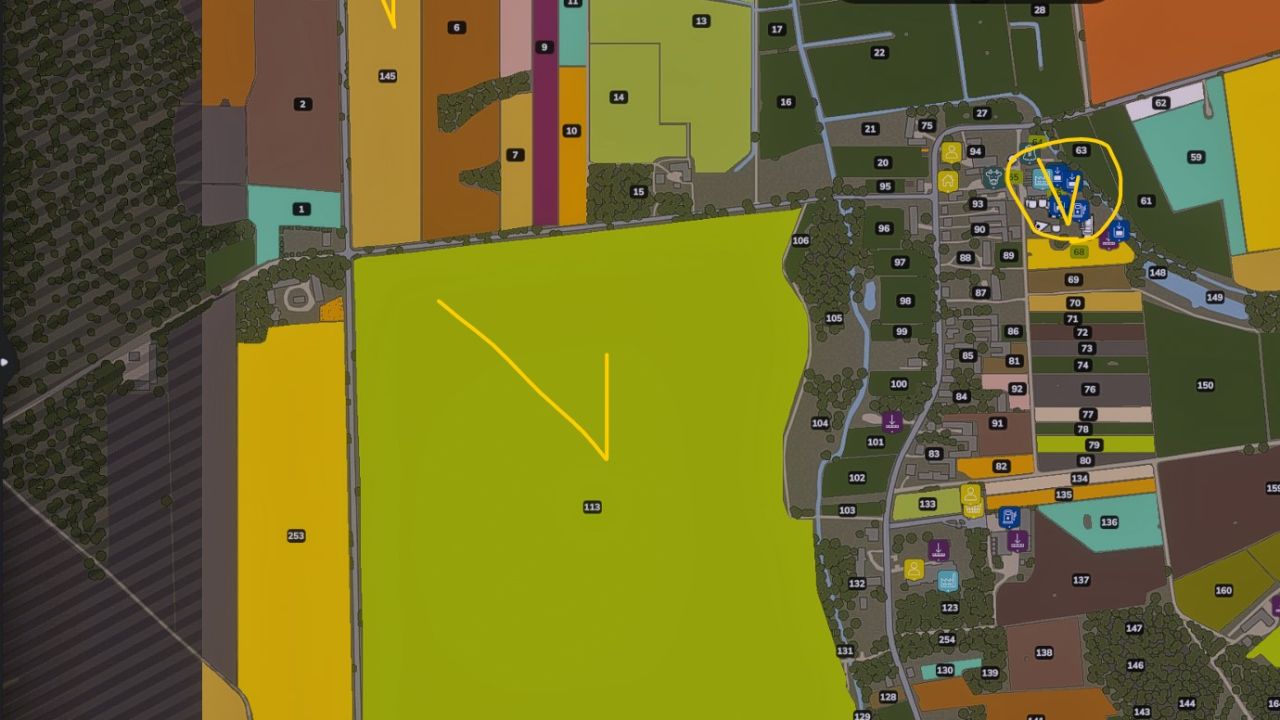
This is not a standalone map, but a field edit by merging several fields and farmland into one or more large fields.
You need to download the FS25_Szpakowo map.
Then download the required mods that are required (the required files for this map are written on the mod page).
This mod does not work on its own and you need to install the main mod.
And then you can copy my files into the FS25_Szpakowo map mod to have larger fields.
Of course, make a backup of it to be sure.
First extract it.
Copy and paste my files, i.e. mapUS, into it.
Then compress them again with 7zip and put them in the mod folder.
And be sure to create a new save, otherwise you will not be able to run this with the old save.
I cleared and emptied a section to create personal garages or greenhouses or any building you want, and soon a save file with garages and big cars will be available. There I present to you fully painted and ready
Warning:
You are not allowed to publish this creator’s map in its entirety under your own name. I emphasize that this is an edit, not a new version. I hope you enjoy my edit.
You may see warnings about farmlands in the console or log, ignore them, everything works fine.
This mod has been modified in the Giant Editor and the farmlands are set correctly.