LS25 Manual Big Bag V1.0.0.0

LS25 Manual Big Bag V1.0.0.0
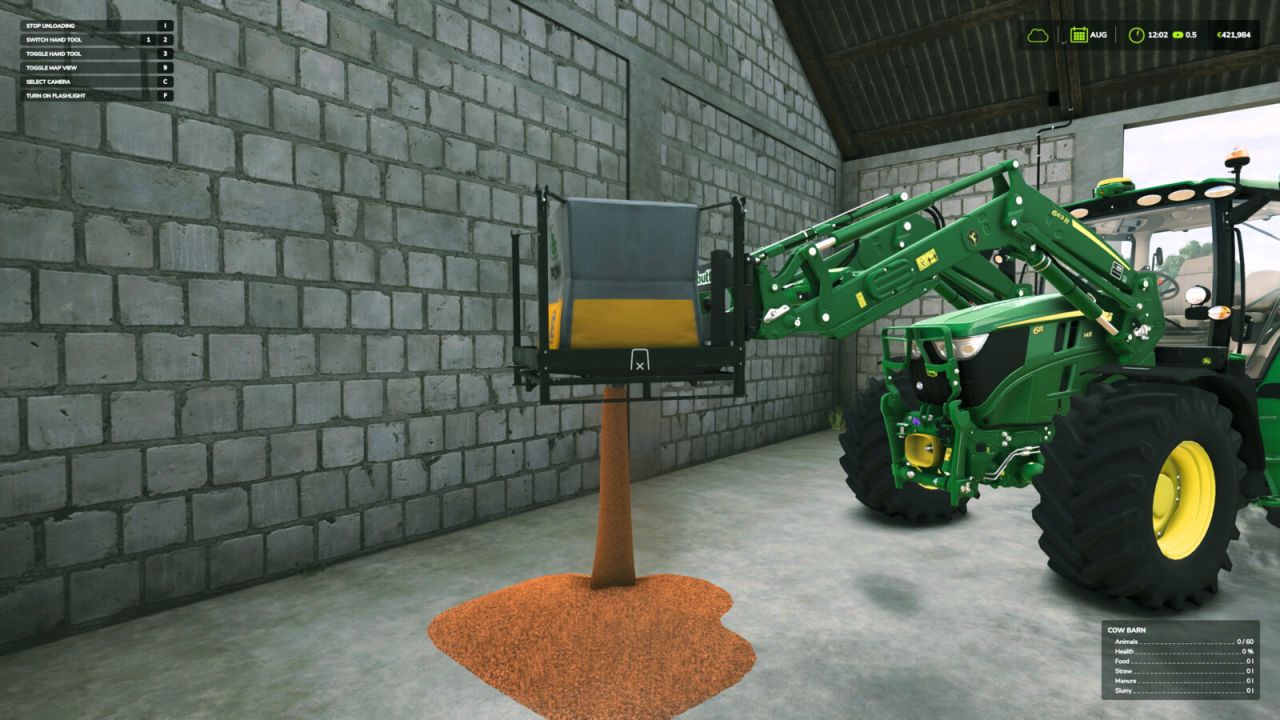
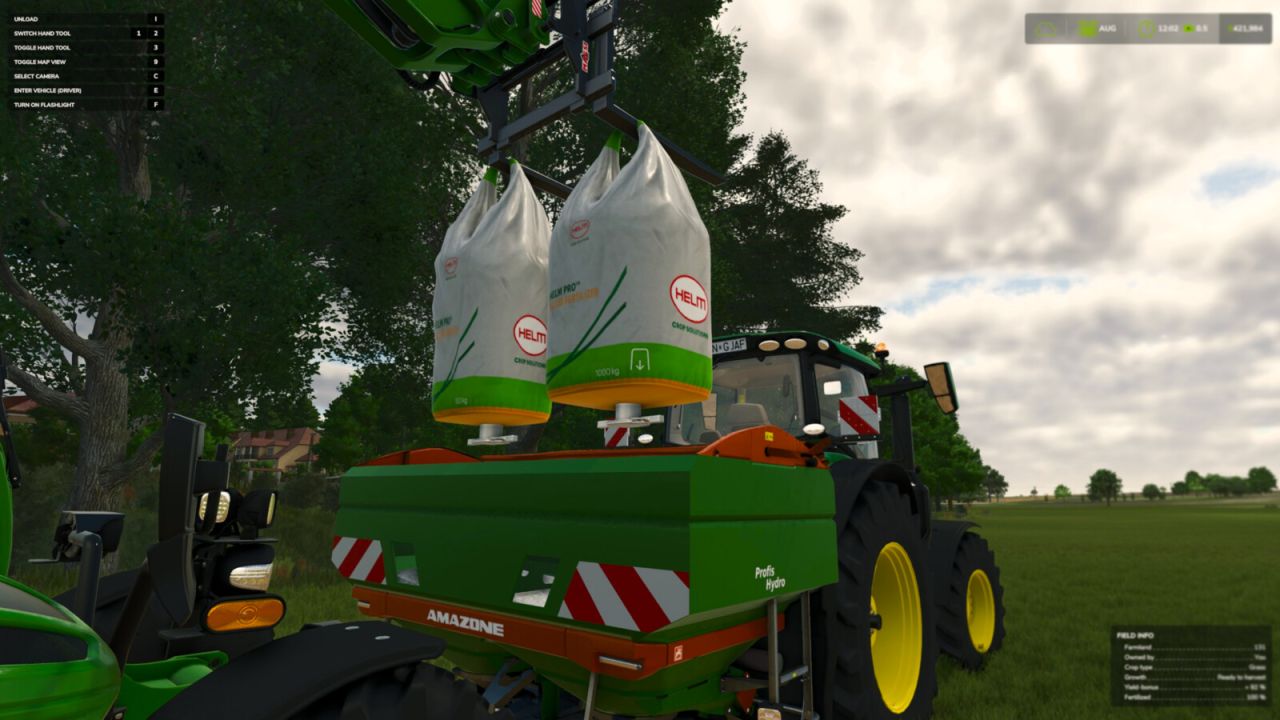
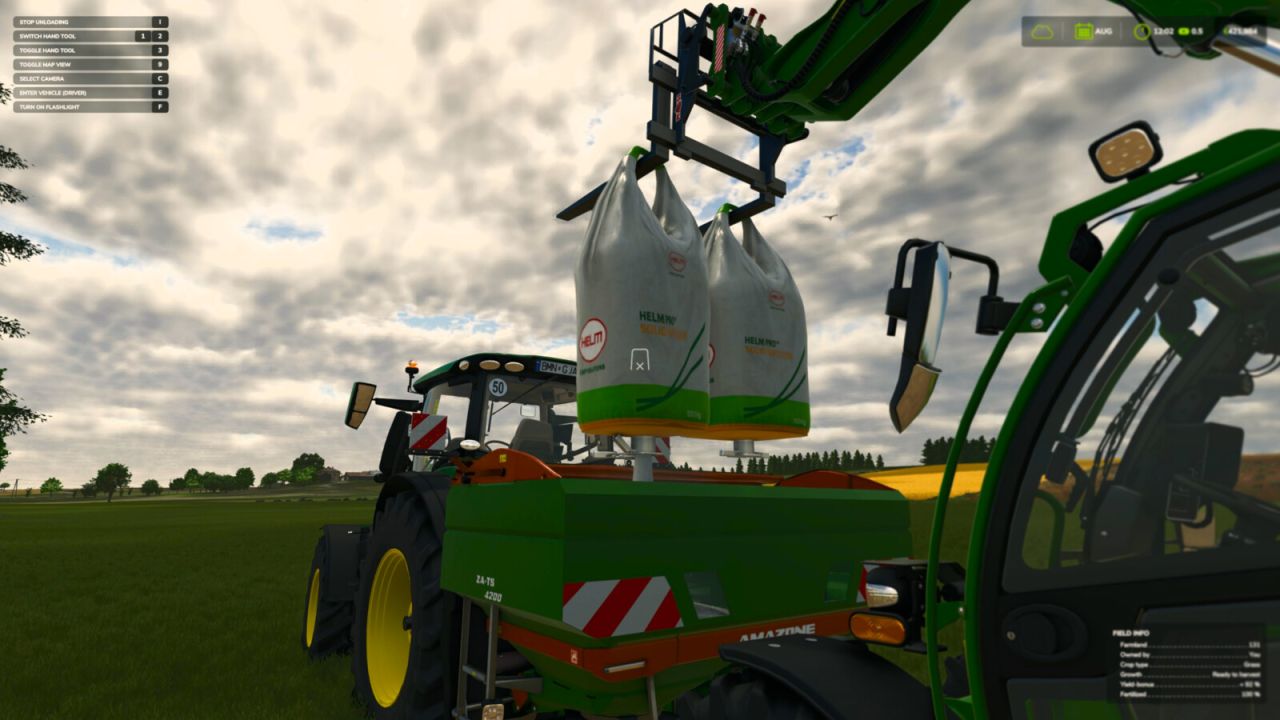
Add a touch of realism to your game by manually opening the discharge spout of Big Bags. Instead of your bags automatically emptying the moment they are positioned over a container, you now need to hop out of your vehicle, walk up to the suspended Big Bag, and start the unloading process yourself.
Features:
– Manual discharge control works with all standard and modded Big Bags.
– Works perfectly when you have bags suspended on loaders, excavators, or telehandlers.
– Simple and natural interaction using standard controls.
Hotkeys:
– Press ‘I’ to manually open the spout and begin unloading (you need to be on foot near the Big Bag).
For more info, bug reports, or to contribute, check out GitHub (modnext/manualBigBag).