LS25 Editable Pastures v1.0.0.1

LS25 Other

LS25 Editable Pastures v1.0.0.1
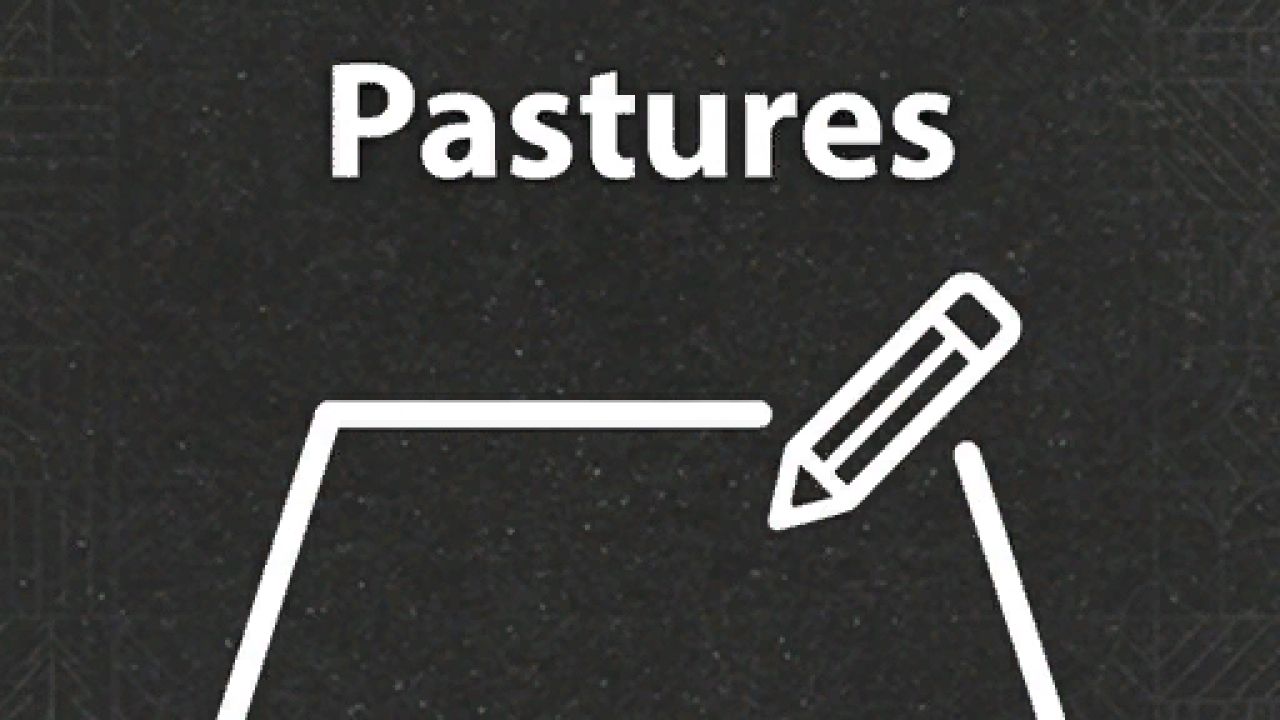
Adding the ability to edit pastures after placement.

How to use it:
1. Go into build mode
2. Click on a pasture and you will see a edit button next to rename
3. Click on it and place the fence you want. Same way as when you place a new barn
4. Save, and follow the steps (meadow or not)
5. You are done 😀

IMPORTANT NOTE: Cancel editing, will not go back to your old pasture, it will go back to the default pasture.

I am working on fixing this issue

BETA 2
Added multiplayer support
Added check for when new fence is smaller than old fence

Authors:
Racc00n


Why & How to use FS25 mods

Have you tried Farming Simulator 25 Mods already? Downloading FS25 / FS22 mods is one of the best ways to upgrade your Farming Simulator 25 / 22 game by just installing it. All that you need is to select Farming Simulator 25 / 22 mod and upload it to your game mod folder. Here you will find modifications such as Tractors, Maps, harvesters mods for FS22 / FS22. However, the best way to see how it works is just to try and explore these LS25 / LS22 mods right now.


LS25 Other

Leave a Reply

Do you need help or to say thanks for mod author? Just leave a comment bellow!