LS25 Crosshair Settings V1.1.1.0

LS25 Other

LS25 Crosshair Settings V1.1.1.0
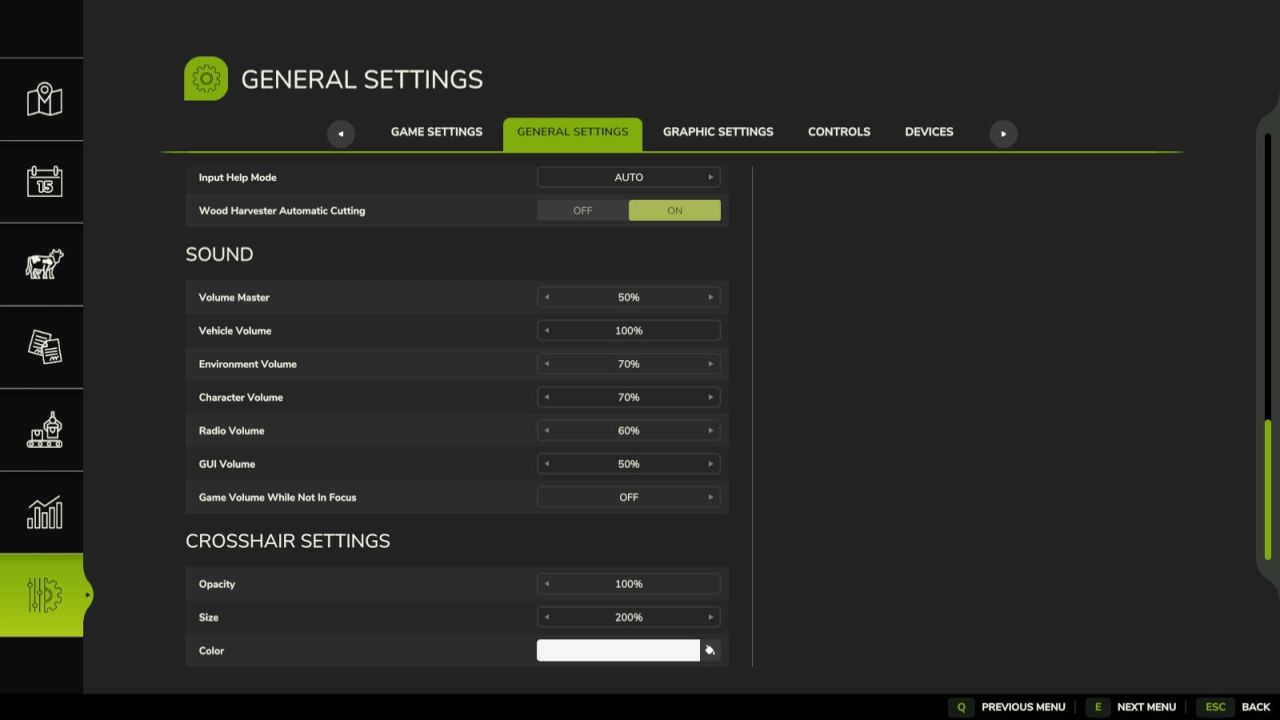
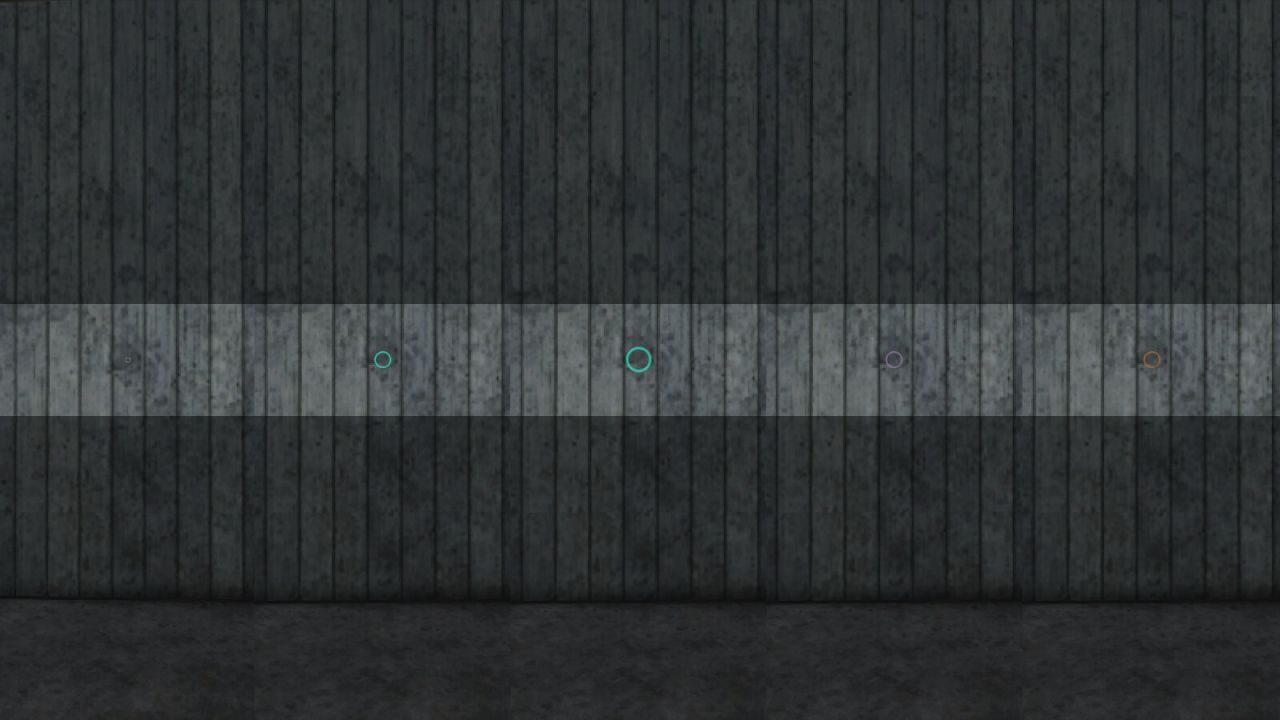
Options to customize the default crosshair in the game.

Possible adjustments are:
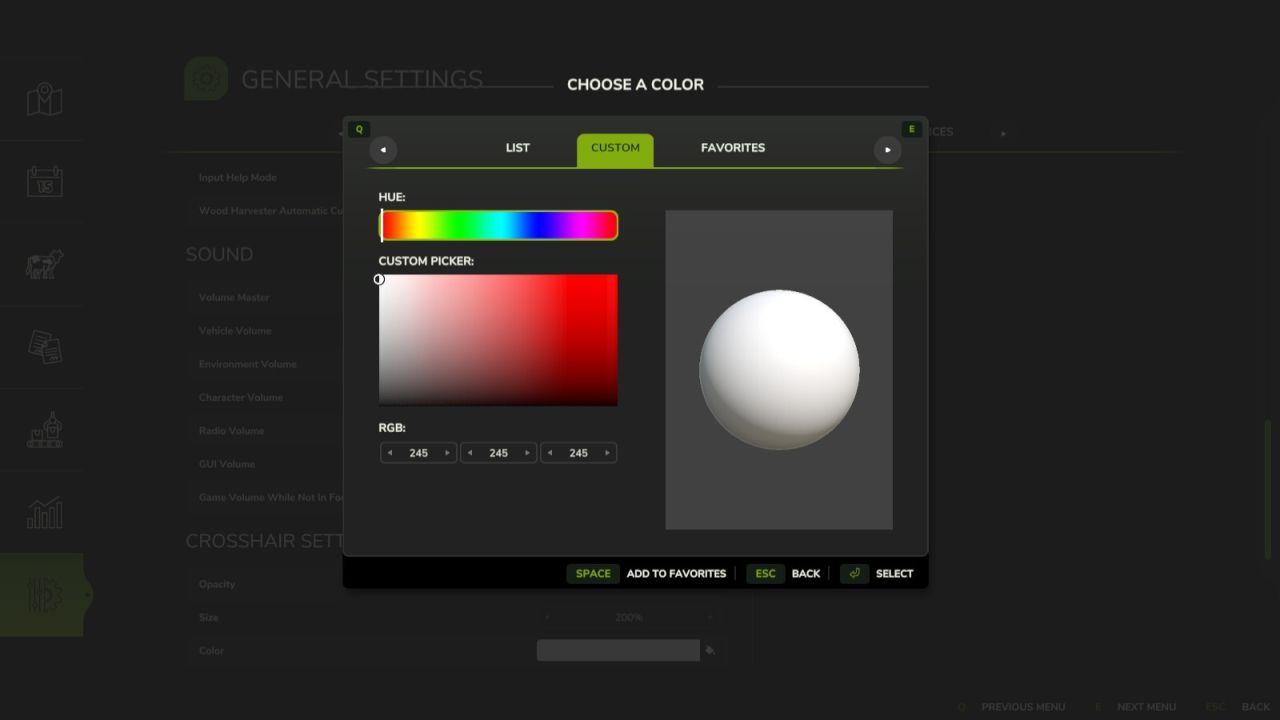
Color (color picker including predefined colors from the game, favorites, and custom selection (RGB))
Size setting (scaling from 50% to 300%, default 100%)
Opacity setting (0% = invisible, 100% = fully visible, default 50%)

Changelog 1.1.0.0:
Added an option to adjust opacity (previously fixed)
Added an option to adjust color

Changelog 1.1.1.0:
Added the ability to adjust the size

Authors:
Helfer B.


Why & How to use FS25 mods

Have you tried Farming Simulator 25 Mods already? Downloading FS25 / FS22 mods is one of the best ways to upgrade your Farming Simulator 25 / 22 game by just installing it. All that you need is to select Farming Simulator 25 / 22 mod and upload it to your game mod folder. Here you will find modifications such as Tractors, Maps, harvesters mods for FS22 / FS22. However, the best way to see how it works is just to try and explore these LS25 / LS22 mods right now.


LS25 Other

Leave a Reply

Do you need help or to say thanks for mod author? Just leave a comment bellow!