LS25 Sikorsky Helicopters UH-60 Black Hawk v1.0.0.0

LS25 Sikorsky Helicopters UH-60 Black Hawk v1.0.0.0
UH-60 Black Hawk
Take control of the UH-60 Black Hawk, a powerful multi-role helicopter built for cargo lifting, utility work, rescue roleplay, military-style missions, and general flying around your FS25 map.
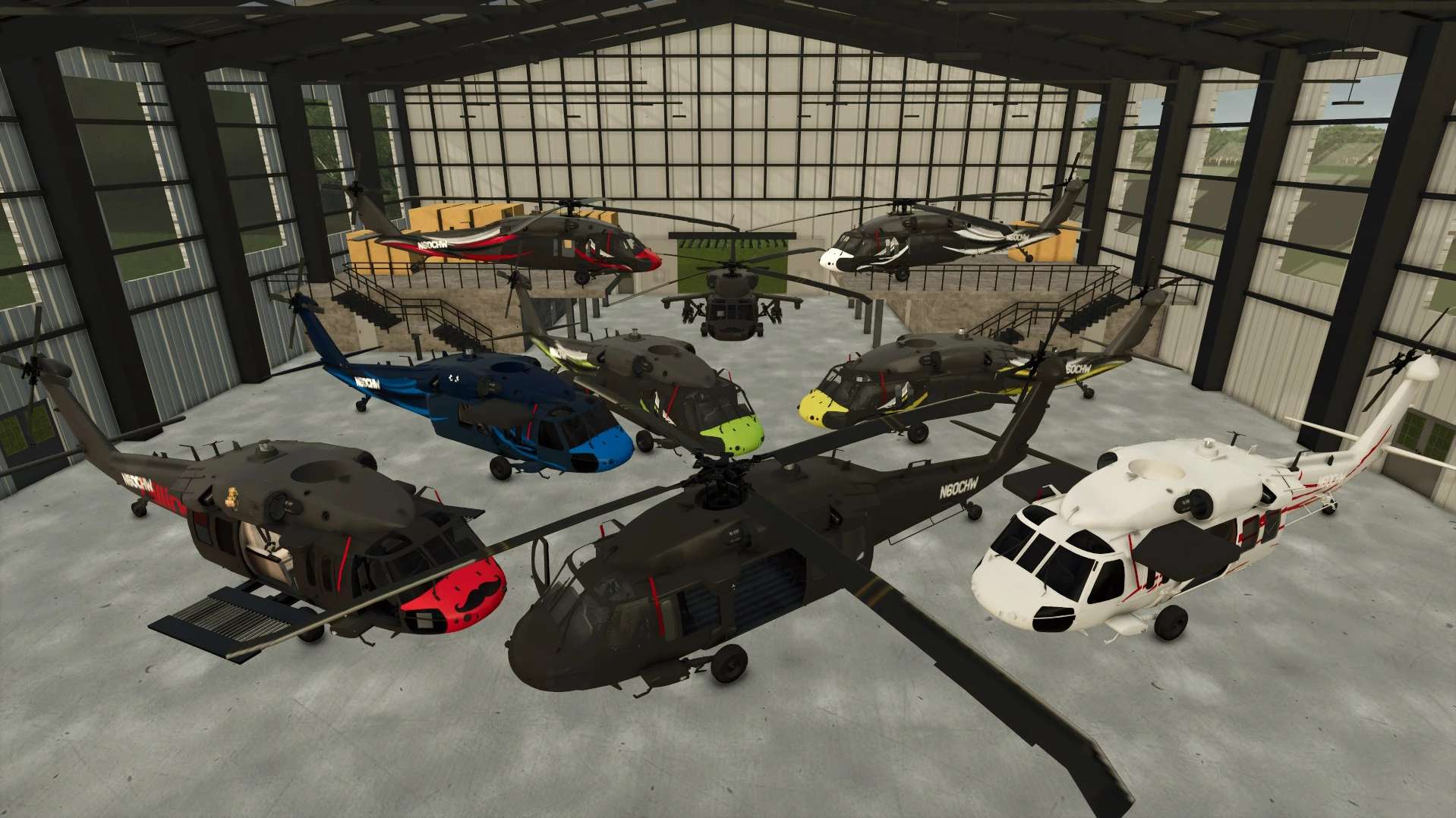
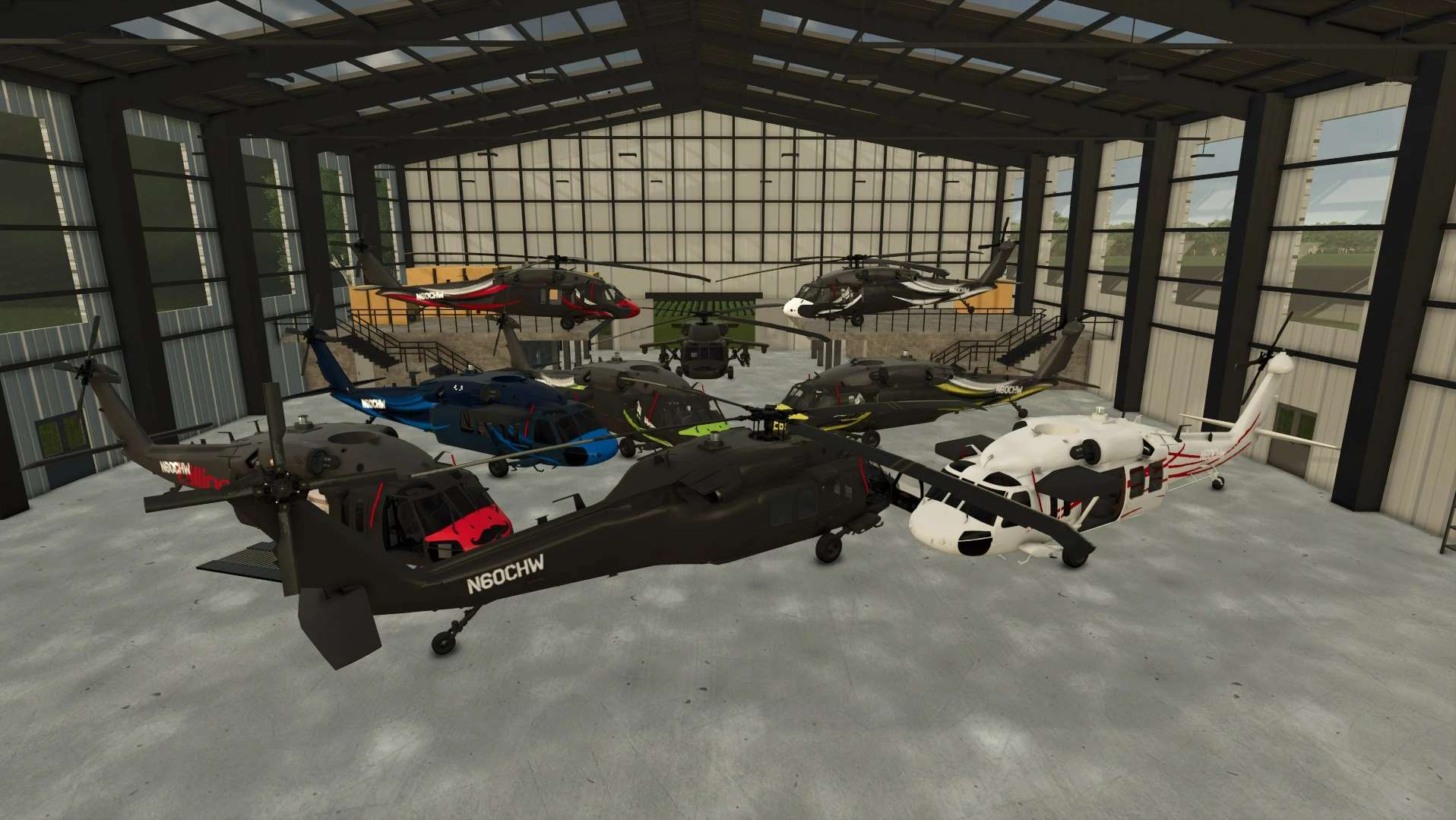
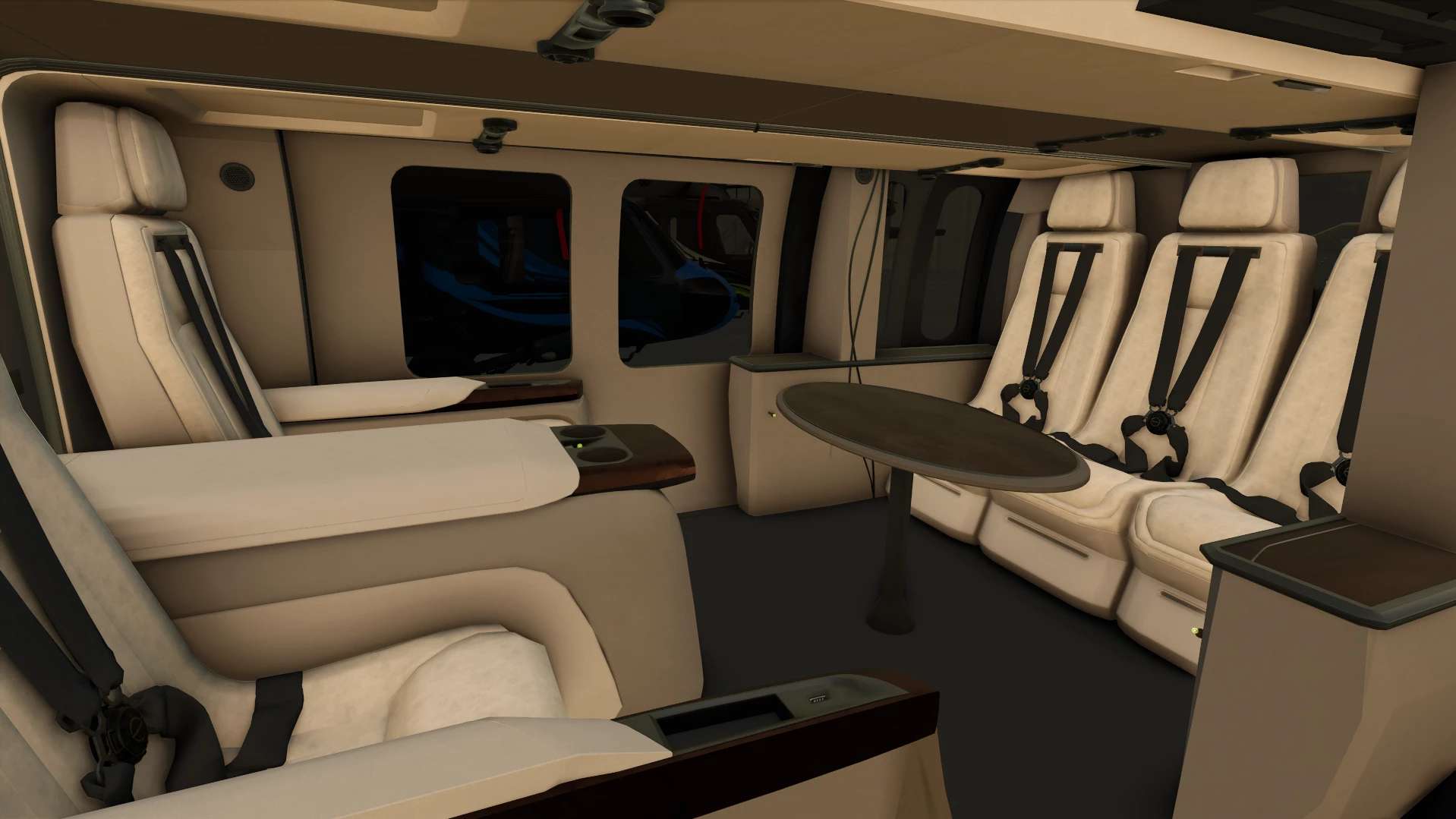
This mod includes 42 design options, giving you a lot of ways to customize the helicopter. The UH-60 uses an updated script, with smoother flight behavior, improved auto hover, heading hold, rotor wash effects, water warning systems, flight trail support, and improved cargo handling. The cargo hook/winch system now carries objects better, especially heavier loads, making sling-load work more useful and easier to manage. The helicopter can carry strapped down loads inside without affecting flight.
Flight has also been improved, the helicopter can now perform small adjustments by feathering the cyclic, making pitch and roll inputs smoother instead of feeling too sharp or snappy. This helps the helicopter feel more controlled low-speed movement.
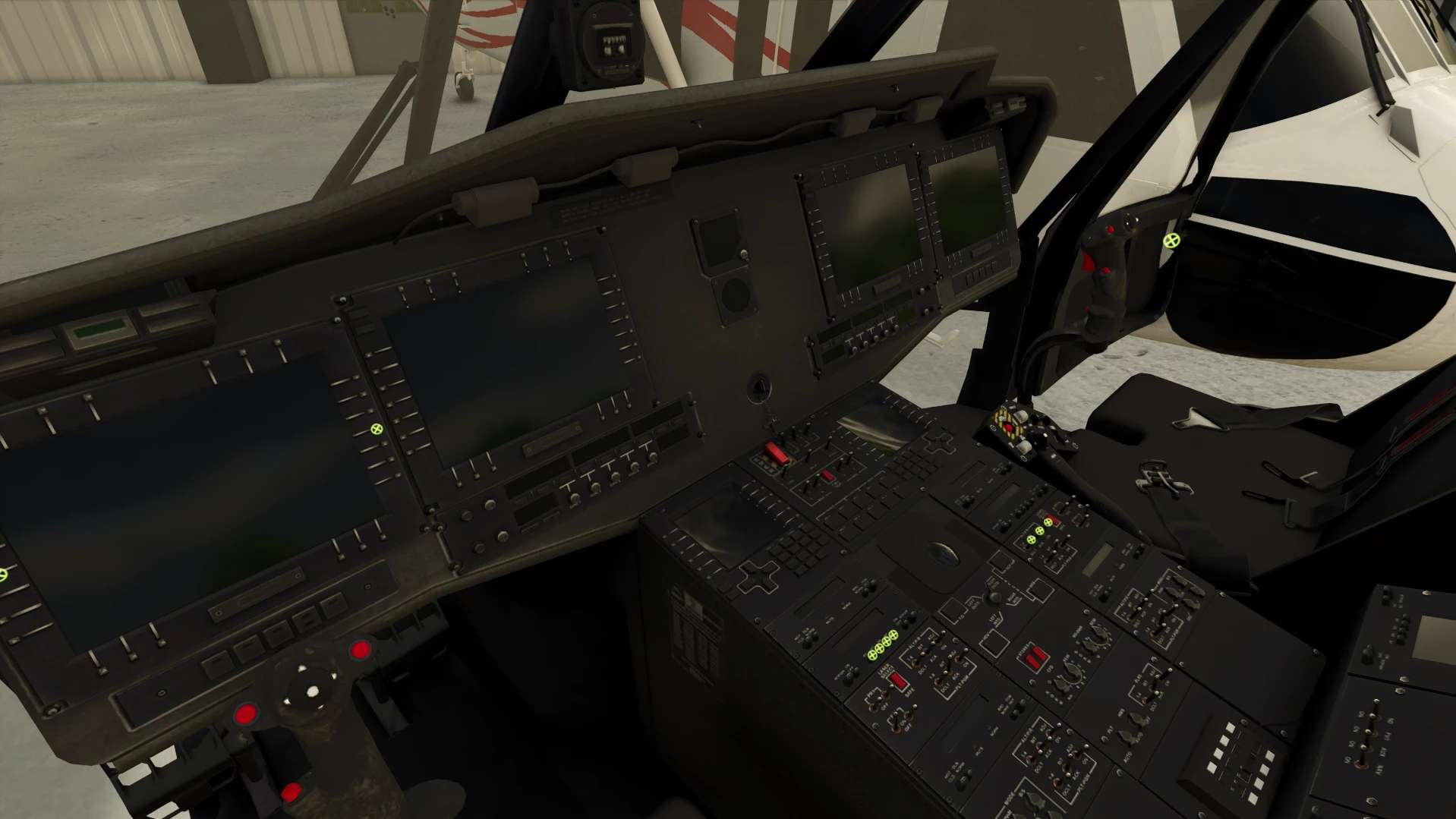
Rotors can be removed with an IC point near the rotor head.
Controls are now bindable through the FS25 controls menu, by default they are:
Controls
W / A / S / D – Tilt forward, left, backward, right
Q / R – Yaw left / right
LMB / RMB – Increase / decrease vertical thrust
Left Shift – Boost / stronger cyclic input
Left Ctrl – Toggle auto hover
1 – Toggle heading hold
I – Cycle HUD modes
3 – Fire rockets
Ctrl + 3 – Reload rockets
Minus key (-) – Flight trail 3D mode, records flight path and altitude
Double-tap Minus key (-) – Flight trail 2D mode, records only the flight path
Triple-tap Minus key (-) – Shows the trail only on the map view
Shift + Minus key (-) – Deletes / clears the flight trail
Right foldable light – Unfold to enable light turning
MMB + Scroll Wheel – Turn the right fold light once unfolded
Interactive Control is not REQUIRED, but highly encouraged
Do NOT Upload elsewhere
Edit, known bug when spawning other helicopters, cannot exit. Will be fixing really soon