LS25 Production Logistics BETA 2 v1.0.0.0

LS25 Production Logistics BETA 2 v1.0.0.0
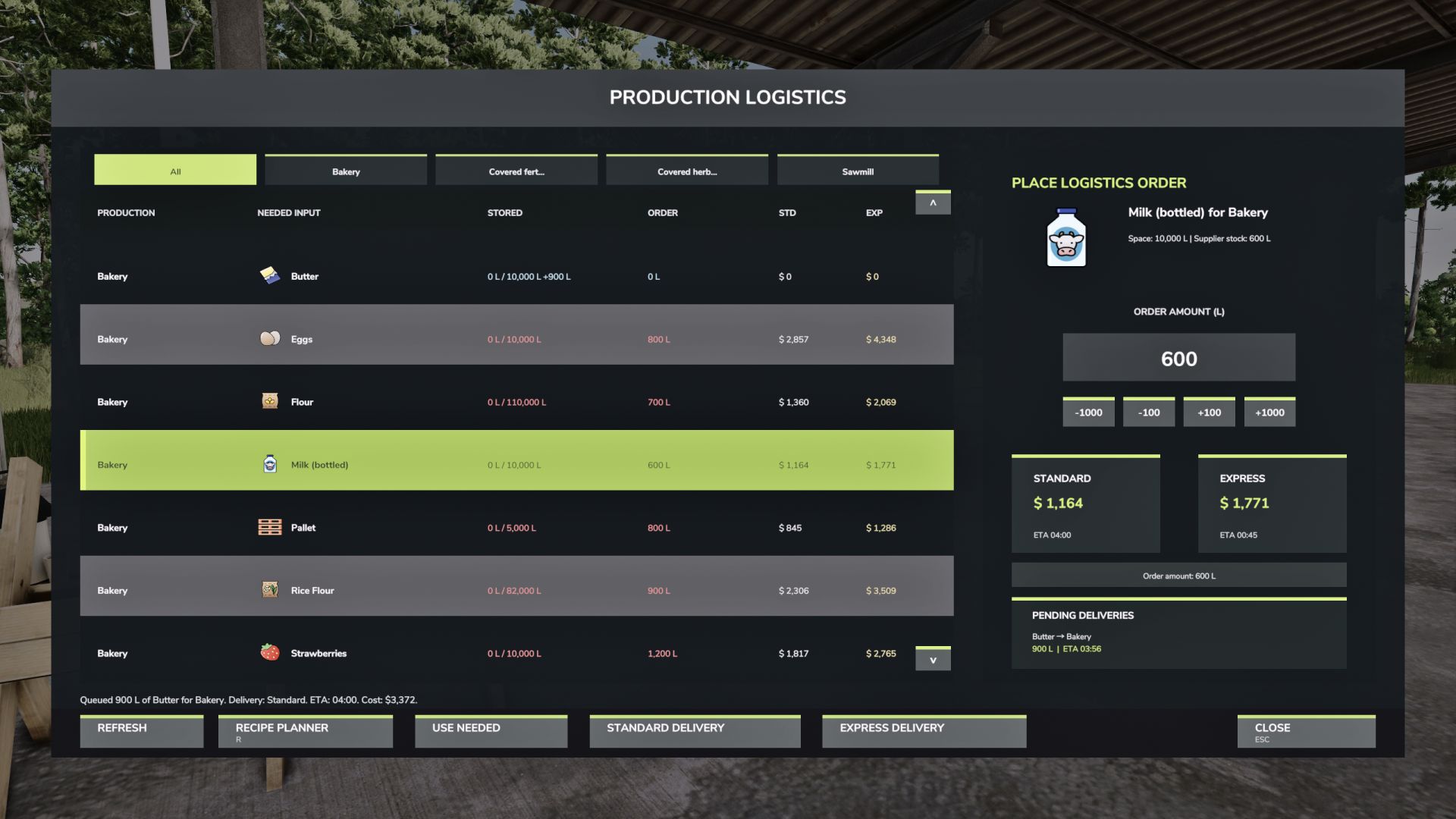
Production Logistics adds a custom logistics HUD for managing owned productions and ordering missing supplies from one central screen.
Instead of opening every production point one by one, you can view production inputs, check available storage, see supplier stock, and place logistics orders directly from the HUD.
Features:
View owned productions in one logistics screen
Filter by production tabs
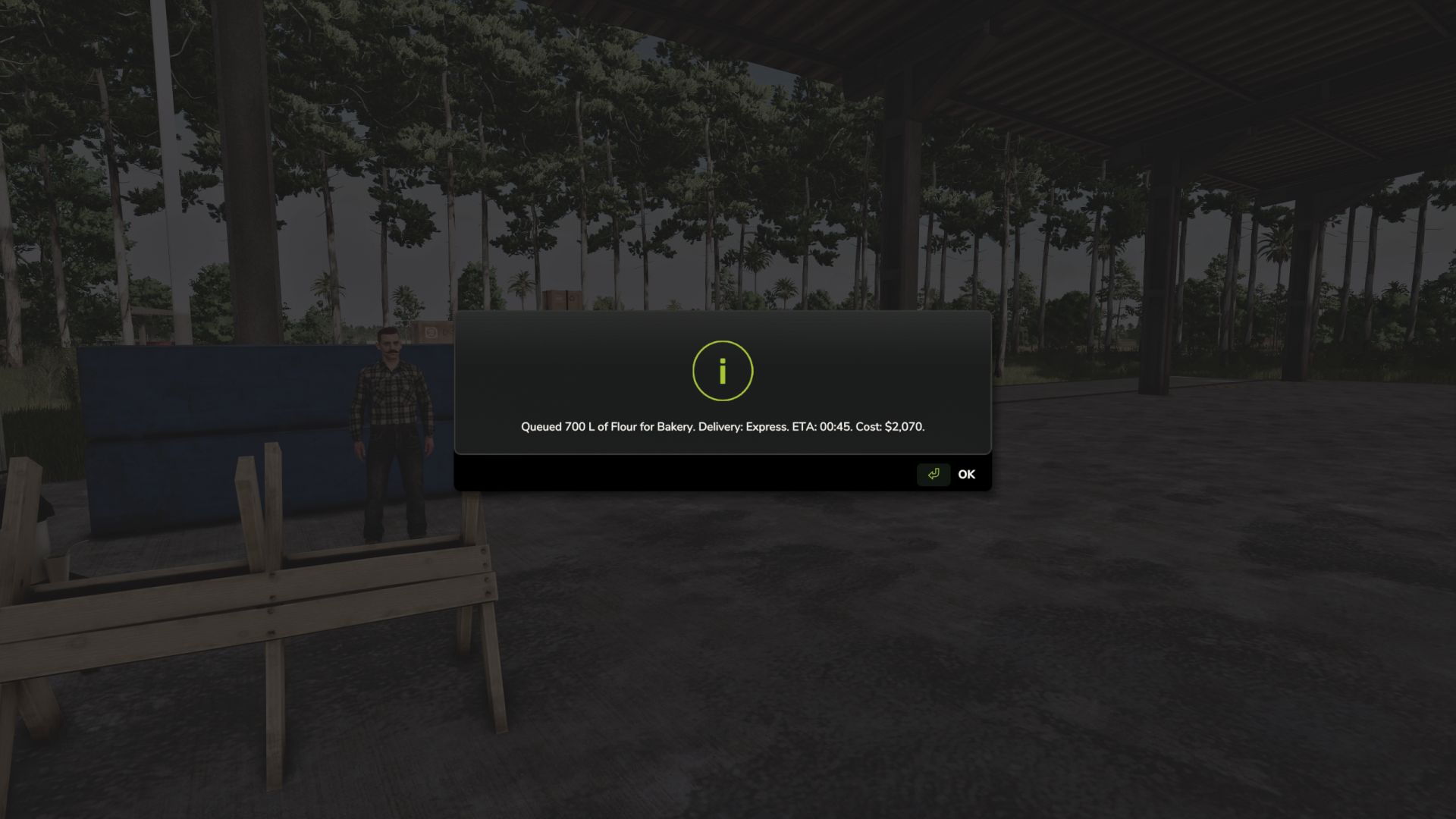
Order missing inputs with Standard or Express delivery
Delivery queue with ETA timers
Pending deliveries panel
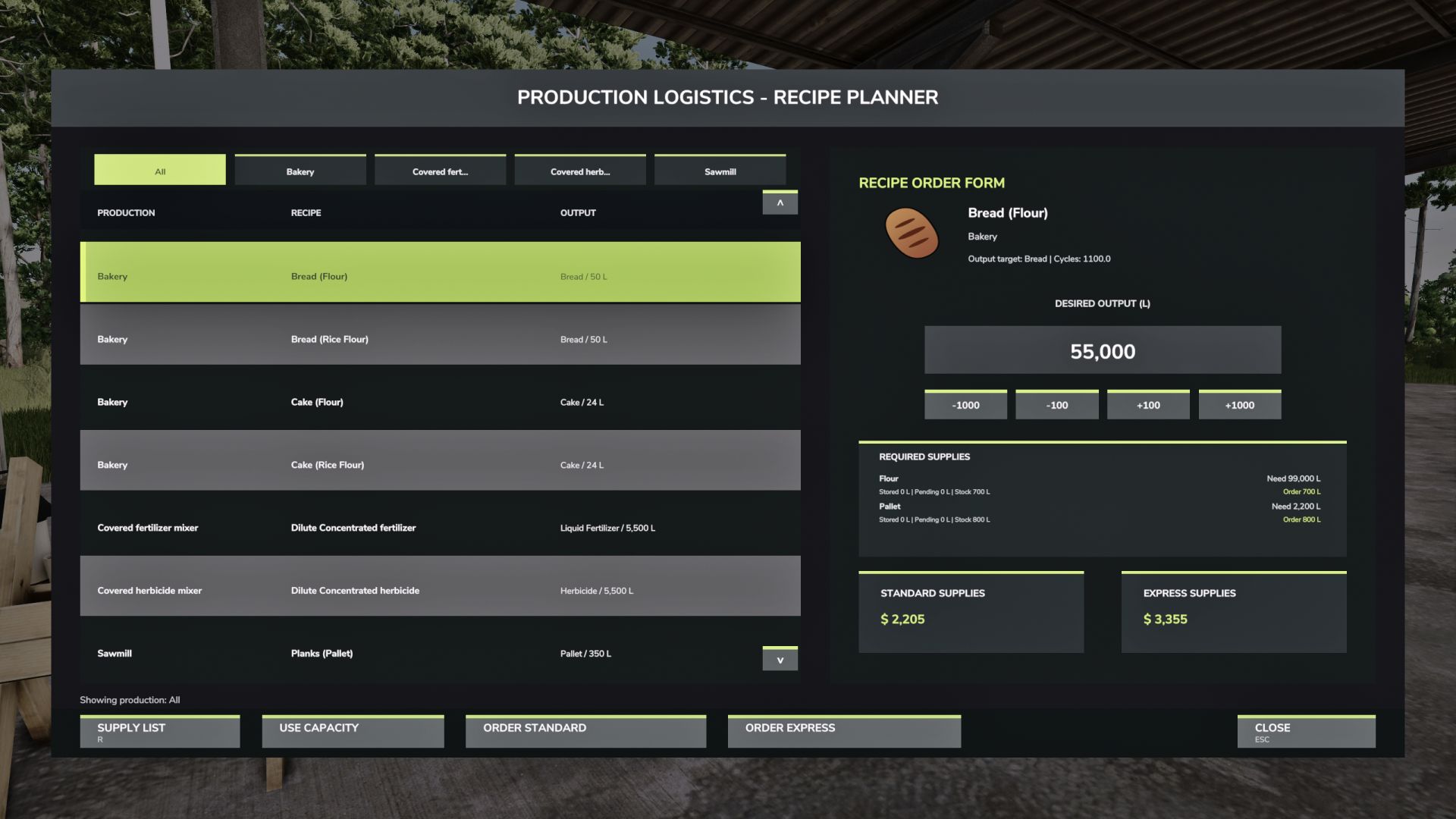
Recipe Planner for calculating required supplies
Choose how much output you want to produce and see what materials are needed
Monthly supplier stock limits for more realistic importing
Supplier stock refreshes each in-game month
Wood and sawmill-chain products cannot be imported
Hotkey:
Right Shift + L opens Production Logistics.
This is a beta release. Future versions may add physical pickup points, warehouse routing, delivery depots, and deeper supply-chain automation.
BETA 2
Fixed Key binds