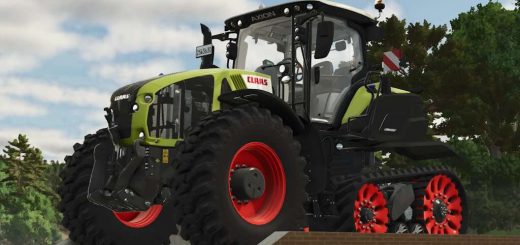
LS25 Claas Xerion 12.650 by Alex Blue v1.0.1.1
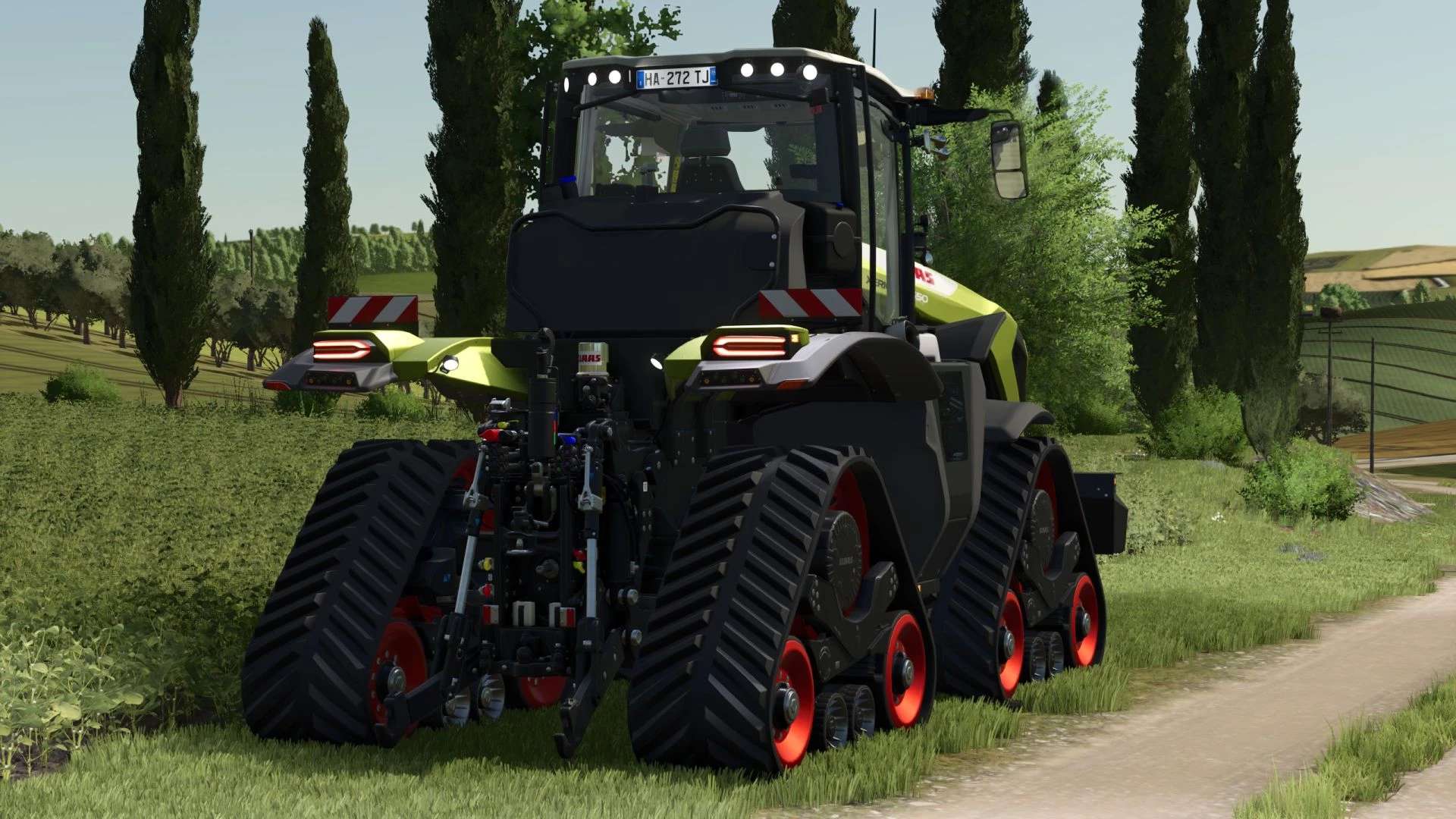

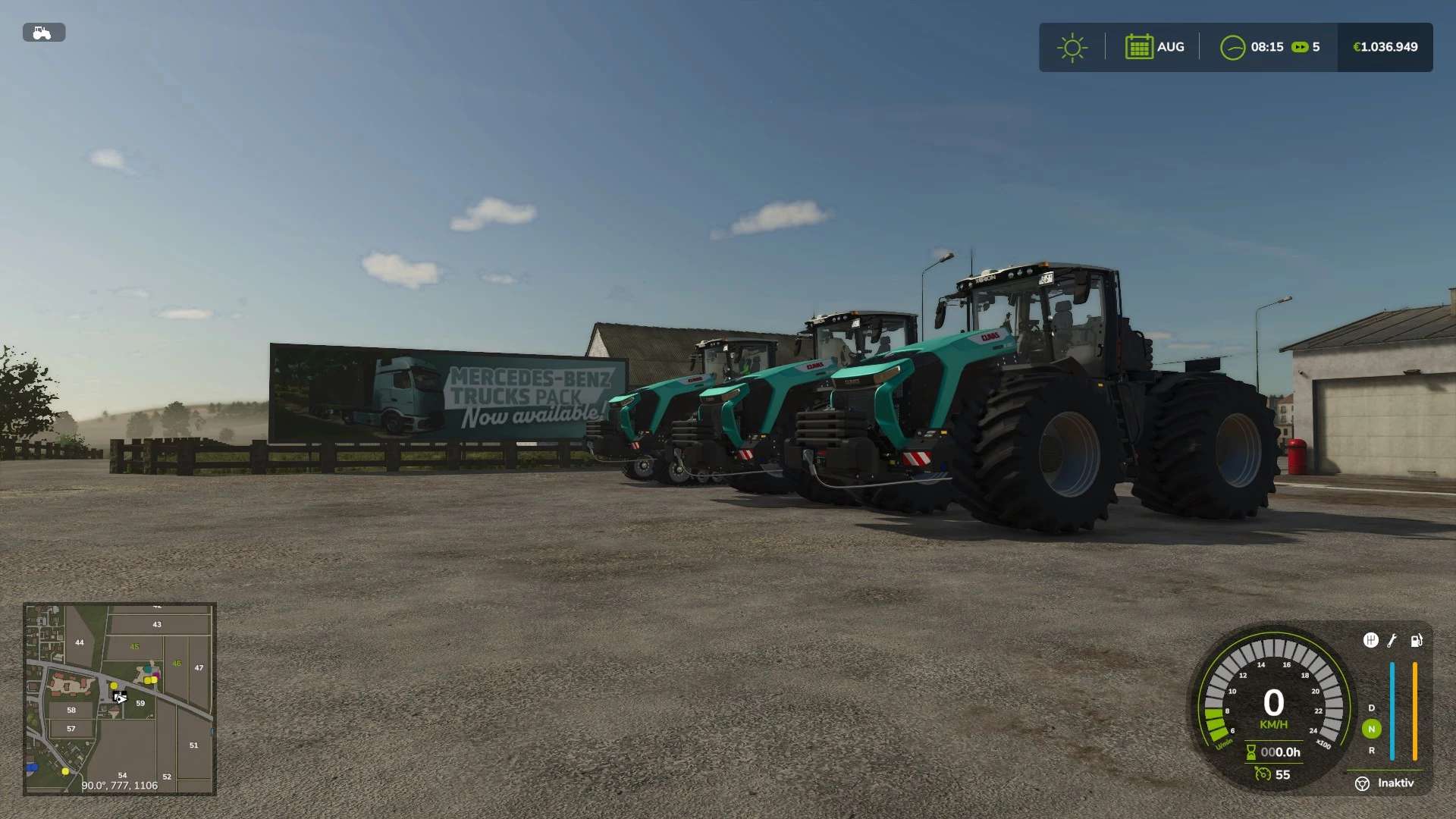
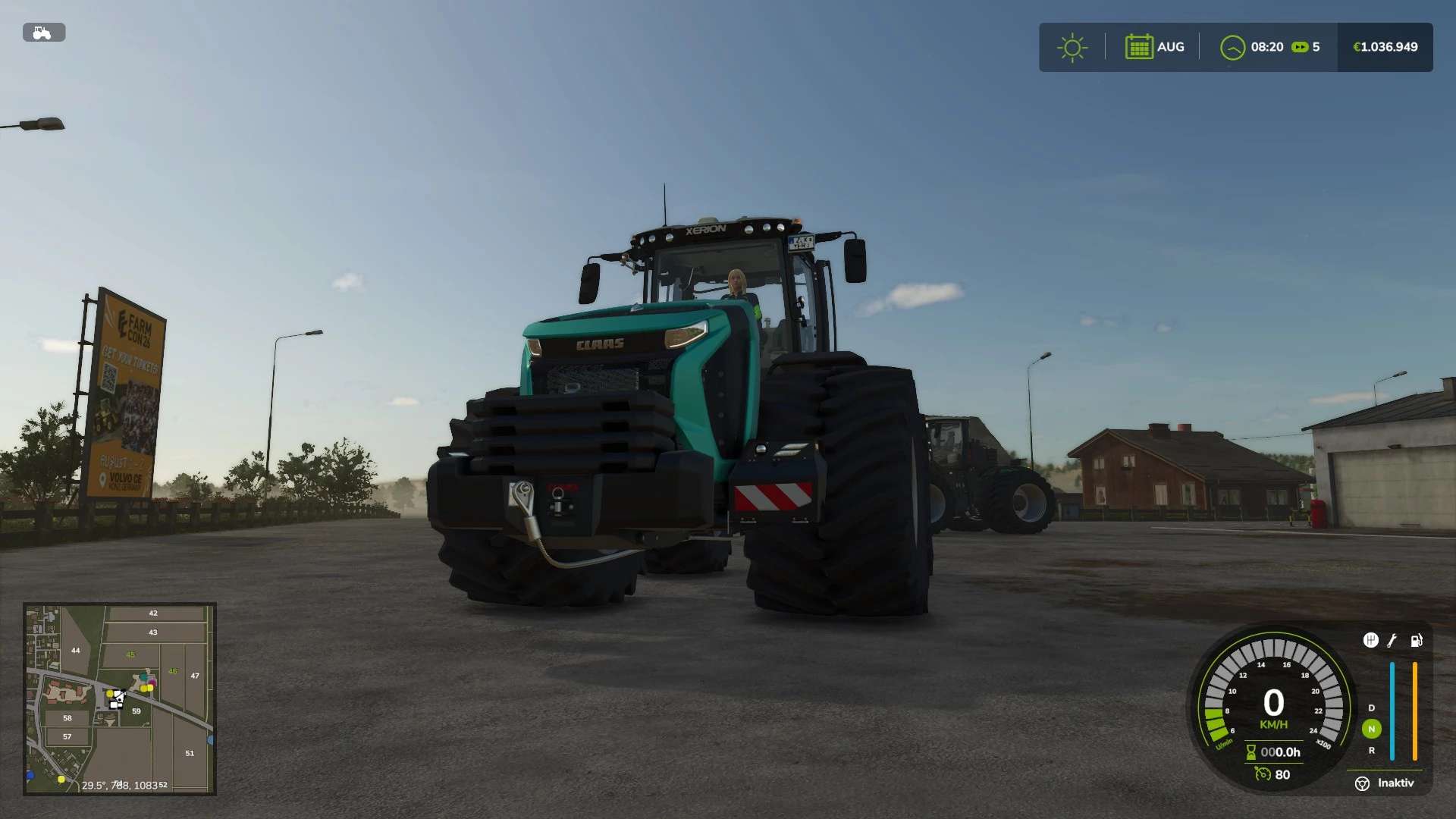
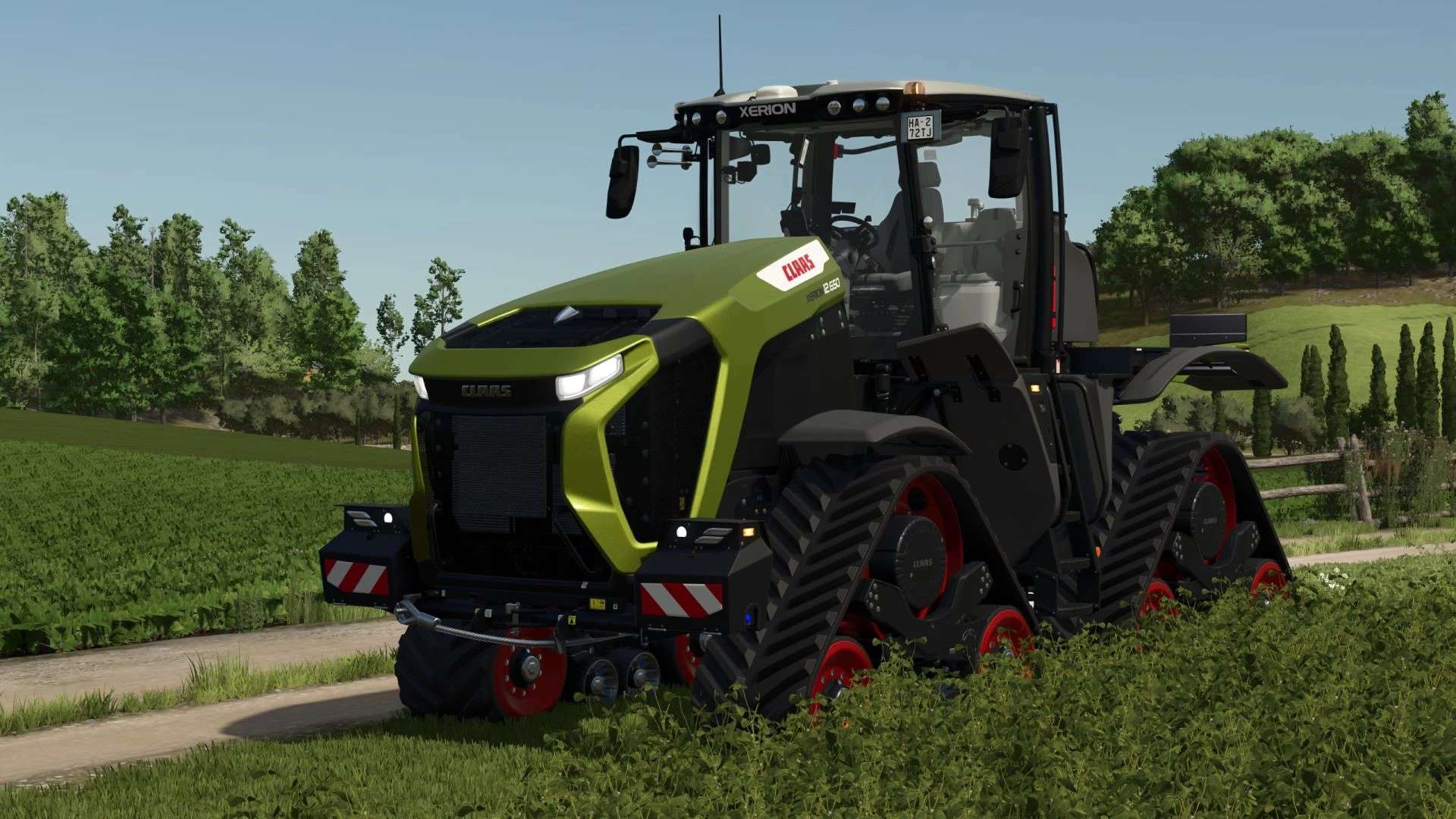
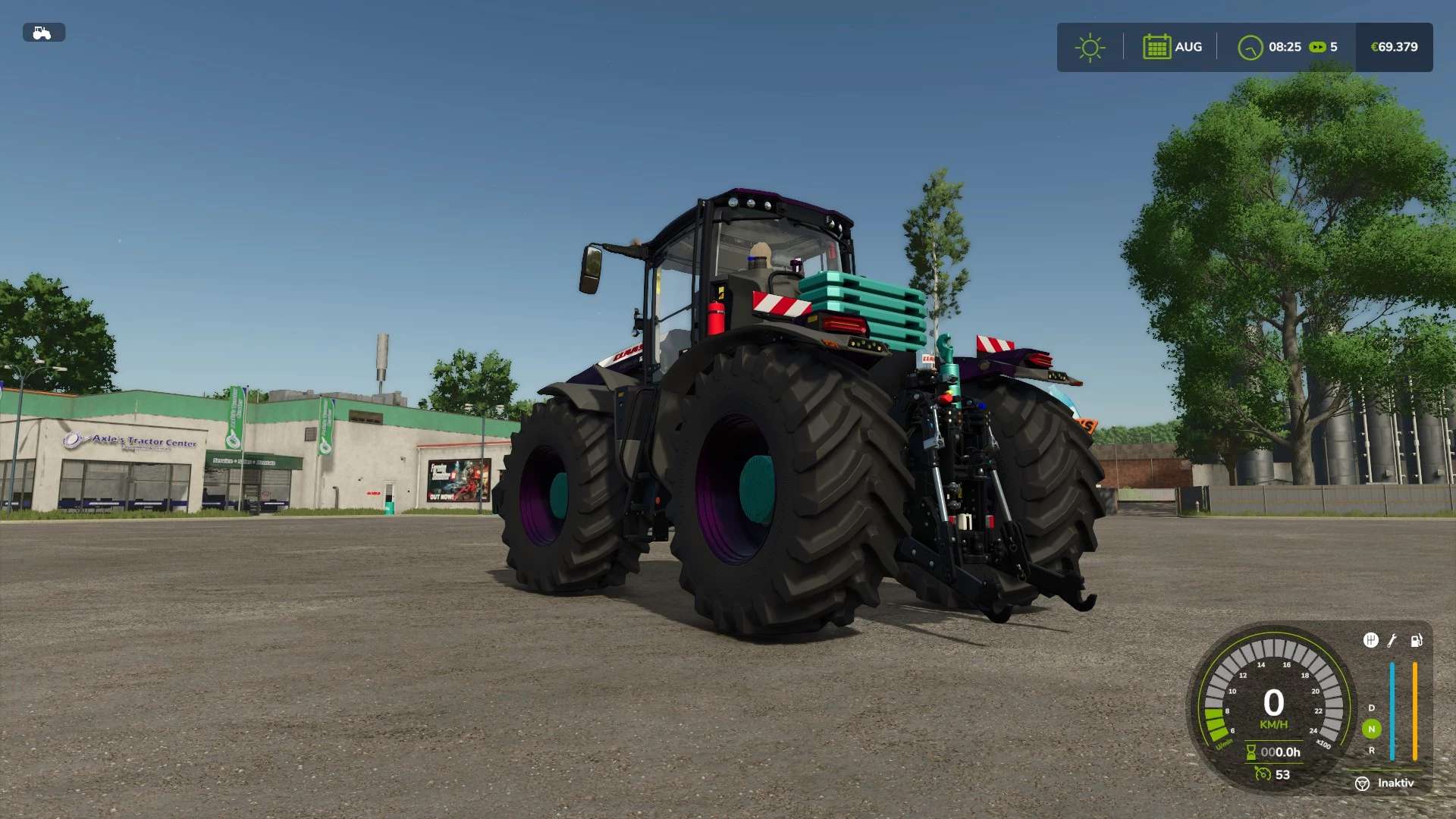
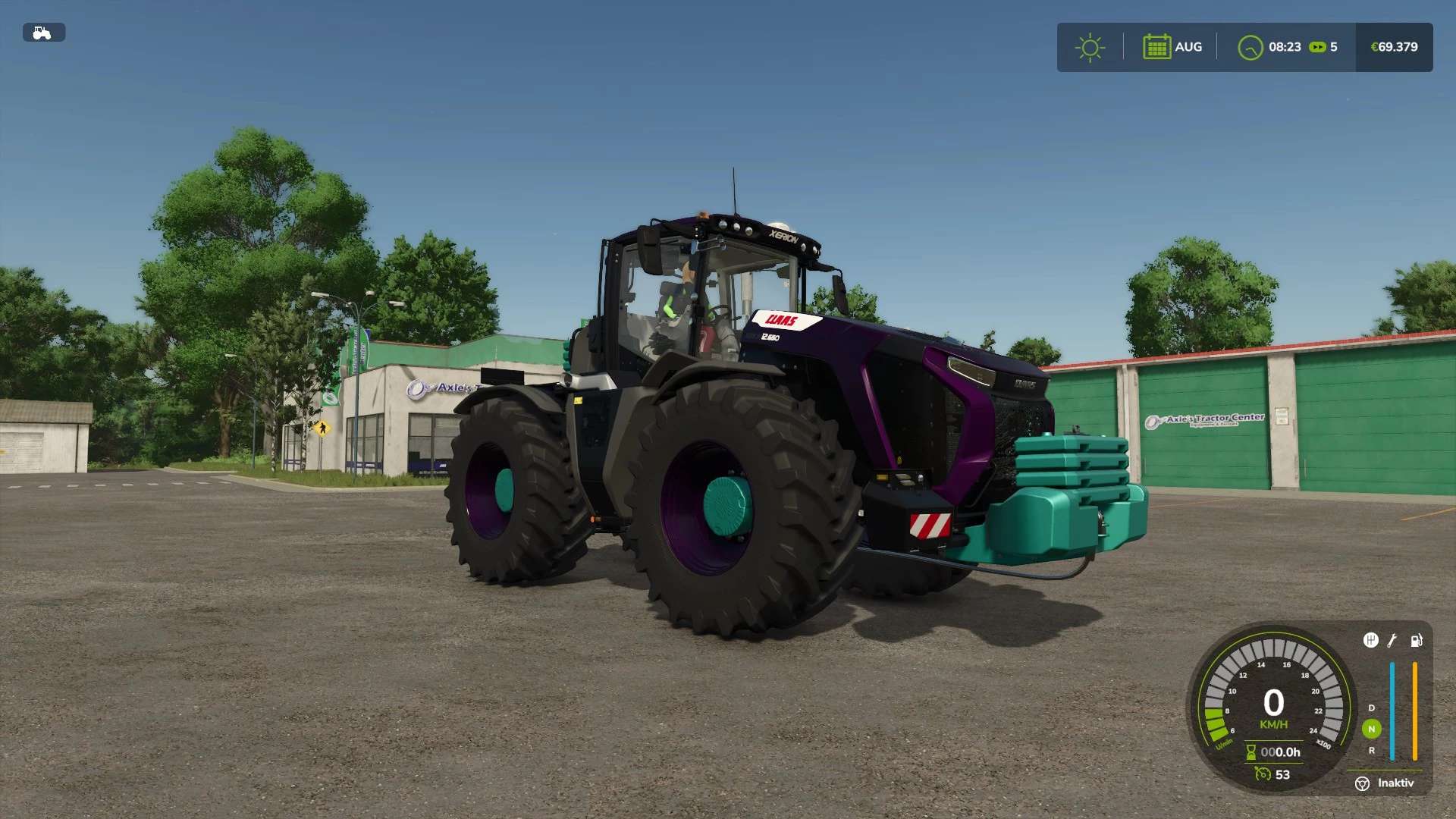
LS25 Claas Xerion 12.650 by Alex Blue v1.0.1.1
Version 1.0.1.1
Shop overlay adjusted
Rim color now changed; inner and outer rim color selectable
More mod updates can be found on my Discord server.
What’s been done:
– Speed adjusted to a maximum of 80 km/h
– Engine smoke made darker
– Main color selection added
– Roof color selection added
– Grille color selection added
– Front weight color selection added
– Rear weight color selection added
– Chassis color selection added
– Wheel hub color selection added
– Upper arm color selection added
– Rim color selection added
Crawlers have been integrated into the mod so they match the chassis color.
It’s not much, but I wanted to at least make it available to you.