LS25 Realistic Soil & Fertilizer V2.4.5.0

LS25 Realistic Soil & Fertilizer V2.4.5.0
Realistic Soil & Fertilizer for Farming Simulator 25
NOT COMPATIBLE WITH PRECISION FARMING!
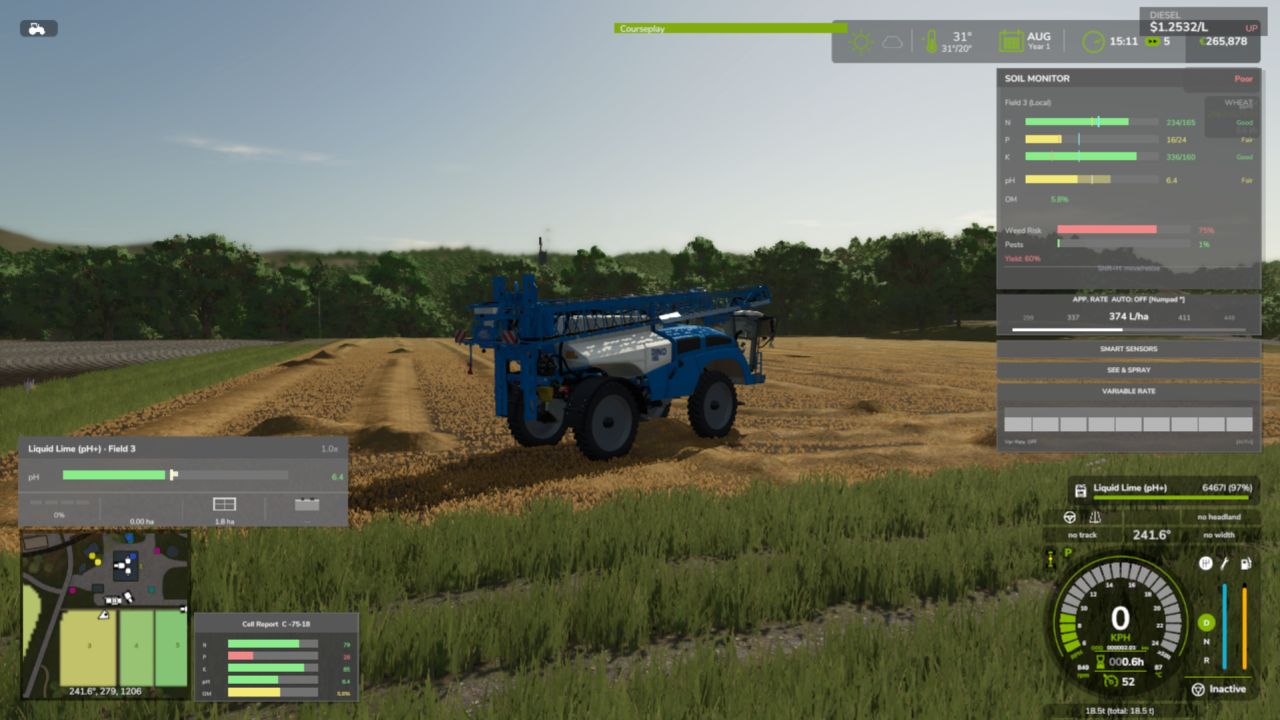
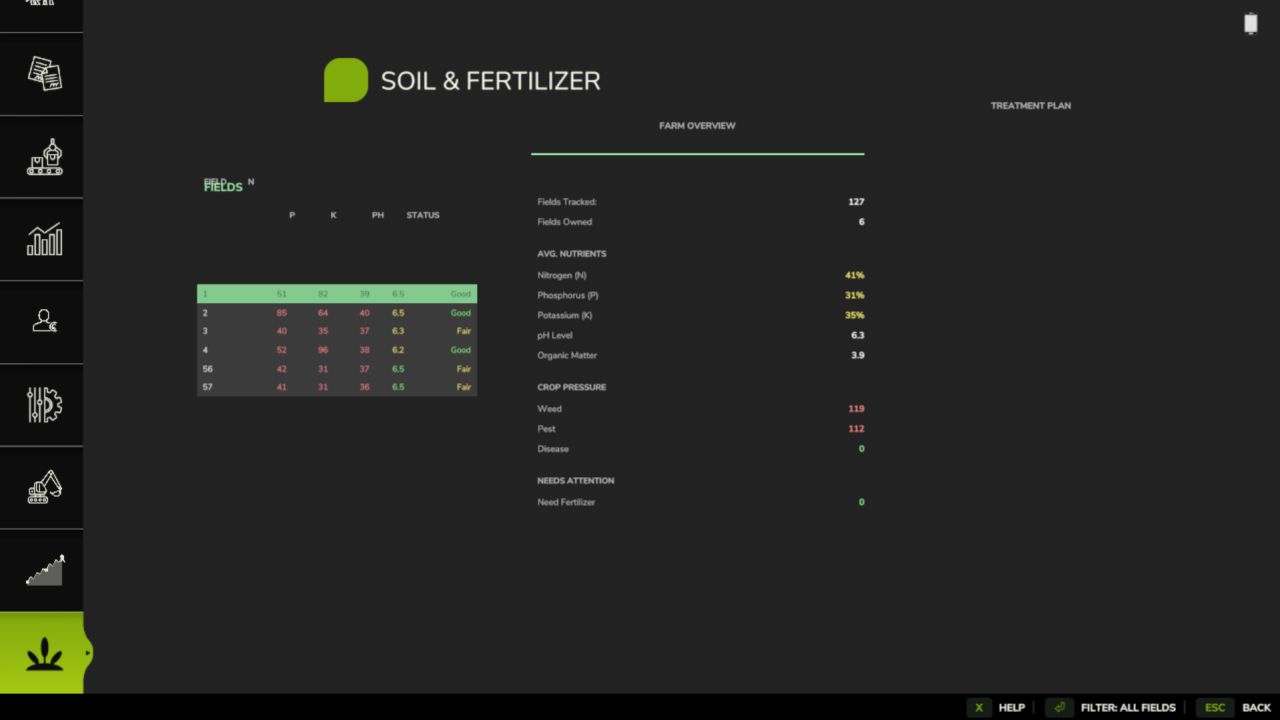
Every field has its own soil health — nitrogen, phosphorus, potassium, organic matter, and pH — that changes with what you grow, what you apply, and what the weather does. Ignore your soil and yields suffer. Manage it well and your farm runs more efficiently. Realistic depth without the overwhelming complexity.
Features
– Per-Field Soil Health
– Realistic Fertilizer Types
– Sprayer Rate Control
– Yield Penalties
– Pest, Weed & Disease Pressure
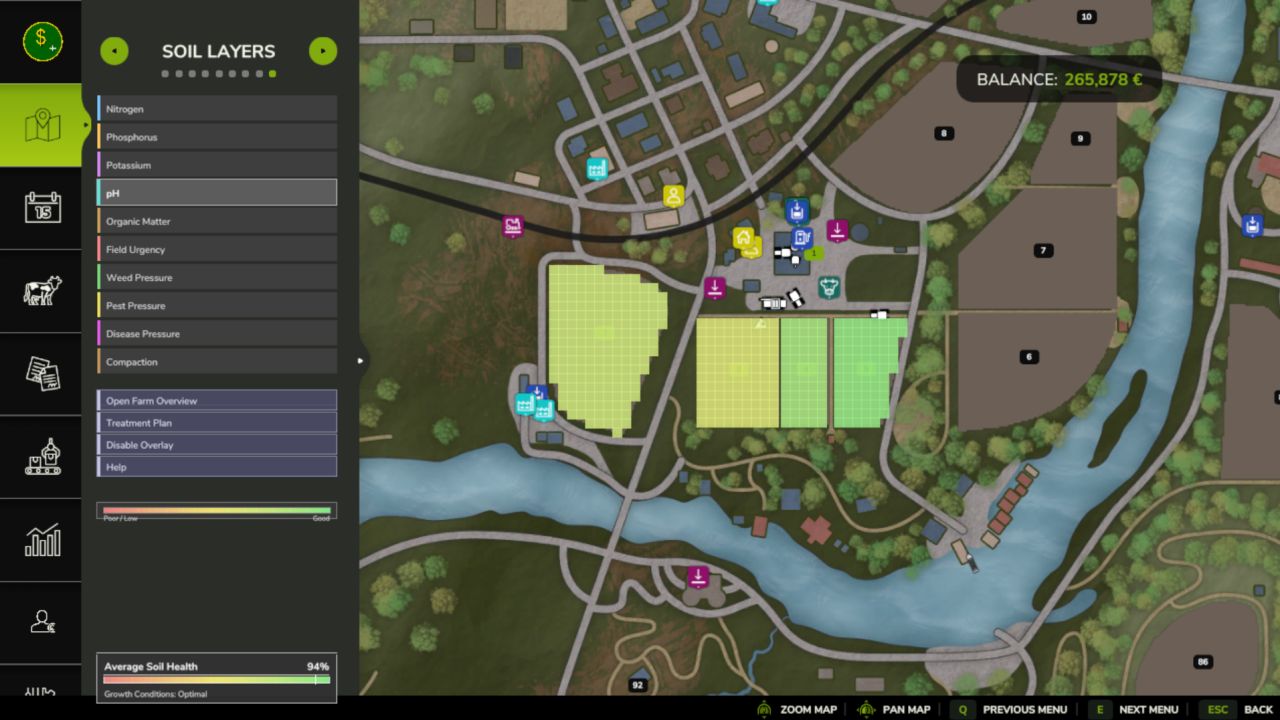
– Live Soil HUD & Map Overlay
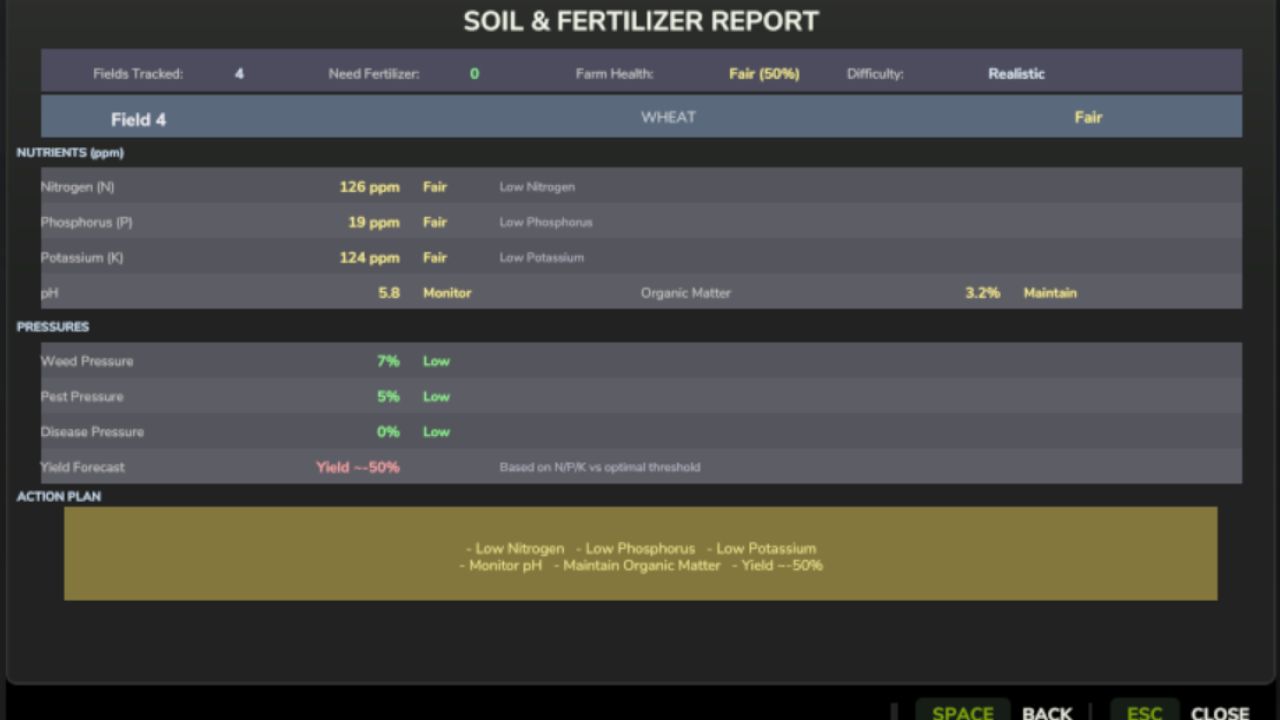
– PDA Soil Report
– Multiplayer & 26 Languages
Controls
– Open Settings panel: Shift + O
– Sprayer Rate Up / Down: assignable (in the cab)
– Toggle HUD / open Soil Report: assignable keybindings
Note that low nitrogen, phosphorus or potassium cuts your yield, so keep your fields fed, plow and rotate your crops, and watch the soil map for trouble before it spreads!
V2.4.5.0
– Fields now catch named, crop-specific fungal diseases
– Scout a field (Shift+K) to identify the disease and the best fungicide to use
– 23 real fungicides, each with per-disease effectiveness, timing and weather rules
– Match the right chemical to the disease, the wrong one only half works
– Crop rotation and soil health now raise or lower disease pressure
– New Disease Difficulty setting: Easy / Normal / Hard
– Console commands: SoilScout, SoilTreat, SoilFungicides, SoilSetDiseaseDifficulty
– Field compaction can no longer read above 100%, the average is now capped
– High compaction now actually cuts yield (up to 15%), even with nutrients topped up
– Precision Farming is now detected only when it is actually enabled for your save, not just installed in the mods folder
– Soil Monitor and applied nutrients now follow the product physically in the tank, even when AI or Courseplay is driving
– Field Info box refactored (removed redundant info, added new info lines)
– All help texts and documentation are now in sync
– Added a Simplified Chinese translation
Required mods:
Density Layer Installer