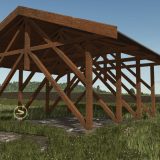
LS25 Speed Radar V1.1.0.0

LS25 Speed Radar V1.1.0.0
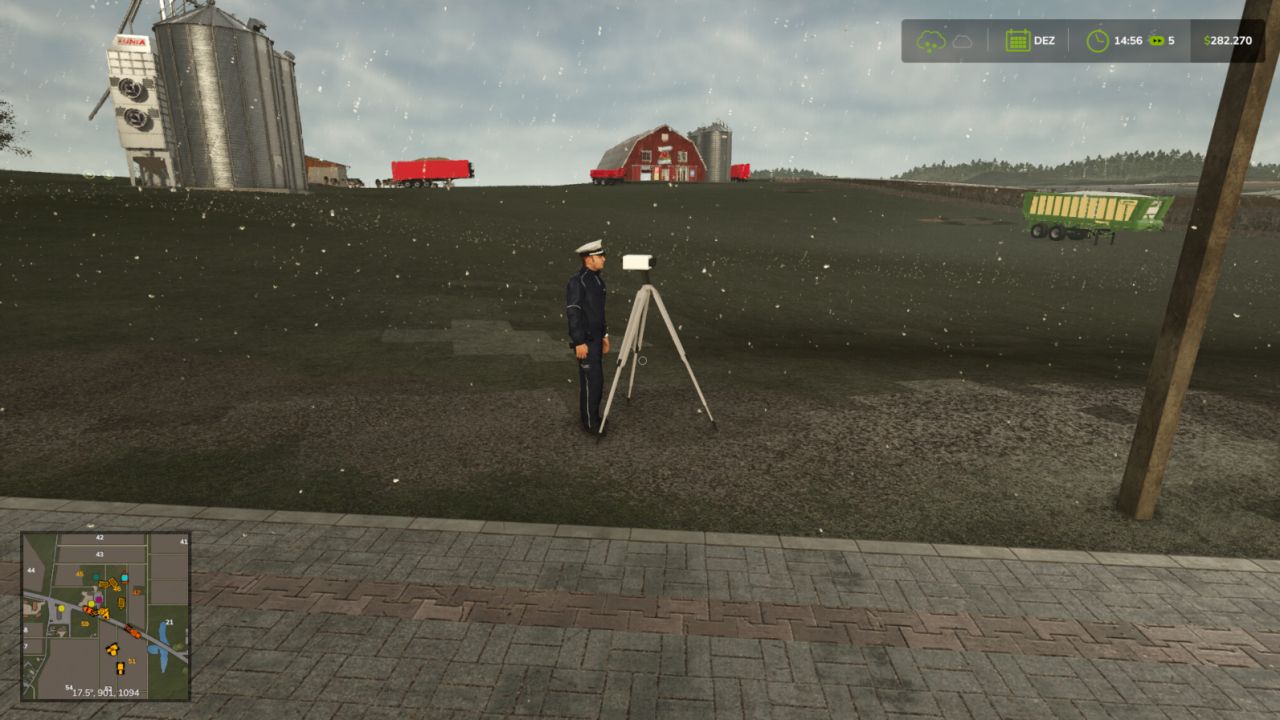
Speed camera system for your server or save. Place cameras along the roads and automatically fine anyone driving over the limit. Fines are deducted from the offender and sent straight to the farm that owns the cameras — like a real traffic enforcement system.
Features
Automatic fines
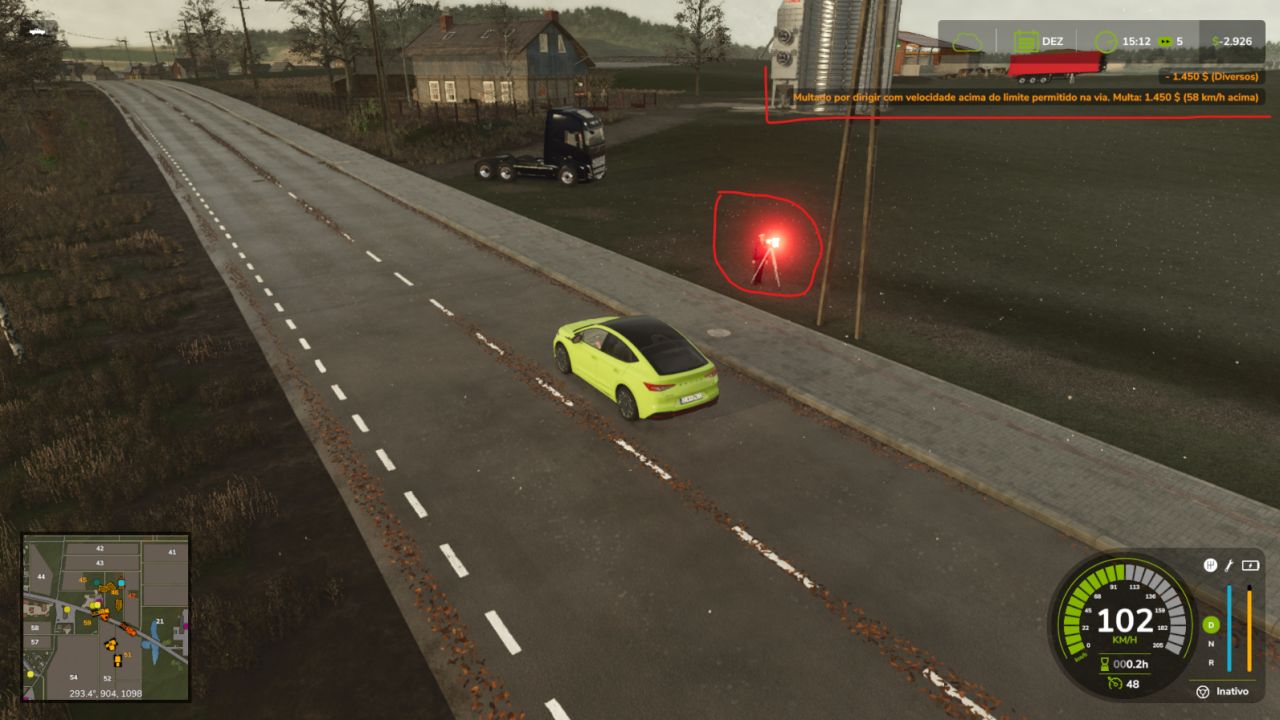
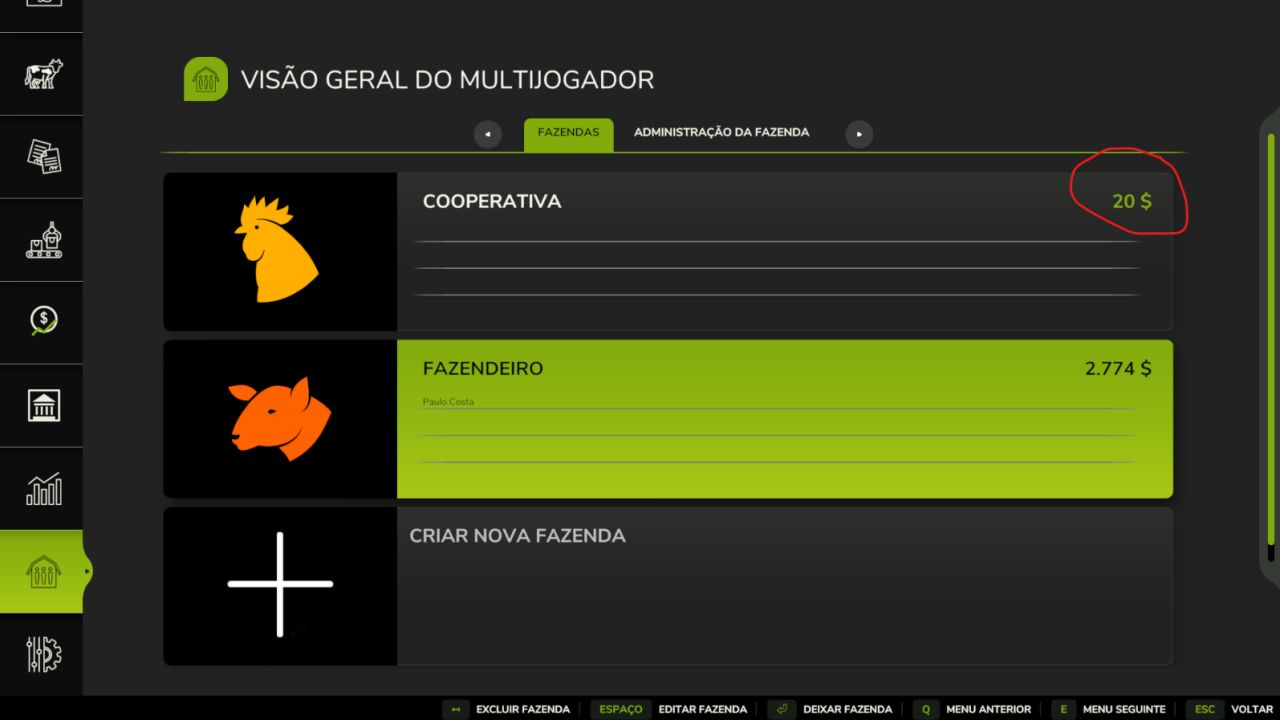
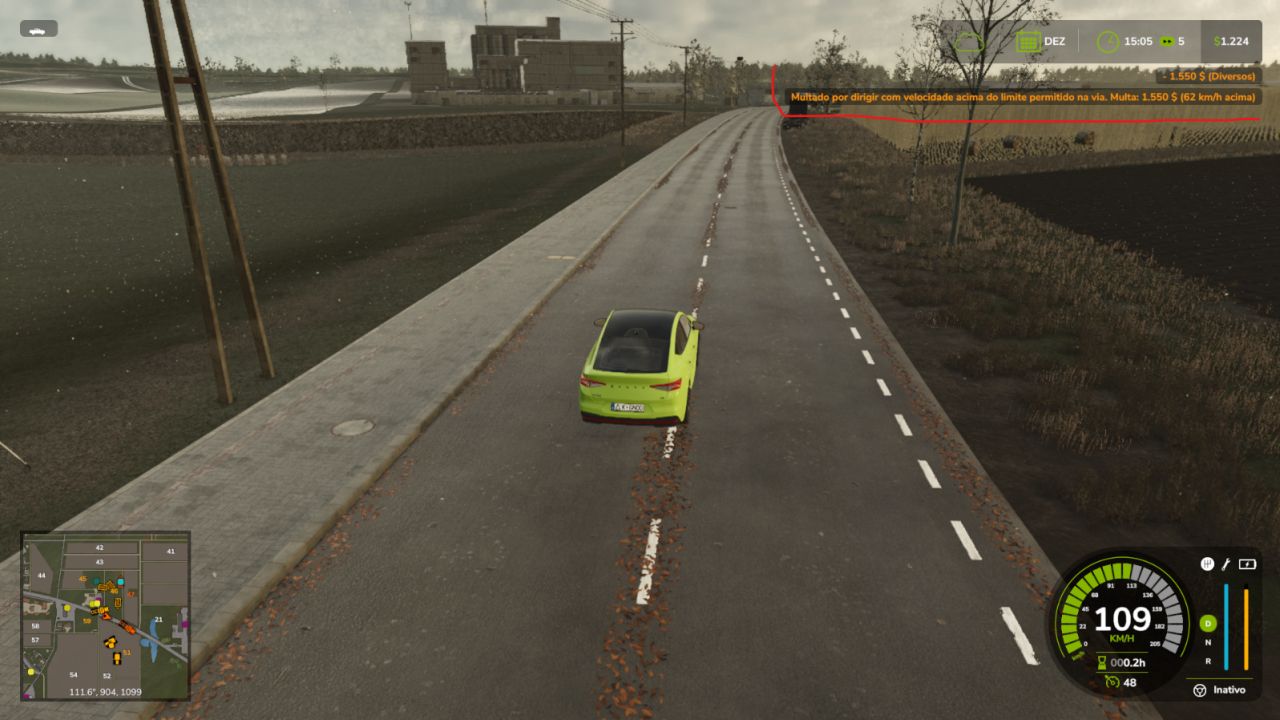
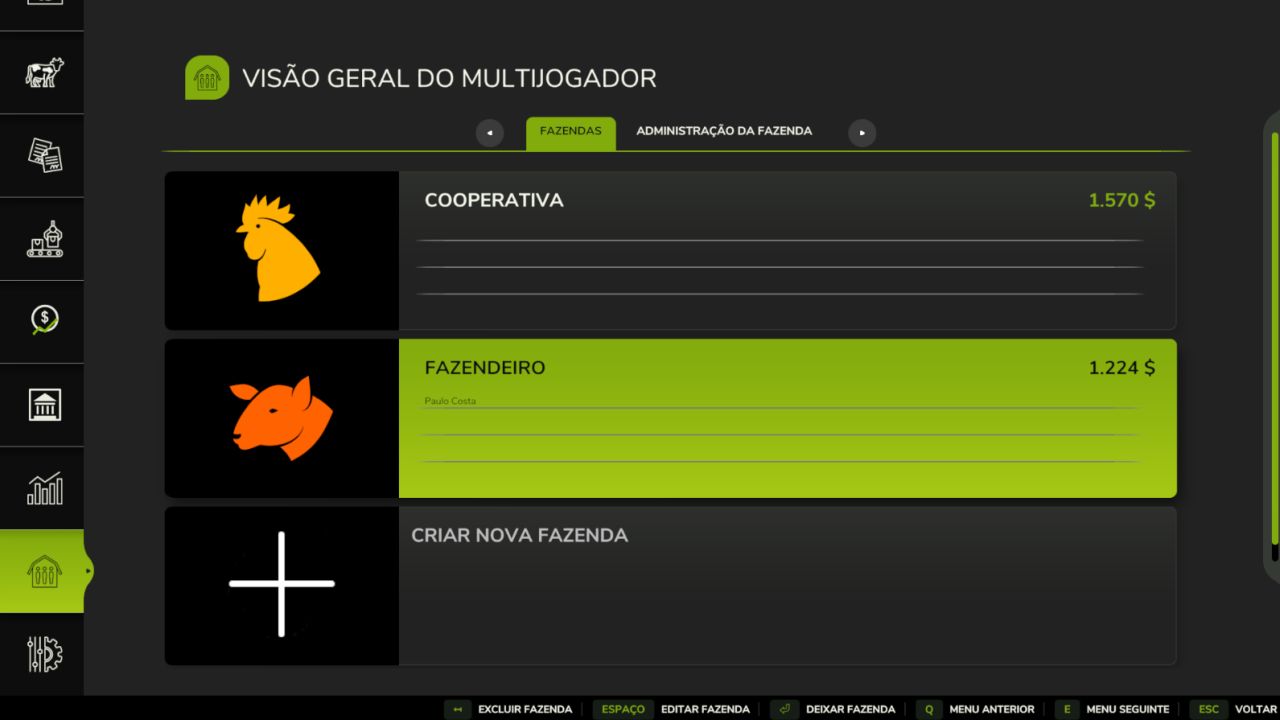
When a vehicle passes over the limit, the fine is automatically deducted from the offender and sent to the owner farm. No menus, fully automatic.
Proportional, realistic fines
The fine grows with speed, like in real life.
10% tolerance: driving up to 10% over the limit does NOT trigger a fine (e.g. limit 100 → free up to 110 km/h).
Above tolerance: the fine is $25 per km/h over the tolerance band.
Exclusive ownership (one owner farm)
The first farm to place a camera becomes the owner. Only that farm can place more cameras; if another farm tries, placement is blocked and the money refunded. All fines go to the owner farm.
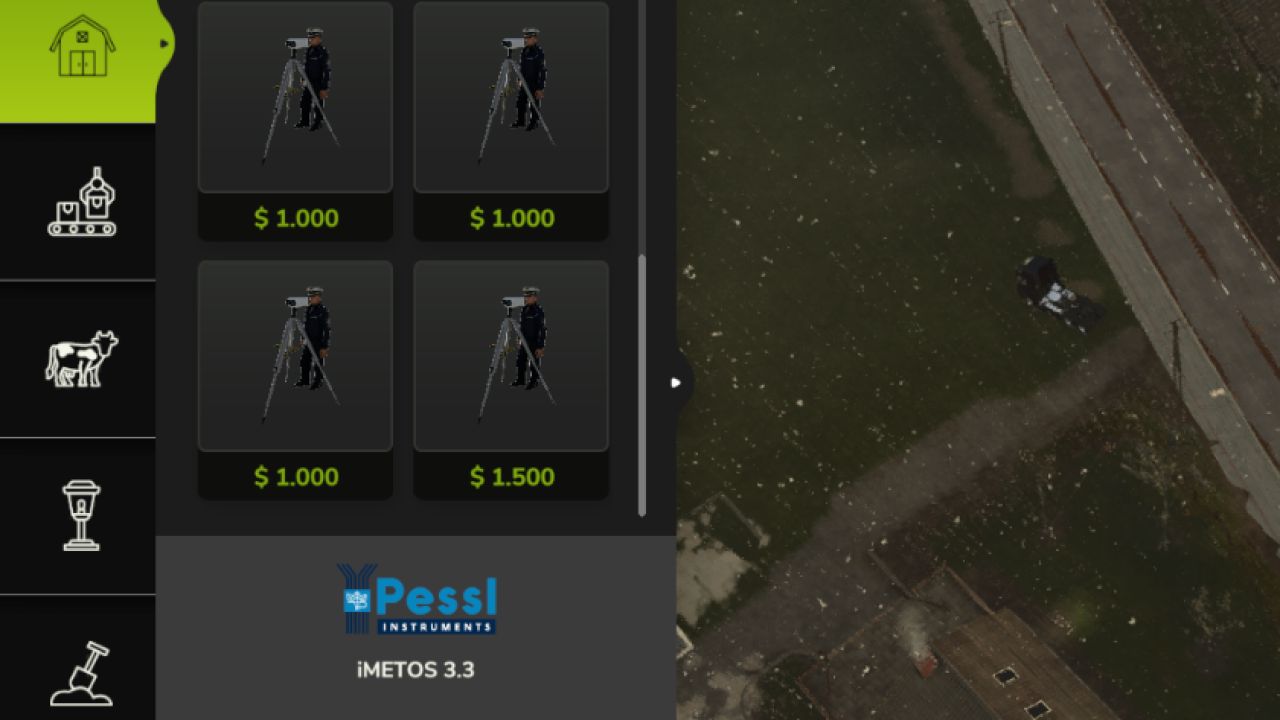
4 camera types by road type
CameraLimit Cost/ km/h Price Rural 40 km/h $25 $1,000 Urban60 km/h $25 $1,000 Highway 80 km/h $25 $1,000 Expressway 100 km/h $25 $1,500
Individual setup (R key)
Walk up to any camera (as the owner) and press R to set that camera’s speed limit and cost per km/h.
Important — R key on dedicated servers
The per-camera configuration via the R key works reliably in single player and on a server hosted on your own PC. On a dedicated server, changes made with the R key may not persist after a restart. For dedicated servers, we recommend editing the XML files directly (see above) so the values are fixed.
CHANGELOG (v1.1.0.0)
Speed Camera BR v1.1.0.0
– Automatic fine collection (money goes to the owning farm)
– Proportional fine: 10% tolerance + $25 per km/h over the limit
– Exclusive ownership: only the 1st farm can place speed cameras
– 4 camera types based on speed limits (40/60/80/100 km/h)
– Individual configuration per camera (R key)
– Messages in Portuguese
– Multiplayer support
NOTE: Configuration via the R key may not persist on a dedicated
server; in that case, edit the camera XML files manually.