LS25 Market Price Helper V1.0.0.0

LS25 Market Price Helper V1.0.0.0
PriceTicker is a market price helper for Farming Simulator 25. It adds an original style ESC menu and a discreet in game HUD so you can track the best selling prices without constantly opening the default price screen.
Features:
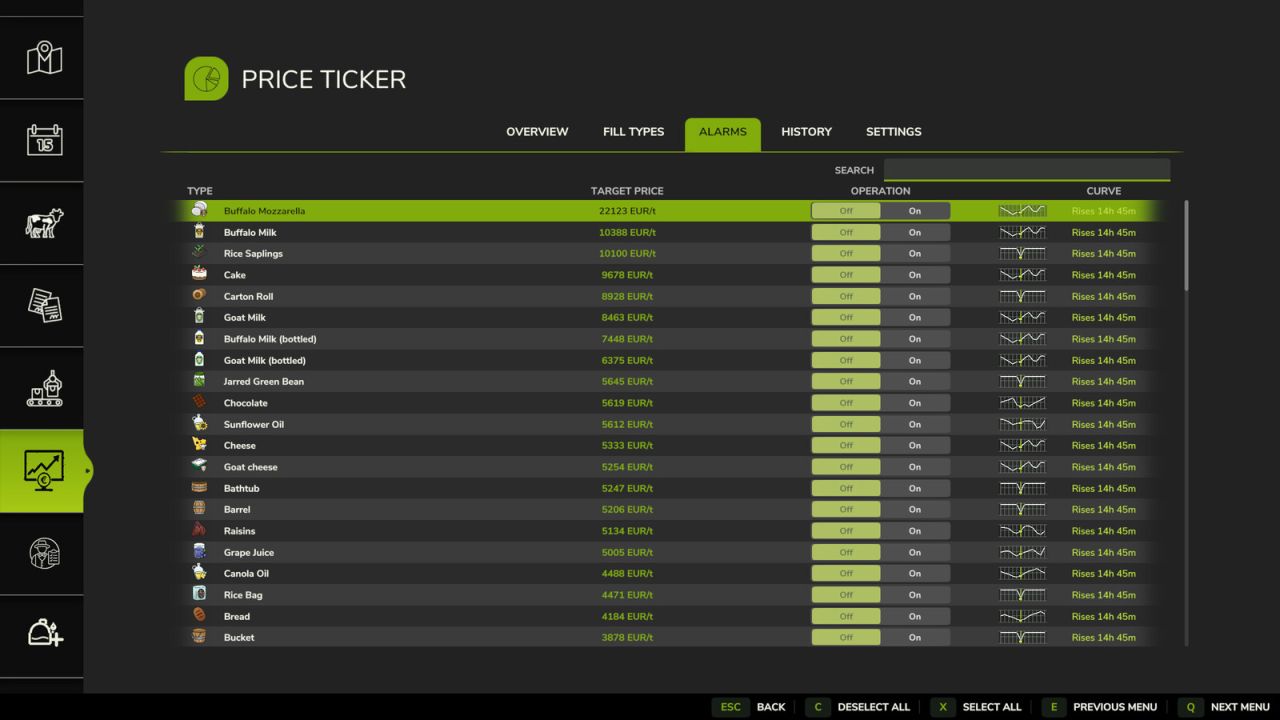
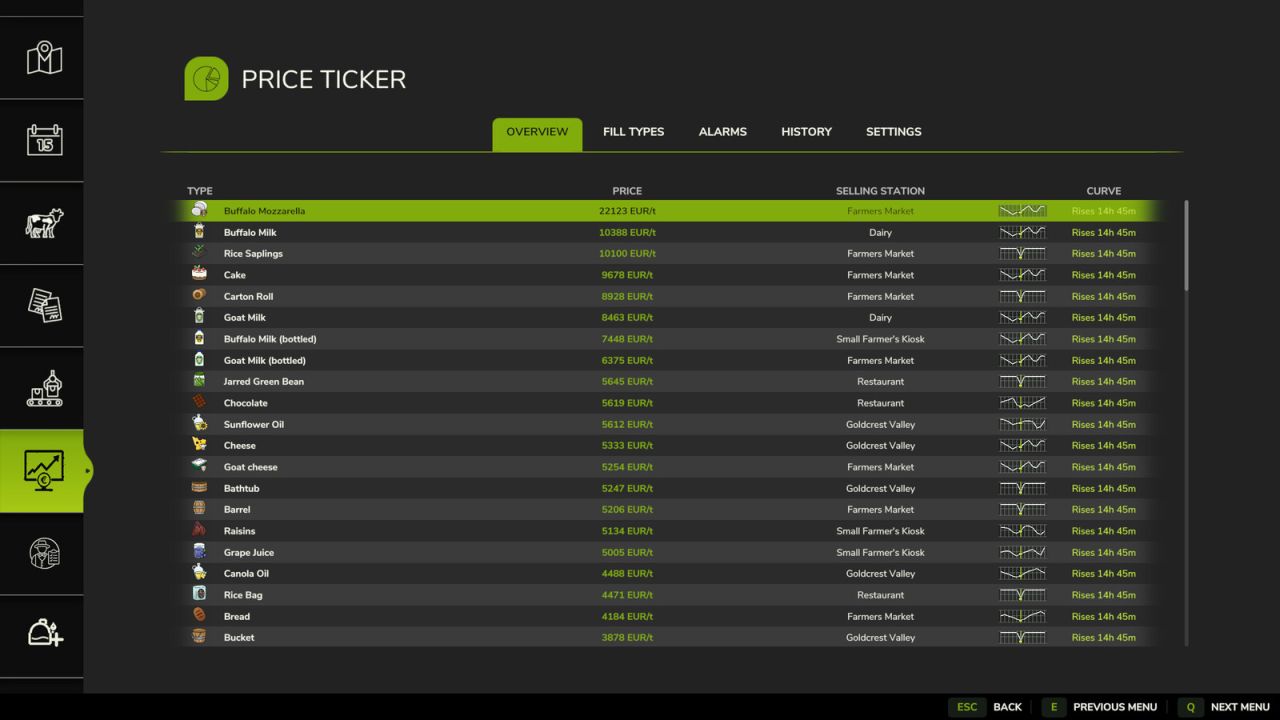
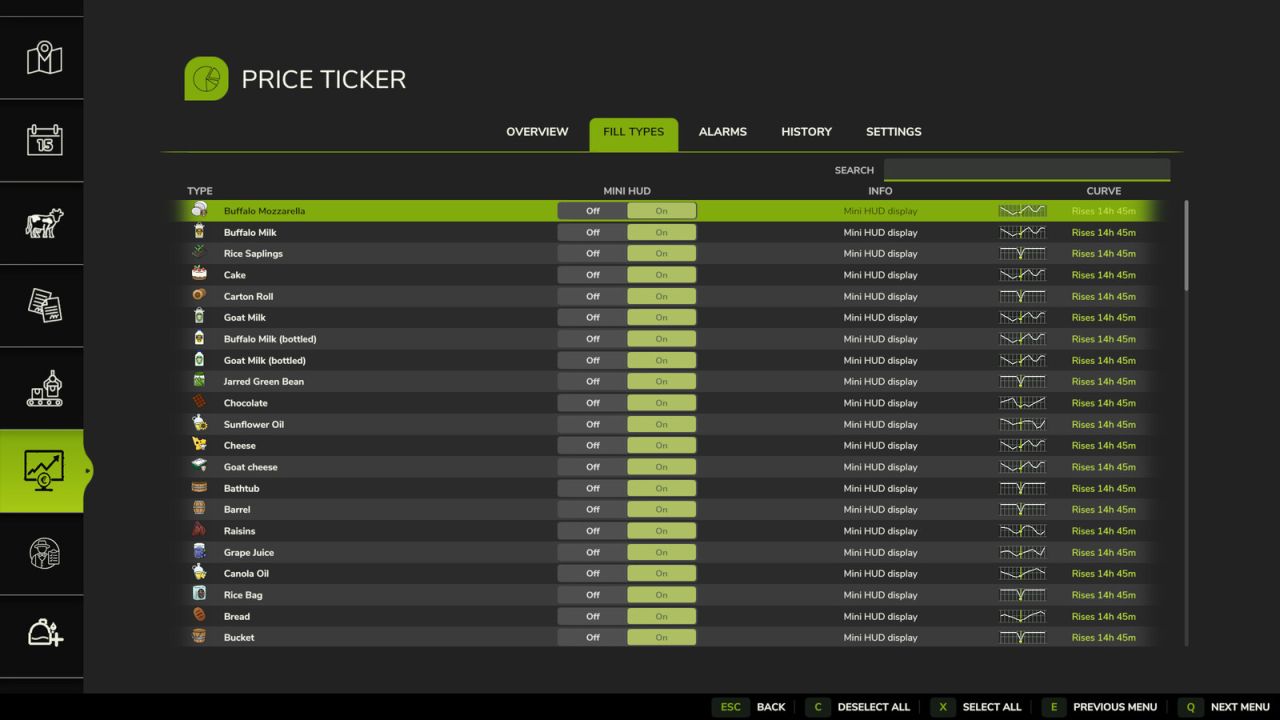
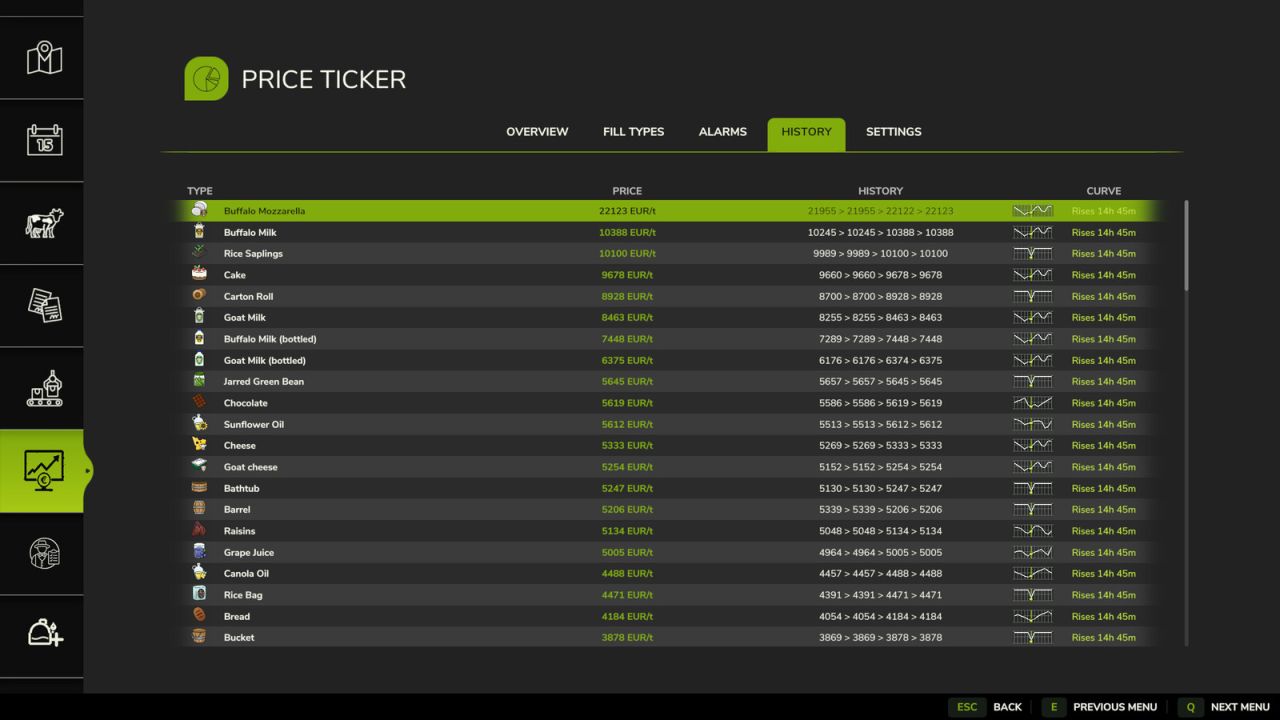
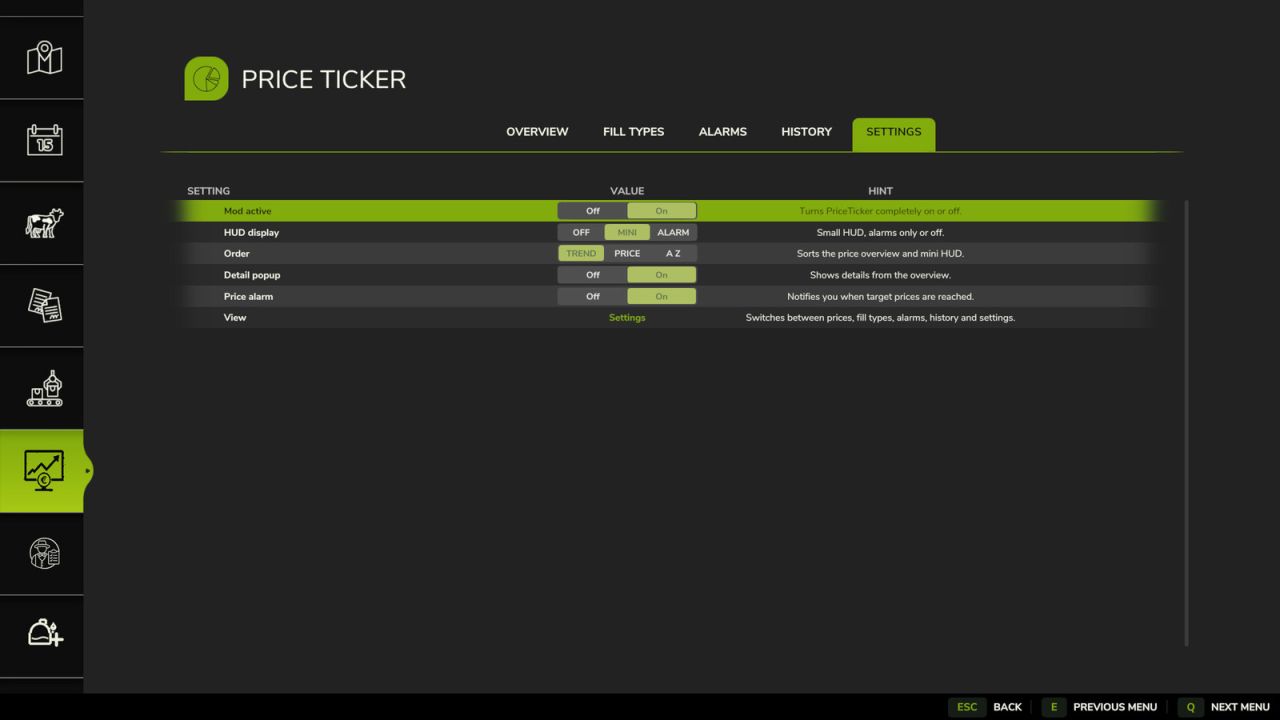
LS25 style PriceTicker menu with Overview, Fill Types, Alarms, History and Settings tabs
Best selling price and selling station for crops, productions, pallets and supported mod fill types
Automatic reading of all price table fill types, including supported modded products
Product icons from the game and mods shown directly in the lists and HUD
Effective station prices, including price scale and economic difficulty
LS25 based price curve using the game’s seasonal price history
Small line chart with grid and current period marker in the menu and HUD
Rising/falling price indicator with time until the next price period
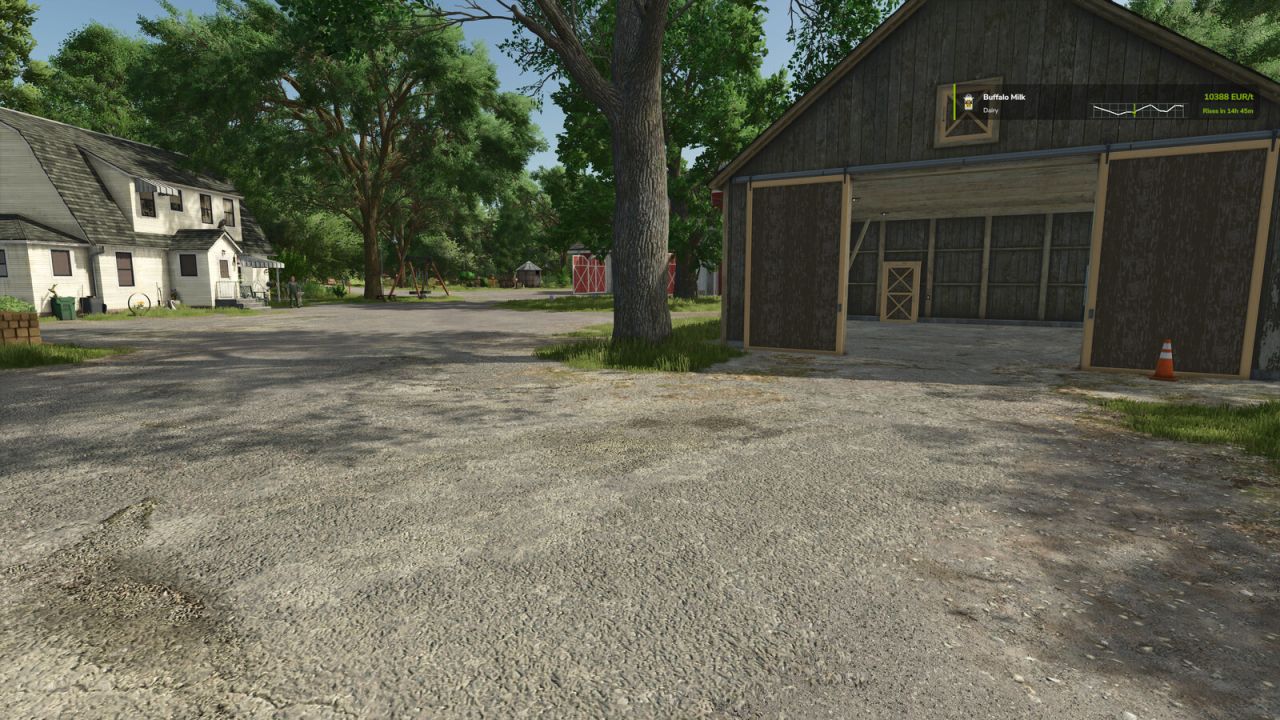
Configurable mini HUD: off, mini display or alarm only mode
HUD shows product icon, product name, best price, selling station, trend and price curve
Selectable products for the HUD
Price alarms per product with on/off controls and green top right notification
Sort order by trend, best price or A Z
Optional detail popup and short price history for quick comparison
PriceTicker is designed to feel close to the original LS25 menus while giving you faster access to the market information you need during gameplay.