LS25 Tatra E6 Silo Space Joskin Pack V1.1.0.1
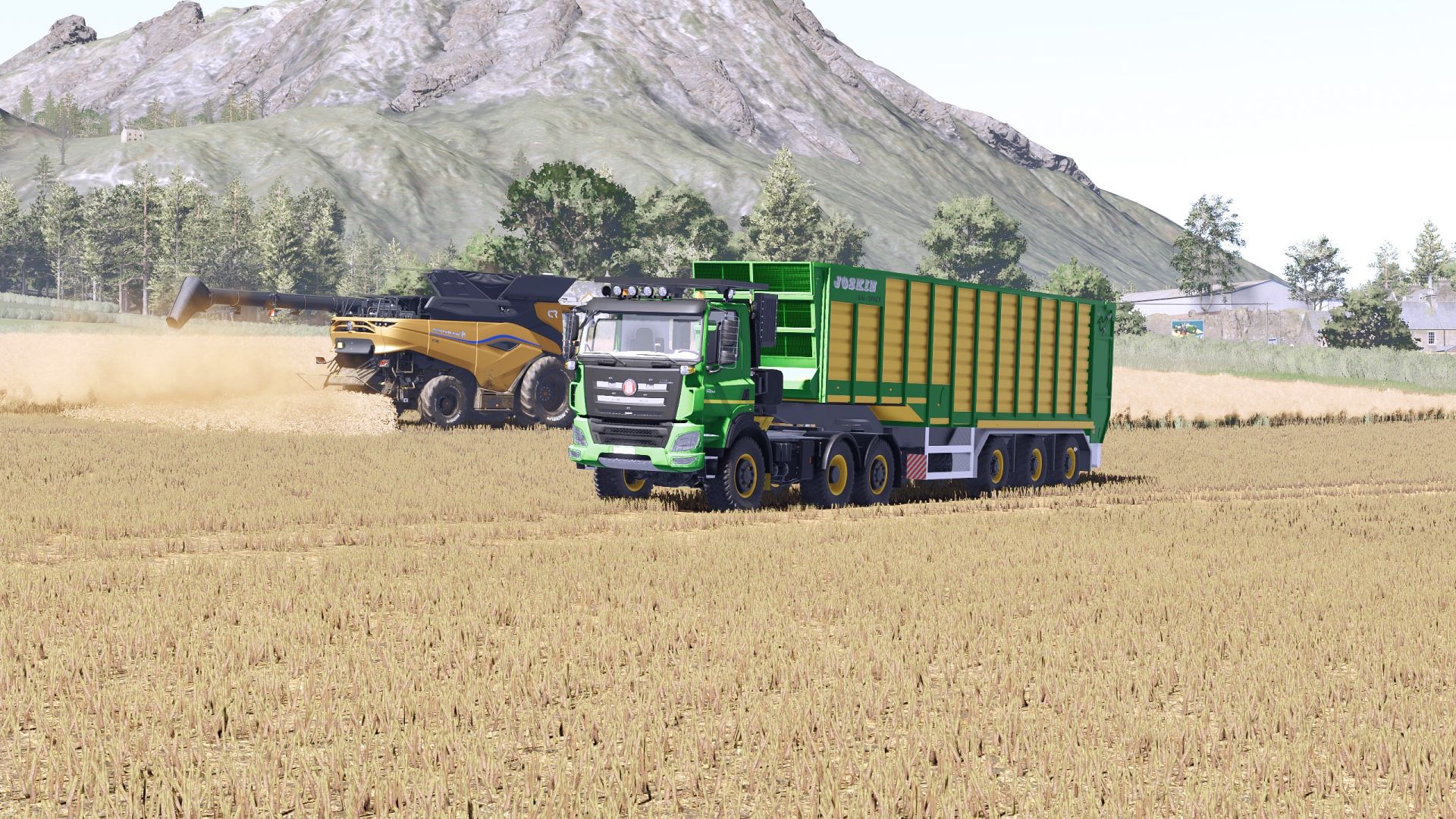

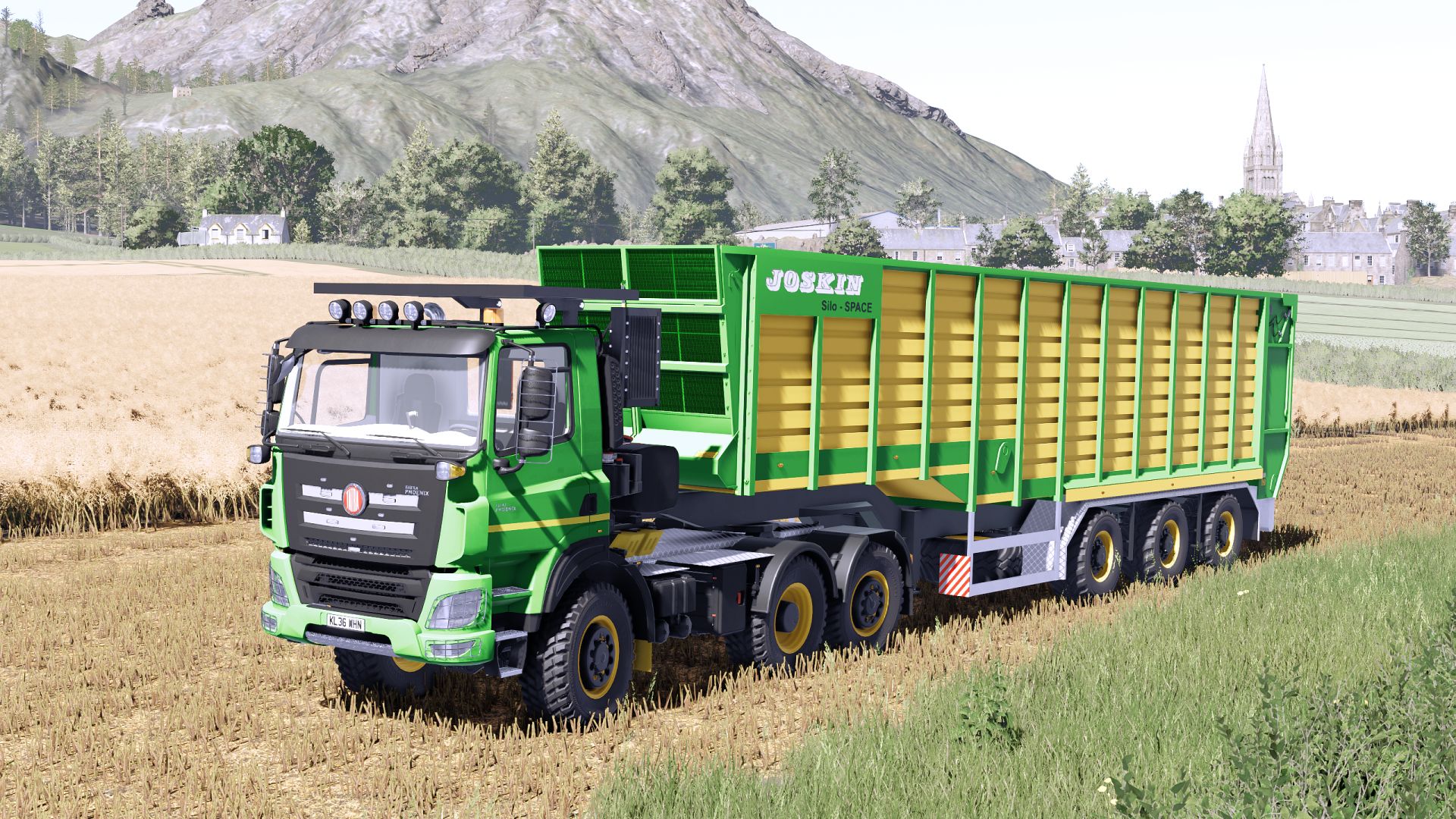
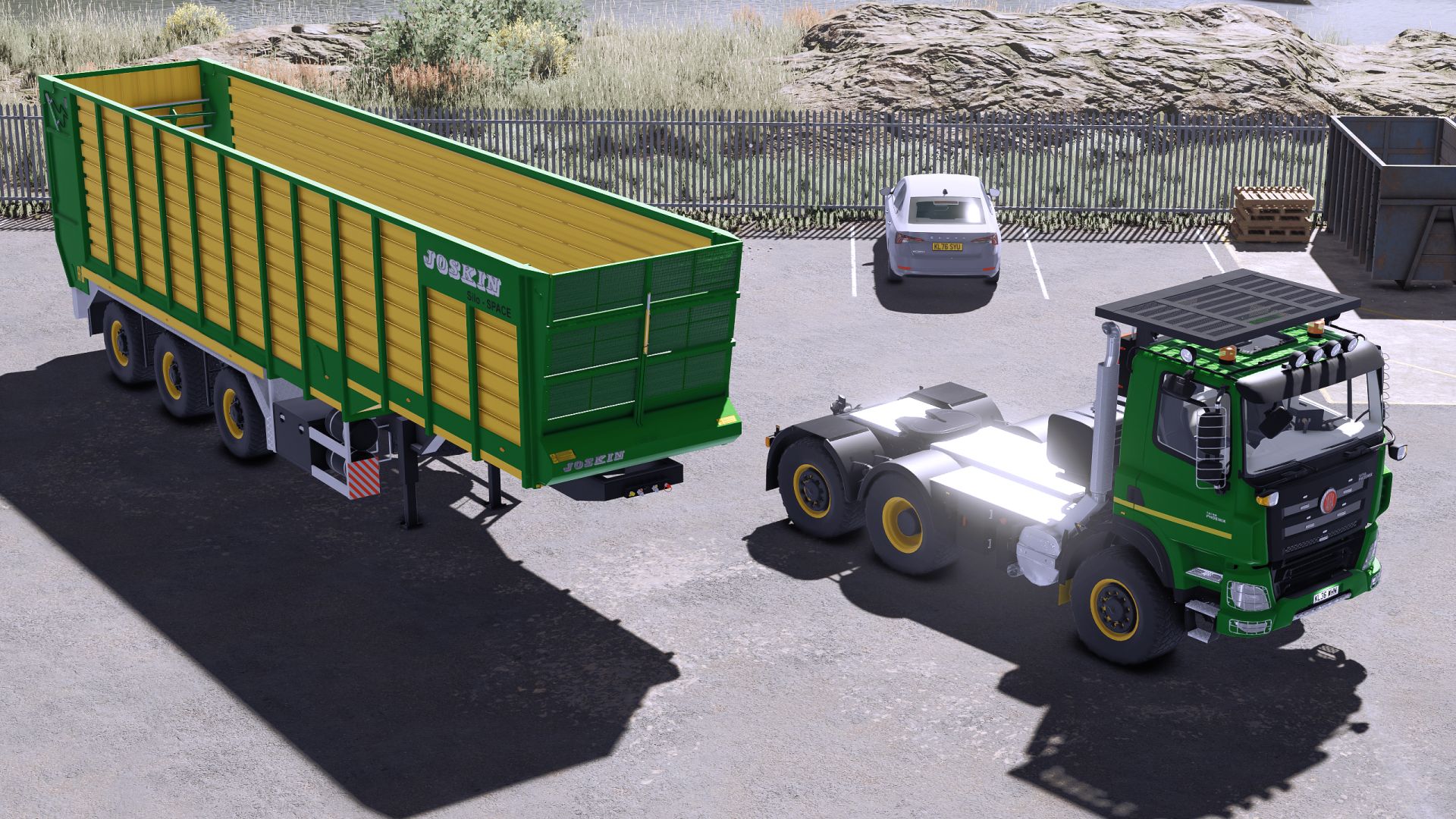
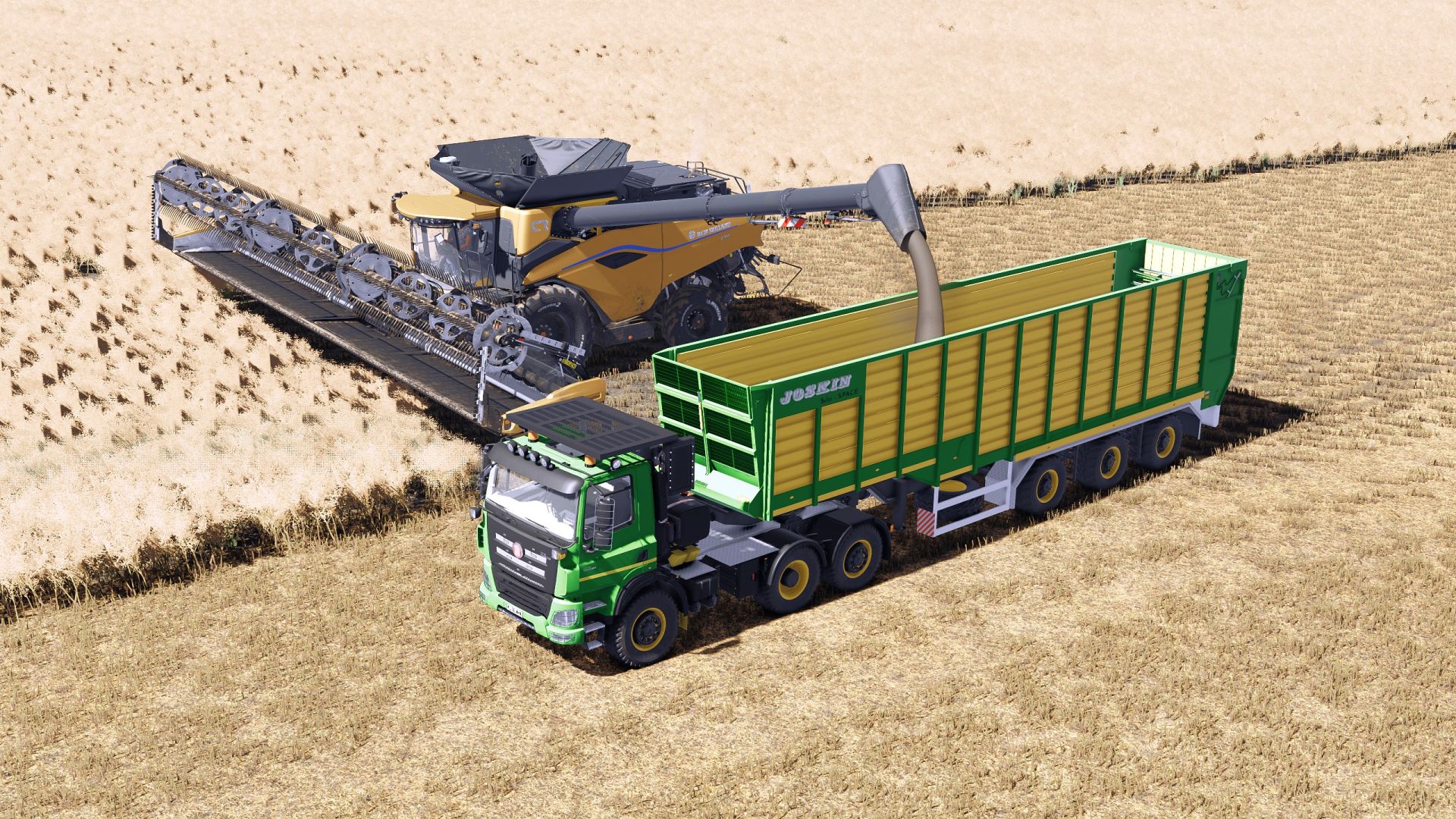
LS25 Tatra E6 Silo Space Joskin Pack V1.1.0.1
Originally mod of SD_Modding FS19, converted to FS22 by Iceflower S, and the final conversion by me.
What’s new?
A camera has been added to show the fifth wheel hitch, which can be viewed on the monitor inside the cab.
The Mercedes-Benz DLC is required for the camera to work; without it, the monitor will display a black screen.
Engine options: 625 880 HP
Transmission: ZF AS-Tronic 12TX (11 forward + 2 reverse gears)
Top speed: 90 km/h (50 mph)
Silo Space capacity: 66.310L
Multiple configurations (forestry, storage boxes, beacons)
Rear tow hitch available
Working lights and mirrors
V1.1.0.1
Swapped the wheel system to the new FS25 system on both the truck and the trailer to provide more variety and future compatibility in case Giants adds more wheels of the specified size to the game. These will be added automatically, so the mod will not need to be updated to remain compatible or to add them manually.
Updated the normals and vmask in general from FS22 for the Tatra (the FS19 versions were previously used and had lower quality).
Replaced the dashboard icons.
Changed the Beacon Lights and flashLights to LIZARD ones (better model performance).
Added new sounds to the truck and trailer.
Changed the L10n translation system to separate files for each language, which allows more languages to be added without modifying modDesc.
Updated the store icons and the mod icon in general.
Adjusted the truck and trailer attributes.
Adjusted the particle positions in both exhaust configurations.
Fixed the position of the fans in the forestry configuration, which were misplaced and did not display correctly.
Added AI helper support for the truck.
Fixed the black grille on the trailer.
Added 2 new configurations for the rear fenders.
Restored the option to choose the front plate position (upper or lower).
Changed some materials on some parts of the truck.
Added a new configuration for the fifth wheel coupling (Krampe), which is dynamic.