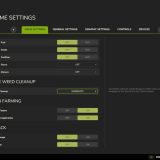
LS25 Dynamic Market V1.0.2.0
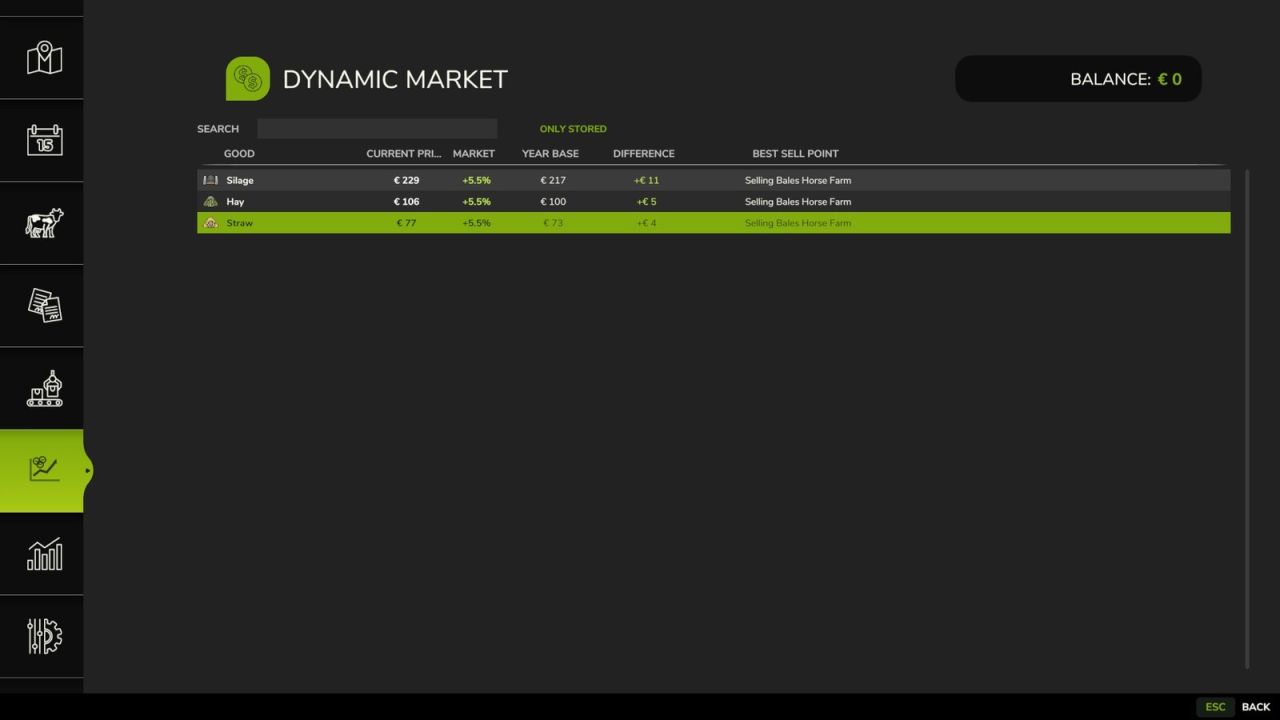

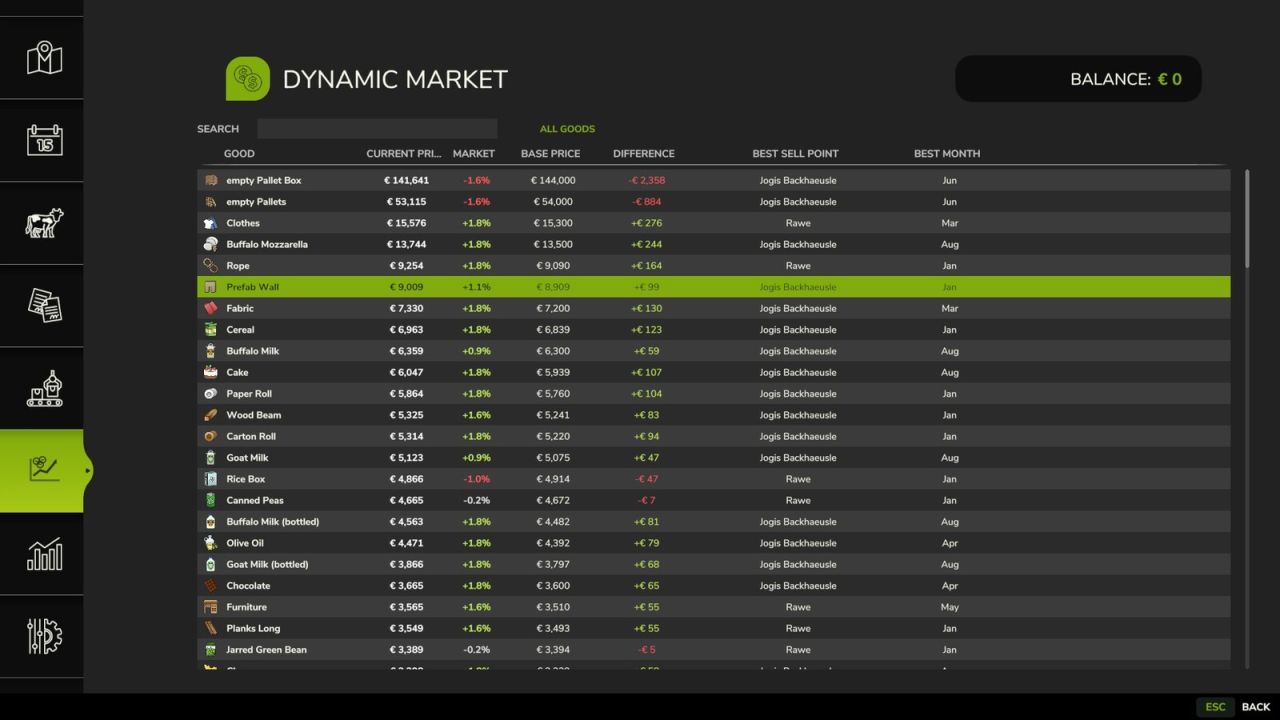
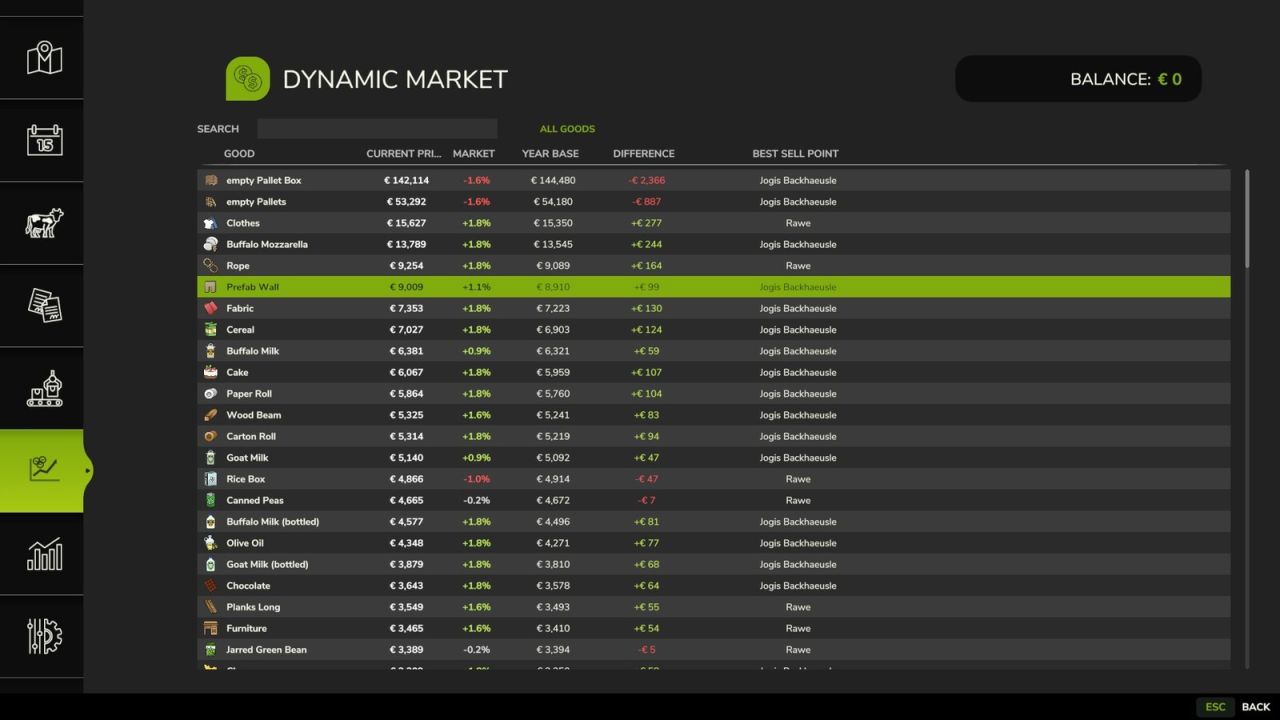
LS25 Dynamic Market V1.0.2.0
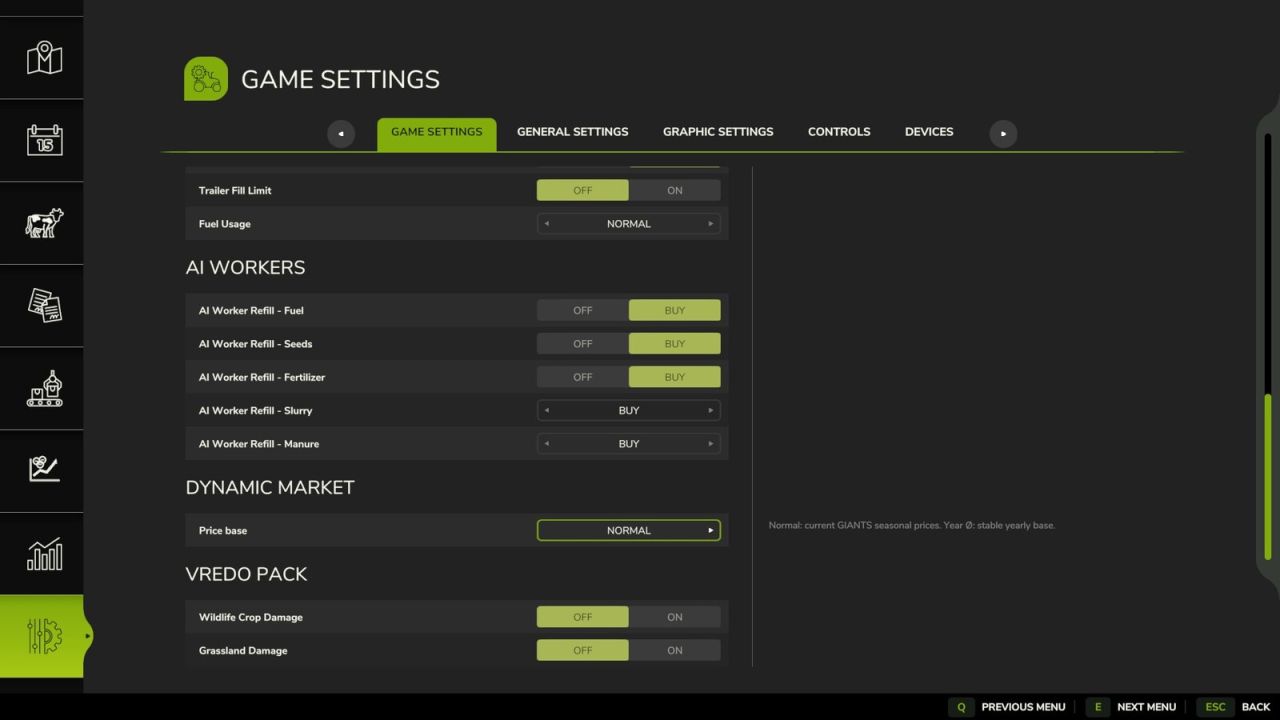
Extends the Farming Simulator selling price system with an additional dynamic monthly market layer. The base game pricing and seasonal logic remain unchanged and are used as foundation in standard mode. On top of this, an independent market adjustment applies monthly price variations based on product group and global market state.
Optionally, a yearly average mode can be enabled. In this mode the Giants seasonal price curve is disabled and replaced by a stable yearly mean value. This yearly average is calculated based on the usual Giants pricing logic, including difficulty settings and selling station influence. It provides a consistent reference over the whole year and allows players to decide the best selling month without relying on predictable seasonal peaks.
Each product category (grains, oilseeds, vegetables, forage crops, wood, animal products and processed goods) follows its own price curve. This prevents uniform price changes and creates more realistic market behavior across different goods.
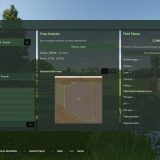
A dedicated market screen displays the base game price, the dynamically adjusted selling price or yearly average value depending on mode, the percentage difference, the selling location and the best selling month from the base game. Search and storage filter allow fast navigation through available products.
All market calculations are server-side in multiplayer to ensure consistent pricing across all clients.
Features:
additional dynamic monthly market layer on top of base game pricing
optional yearly average mode replacing Giants seasonal curve
yearly average based on Giants pricing logic, difficulty and selling station
independent price curves per product group
comparison between base game price and adjusted market result
percentage deviation display
in-game market overview page with search and storage filter
automatic detection of sellable products from maps and mods
manual product group assignment for custom or misdetected items
server-authoritative pricing for multiplayer savegames
V1.0.2.0
added italian language (thx to FirenzeIT)