LS25 Camera DoF V1.0.0.0

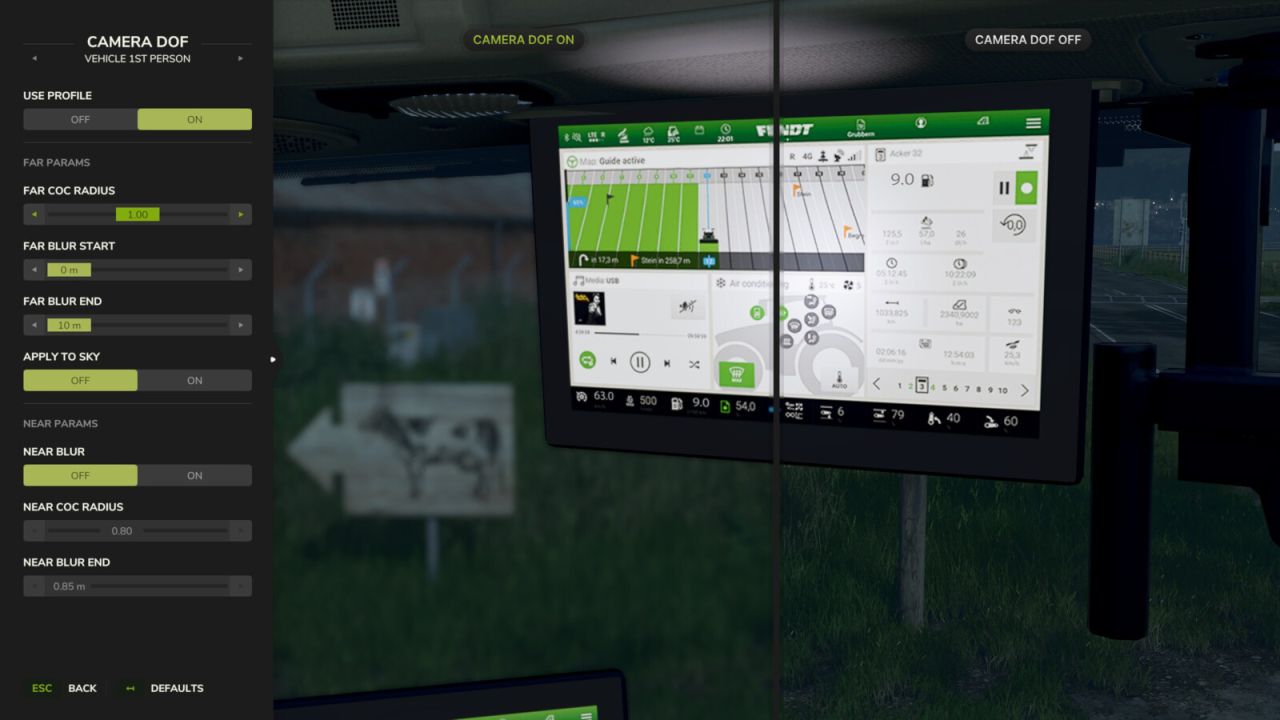
LS25 Camera DoF V1.0.0.0
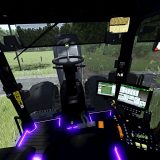
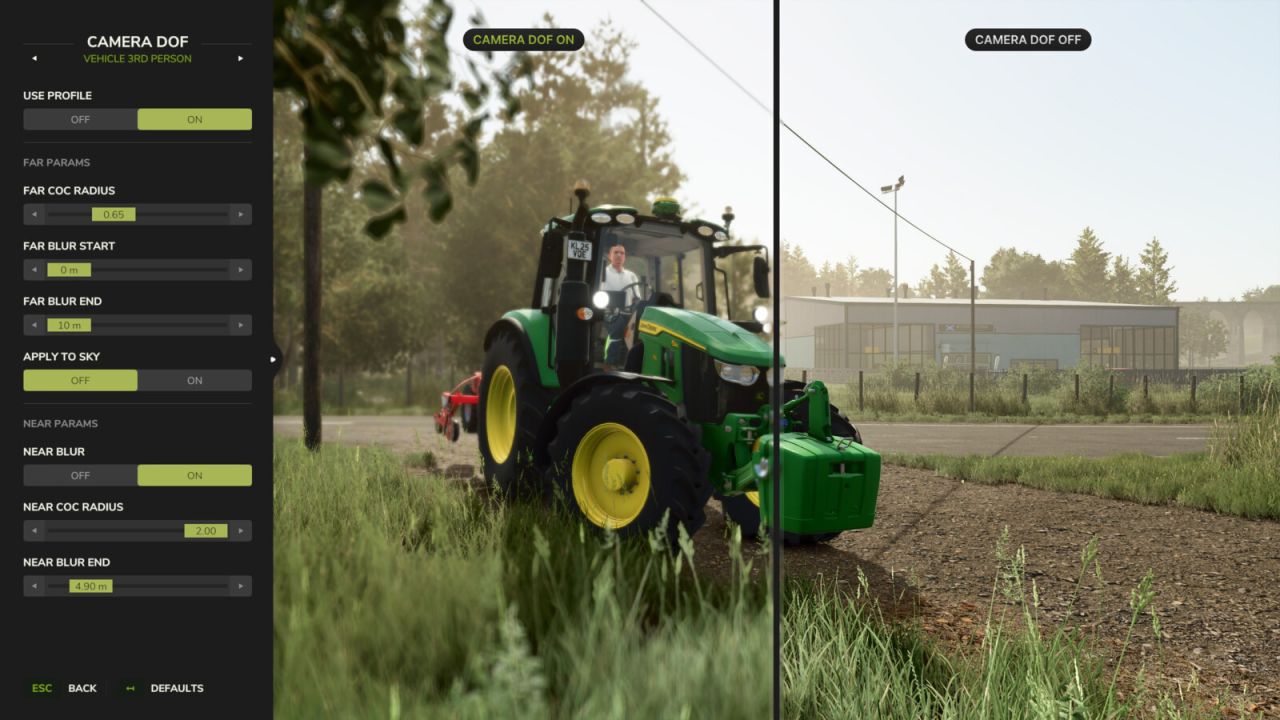
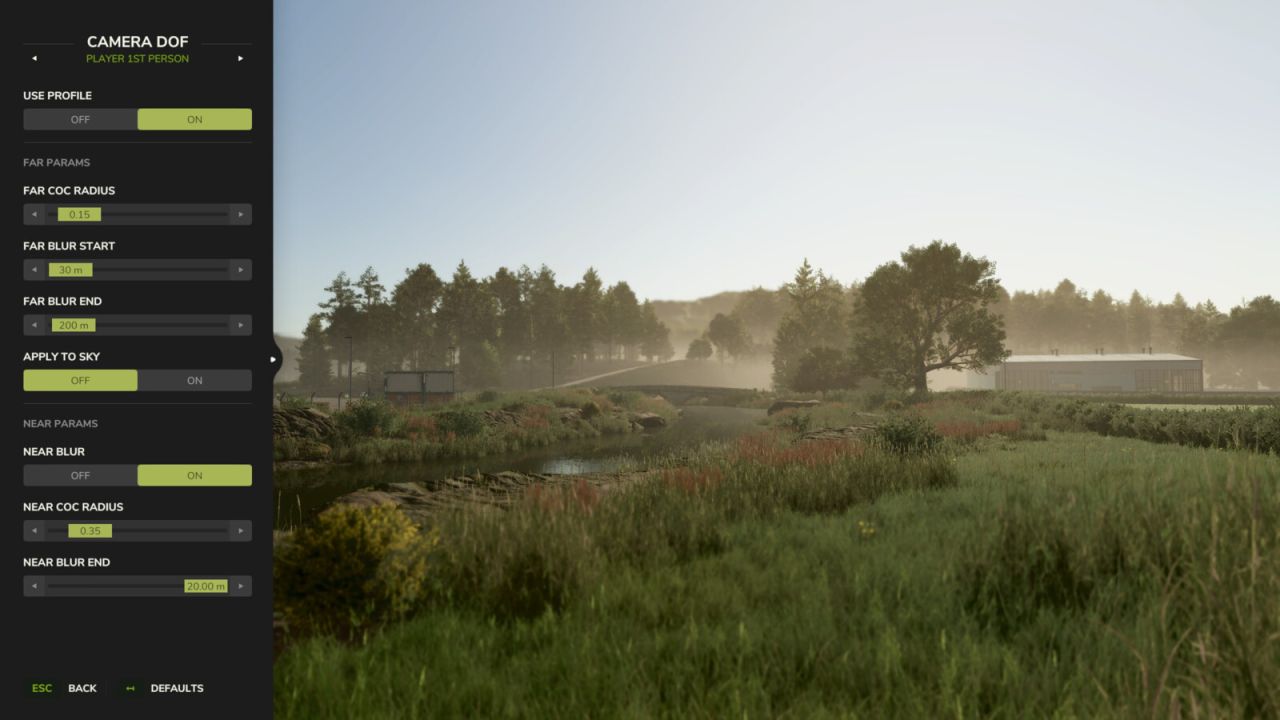
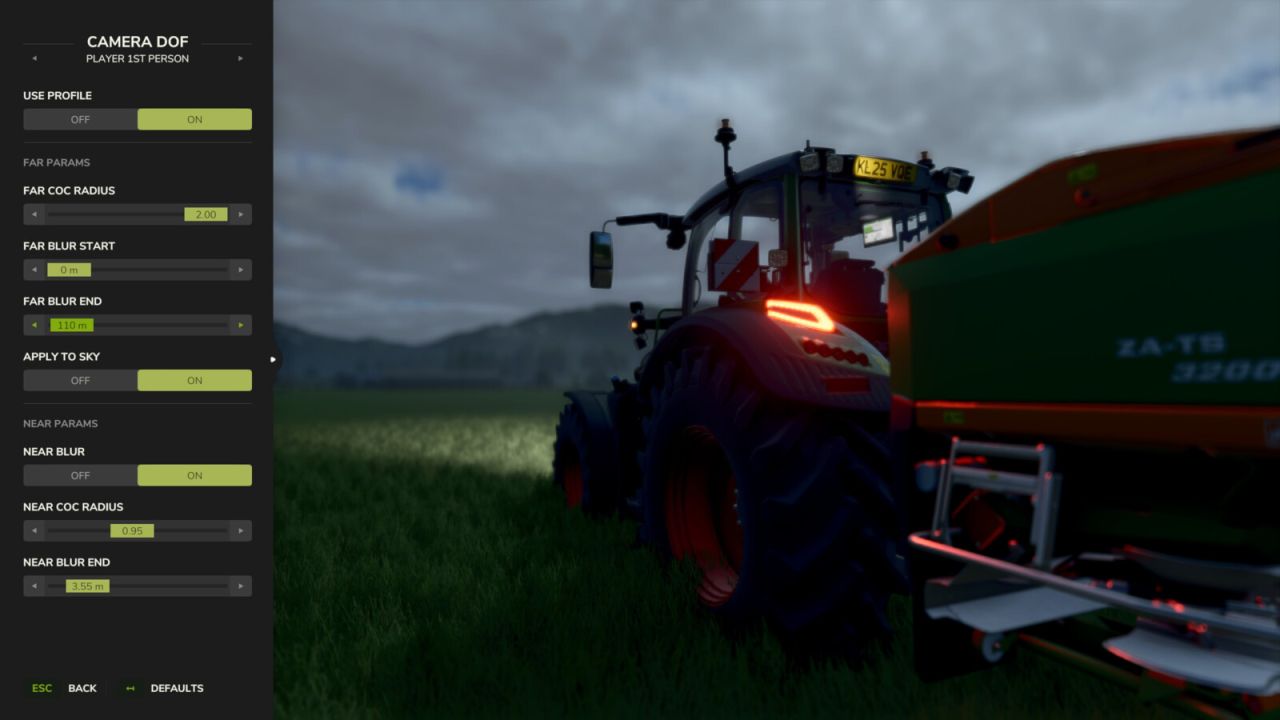
Adds cinematic depth to your gameplay by taking full control over the camera’s depth-of-field effect. Instead of relying on the game’s default blur settings, you can now fine-tune near and far blur independently for every camera perspective and see the changes in real time.
Features:
Configure 4 separate blur profiles: Vehicle 1st Person, Vehicle 3rd Person, Player 1st Person, and Player 3rd Person.
Adjust near and far blur parameters including CoC radius, blur distances, and sky application.
Enable or disable each profile individually — disabled profiles fall back to the game’s default DOF.
Reset any profile to built-in defaults with a single click. Settings are saved automatically.
Hotkeys:
Press ‘F6’ to open the Camera DoF settings dialog.
For more info, bug reports, or to contribute, check out GitHub (modnext/cameraDof).