LS25 John Deere 4055 Tracked v1.0.0.0

LS25 John Deere 4055 Tracked v1.0.0.0
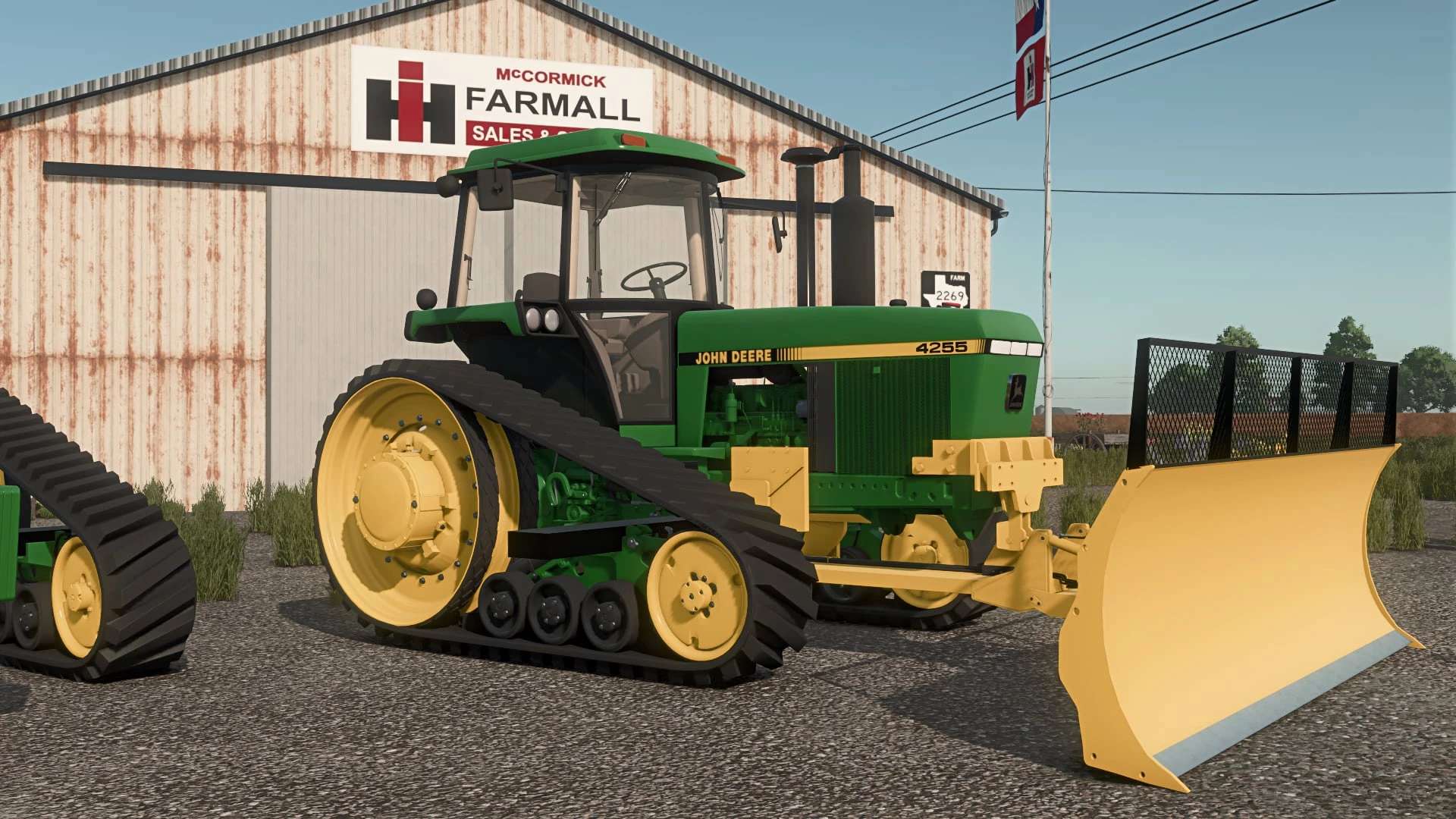
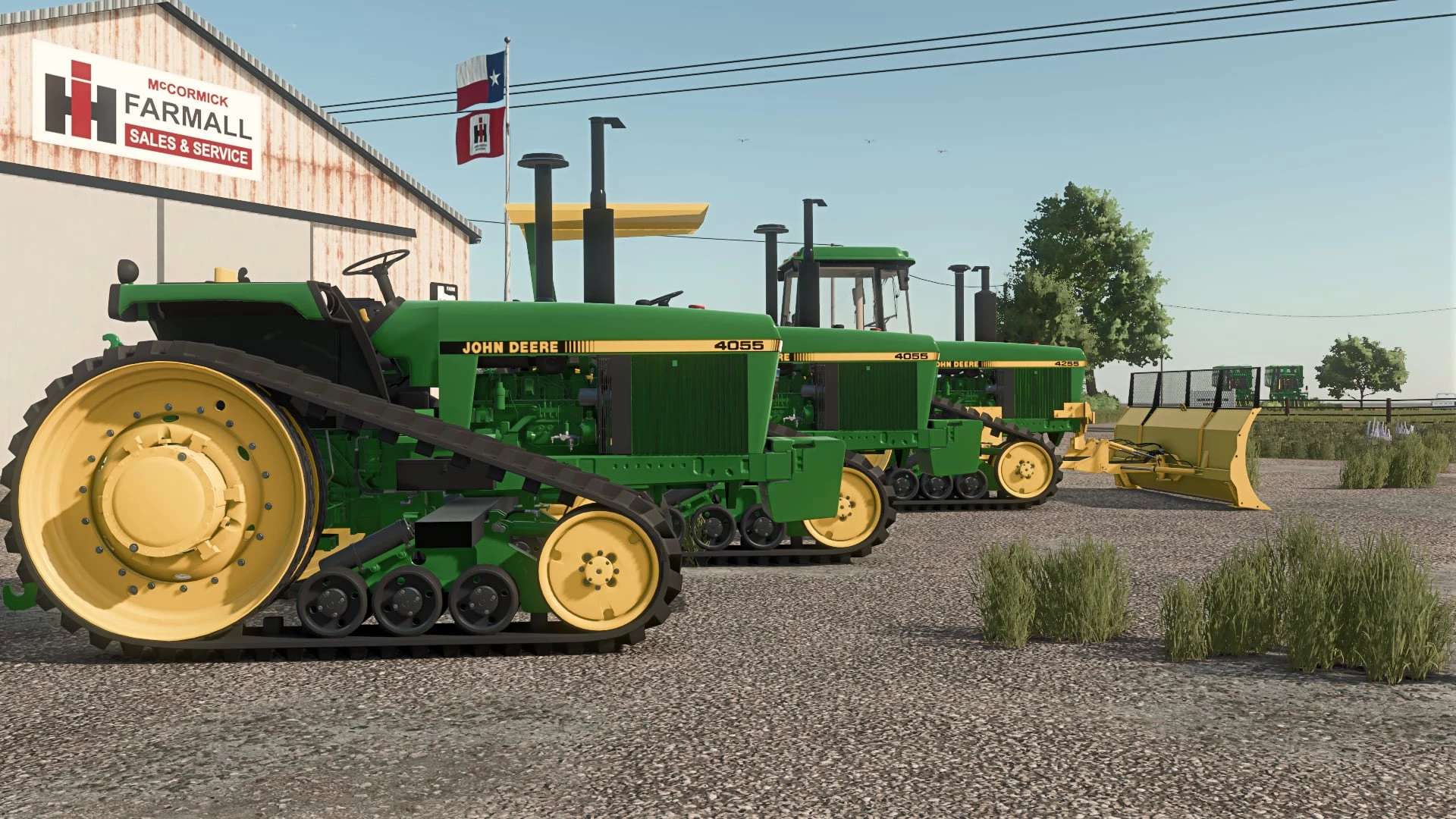
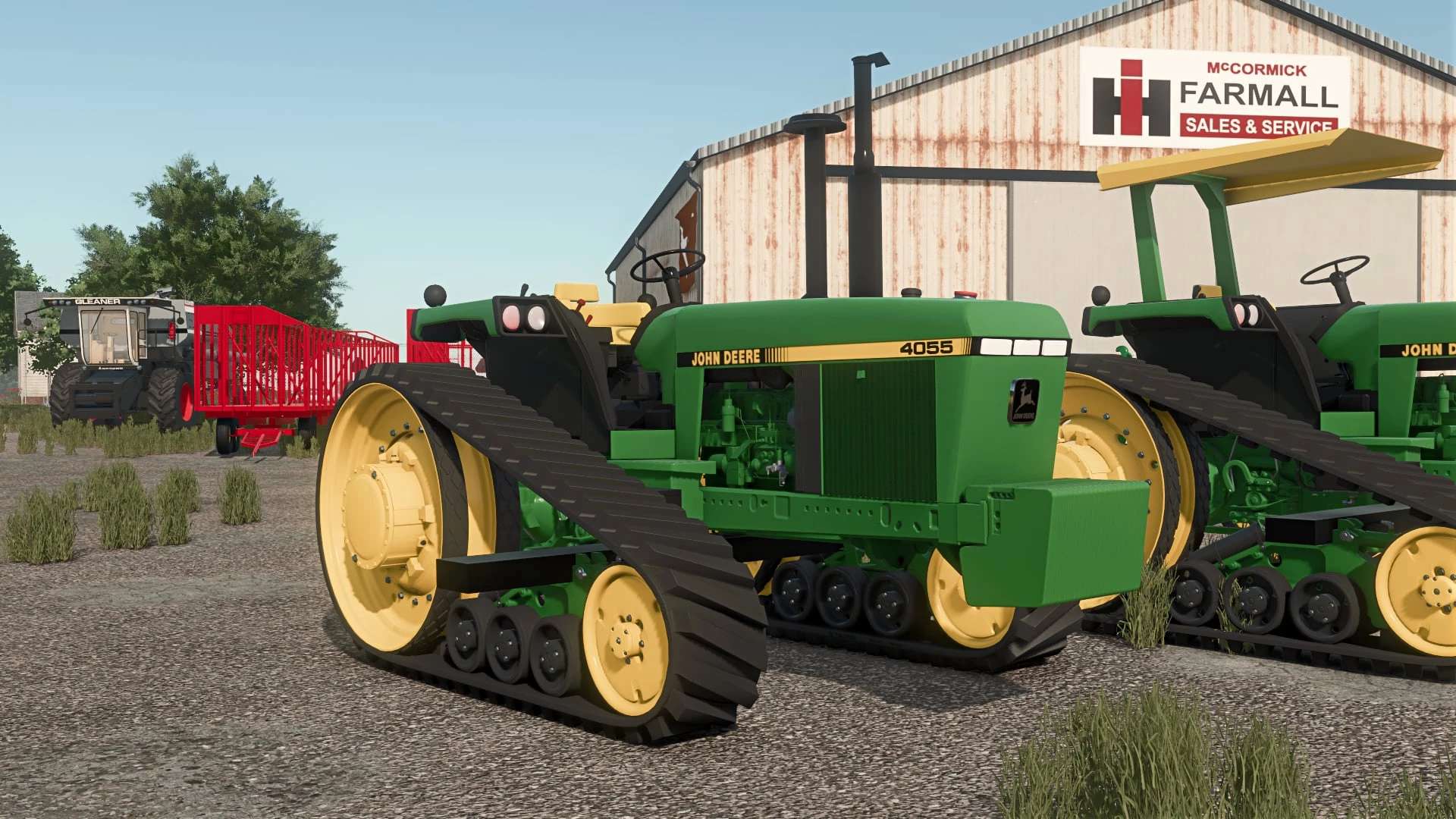
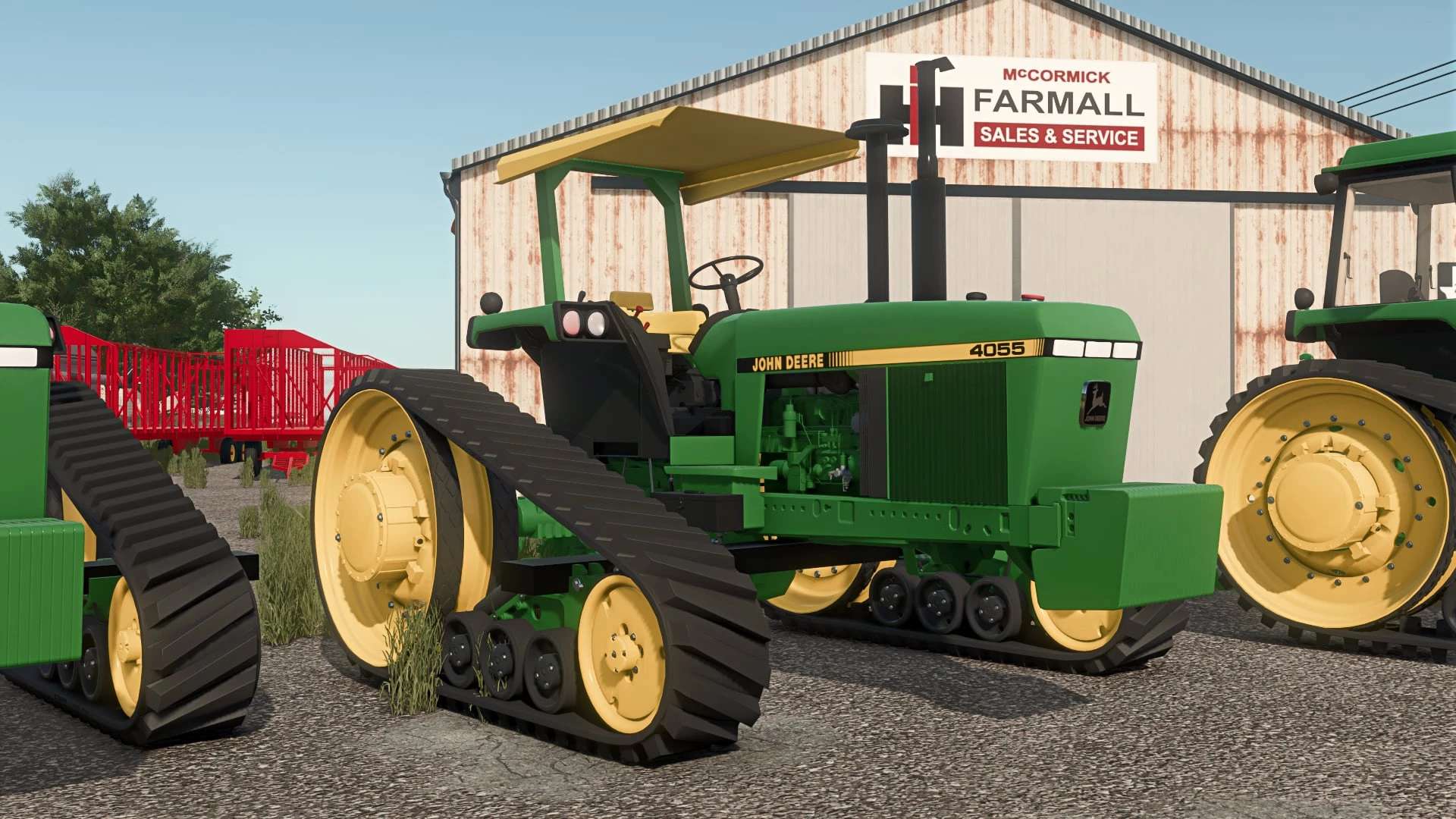
Official Release – John Deere 4055T for FS25
I’m excited to finally release the John Deere 4055T for Farming Simulator 25!
First and foremost, I’d like to give a huge thank you to Peterson Modding for giving me permission to convert this mod to FS25 and share it with the community. I truly appreciate the opportunity to bring this tractor into the new game.
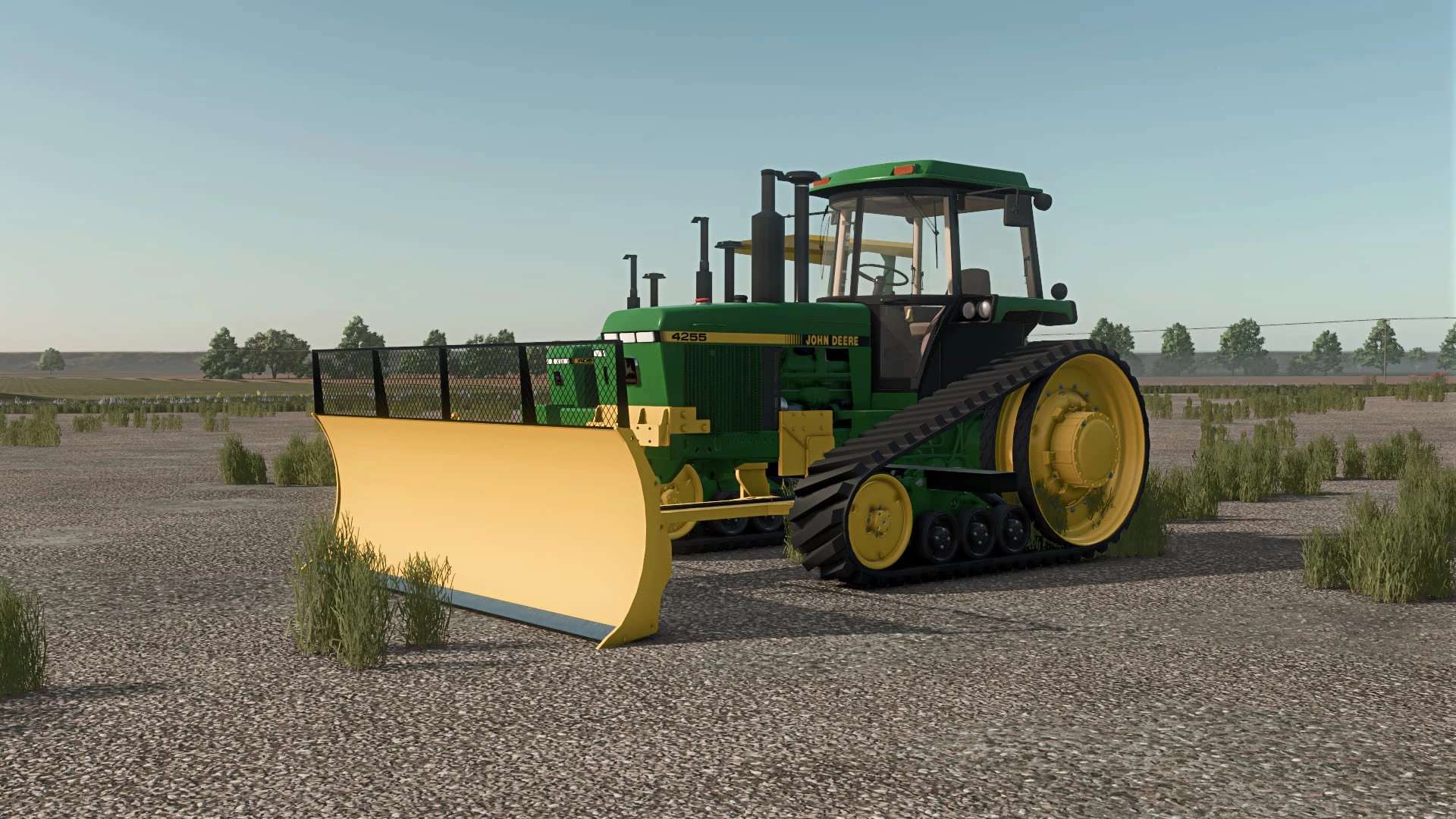
I’d also like to recognize OS Farms Mapping & Modding and 46 Mods for their contributions. This release includes their Degelman blade edit, and I’m grateful for the work they’ve put into making this project even better.
Included in this release:
John Deere 4055T
Saddle tanks
Front hitch
Degelman blade (courtesy of 46 Mods and OS Farms Mapping & Modding)
The mod has a clean log on my end. To help avoid any confusion with other versions, the blade and saddle tanks both include 4055T in their mod names.
If you happen to run into any issues or bugs, please let me know and I’ll do my best to get them resolved.
Thank you to Peterson Modding, OS Farms Mapping & Modding, and 46 Mods for allowing this project to become a reality, and thank you to everyone who downloads and supports the release. I hope you all enjoy using it in FS25!