LS25 Kirikouano Menu HUD V1.1.0.0

LS25 Kirikouano Menu HUD V1.1.0.0
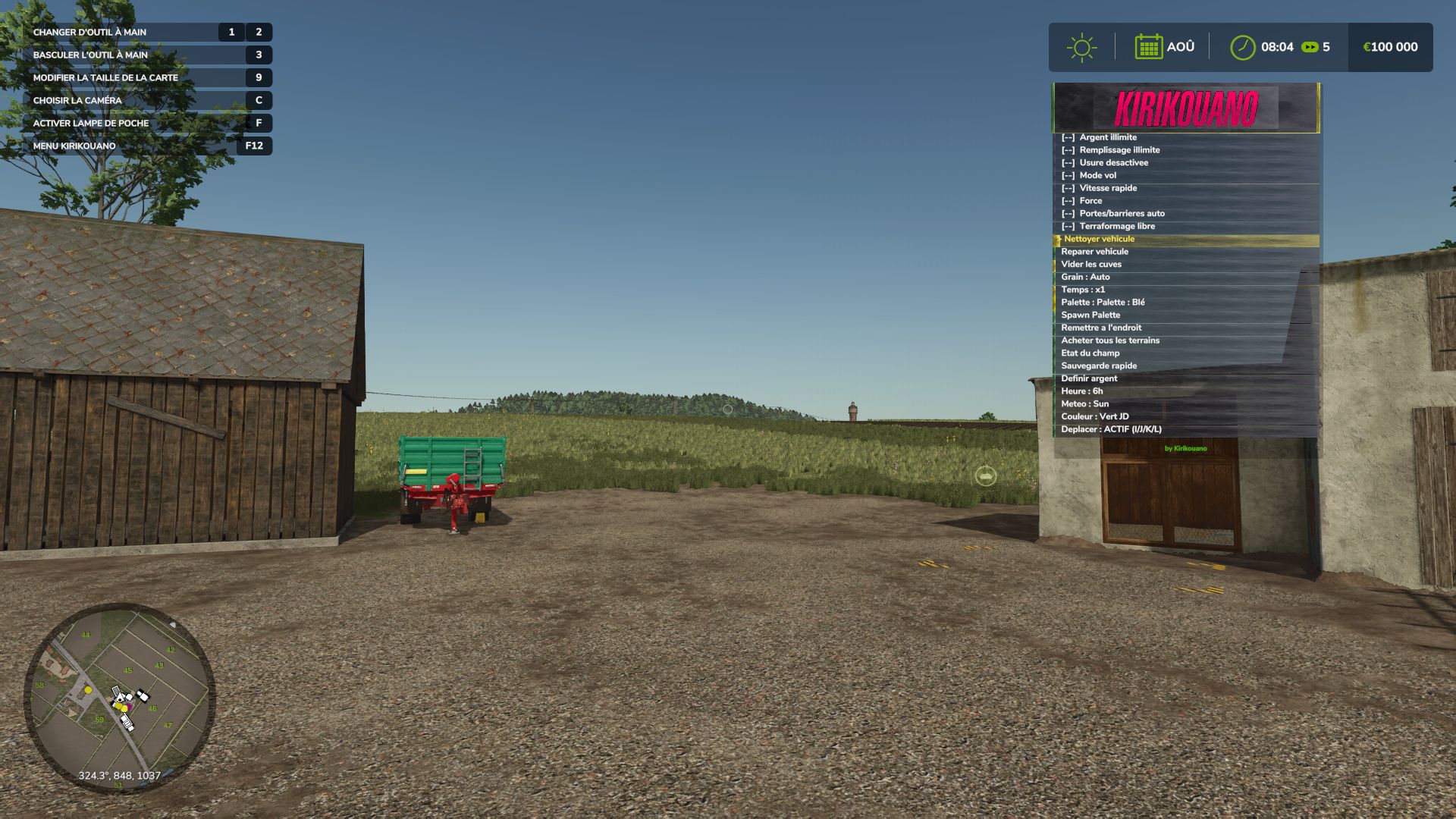
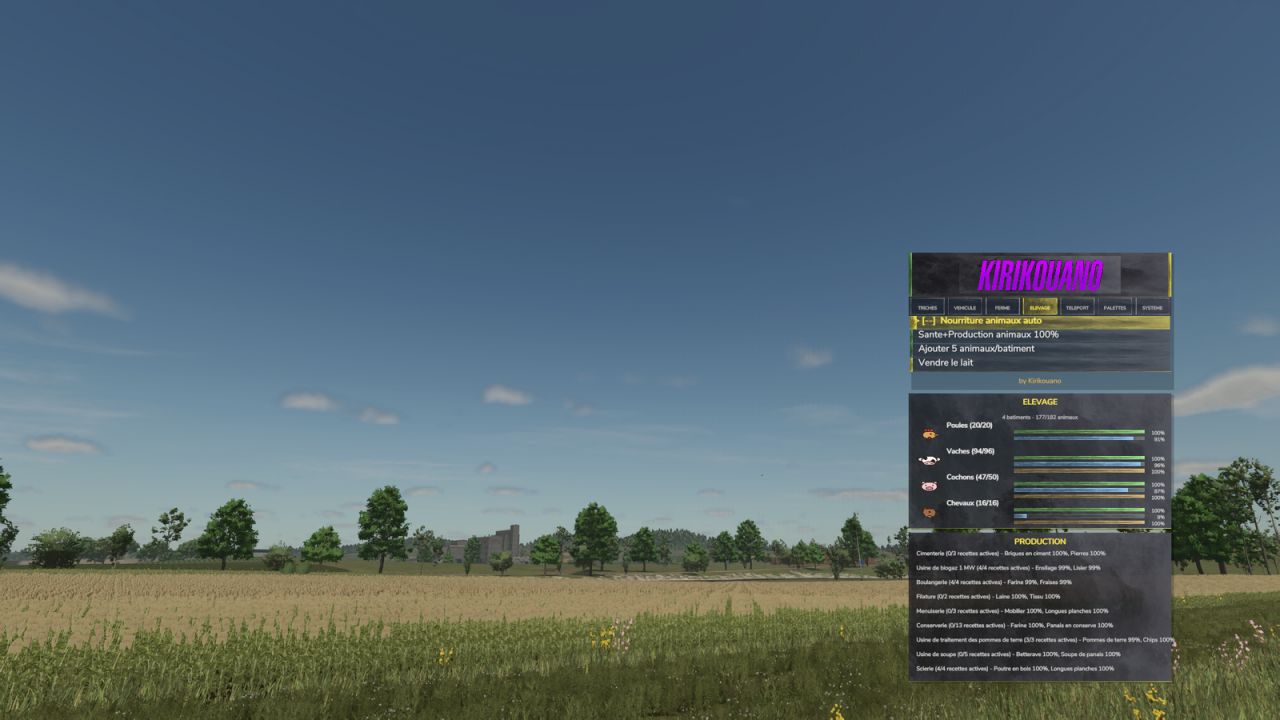
Kirikouano menu: F12 opens/closes a modular and compact panel. Includes silver, full fill, no wear, flight, fast speed, strength, automatic doors/barriers and free terraforming (toggles); clean/repair/empty vats, choose grain, spawn pallets/bales, buy all terrain, field status editor, right overturned vehicle, quick save, movable and recolorable panel. Keyboard navigation (wheel/click or Up/Down/Enter) by default. Controller: no buttons automatically assigned (to avoid any conflict with your own settings) — assign the “KM_MENU_*” actions yourself in Options > Controls > Controller if necessary. The panel moves with the dedicated I/J/K/L keys (not the arrows, to avoid conflicts with the camera). Note: Time and Weather actions use game developer console commands and require the “-cheats” launch option; all other features work without it.
© Kirikouano. Do not redistribute or reupload without permission.
V1.1.0.0
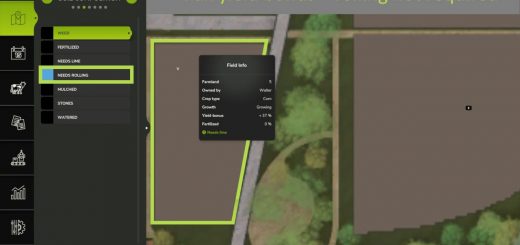
I added a new FIELD tab entirely in French, which replaces the game’s Field Status window (previously only in English) with 12 translated settings (crop, growth stage, weeds, stones, soil type and angle, spraying, lime, plowing, rolling, stubble grinding).
I added a fleet manager (repair/clean/refuel all vehicles at once), a firm dashboard, a list of active contracts, a list of connected players in multiplayer, fast-forward time (1 day/week/month), and an interface scaling setting.
I replaced the native “Set Money” window with a system fully integrated into the menu (adjustable amount + add/remove), to avoid opening an external window.
I fixed several bugs: the filling of silos that never emptied correctly, the filling of factories that remained stuck at zero, and a crash of unlimited filling on harvesters in multiplayer during active harvest.