LS25 New Holland T7 XD v1.1.0.0
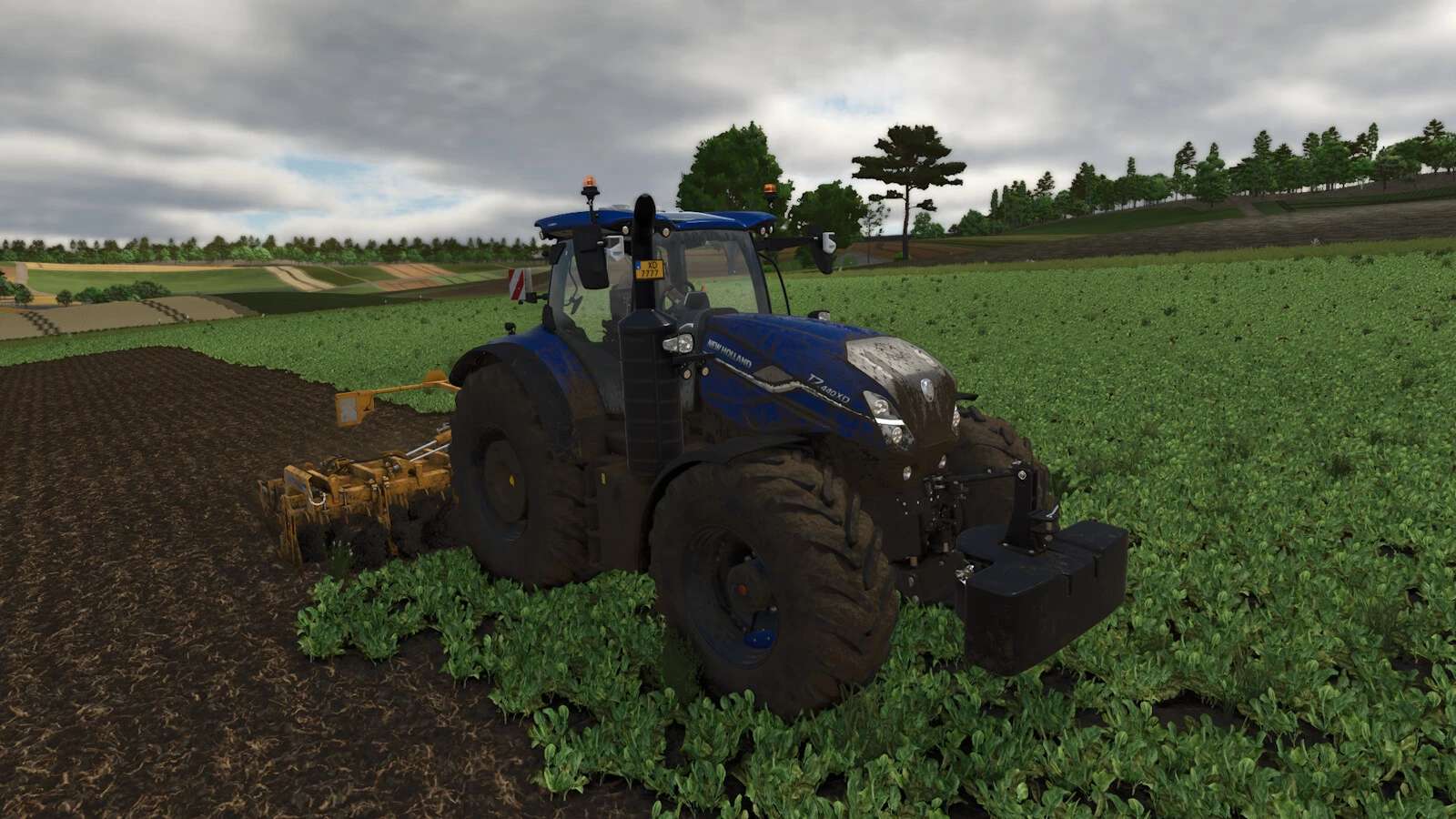



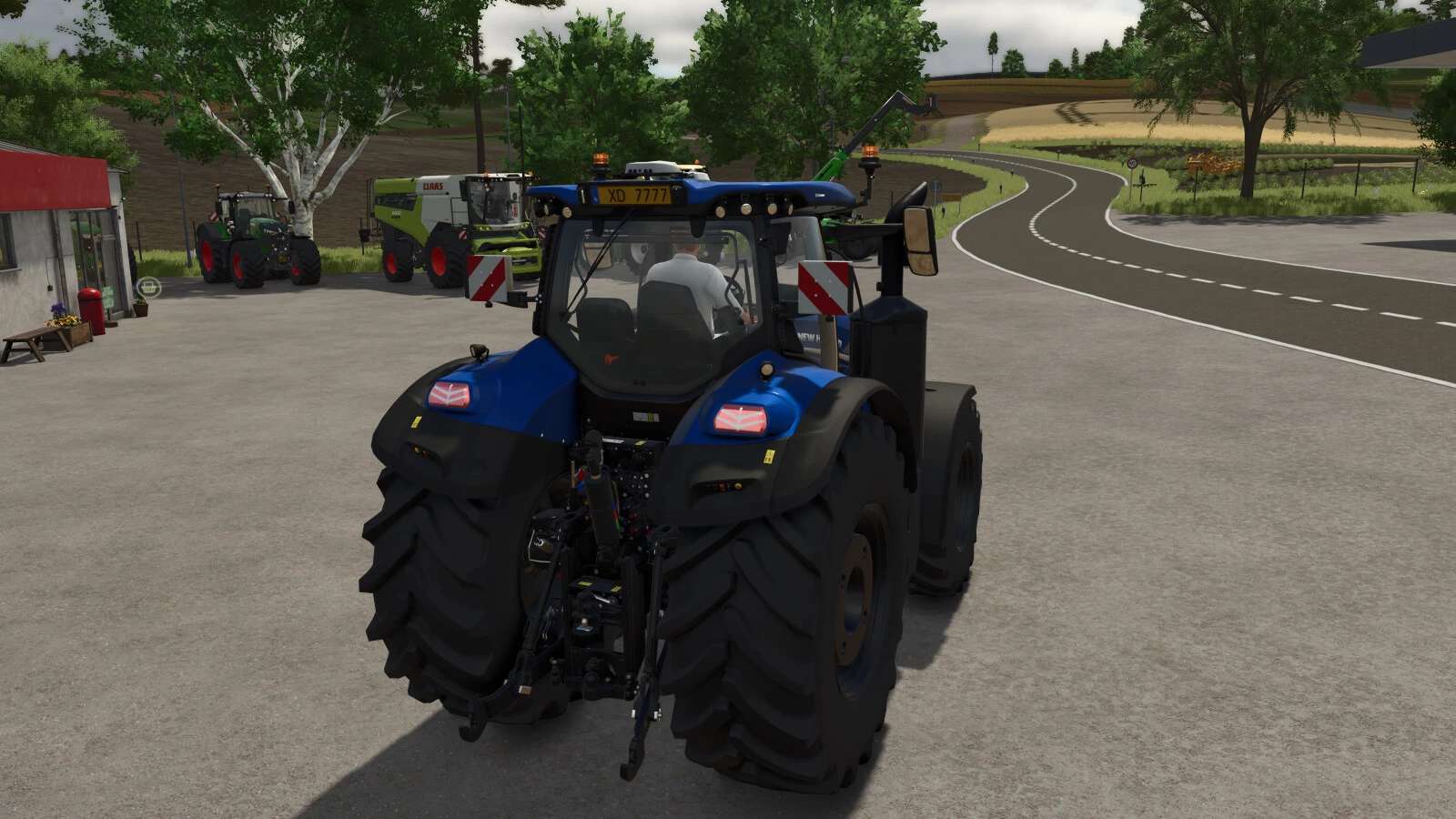
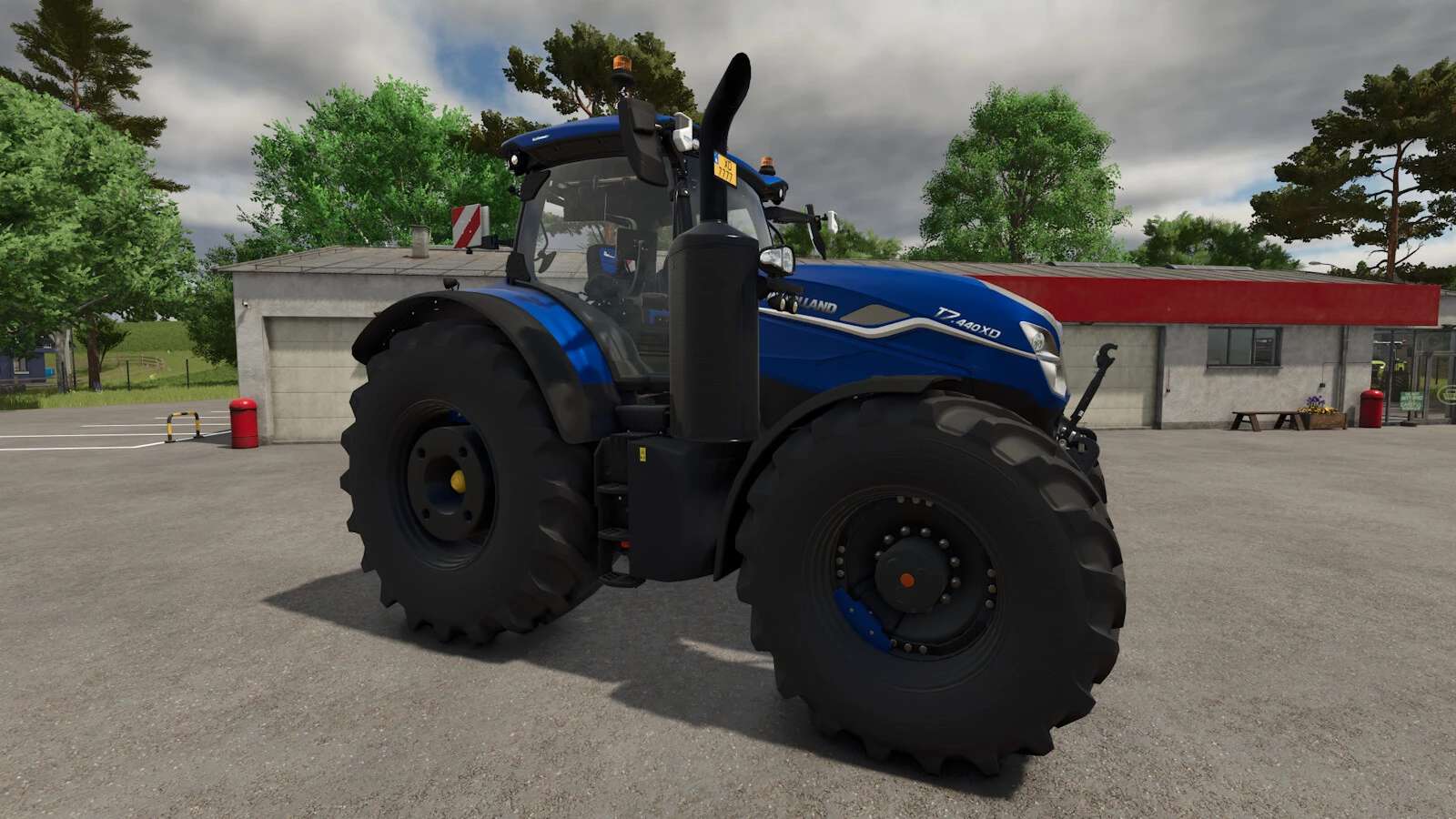
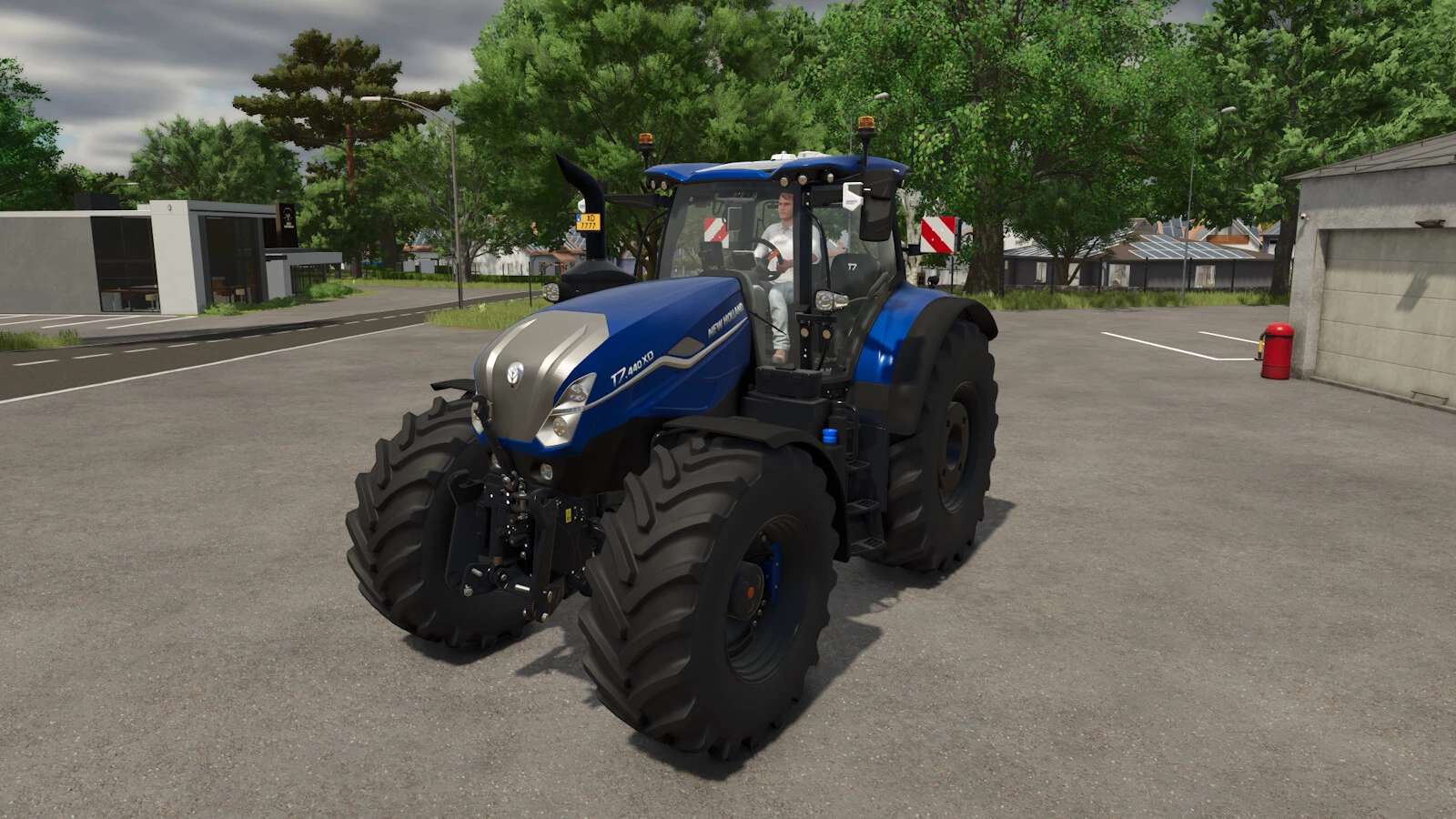
LS25 New Holland T7 XD v1.1.0.0
Changelog 1.1.0.0:
Added new New Holland color DYNAMIC BLUE
Added air horn configuration
Added light bar configuration (turned on with high beams)
Added MICHELIN Man configuration
Added LED flash light configuration
Small fender for small and medium tires added
Weight adjusted to official data
Category: large tractor
Price: $307,500-352,000
Power: 360-435 hp
Max. speed: 60 kph
The New Holland T7 XD tractors are designed for professional users, including contractors and fleet owners who require versatility and strength. The T7 XD delivers the horsepower, hydraulic capacity, and PTO performance needed to support intensive business operations. In-field efficiency is enhanced by features such as the fully integrated central tyre inflation system, while fleet-wide productivity is supported by the FieldOps™ telematics platform — helping operators monitor, manage, and optimise performance across every application.
Color configuration for main color and rims
Configuration for black interior
Interior sounds
Complete physics adjustment for weight, chassis, and front/rear hydraulics
Passanger seat
Crop sensors
CTIS (prepared for Variable Tire Pressure script by HotShotPepper)
IC animations (Interactive Control by Vertex Dezign required)
Front and rear cameras (Mercedes-Benz Truck DLC required)
Special thanks to:
jonas6804 for the realistic sounds
Kaymara for the MICHELIN Man
Changelog 1.0.1.0:
False grid removed
Physics front suspension revised
Added chrome exhaust grid configuration
Tire pressure monitor only available when CTIS is configured
Texture adjustments to the hood
Adjusted attacher to fix a bug while plowing
Changelog 1.0.2.0:
Light signature complete rework
Adjusted brake force
BluePower-Logo seat replaced with new logo
Fixed back window decals being invisible from inside
Front light rework