LS25 Flash LED lights (Prefab) V1.1.0.0


LS25 Flash LED lights (Prefab) V1.1.0.0
IF YOU HAVE PROBLEMS, PLEASE WRITE DICORD AND I WILL TRY TO HELP
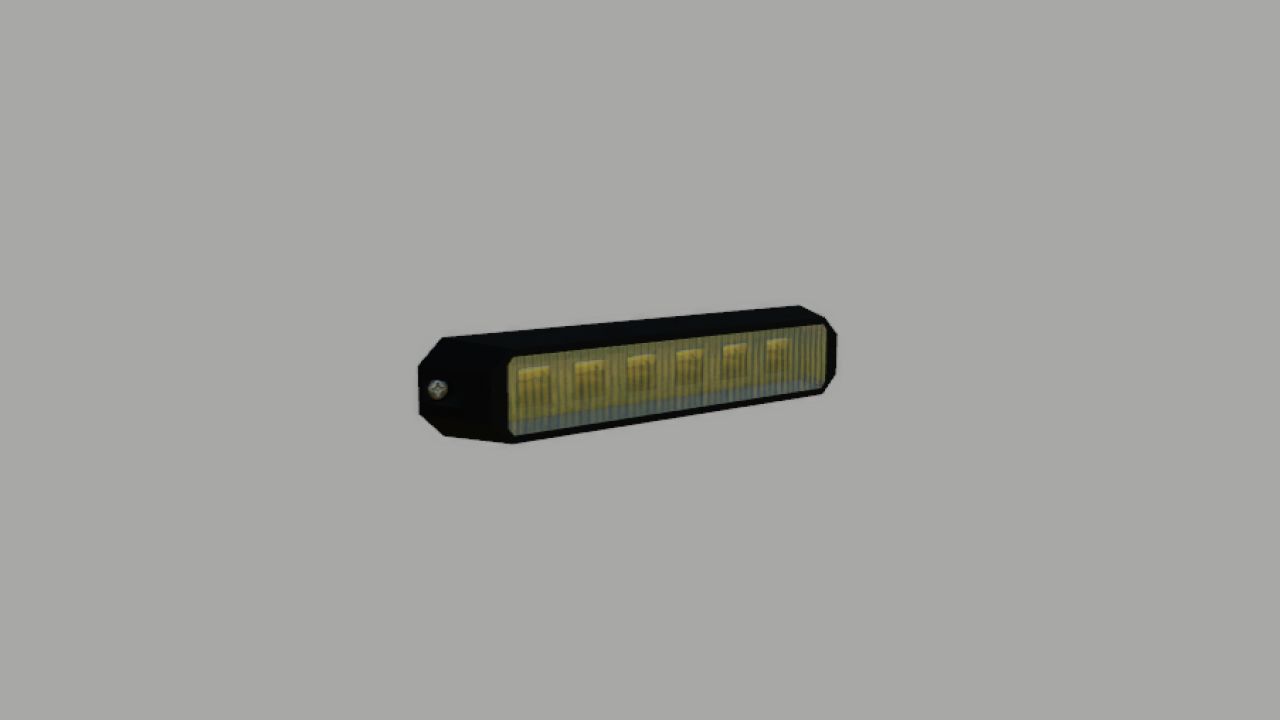
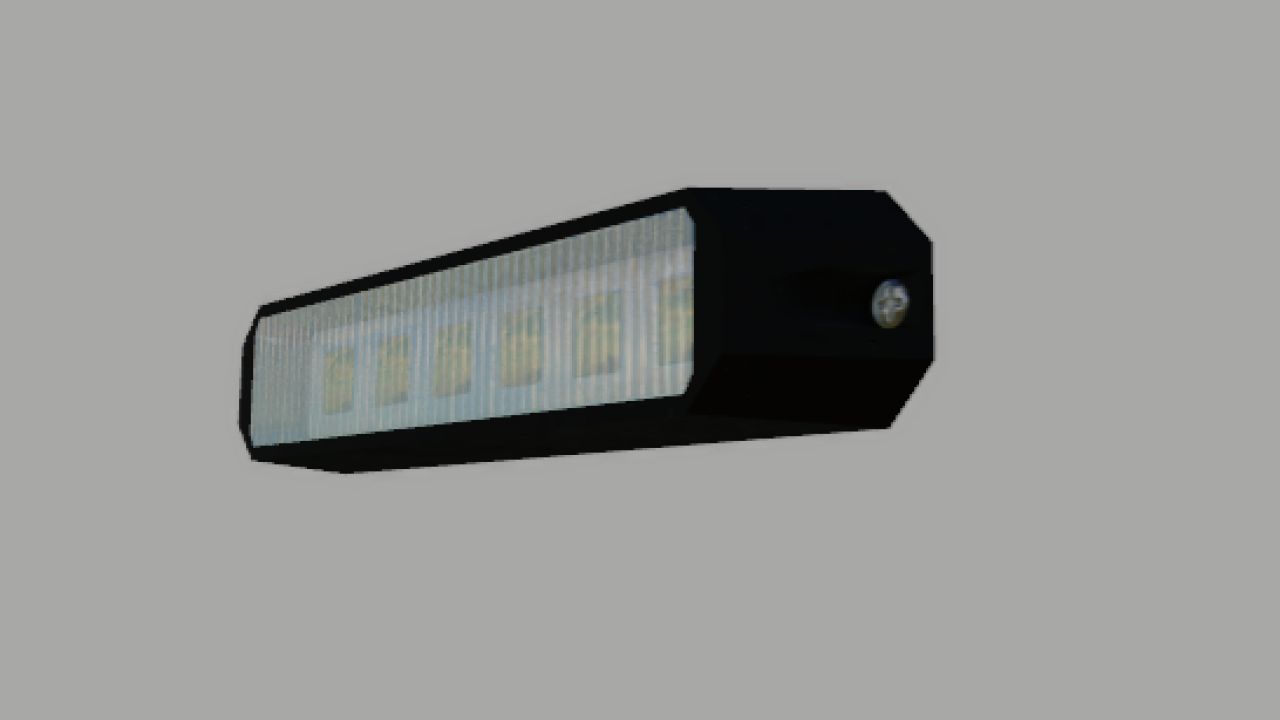
LED flash lamps by Wyp777nY – The LED is available in two variants: BLINK and BLINK02, so it can flash alternately as in the attached video
for the led to work you need to add
<beaconLight node=”” filename=”flashled.xml” variationName=”BLINK02″ />
<beaconLight node=”” filename=”flashled.xml” variationName=”BLINK” />
<beaconLight node=”” filename=”flashled.xml” variationName=”BLINK02″ />
<beaconLight node=”” filename=”flashled.xml” variationName=”BLINK” />
to the <beaconlight> </beaconLights> section
it must look like this-
<beaconLights>
<beaconLight node=”NODE FLASHLED1″ filename=”flashled.xml” variationName=”BLINK02″ />
<beaconLight node=”NODE FLASHLED2″ filename=”flashled.xml” variationName=”BLINK” />
<beaconLight node=”NODE FLASHLED3″ filename=”flashled.xml” variationName=”BLINK02″ />
<beaconLight node=”NODE FLASHLED4″ filename=”flashled.xml” variationName=”BLINK” />
</beaconLights>
after deletion e.g
<beaconLight node=”NODE FLASHLED3″ filename=”flashled.xml” variationName=”BLINK02″ />
<beaconLight node=”NODE FLASHLED4″ filename=”flashled.xml” variationName=”BLINK” />
maybe leave the rest then you will have 2 flashleds and not 4
V1.1.0.0
instructions added