LS25 Rid-Hobbs Photorealism V1.1.0.0

LS25 Rid-Hobbs Photorealism V1.1.0.0
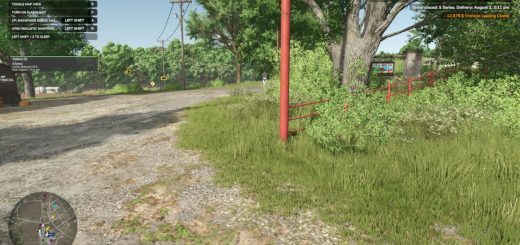
Rid-Hobbs Photorealism — ReShade 6.8 Update
New shader update to ensure compatibility with ReShade 6.8.
This version notably fixes the various problems that appeared after the ReShade update, in particular blurred areas and abnormal blur effects that could appear in-game.
Changes made
Compatibility with ReShade 6.8
Correcting unwanted areas and blurring effects
Adjustment of effects impacted by the new version of ReShade
Revising several preset parameters
Maintaining the realistic and natural rendering of the shader
General improvement in visual stability
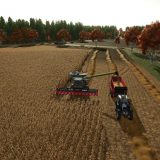
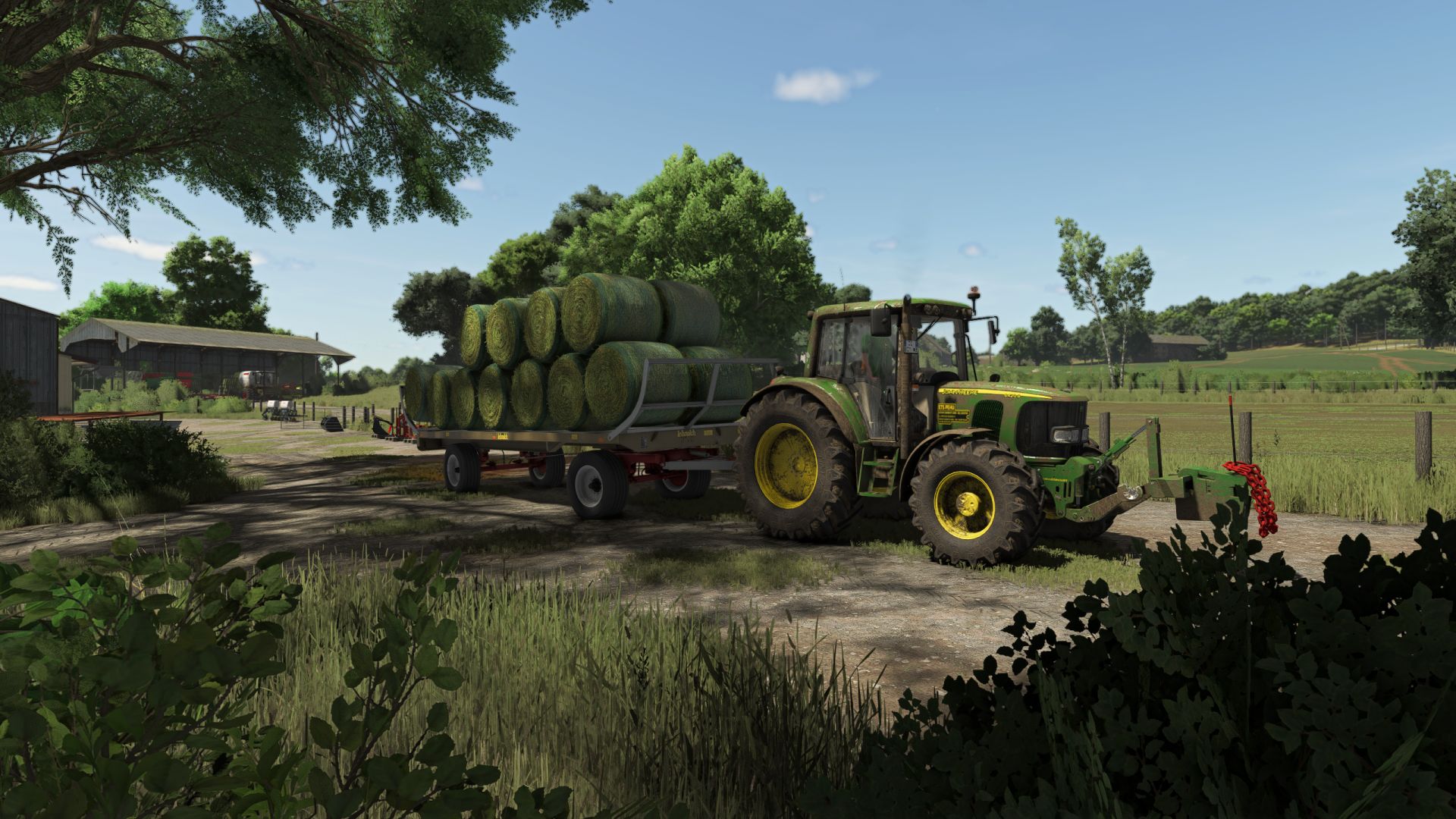
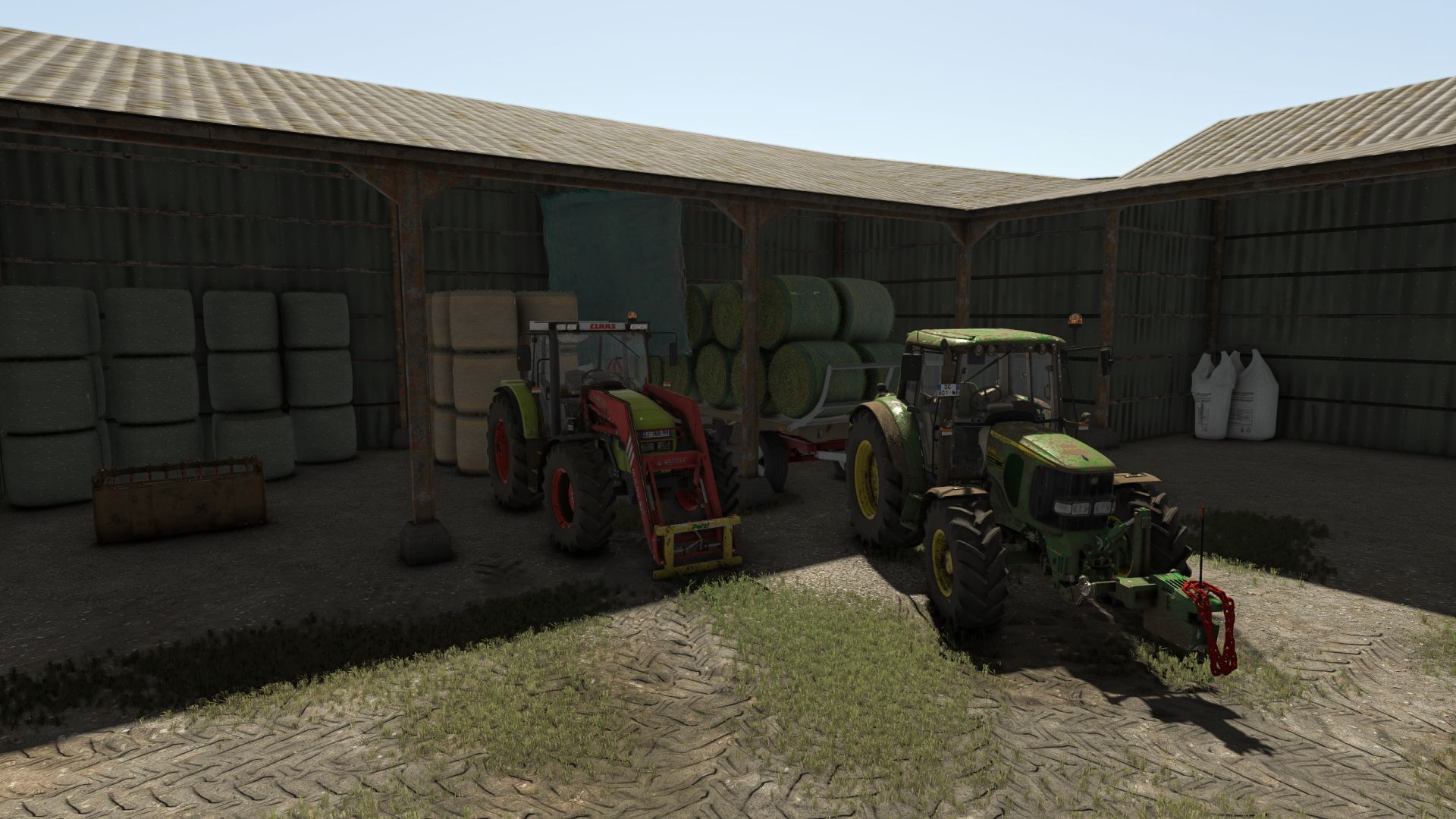
The shader remains designed specifically for Farming Simulator 25, with the aim of improving the atmosphere, colors, contrasts and general rendering of the game while maintaining a natural appearance.
ReShade 6.8 is recommended to use this new version of the preset.
Rid-Hobbs Photorealism — FS25