LS25 JVN Northlight V1.0.0.0
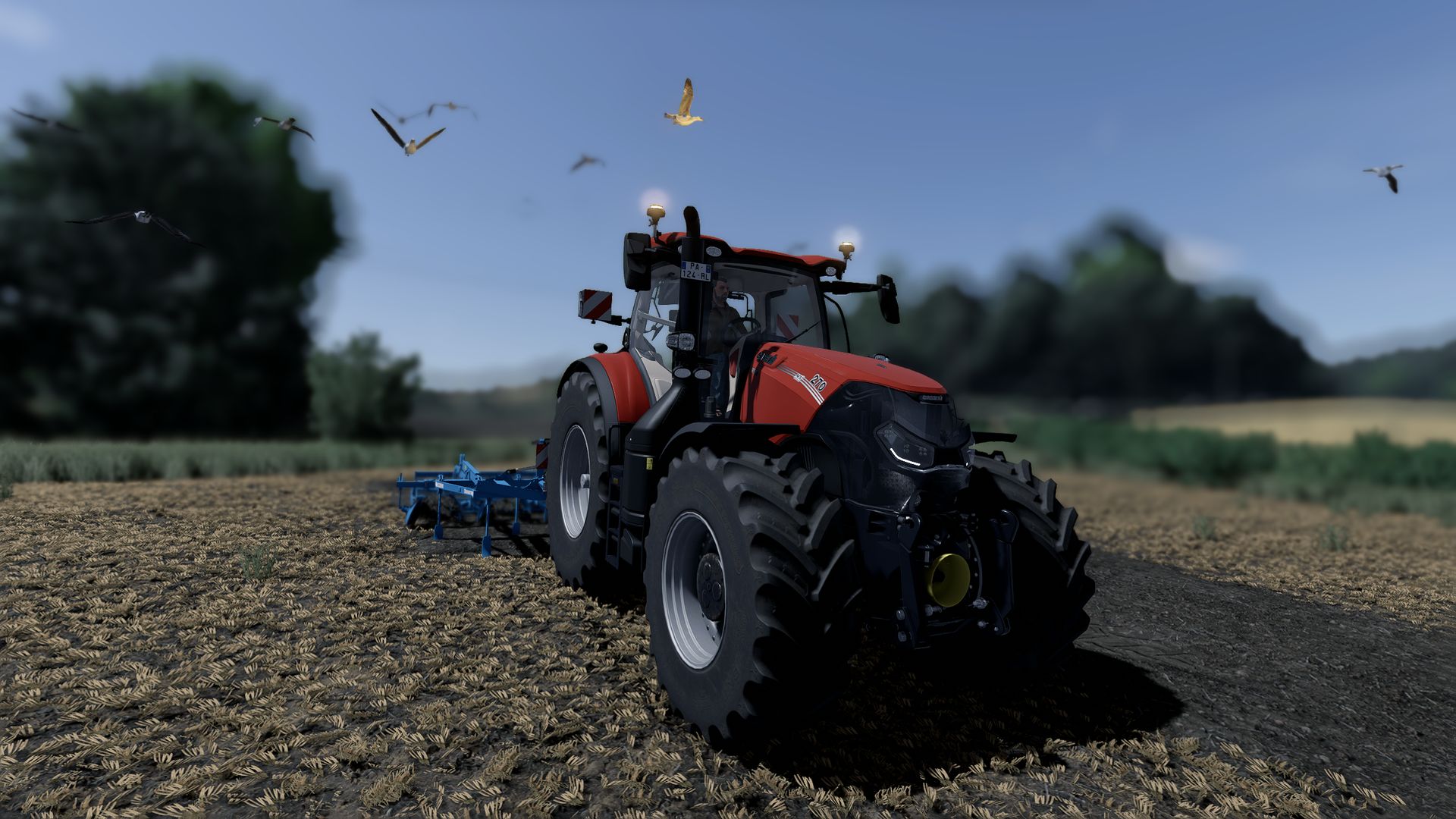


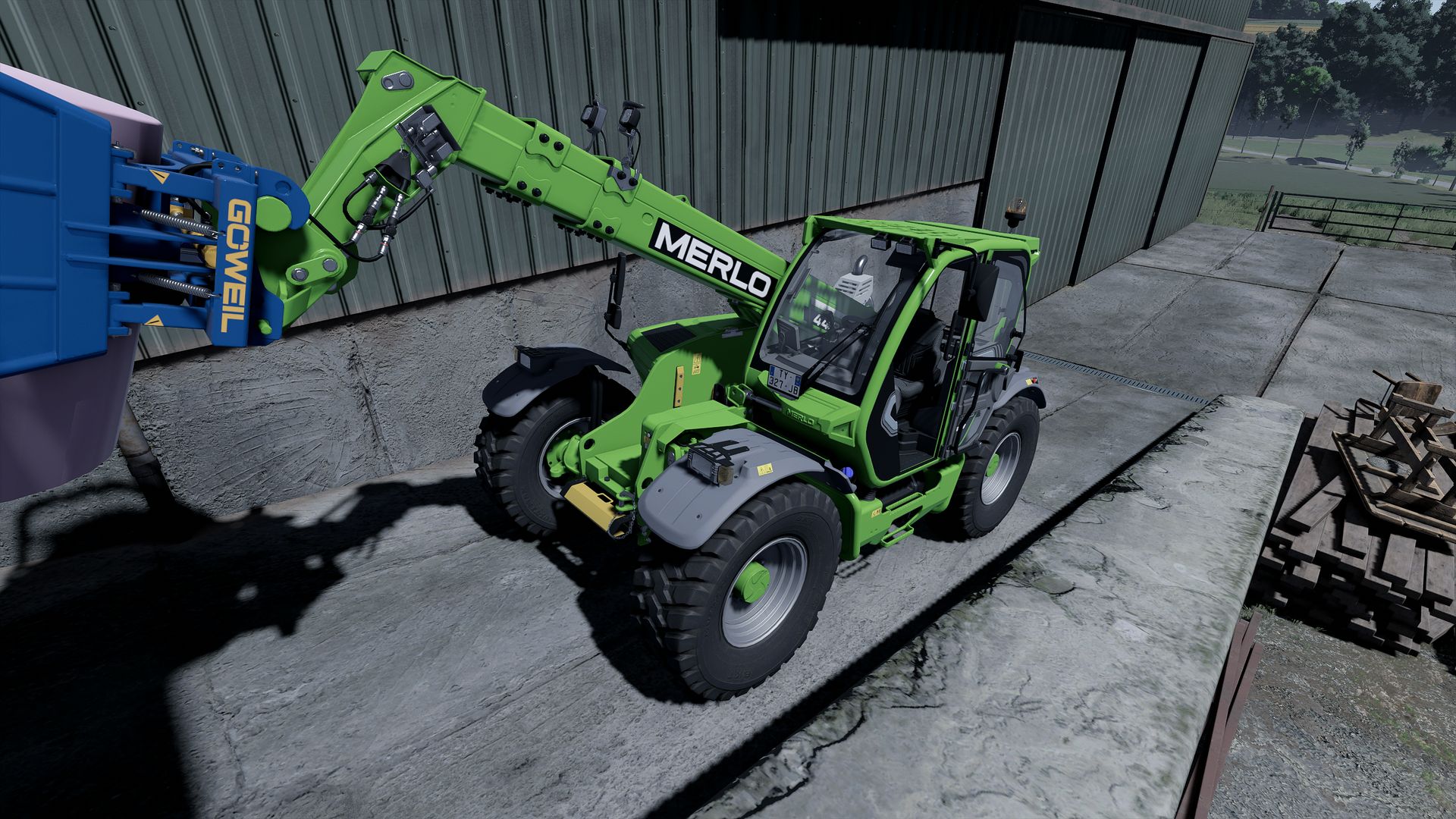
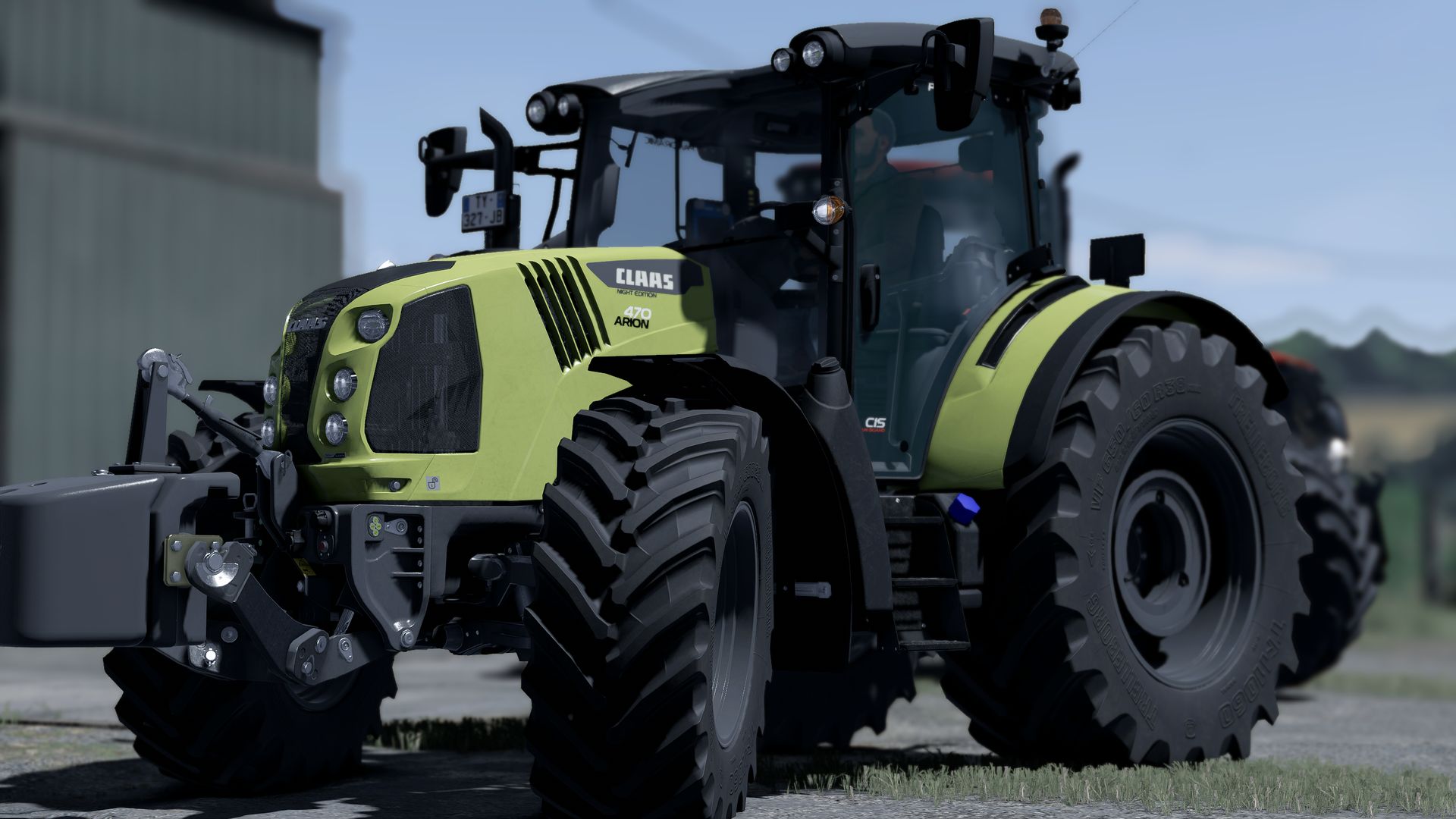
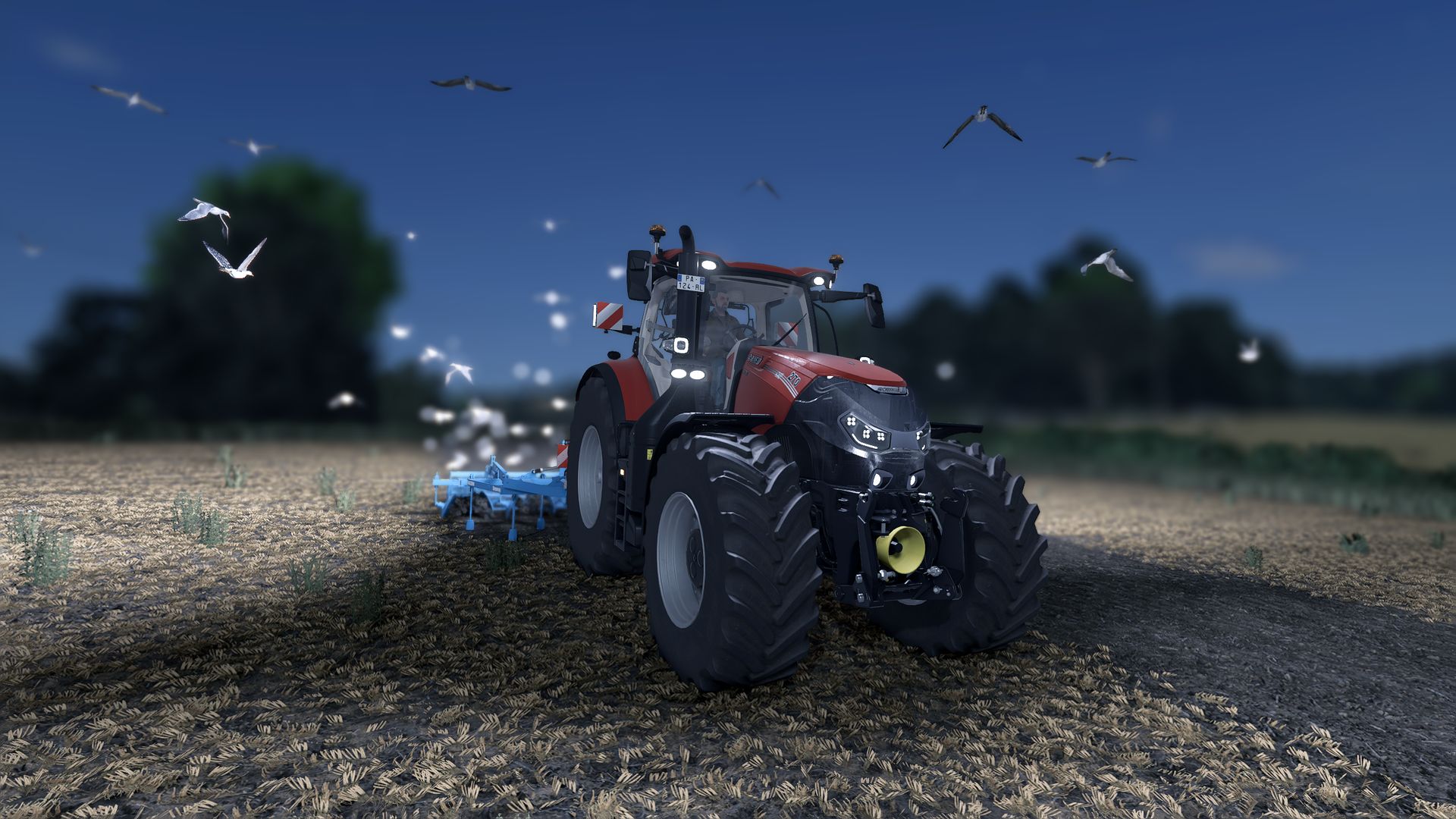
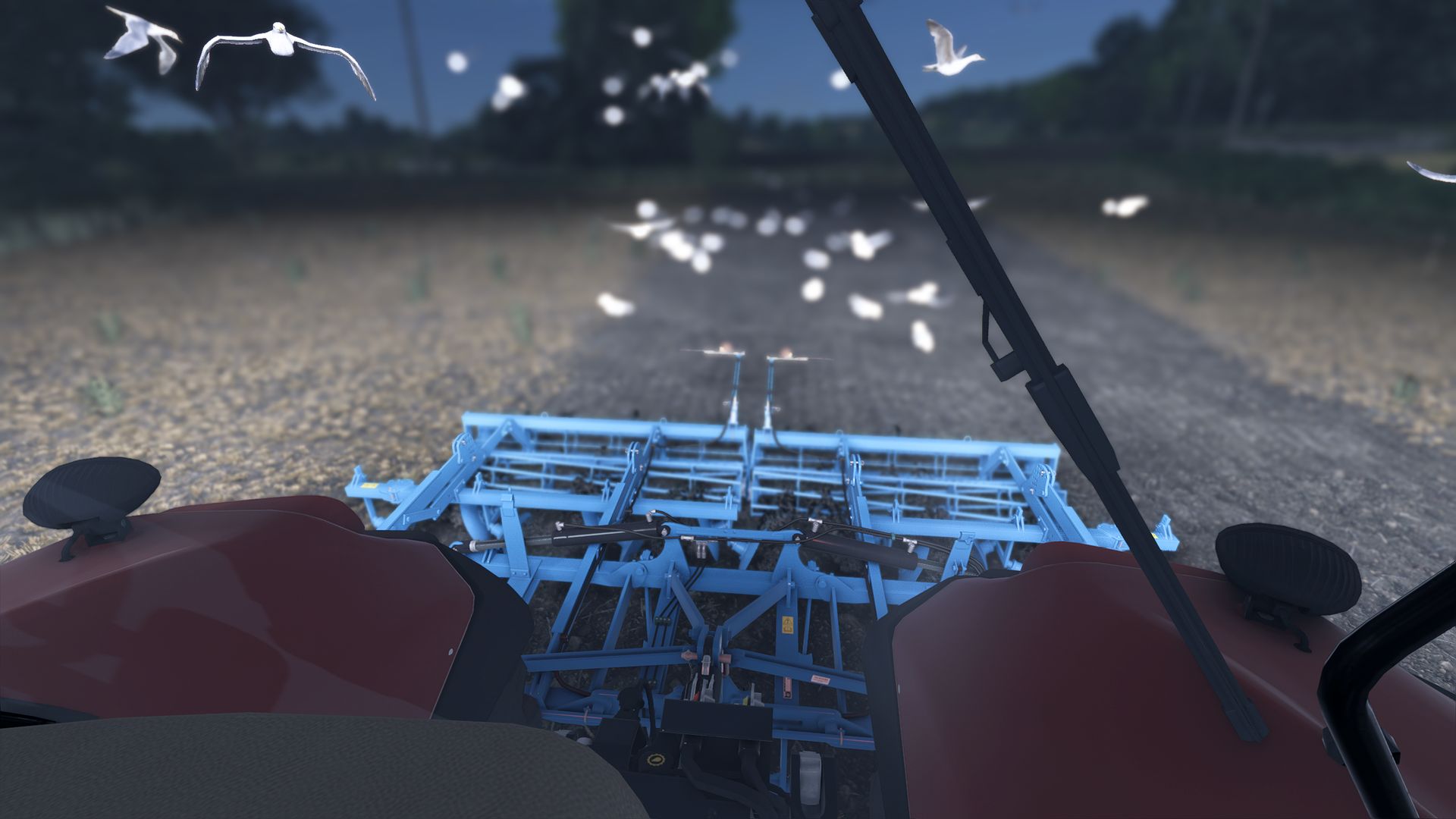
LS25 JVN Northlight V1.0.0.0
Installing the **JVN Shader** is relatively easy. The included files simply need to be copied into the correct folders.
The ReShade preset file **JVN Northlight.ini** goes into the folder:
`Farming Simulator 25/x64`
The existing ReShade installation must also be located in the **x64 folder**.
The files **environment.xml**, **ColorgradingNight.xml** and **colorgrading.xml** go into the folder:
`Farming Simulator 25datamaps/mapUS/config`
Existing files may need to be replaced.
It’s best to create a backup of the original files beforehand so you can revert to the default graphics at any time.
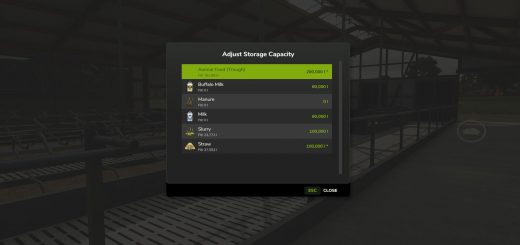
Additionally, the mod **“Additional Game Settings”** is required. After installation, you will find it at:
**Settings → Additional Settings → Non-standard Lighting**
Select the appropriate setting. For the intended look, the non-standard lighting should be set to **Riverbend Springs**.
I personally play at a resolution of **2560 × 1440 (WQHD)** and maximum graphics settings.
For non-standard lighting, I use **Riverbend Springs** and for the ReShade preset, **JVN Northlight.ini**.
The shader may look slightly different at other resolutions, graphics settings, or maps.
You can then start Farming Simulator 25 as normal and select the preset **JVN Northlight.ini** in ReShade.
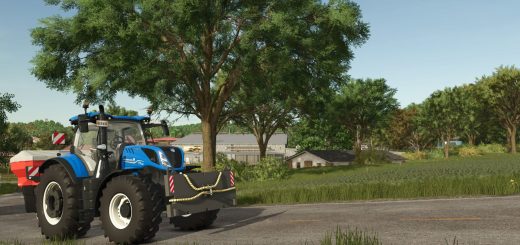
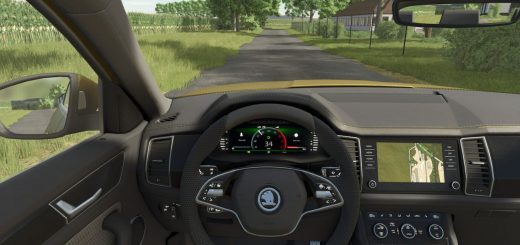
The shader is tailored to my personal look and combines a customized environment, custom day and night color grading, and ReShade. Colors and lighting may vary slightly depending on the monitor, brightness, resolution, map, weather, and graphics settings.
Important: For the intended look, both the included XML files and the non-standard lighting **Riverbend Springs** should be used.
Using only the ReShade file will not produce the exact same look.
Required mods:
Reshade