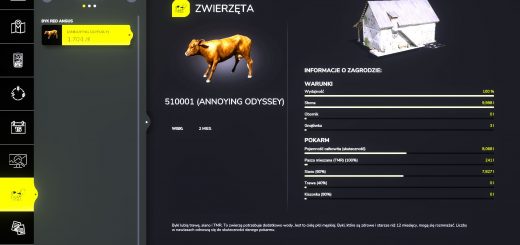
LS25 Transport Contracts V1.0.0.9
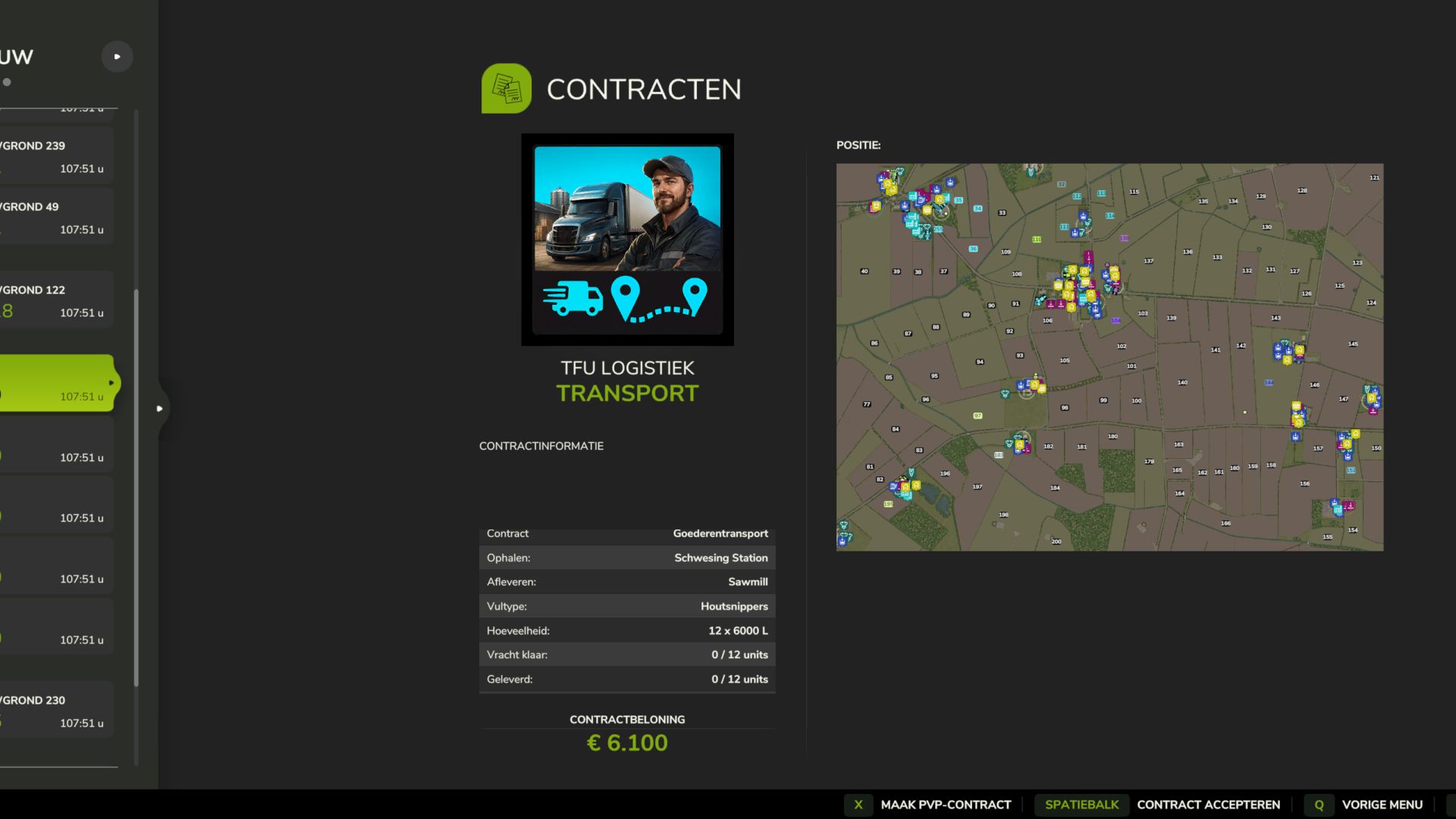

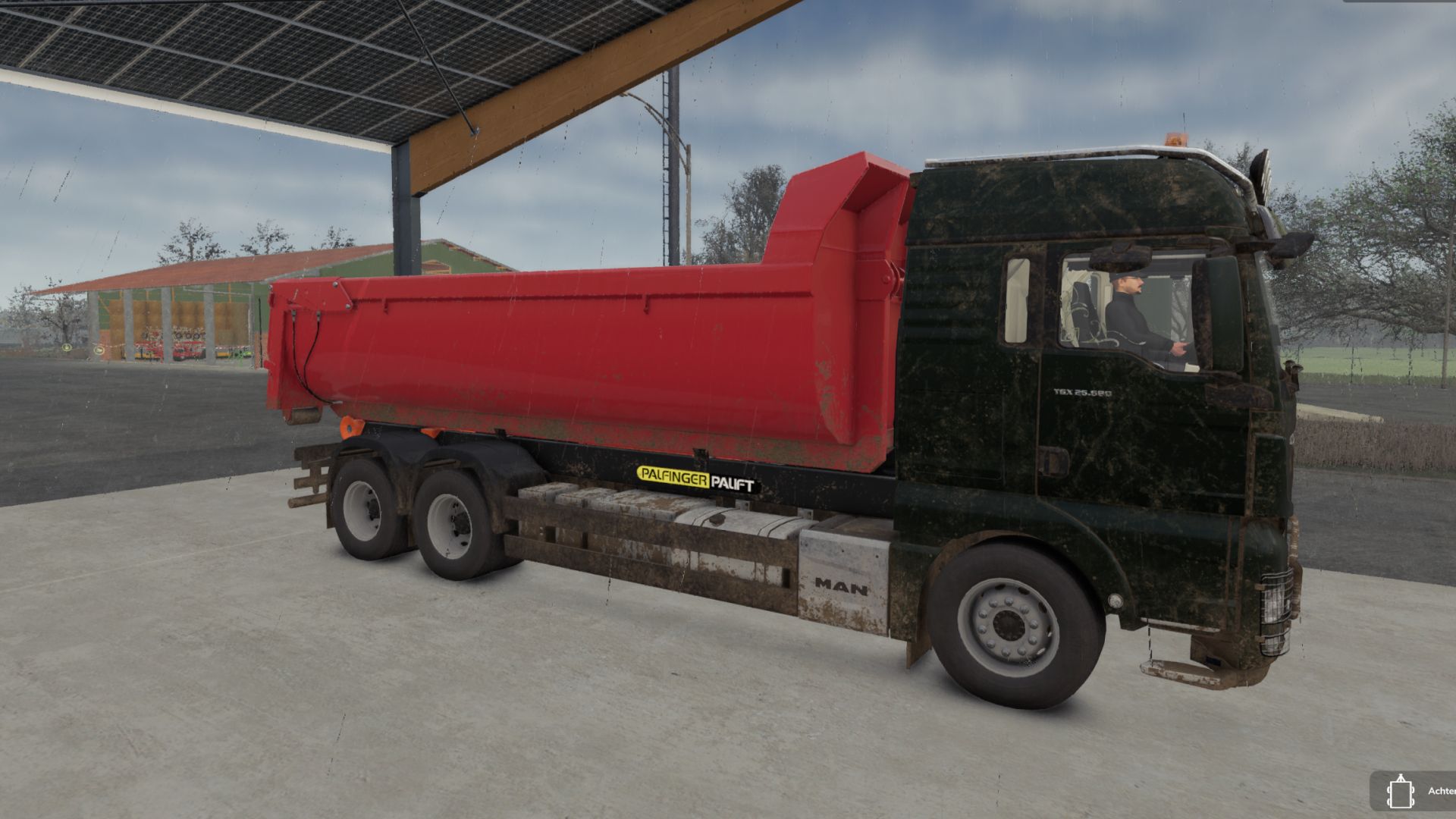
LS25 Transport Contracts V1.0.0.9
Beta release. Standalone server-authoritative NPC transport contracts extracted from RP Manager. Automatically mixes loose bulk/liquid, pallet and bale jobs between compatible public map buildings and NPC destinations. Native in-game settings control the minimum open jobs, automatic spawning and removal of all transport jobs. Physical contract cargo is spawned, tagged and counted exactly. Jobs use the standard Contracts screen and the driver’s own equipment. Player-to-player contracts and animals are not included. Do not activate together with RP Manager.
V1.0.0.9
Changelog v1.0.0.1 to v1.0.0.9 Beta
Added pickup and delivery markers to the large map for active contracts.
Improved universal bulk loading through native map loading points and added a fallback for maps with different loading-point behavior.
Fixed bulk deliveries not being registered correctly by the contract.
Contract cargo is no longer paid as ordinary crop income. Only the agreed transport-contract reward is shown and paid.
Added support for partial bulk deliveries over multiple trips.
Improved native pallet spawning and sequential cargo creation to prevent missing or incomplete loads.
Fixed native hay and straw bale creation, placement and delivery detection.
Pallets and bales can now be delivered unit by unit instead of requiring the complete load at once.
Added occasional premium vehicle-transport contracts using native shop spawn areas and map-owned destinations.
Contract vehicles must be transported on a suitable truck or low-loader and may only be driven inside the pickup and delivery zones.
Excluded motorcycles, undersized vehicles, implements, trailers and unsuitable vehicle types from vehicle contracts.
Improved contract-vehicle boundary enforcement and reliable reset to the original pickup position.
Added savegame and restart recovery for bulk cargo, pallets, bales and vehicle transports without spawning duplicate cargo.
Added a 10% penalty for voluntarily cancelling an accepted contract. Administrative and technical cancellations remain penalty-free.