LS25 Custom Hay Orders V1.0.0.0

LS25 Custom Hay Orders V1.0.0.0
Customer Hay Orders – FS25
Turn your hay operation into a real customer-based business with Customer Hay Orders for Farming Simulator 25!
Instead of simply producing bales and hauling them to a standard sell point, Customer Hay Orders lets you create customers around the map, receive randomized hay orders, and deliver the requested bales directly to their properties.
Perfect for realistic hay farming, custom baling businesses, trucking operations, and multiplayer roleplay!
FEATURES
Create Your Own Customers
Drive to any farm, house, stable, or property on the map and create your own customer delivery location.
You can give each delivery point a custom name, allowing you to build your own customer list around the map.
Random Customer Orders
Once you have customer locations established, customers can contact you with new hay orders.
New order offers are generated after a random delay of 2–24 in-game hours, so you never know exactly when the next job will come in.
You can choose whether you want to accept or decline the job.
Multiple Active Orders
Run a real hay business by managing multiple customers at once.
You can have up to 5 active customer orders simultaneously, with each order maintaining its own:
Customer
Delivery location
Bale requirements
Delivery progress
Map hotspot
Delivery marker
Make the Delivery
Accepted orders require approximately 0–30 matching bales.
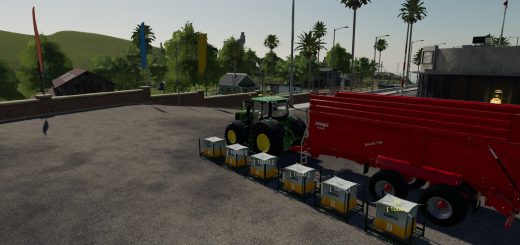
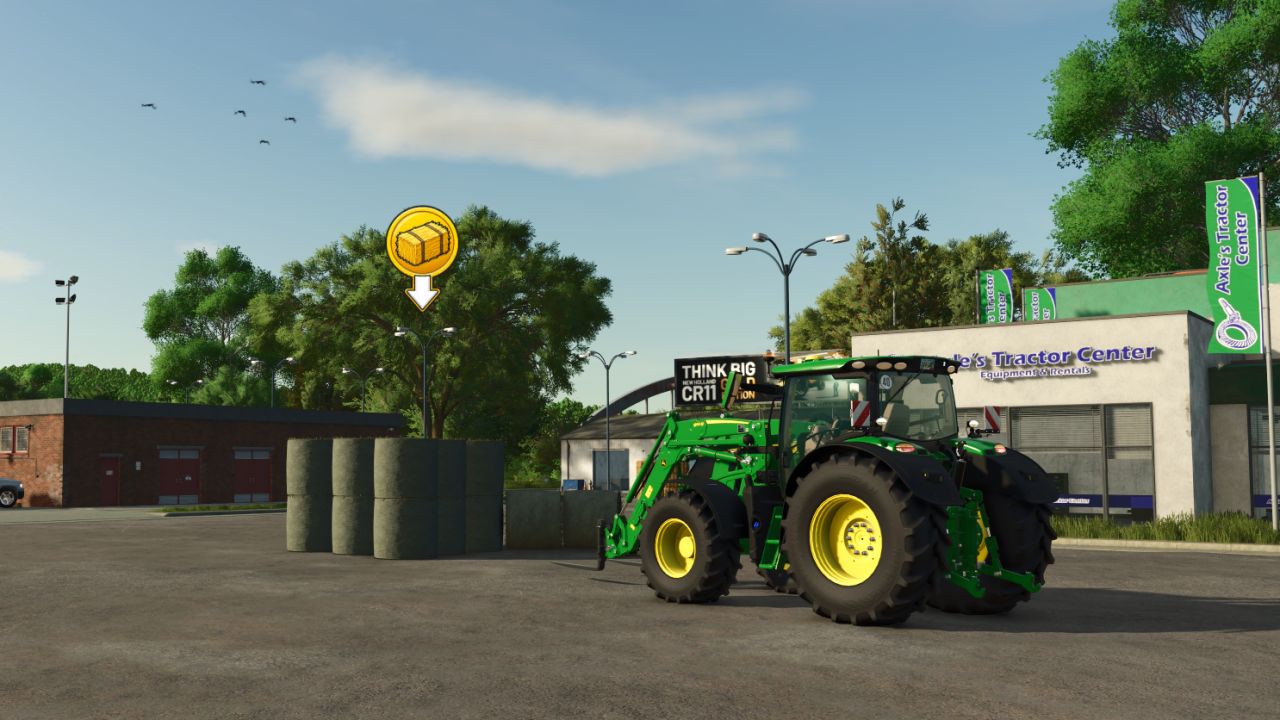
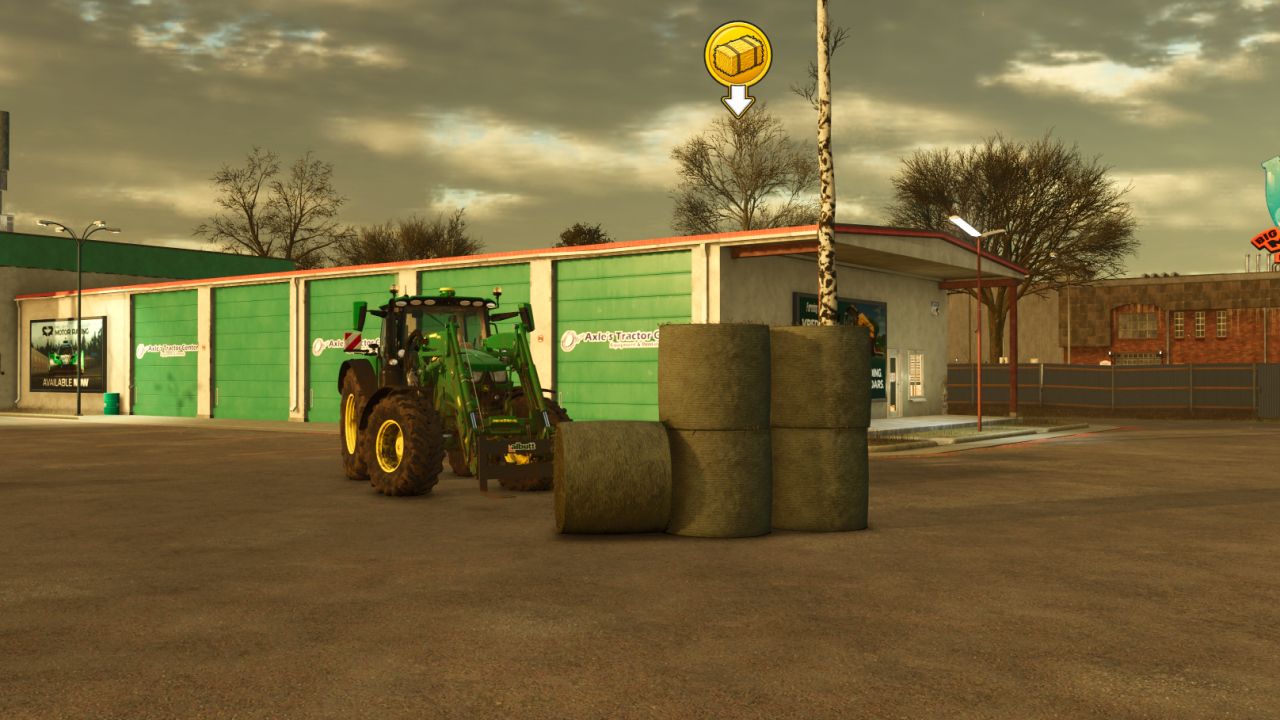
Load up your truck and trailer, haul the bales to the customer’s marked property, and unload them.
Matching bales are automatically accepted when delivered to the customer.
Savegame Support
Your business doesn’t disappear when you leave the game!
The mod saves your:
Customer delivery locations
Custom customer/location names
Active orders
Order progress
Next customer offer timer
Everything will still be there when you return to your savegame.
Multiplayer Support
Customer Hay Orders supports multiplayer, including synchronization of customer locations and active orders.
KEYBINDS / CONTROLS
ALT + J — Create & Name Customer Location
Stand at the property where you want the customer delivery point and press ALT + J.
You’ll be able to name and save that location as a new customer delivery point.
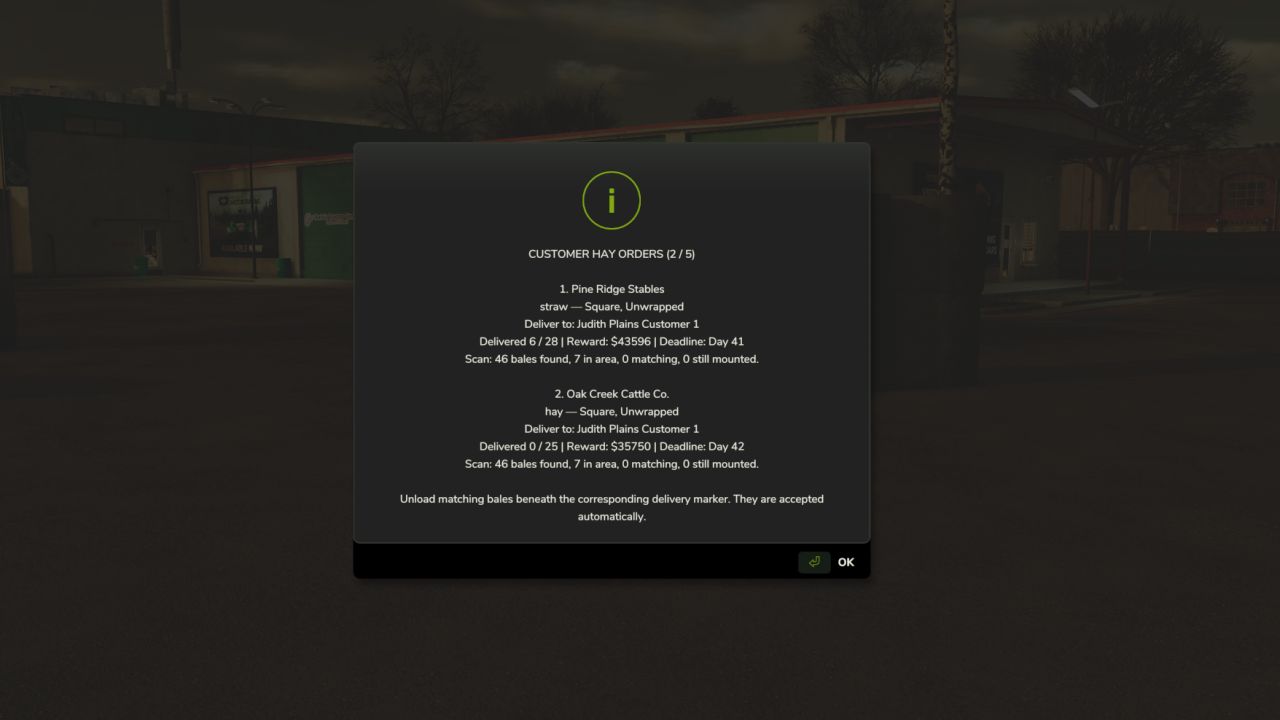
ALT + H — View Active Hay Orders
Press ALT + H to review all of your currently active customer orders.
Use this to keep track of your deliveries and order progress.
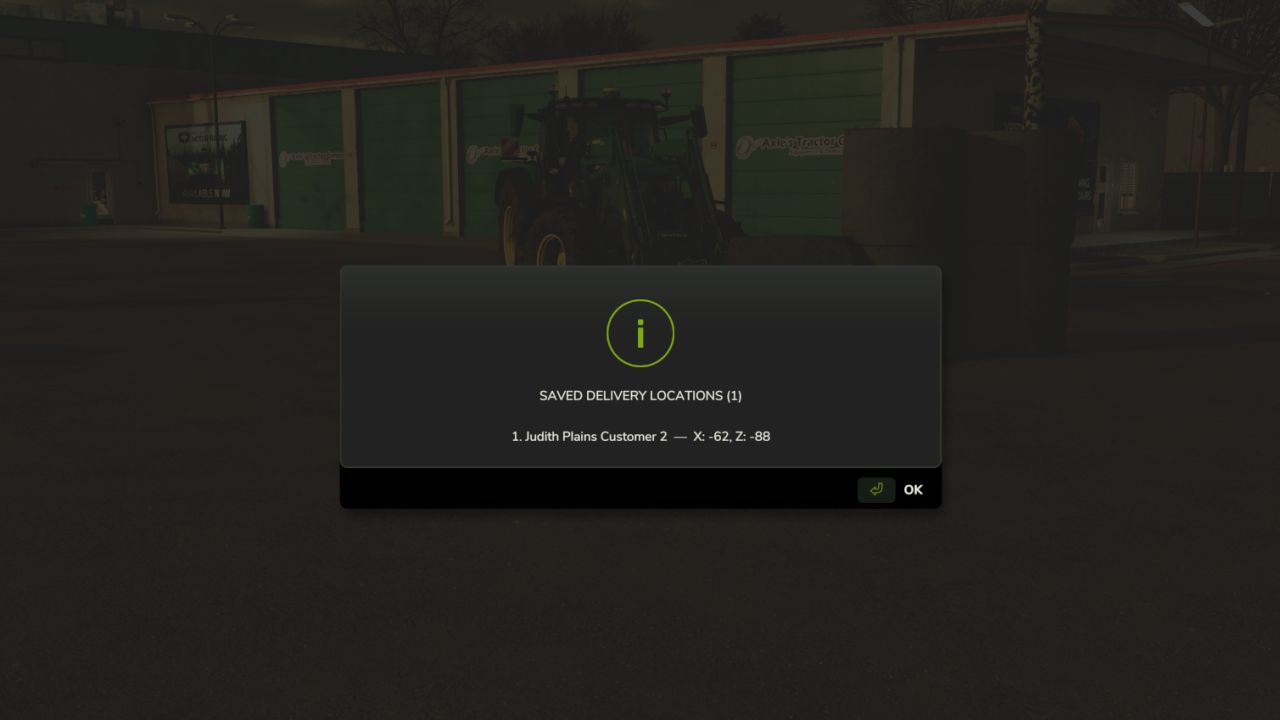
ALT + L — View Saved Delivery Locations
Press ALT + L to view all of your saved customer delivery locations.
This makes it easier to keep track of the customers you’ve created around the map.
ALT + M — Delete Delivery Location
Stand within approximately 25 meters of a saved customer location and press ALT + M to delete that delivery point.
ALT + SHIFT + M — Delete ALL Delivery Locations
Press ALT + SHIFT + M to delete all of your saved customer delivery locations.
A confirmation is required before all locations are removed.
BUILD YOUR OWN HAY BUSINESS
Maybe a cattle farmer across the map needs another load of hay.
Maybe the local horse stable is running low.
Maybe one of your regular customers suddenly needs 25 bales delivered.
Customer Hay Orders gives you a reason to actually produce, bale, load, transport, and deliver hay as a business rather than simply taking everything to a generic sell point.
Create your customers.
Accept the jobs you want.
Load the trailers.
Make the deliveries.
And build your hay operation one customer at a time.
Mod Version: Beta v0.9.8.6
Game: Farming Simulator 25
Multiplayer: Supported
BETA: This mod is currently in beta. Bugs or unexpected behavior may occur. If you encounter an issue, please report it so it can be investigated and improved.
Created by Meadows Modding