LS25 Animal Auto Care v2.2.0.0
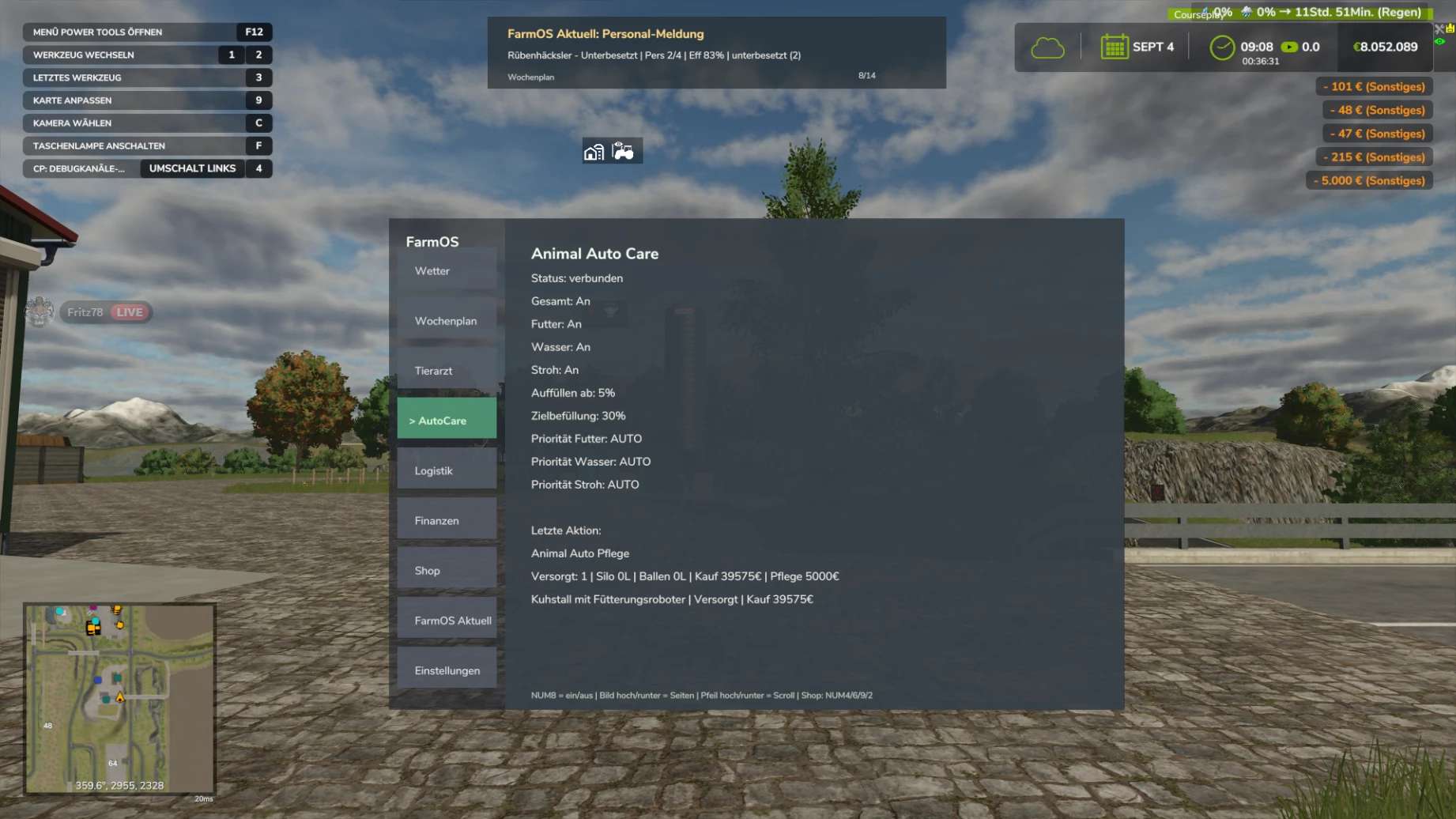

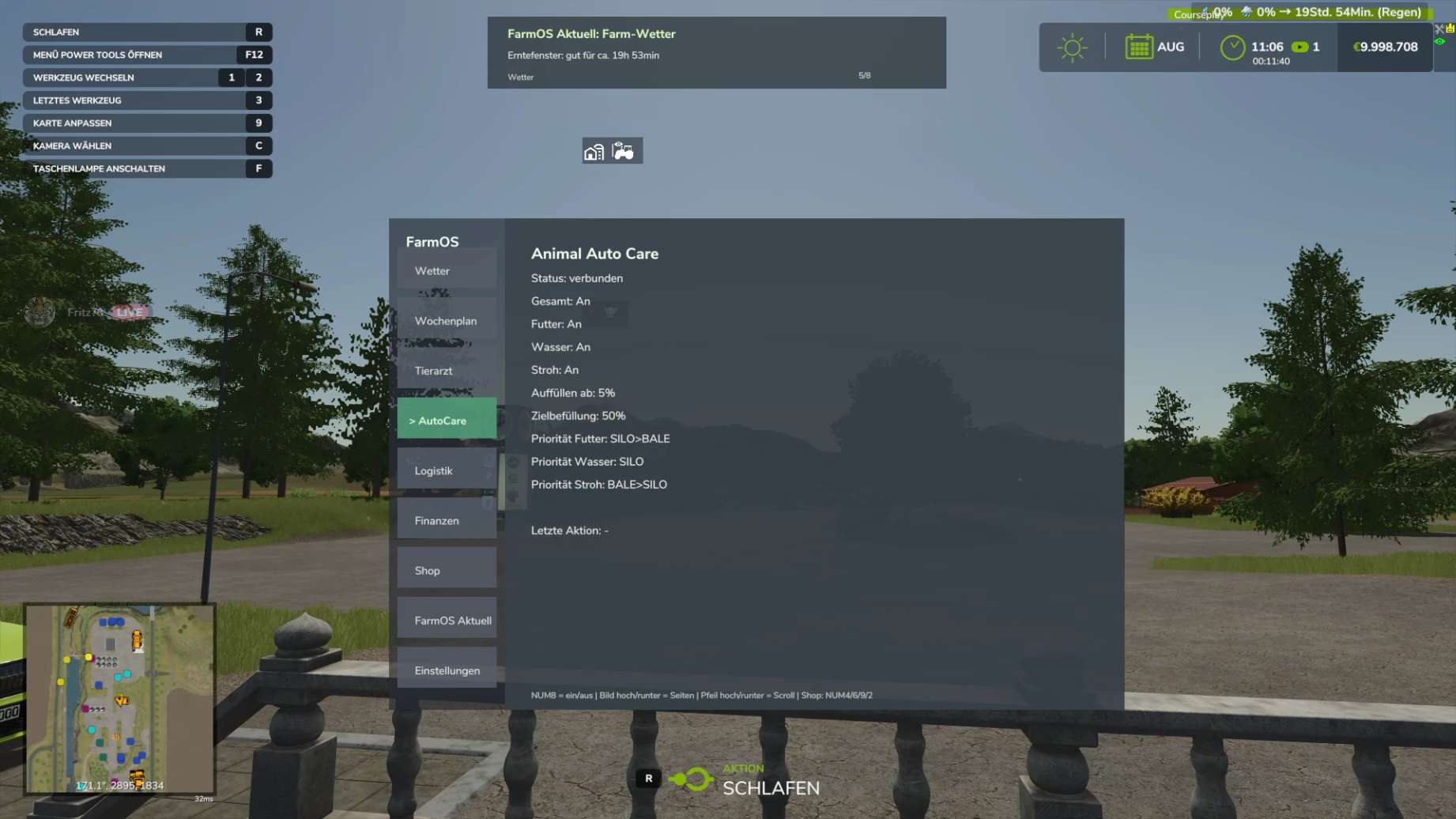
LS25 Animal Auto Care v2.2.0.0
Animal Auto Care – New in Version 2.2
Areas New in v2.2
Wood Shavings: Wood shavings are now fully supported as bedding.
Horses: Horse stalls can now be automatically bedded with wood shavings instead of straw.
Rabbits: Rabbit hutches can also be automatically supplied with wood shavings.
Inventory: Existing bags, pallets, and stock of wood shavings are used first before new material is purchased.
Bedding System: The previous straw system has been expanded into a general bedding system, thus supporting different types of bedding.
Multiple Farms: Each farm now has its own Animal Auto Care profile with its own settings.
Multiplayer / Dedicated Server: Farm permissions and synchronization have been improved for multiplayer and dedicated servers.
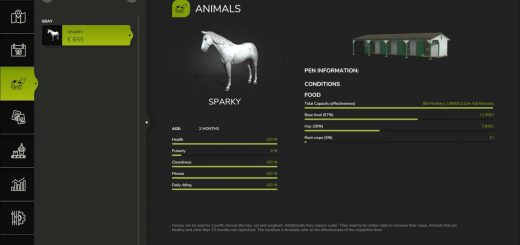
Live Stable Status: The current supply status of the stables is now displayed directly.
Caretaker System: More realistic workflow: The caretaker is notified, travels to the location, carries out the supply, and then completes the task.
Costs and Materials: Money and materials used are only deducted once the supply is actually completed.
Water Requirements: The system now better recognizes whether a barn actually needs water.
Chicken & Goose Barns: Barns without a real water requirement are no longer unnecessarily supplied with water.
Mod Barns: Barns from other mods with a real water or supply requirement are still supported.
Material Origin: The display now differentiates more accurately between materials from the silo, storage/bales, and automatic purchases.
Instant Supply: New option to trigger a supply directly upon startup or activation.
Translations: Texts and translations have been revised and improved.
FarmOS Animal Auto Care v2.2 requires the latest version of FarmOS. FarmOS must be installed and up to date.
Important Note:
Animal Auto Care v2.2 requires the latest version of FarmOS. Please ensure that FarmOS is also up to date so that all functions are available correctly.