LS25 BetterEye V1.0.0.0

LS25 Other

LS25 BetterEye V1.0.0.0
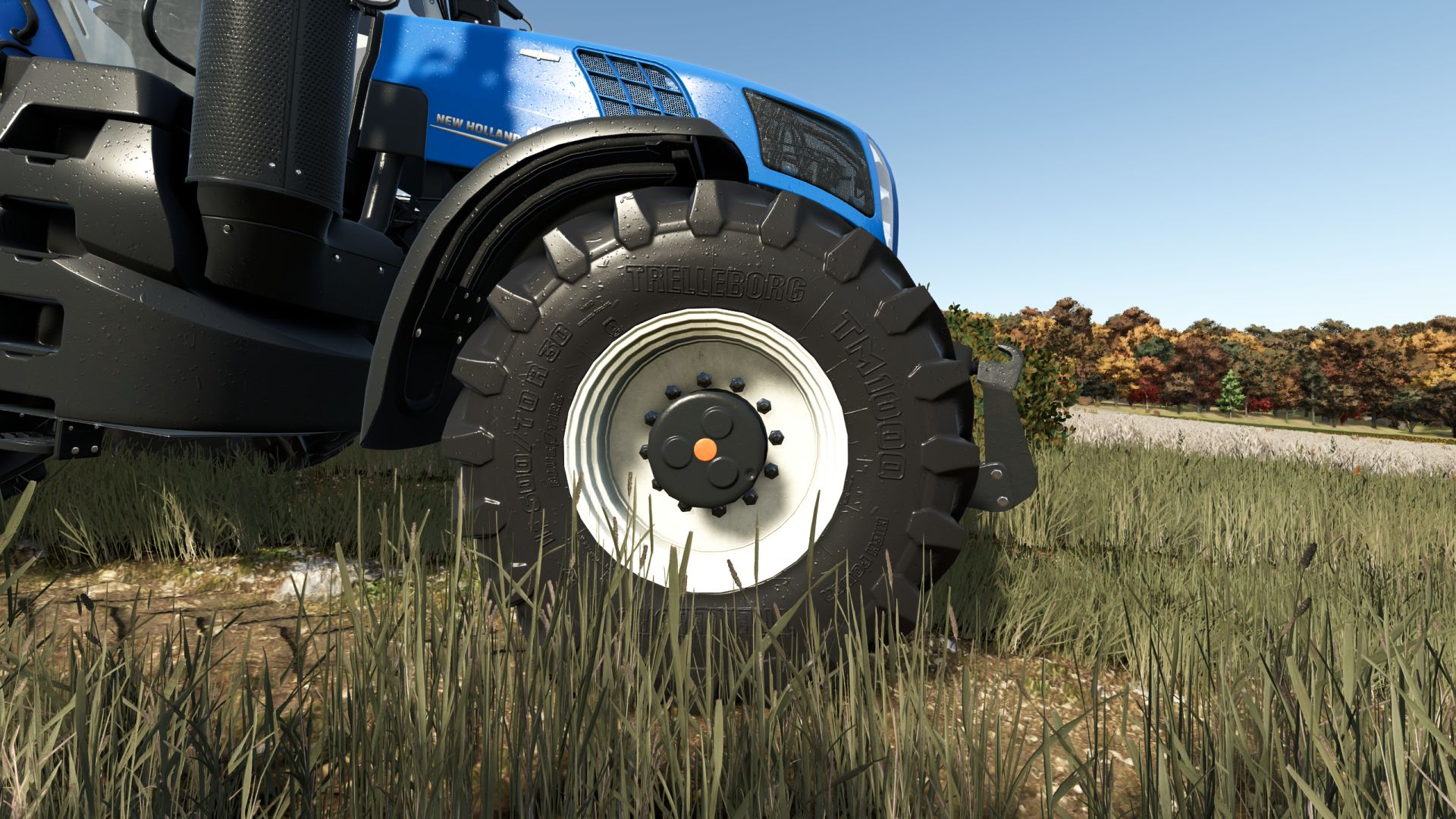
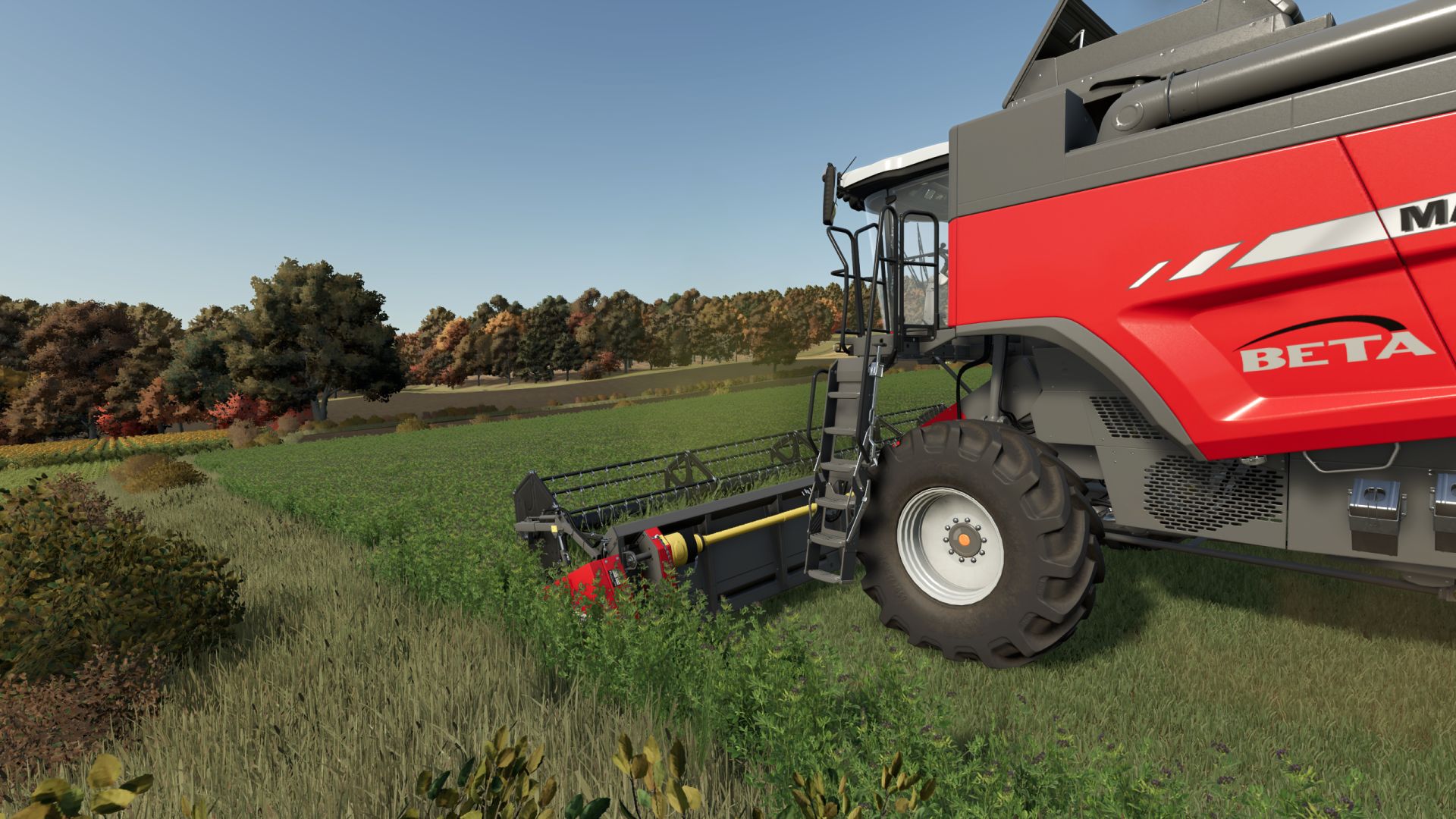
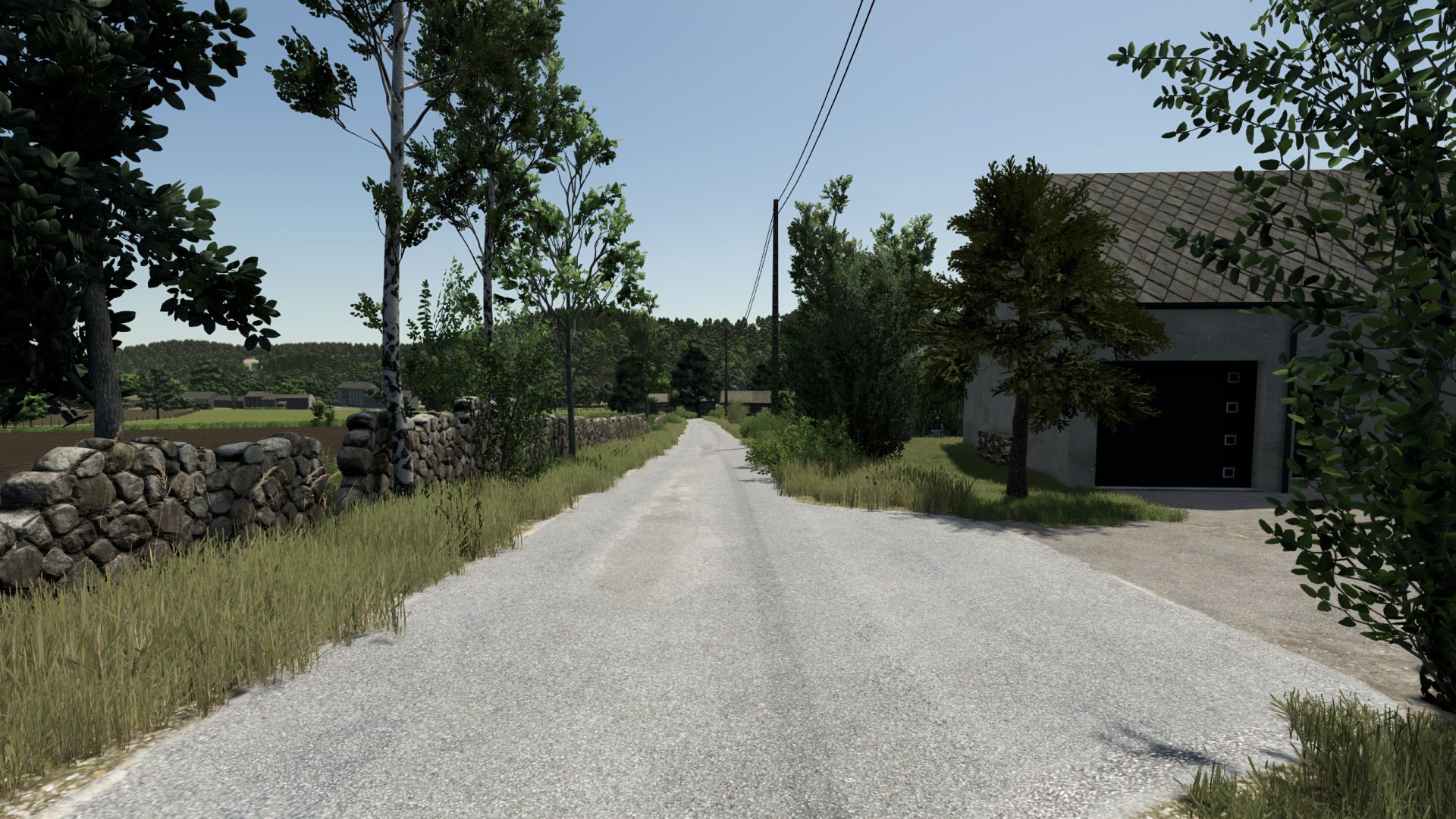
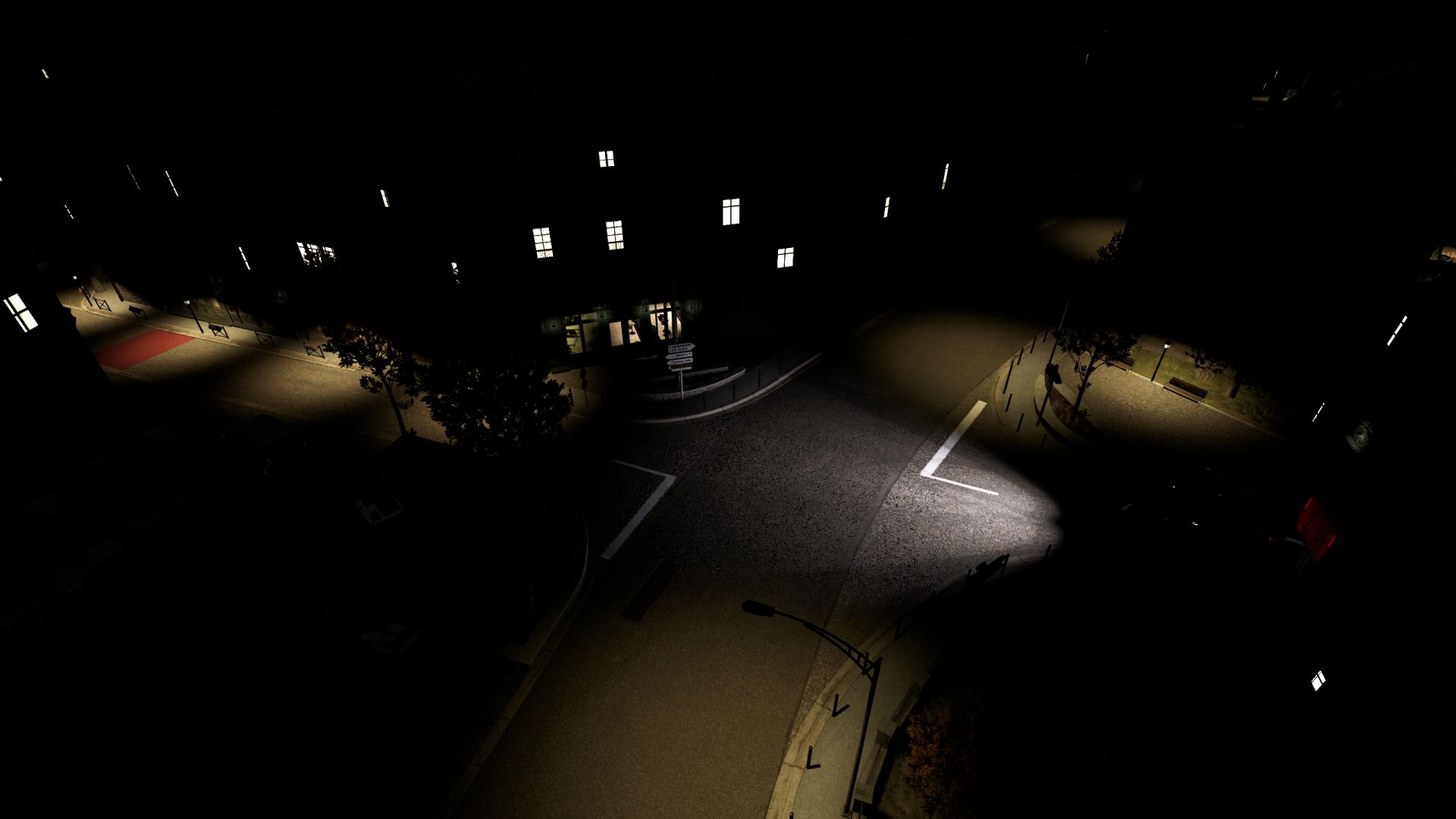
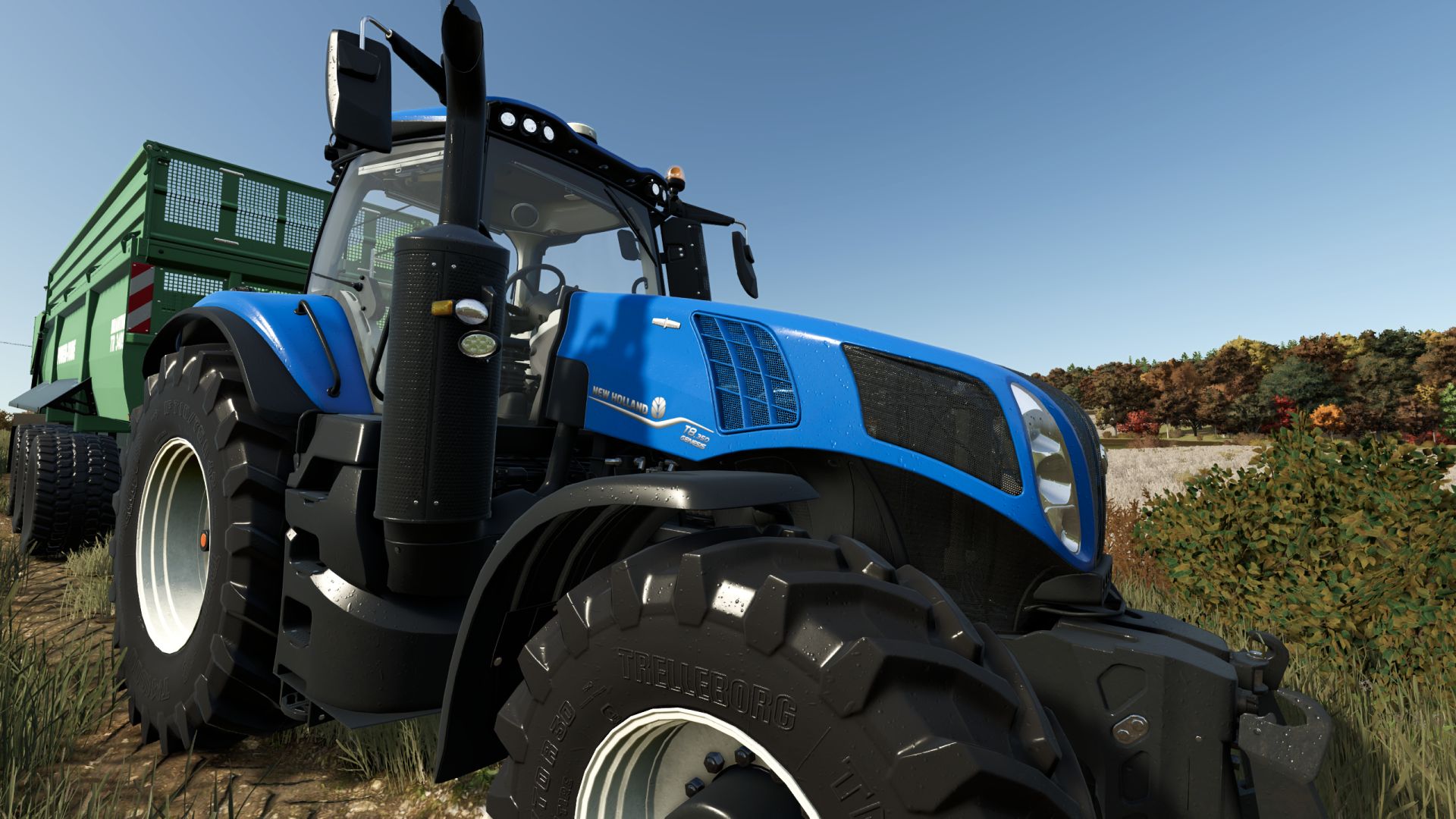
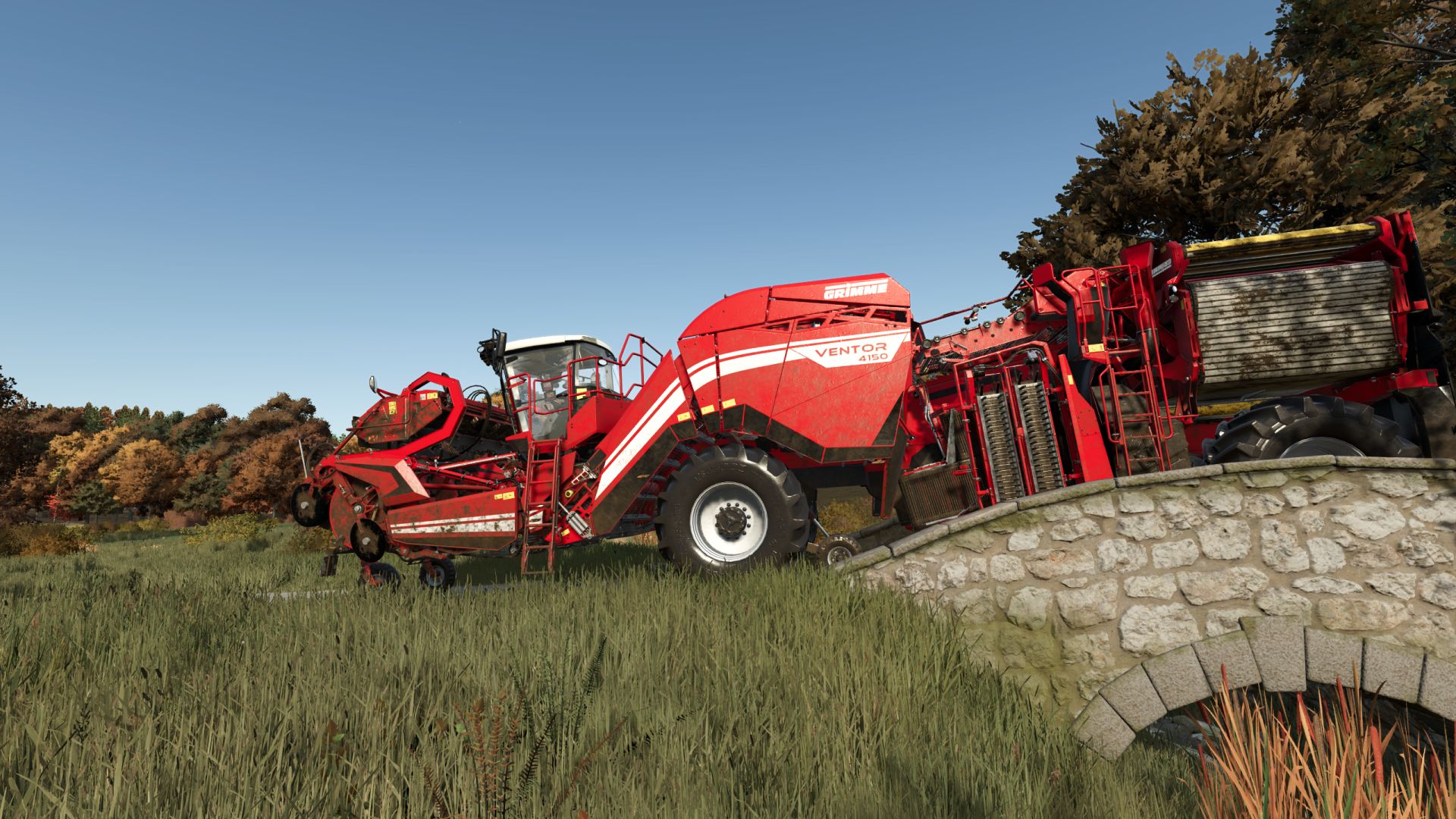
A bit colder palette, more sharpness, little bloom here and there, darker shadows, and a bit more contrast in general

Installation:
1) Unzip the archive
2) Depending on whether or not you have Reshade installed already
3) Copy the contents of the respective folder into …/Farming Simulator 25/x64 folder
4) In the game press HOME to open Reshade menu
5) Select BetterEye preset at the top – drop down menu
OPTIONAL 6) Modify to fit your style/preference

P.S. bundled Reshade version is 6.8.0

Authors:
DotFX


Why & How to use FS25 mods

Have you tried Farming Simulator 25 Mods already? Downloading FS25 / FS22 mods is one of the best ways to upgrade your Farming Simulator 25 / 22 game by just installing it. All that you need is to select Farming Simulator 25 / 22 mod and upload it to your game mod folder. Here you will find modifications such as Tractors, Maps, harvesters mods for FS22 / FS22. However, the best way to see how it works is just to try and explore these LS25 / LS22 mods right now.


LS25 Other

Leave a Reply

Do you need help or to say thanks for mod author? Just leave a comment bellow!