LS25 Clogging Addon V1.4.1.0
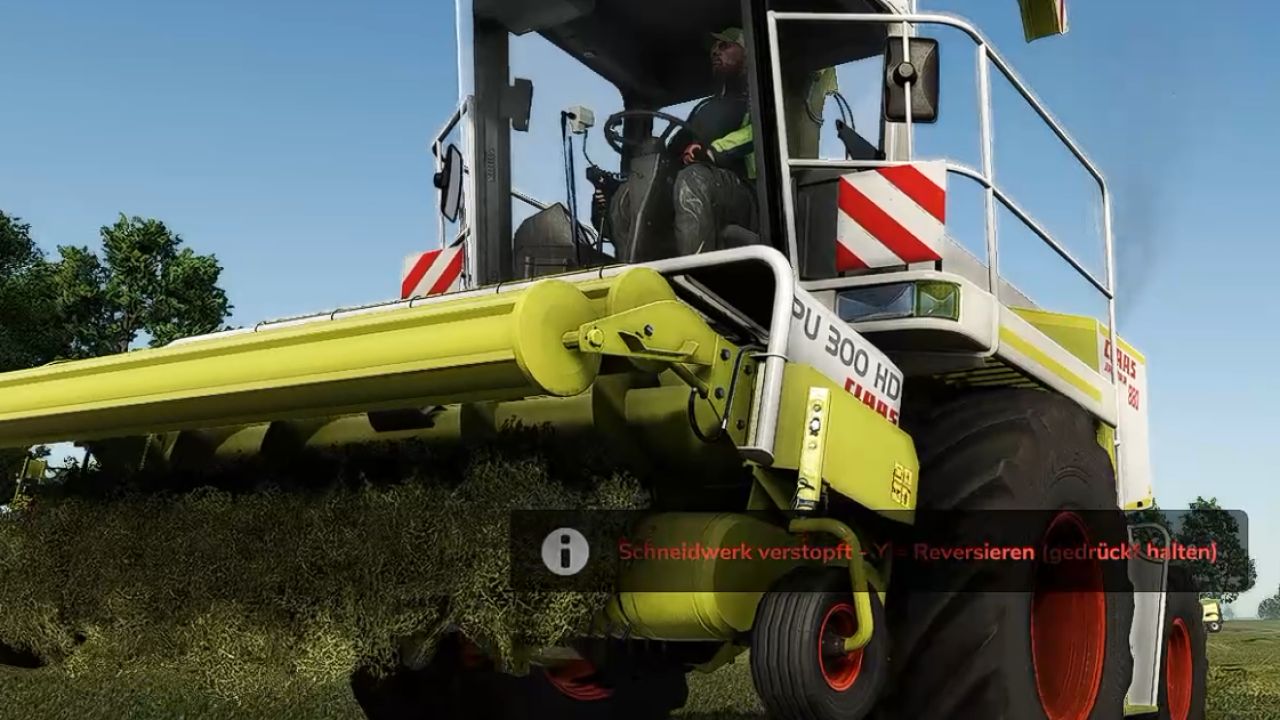


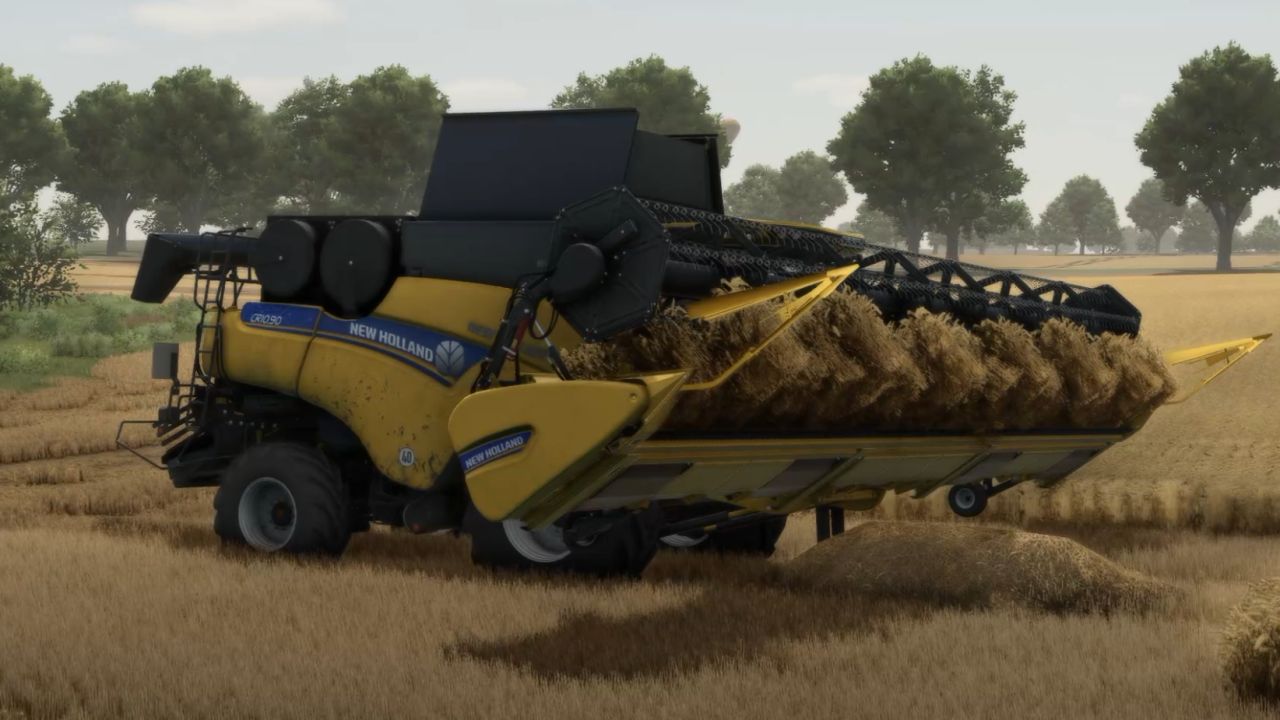
LS25 Clogging Addon V1.4.1.0
Clogging Addon for FS25
IMPORTANT!!
The FS25 Realistic Harvesting mod is required for this addon and must be installed separately in the mod folder.
Realistic Harvesting is not included in this download.
With the Clogging Addon, harvesting in Farming Simulator 25 finally becomes more realistic.
It automatically integrates itself into combines and forage harvesters!
The addon expands Realistic Harvesting with a realistic clogging and overload system for combines and forage harvesters. Anyone who drives too fast continuously or picks up too much material at once risks clogging the intake.
Features
Realistic clogging depending on engine load and material quantity
Different tuning for Arcade, Normal and Realistic modes
Combines can clog under excessive load
Forage harvesters react particularly strongly at high engine loads
The header, intake and pickup stop in the event of a blockage
The intake can be reversed
When reversing, the corresponding intake effects run backwards
With grass pickups, material is placed back in front of the pickup when reversing
Reversed grain can land on the ground again as a windrow and be picked up again
In the event of severe blockages, you must get out and clear the header directly
No artificial speed limit – the driver decides how heavily to load the machine
Designed to work in multiplayer/dedicated server environments
Controls
Y – Reverse intake / header
Z – Start the machine again after clearing the blockage
Z – Manually clear a blockage at the header in the event of a hard blockage
Requirement
The FS25 Realistic Harvesting mod is required for this addon and must be installed separately in the mod folder.
Note
The load depends, among other things, on the machine, engine power, working width, crop quantity and driving speed. As a result, the behavior can differ significantly depending on the vehicle and field.
Anyone who continuously operates their machine at its performance limit must expect the intake to eventually clog up. Exactly as it should. 😄
Have fun harvesting more realistically!
Westerrade Agrar
Distribution only with the original link!!!!
V1.4.1.0
New: Knife wear for forage harvesters
Forage harvesters now have their own **knife sharpness from 0–100%**
Knife sharpness is displayed directly in the HUD
The knives wear depending on the actual amount of material processed
Different crop types cause different levels of wear
High engine load and overloading additionally increase knife wear
Blunt knives increase the forage harvester’s power requirement and therefore also the engine load
Sharpening the knives
Sharpen with **Right Shift + M**
The forage harvester must be switched on
The corn header, pickup or other attached implement must be switched off
If the attached implement is switched on during sharpening, the sharpening process is automatically cancelled
A complete sharpening process from 0 to 100% takes approximately **60 seconds**
Knife sharpness is saved in the savegame
Multiplayer synchronization supported
Adjusted knife wear
Wear rate reduced after initial practical tests
Target value with a normal corn crop: approximately **6 ha until the next sharpening**
Green rye, grass, hay, pickup material and poplar have their own wear factors
Wear is based on the amount of material processed and not on a fixed hectare value
HUD
New display: **Knife sharpness xx%**
70–100% = Green
40–69% = Yellow
Below 40% = Red
The current sharpening status is displayed during sharpening
Already included
Intake blockage from 105% engine load
Material pressure in the intake is already visible at normal utilization
Helpers can also cause blockages
Classic HUD
HUD size can be toggled with **Right Shift + J**:
20% → 50% → 70% → 100%
Adjusted profiles for Normal and Realistic
Support for Realistic Harvesting 1.6