LS25 Ping System V1.0.0.0

LS25 Ping System V1.0.0.0
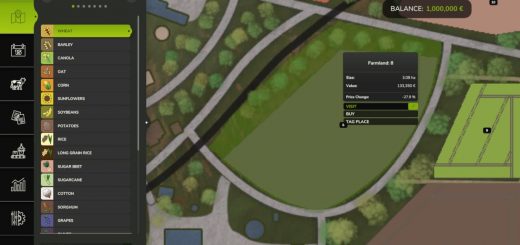
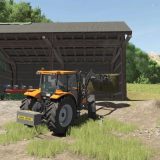
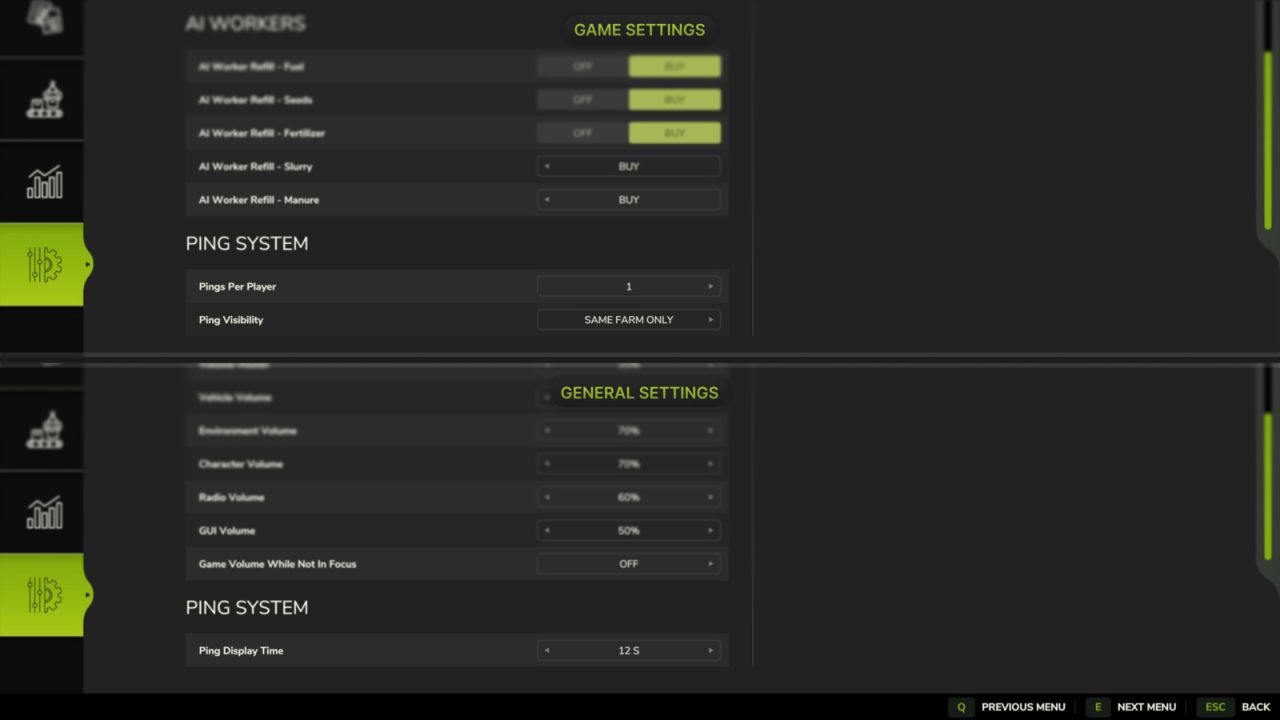
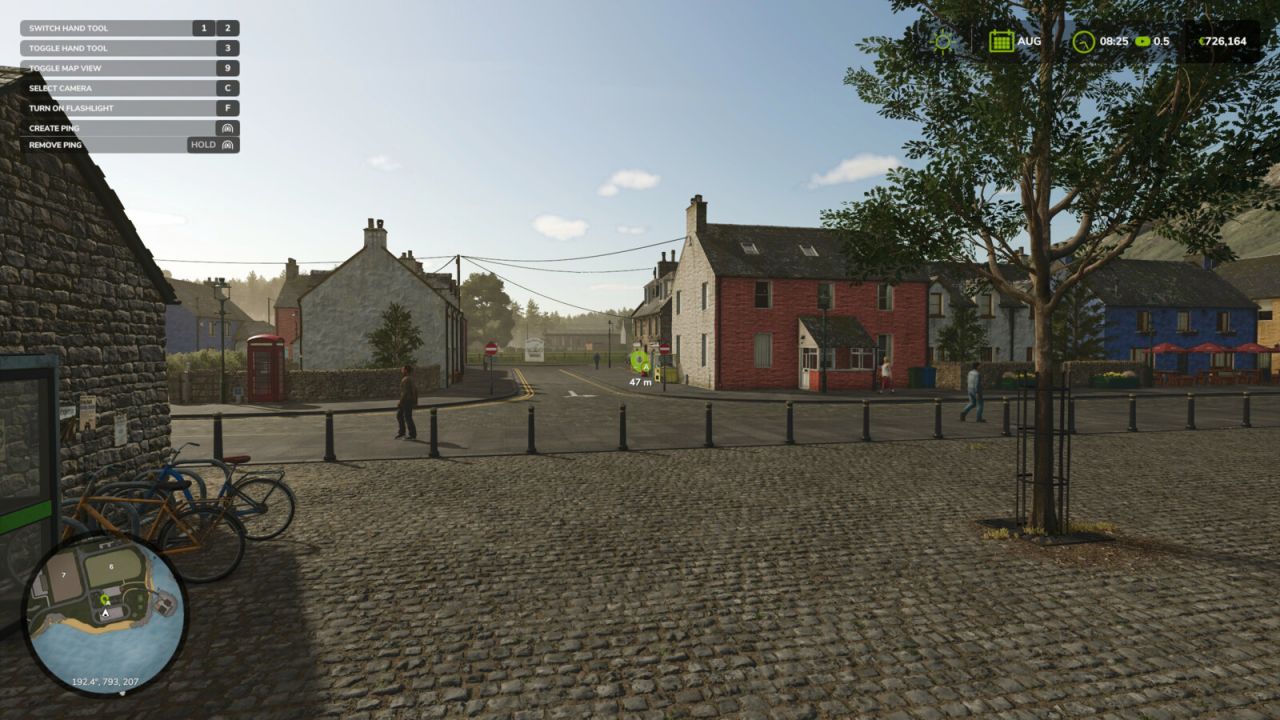
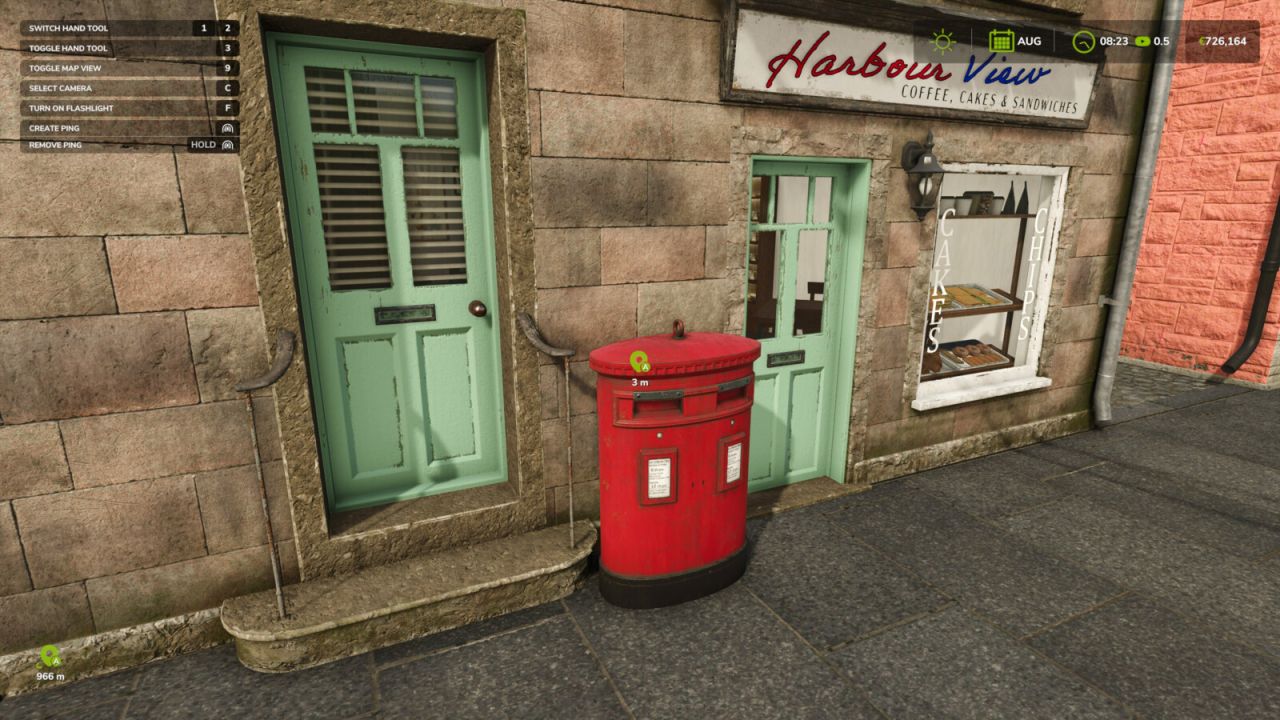
Ping System lets you quickly mark a field, building, vehicle or any other location. Pings appear in the world, on the minimap and on the full-screen map for players allowed by the host’s visibility setting. The mod also works in singleplayer, with local visibility settings for each player.
Features:
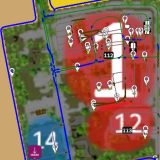
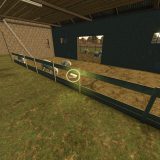
World marker with distance, off-screen arrow and icons on both maps.
Host-controlled visibility for the same farm or all farms, with synchronization for joining players.
Local display time of 5–30 seconds or Continuous mode; approaching temporarily hides the world marker.
A savegame limit of 1–3 active pings per player, set by the host; the oldest ping is replaced.
Controls:
Press the assigned button (Middle Mouse Button by default) to create a ping.
Hold the same button while pointing at a ping from your farm to remove it for everyone who can see it. You can also remove pings from other farm members.
Hold the same button away from pings to remove all your pings, including ones no longer visible on your screen.
The same controls work on the full-screen map.
Important: display time is local. The same ping may disappear for one player but remain visible to a player using Continuous mode.
For more information or to report a bug, please visit GitHub (modnext/pingSystem).