LS25 PHOTOREALENV ReShade Preset V2.0.0.0
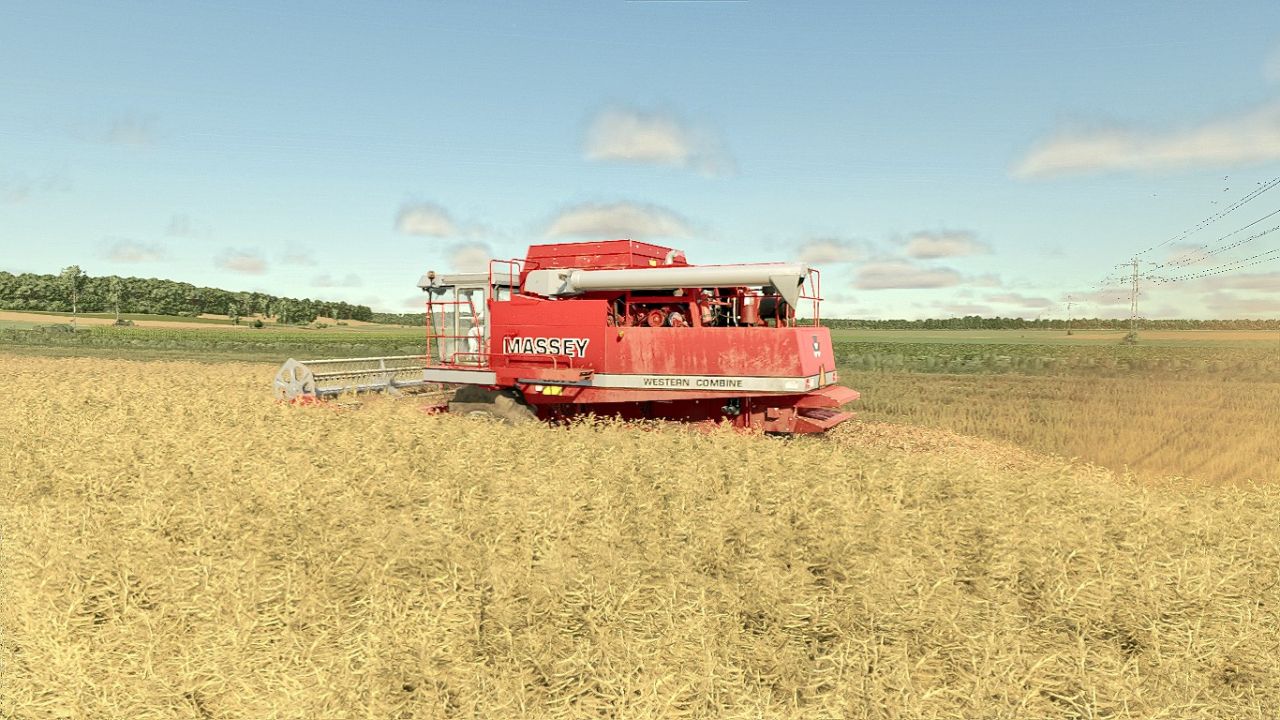

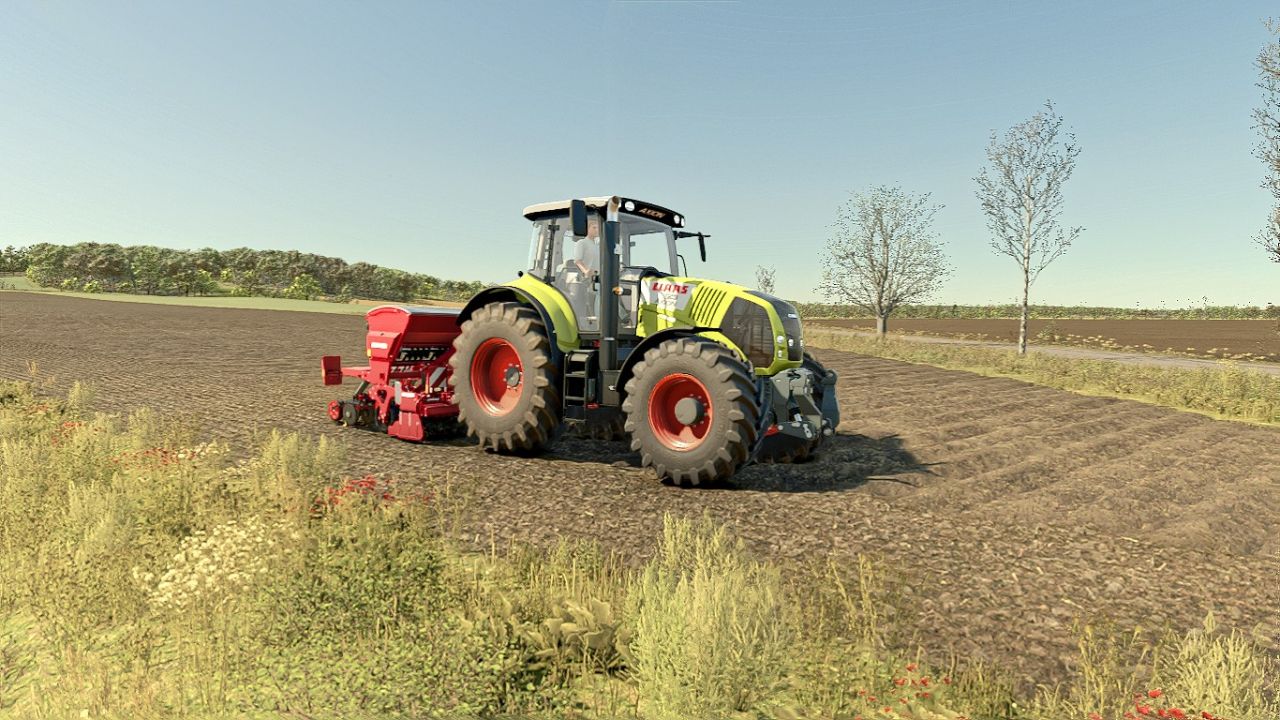
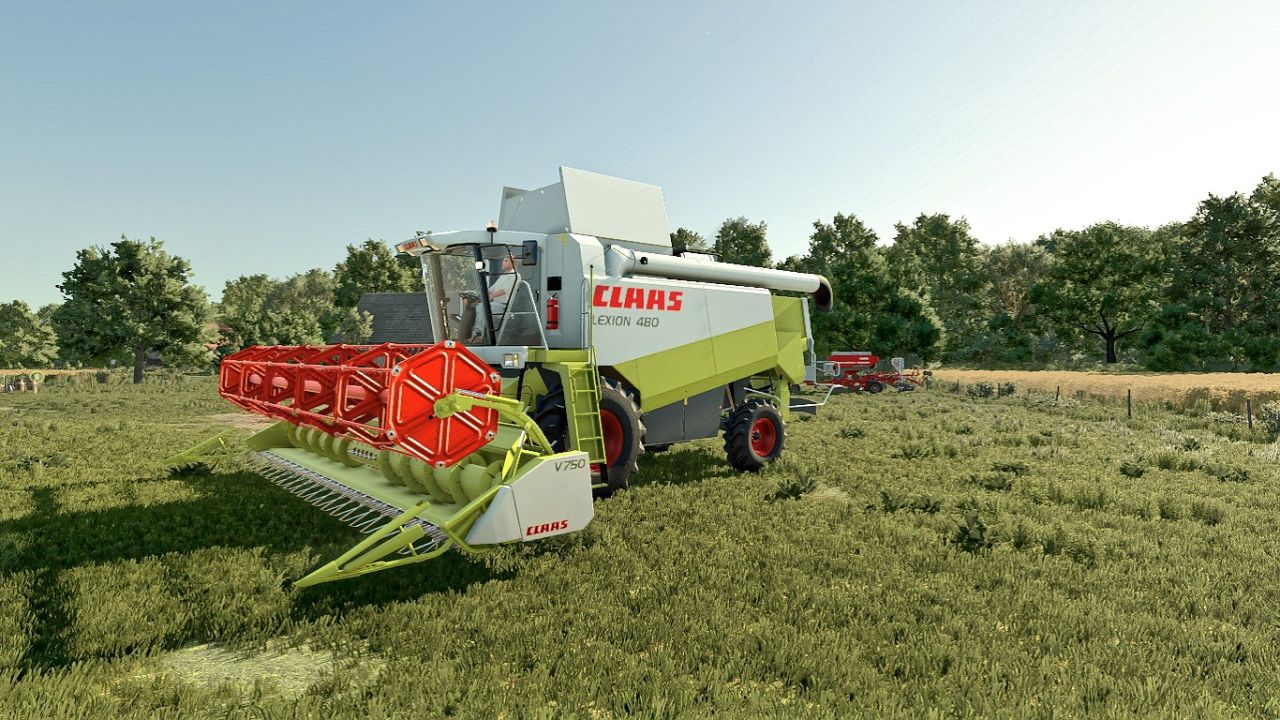
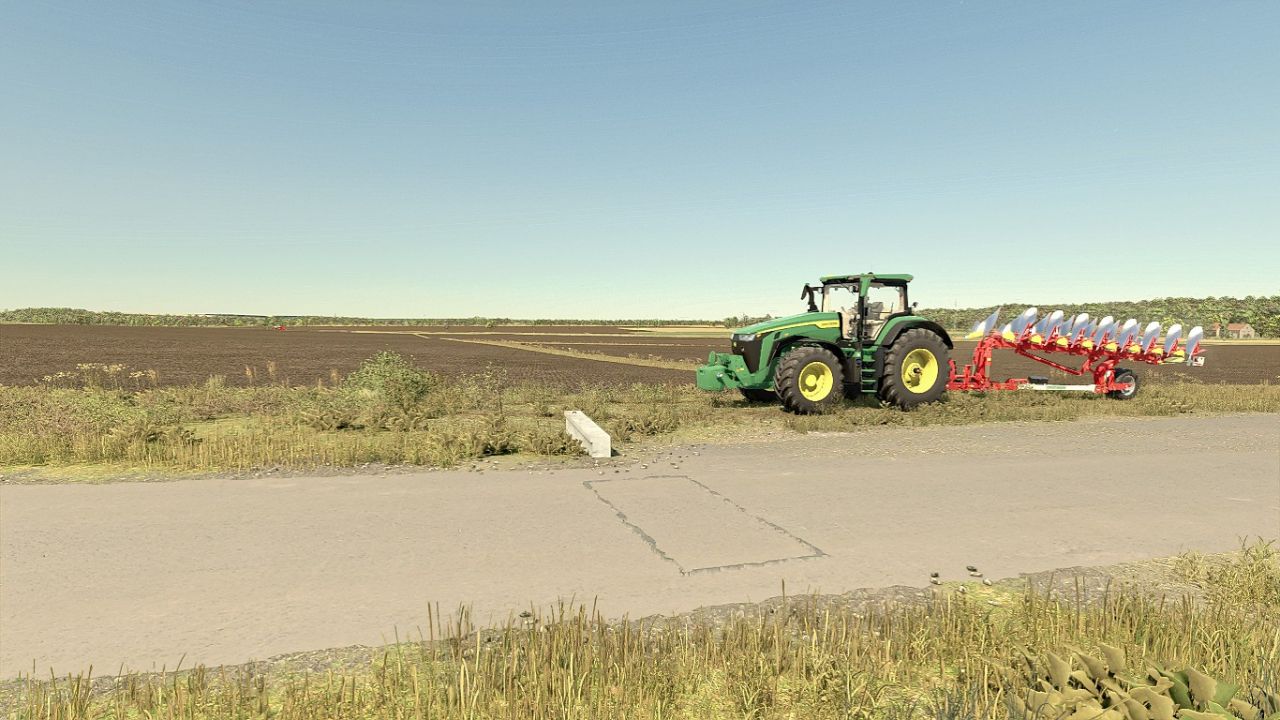
LS25 PHOTOREALENV ReShade Preset V2.0.0.0
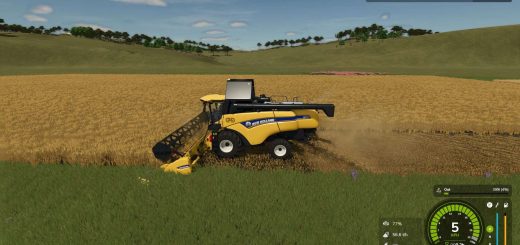
PHOTOREALENV II – A more realistic reshade preset for Farming Simulator 25!
Unlike the FS22 version, this one doesn’t have custom skies
RECOMMENDED MODS:
Additional Game Settings (for the custom lighting option)
EasyDevControls (for time and fog editing)
Witcombe Park Farm (A must-have mod, as the whole preset is based on its custom lighting)
Without this, the game won’t look like it does in my screenshots!
GRAPHICS SETTINGS:
Brightness scale 2.0
Sharpness 1.0
Note: On the Witcombe and Königshain maps, use a 1.5 brightness scale
Special thanks to Oxygendavid for the lighting!
If you like my shaders, follow me on insta!
V2.0.0.0
More realistic colors
Improved lighting
Sky upscaled