LS25 GAS MAD B2-310V (Prefab) V1.0.0.0
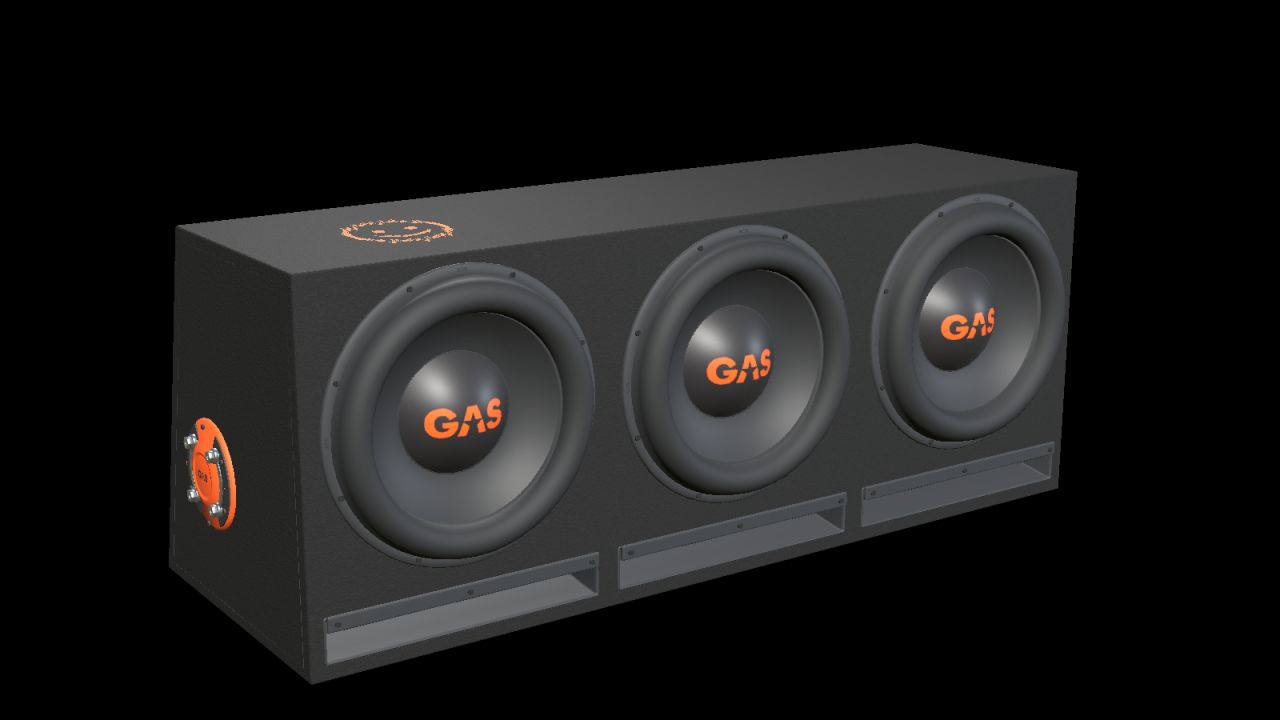

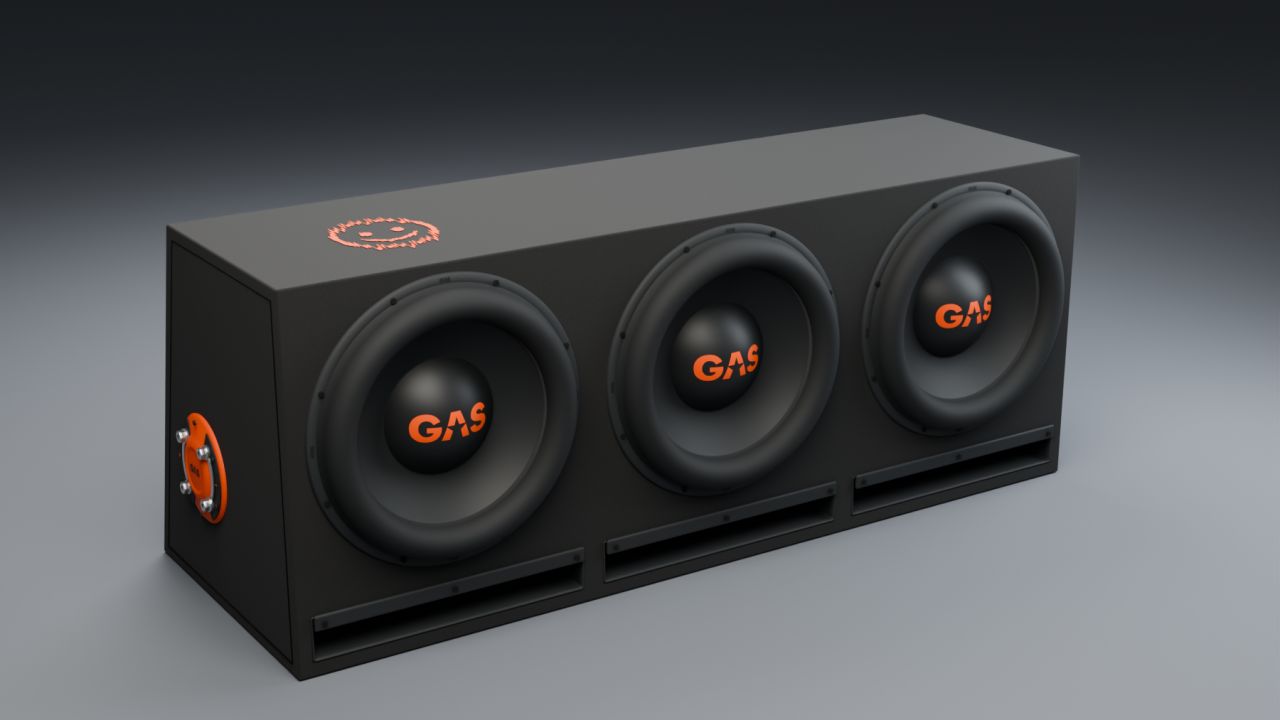
LS25 GAS MAD B2-310V (Prefab) V1.0.0.0
Add a detailed car-audio installation to your vehicle build with this decorative prefab for Farming Simulator 25.
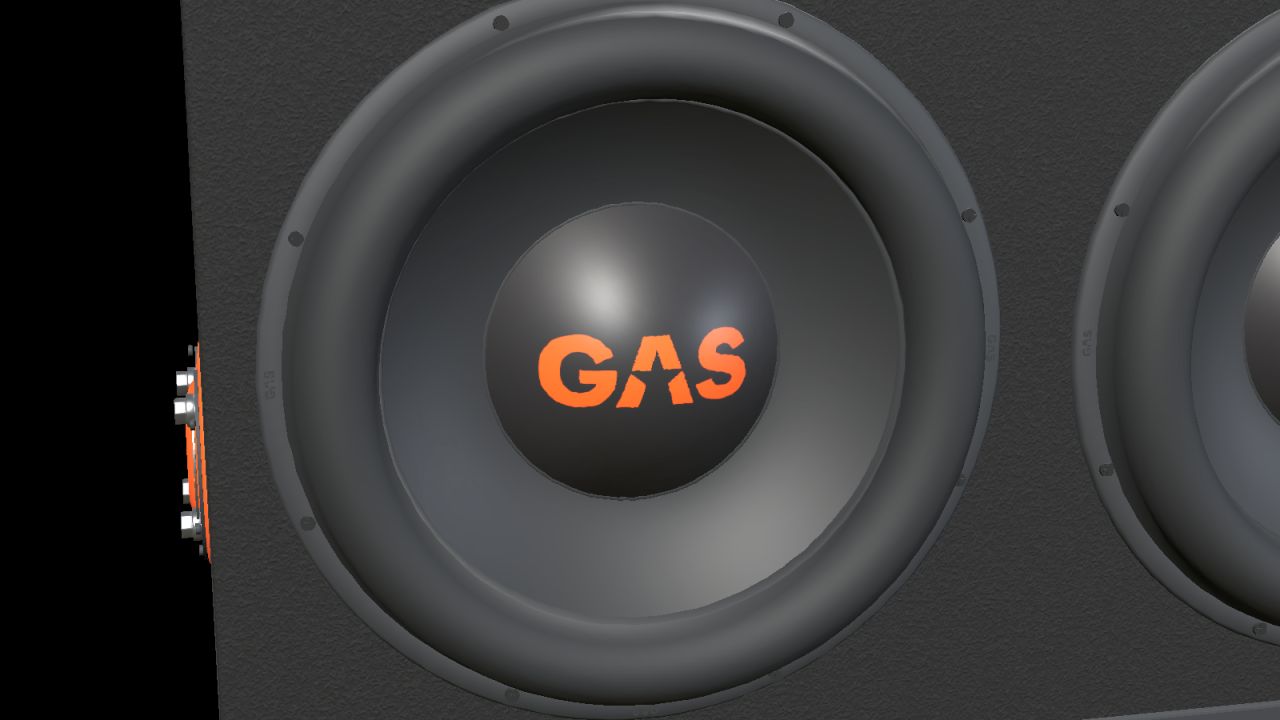
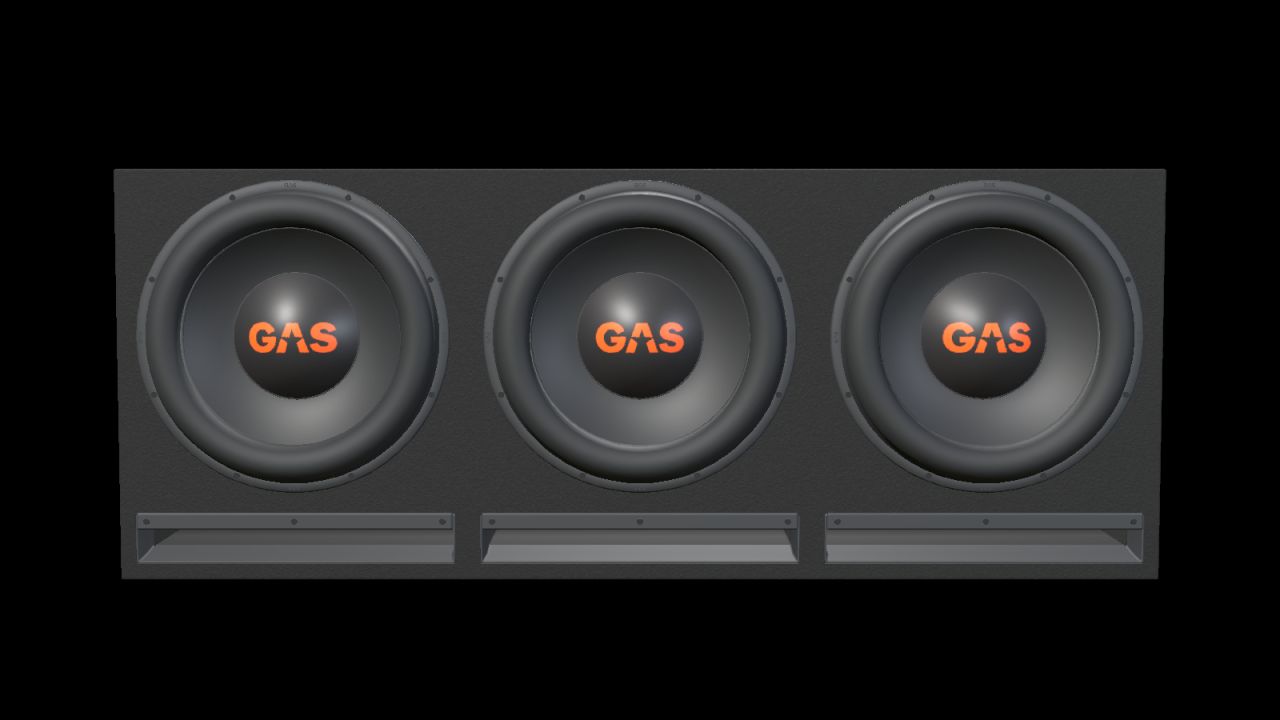
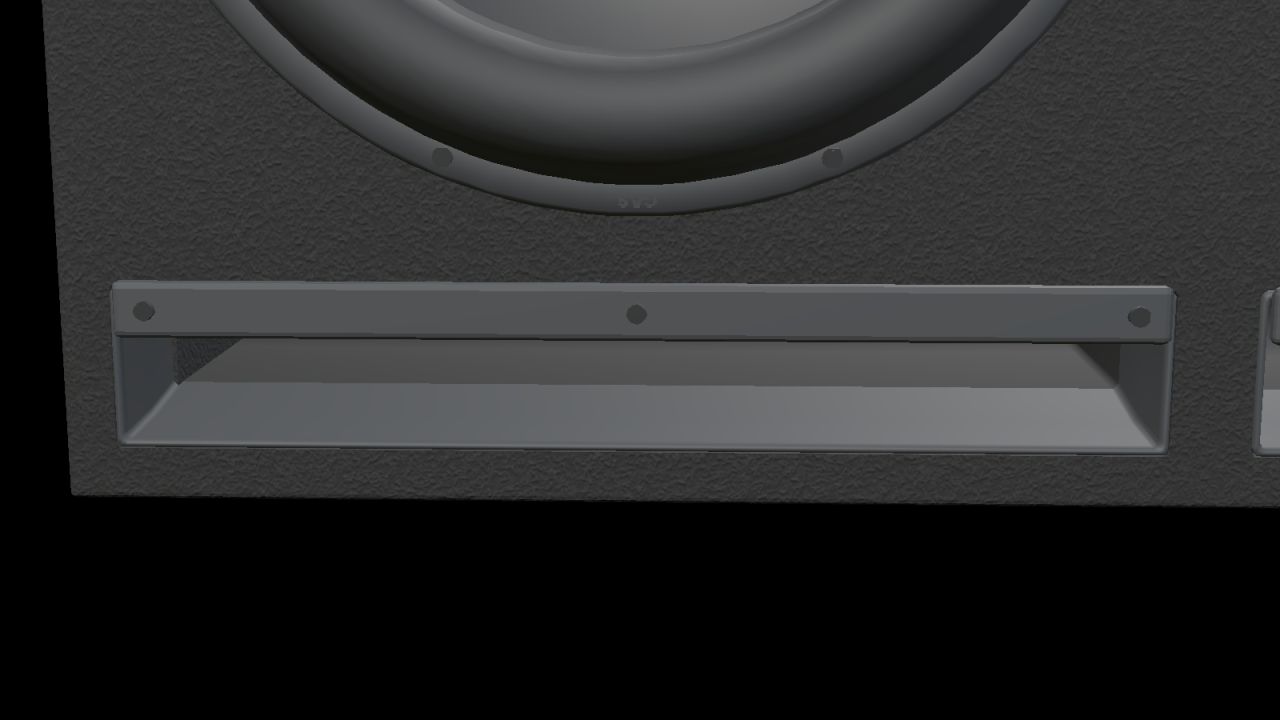
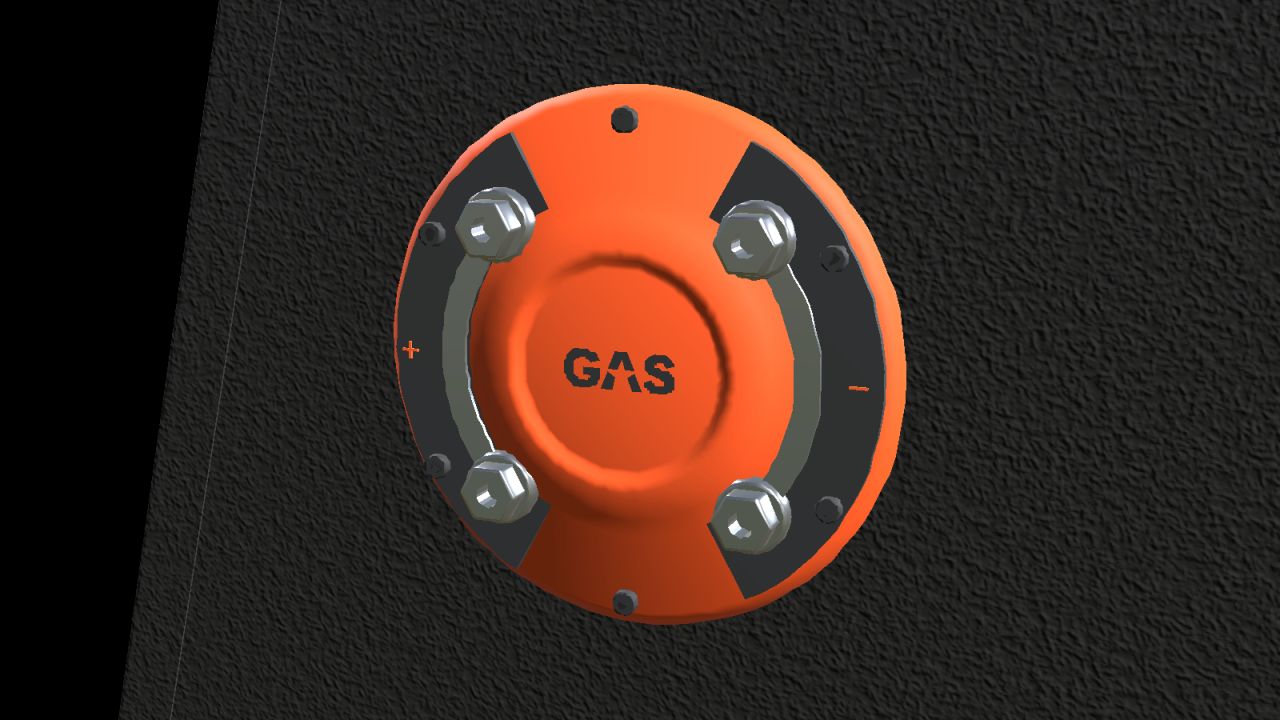
Based on the GAS factory enclosure with three 10-inch drivers and three open horizontal slot ports. Black carpet, orange GAS branding and a side terminal with metal bridging plates.
Real-scale model with separate materials and two detail levels.
Nominal enclosure dimensions, width × height × depth (bottom/top where two depths are listed): 900 × 355 × 330/250 mm.
Complete kit with I3D, DDS textures, editable Blender source, images and installation guides in English, Swedish and Norwegian.
INSTALLATION
Import the prefab into your vehicle mod with GIANTS Editor 10. Parent the complete root to a fixed body group and adjust placement. Follow README_EN.txt. This is a mod-building prefab with no separate shop entry. It is not a standalone playable mod to drop into the mods folder.
FUNCTION
Static decoration without audio playback, cone animation, separate physics or collision. Check placement and appearance in the vehicle in which it is installed.
Version: 1.0.0.0
Model and FS25 prefab: NorthernLight Modding.
GAS product designs, names and logos belong to Winn Scandinavia AB. See README_CREDITS.txt.
GE images show GIANTS Editor. Studio images are supplemental Blender renders of the model, not gameplay screenshots.