LS25 Storage Alert Monitor V1.0.1.2

LS25 Storage Alert Monitor V1.0.1.2
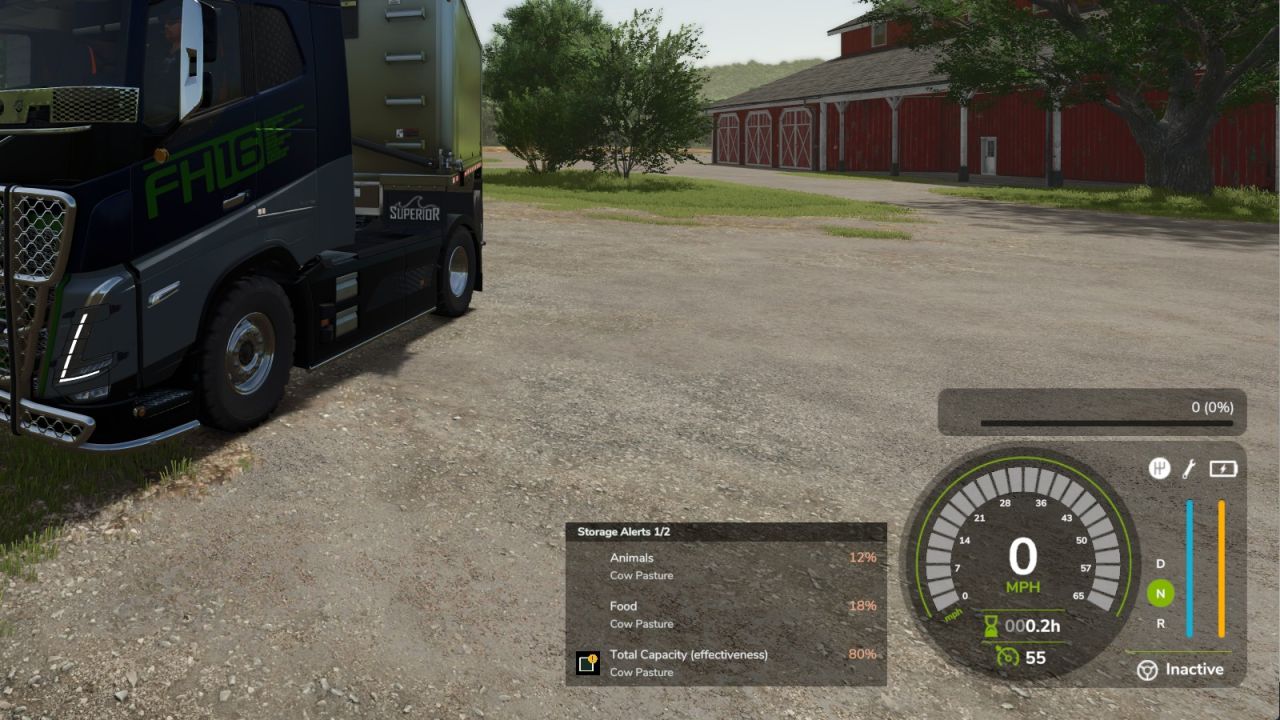
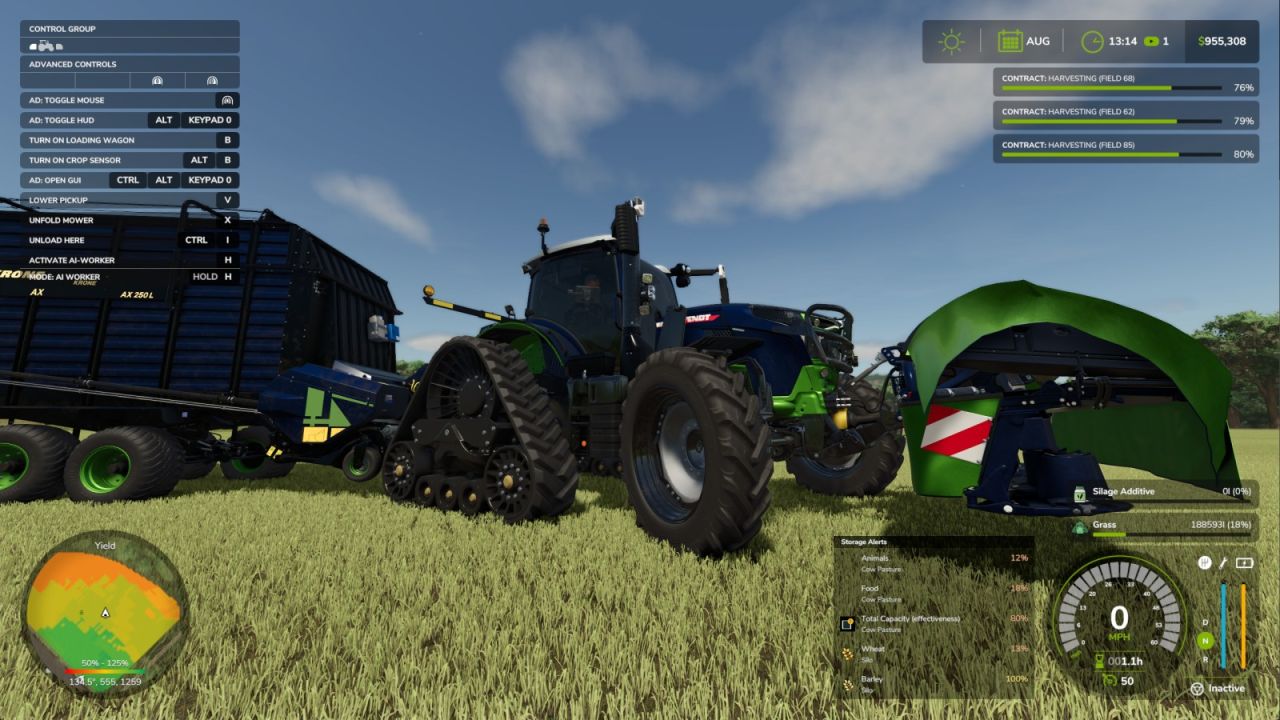
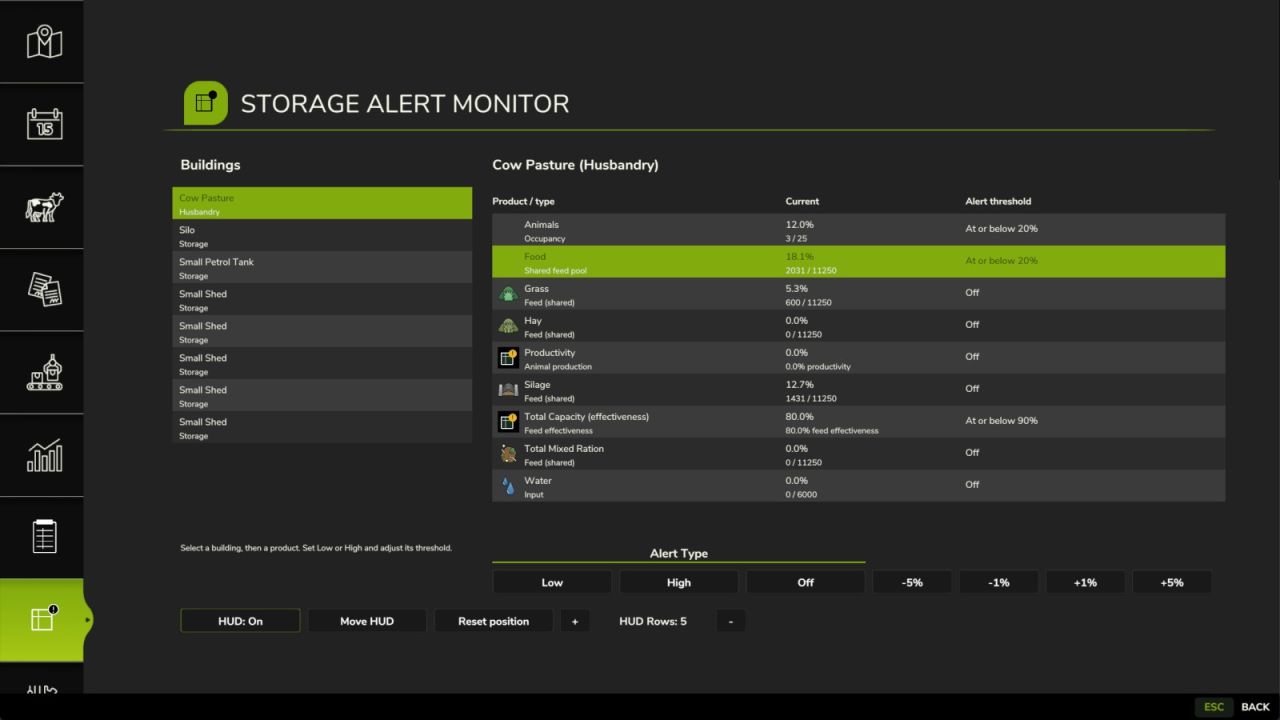
Monitor selected products in productions, storages and husbandries with individual low or high percentage alerts. The movable HUD displays product icons, localized names, building names and current percentages.
Default mouse / HUD move control: Left Ctrl+Left Alt+S. Press to enable the cursor and HUD move mode, drag the title bar, then press again or click outside the HUD to finish. Restores the previous cursor state.
Works on foot and in vehicles; reassign it in Controls under Storage Alerts: Toggle mouse / move HUD.