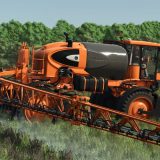
LS25 Adjustable working-width configuration V1.0.0.0
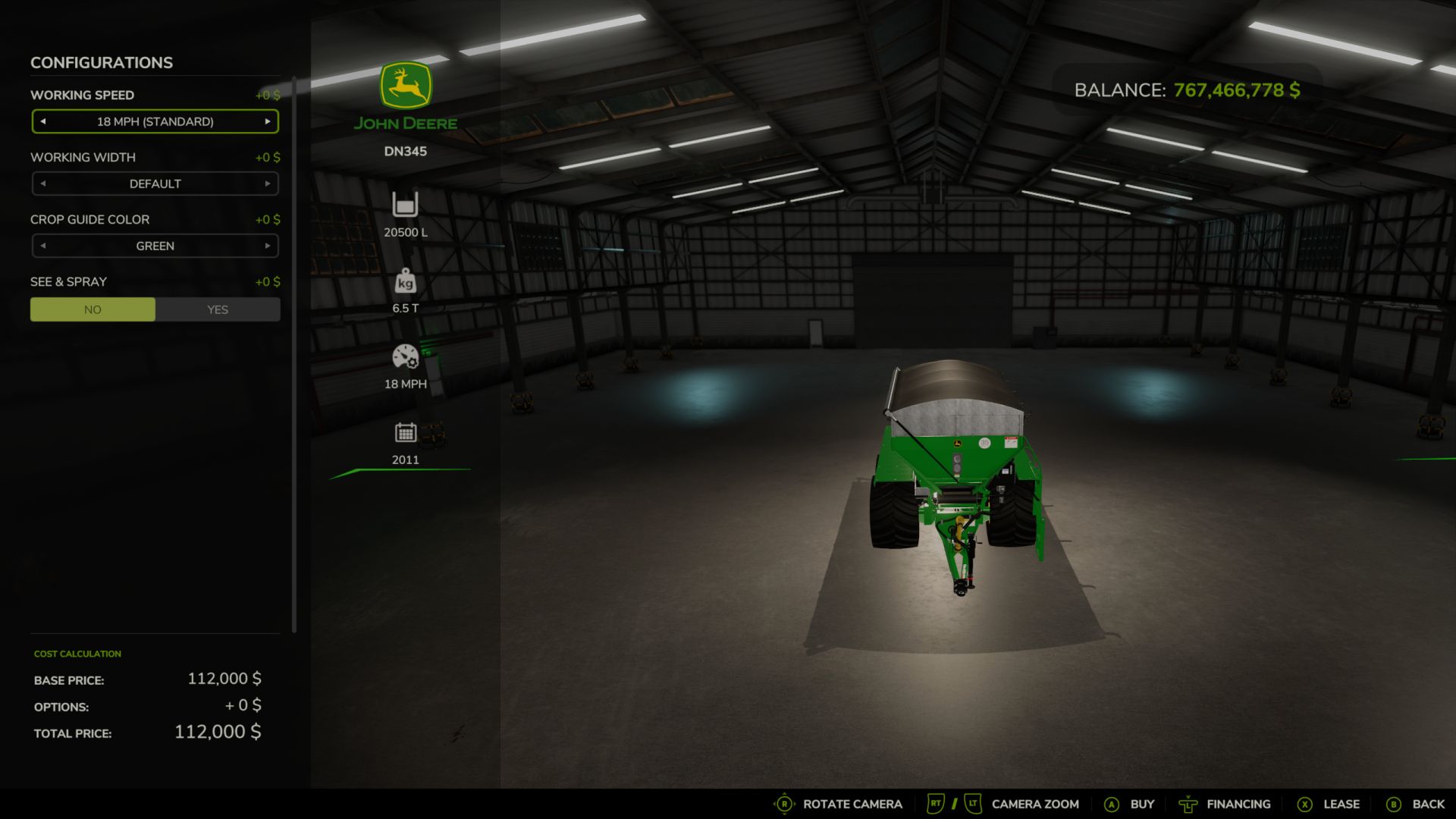

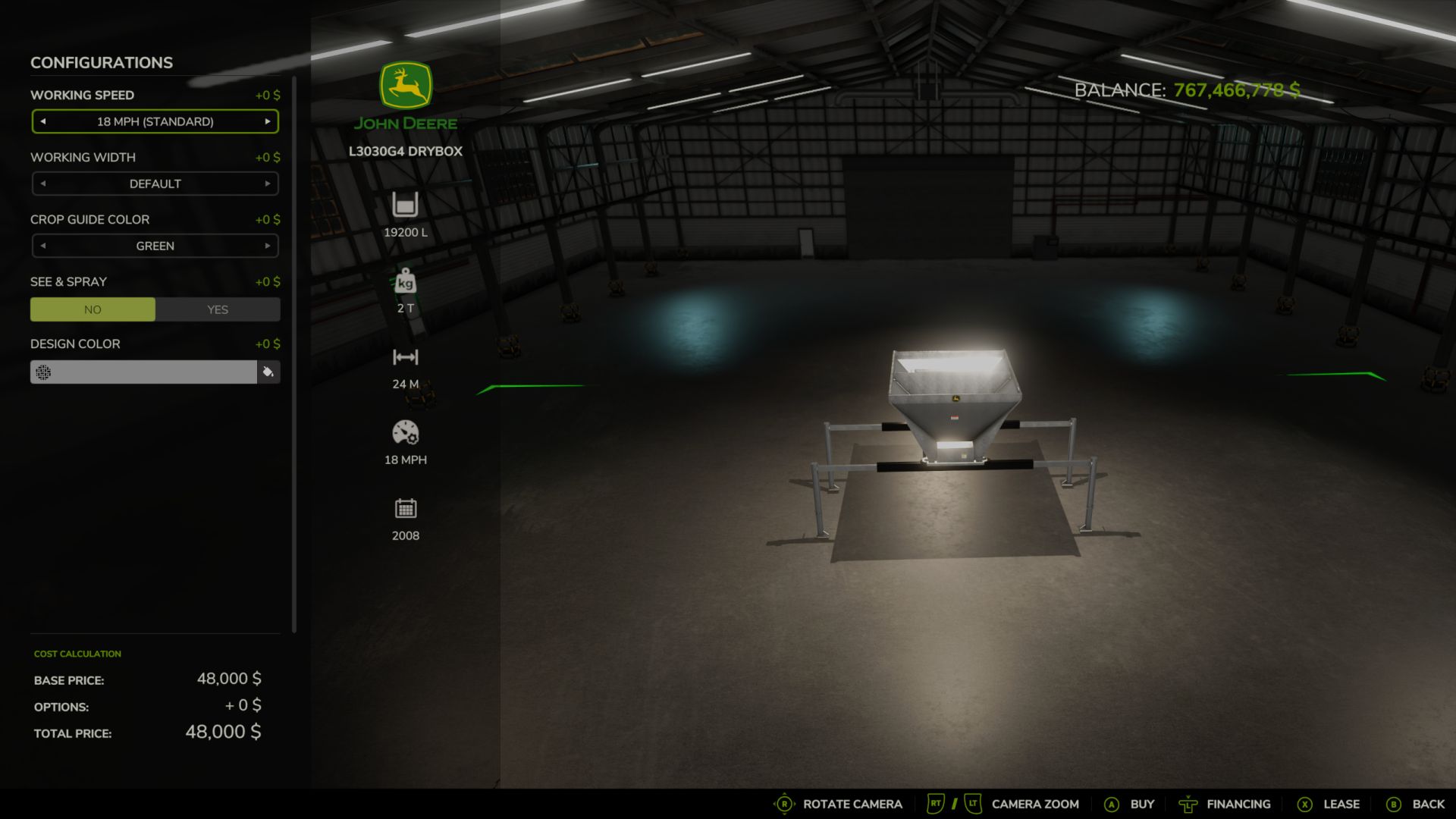
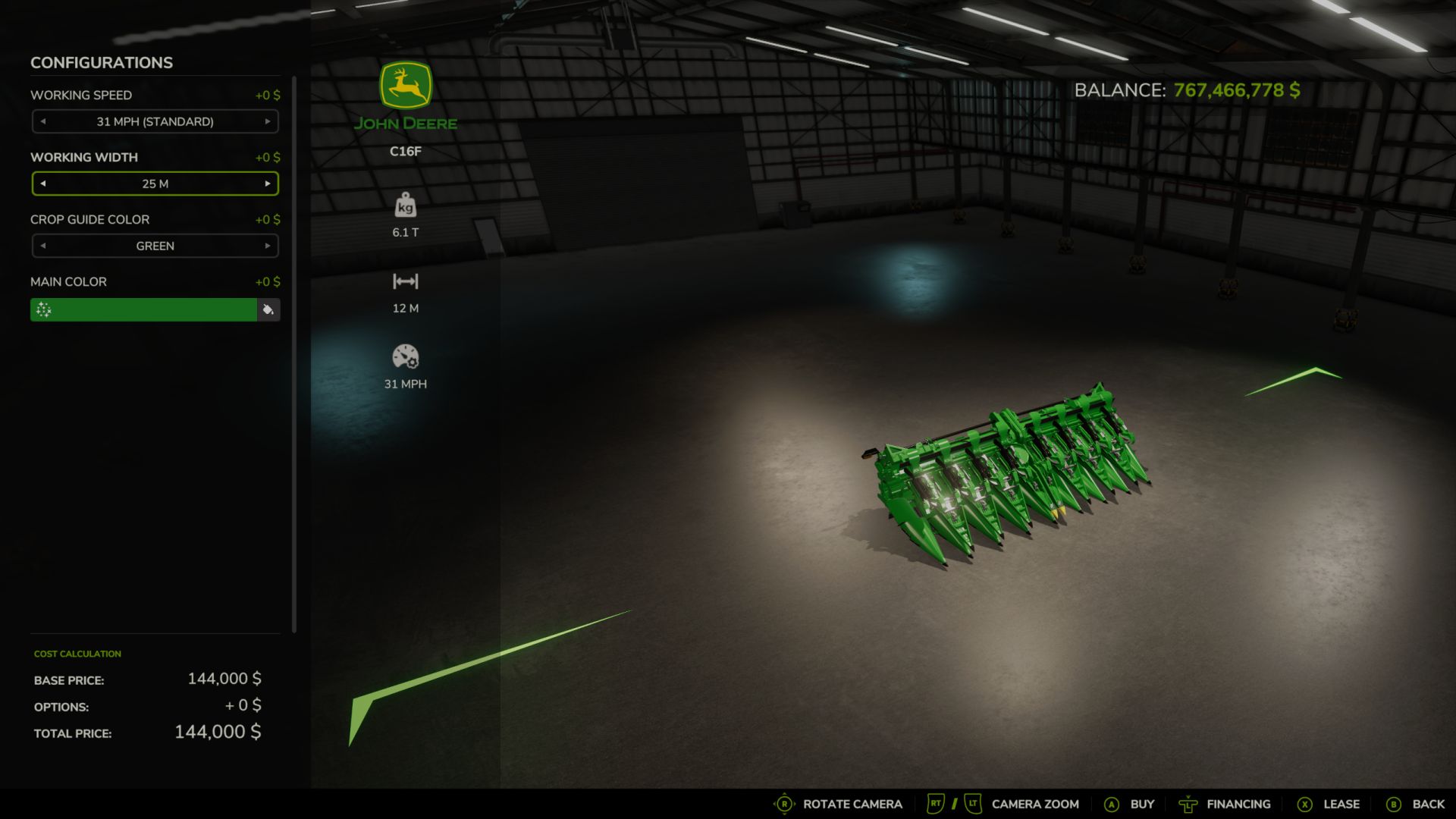
LS25 Adjustable working-width configuration V1.0.0.0
FS25 Working Width Options – JD adds adjustable working-width configurations to compatible Farming Simulator 25 implements.
Choose between:
Default – Uses the equipment’s original working width
25 m
50 m
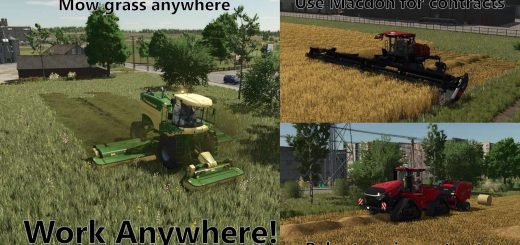
The mod also includes colored working-width guides to help show the actual edge of the working area and the selected width
It also adjusts compatible AI/work-area markers so AI workers can better follow the selected working width.
Features
Default / 25 m / 50 m working-width options
Colored crop/working-width guides
AI marker adjustment
Improved fertilizer-spreader guide alignment
Works with many implements that use the FS25 WorkArea system
Multiplayer and dedicated-server support
Author: JdFarmer94
V1.0.0.0
The mod includes these selections:
20 m, 25 m, 30 m, 35 m, 40 m, 45 m, 50 m, 55 m, and 60 m, plus Default.
Automatic crop guides
Lines appear automatically when equipment is unfolded, lowered, and turned on, where applicable.
Lines disappear when equipment is raised, folded, or switched off.
Eight guide colors are available.
Selecting None disables guides without removing custom working widths.