LS25 Mud on the road V1.0.0.0

LS25 Mud on the road V1.0.0.0
MUD ON THE ROAD
Tyres only drop mud when there is real mud on them the mud the game shows on your tyres after field work. Clean or washed tyres leave nothing.
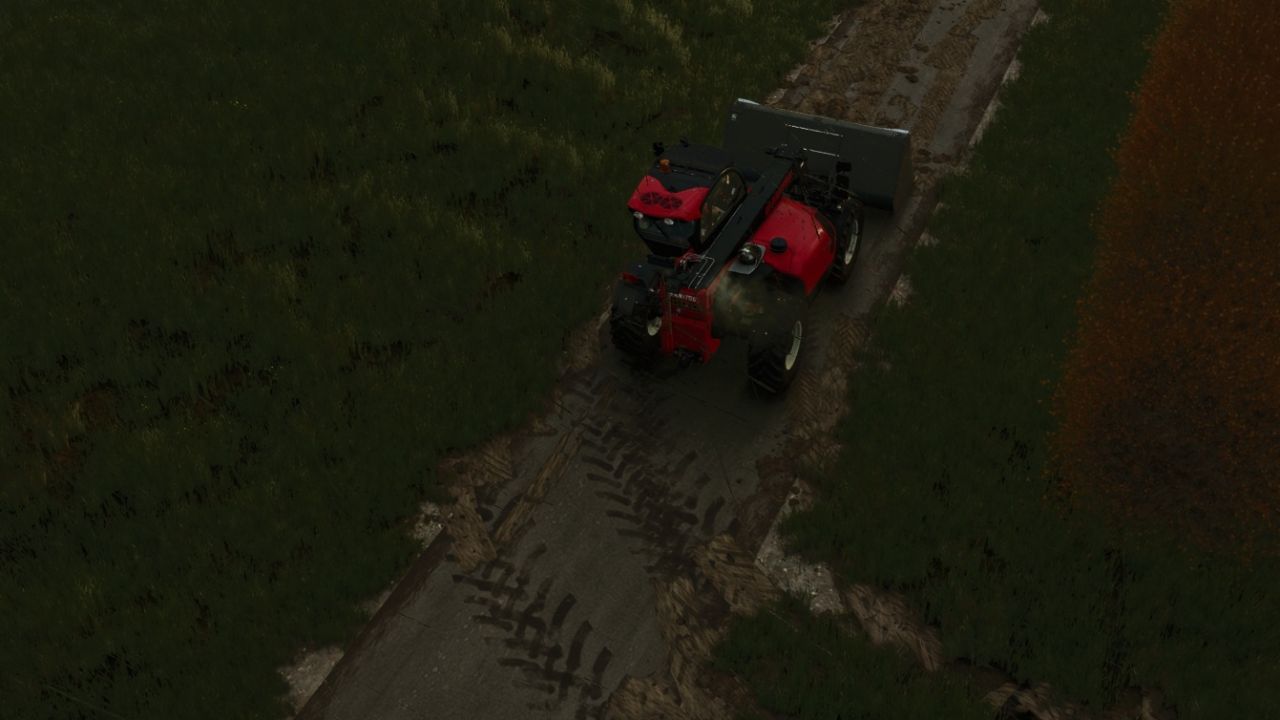
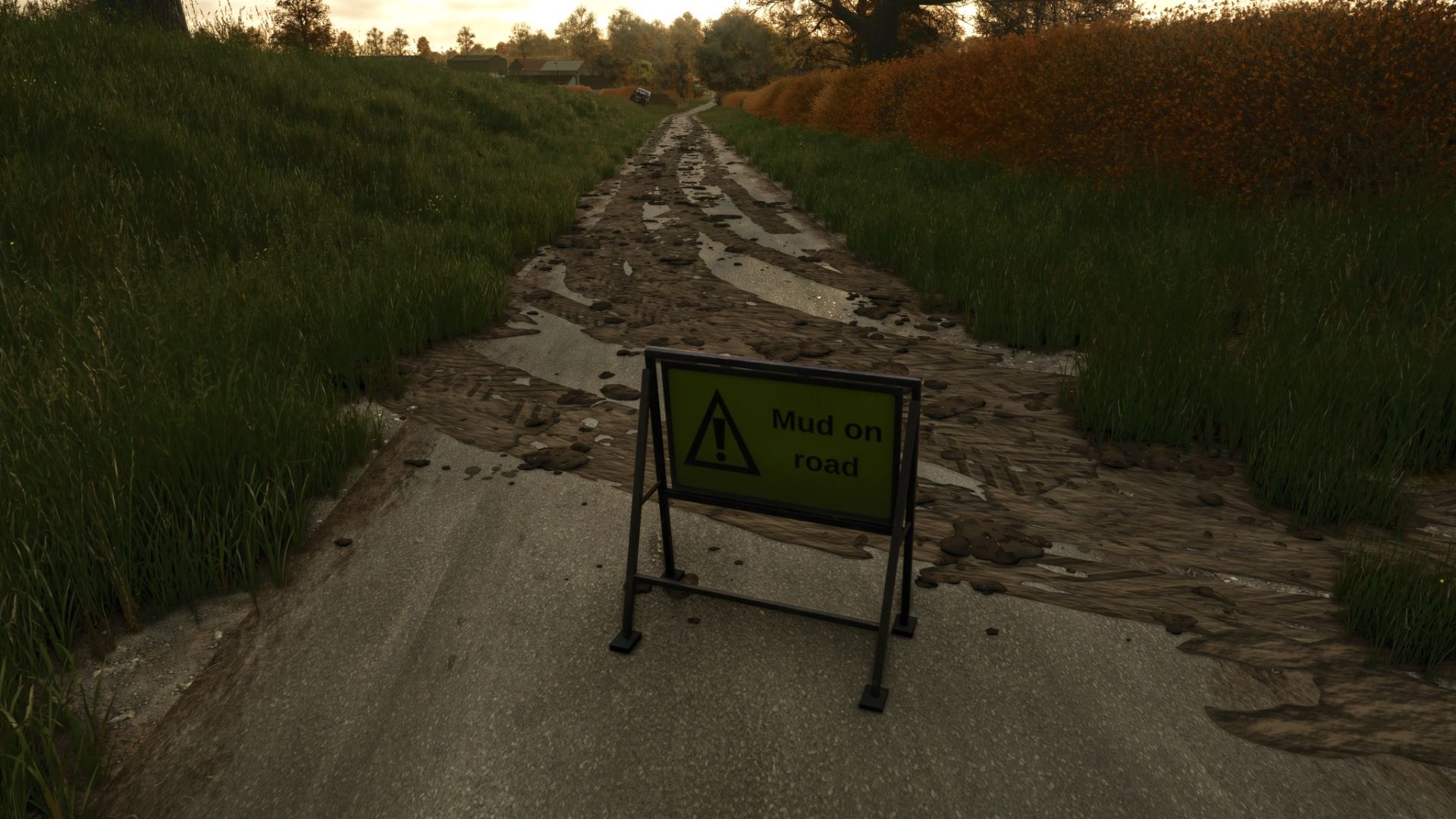
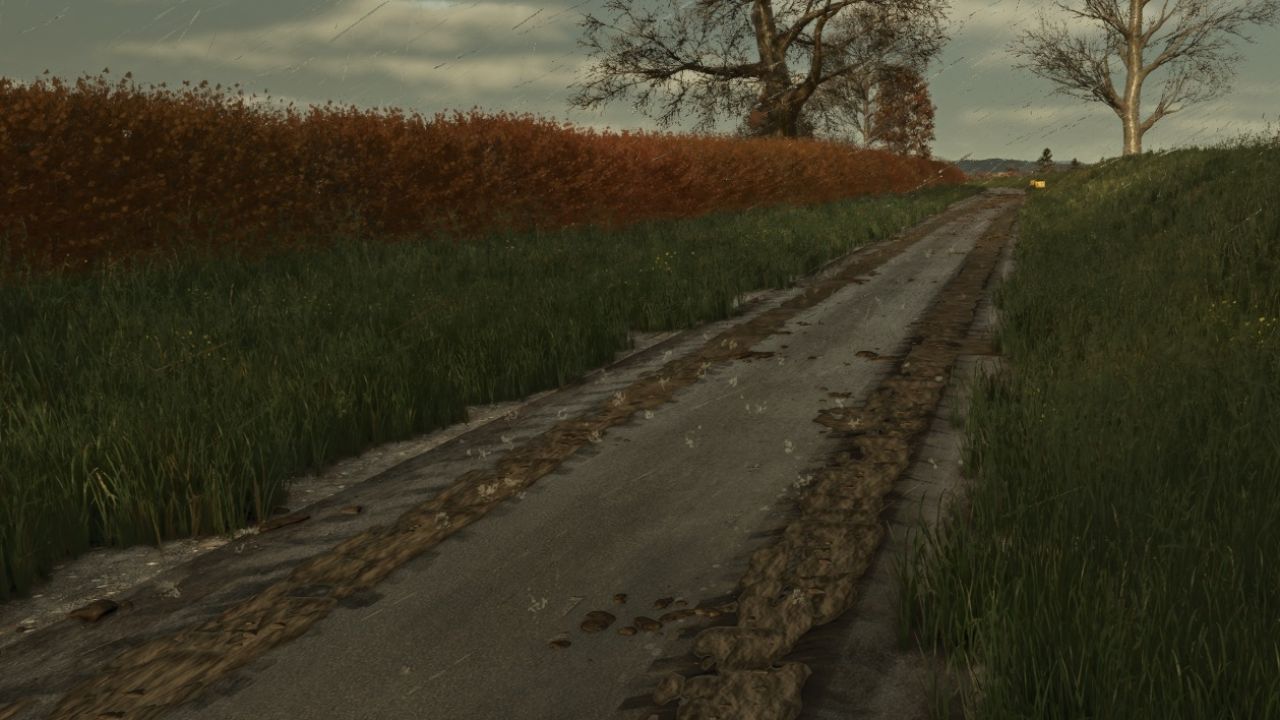
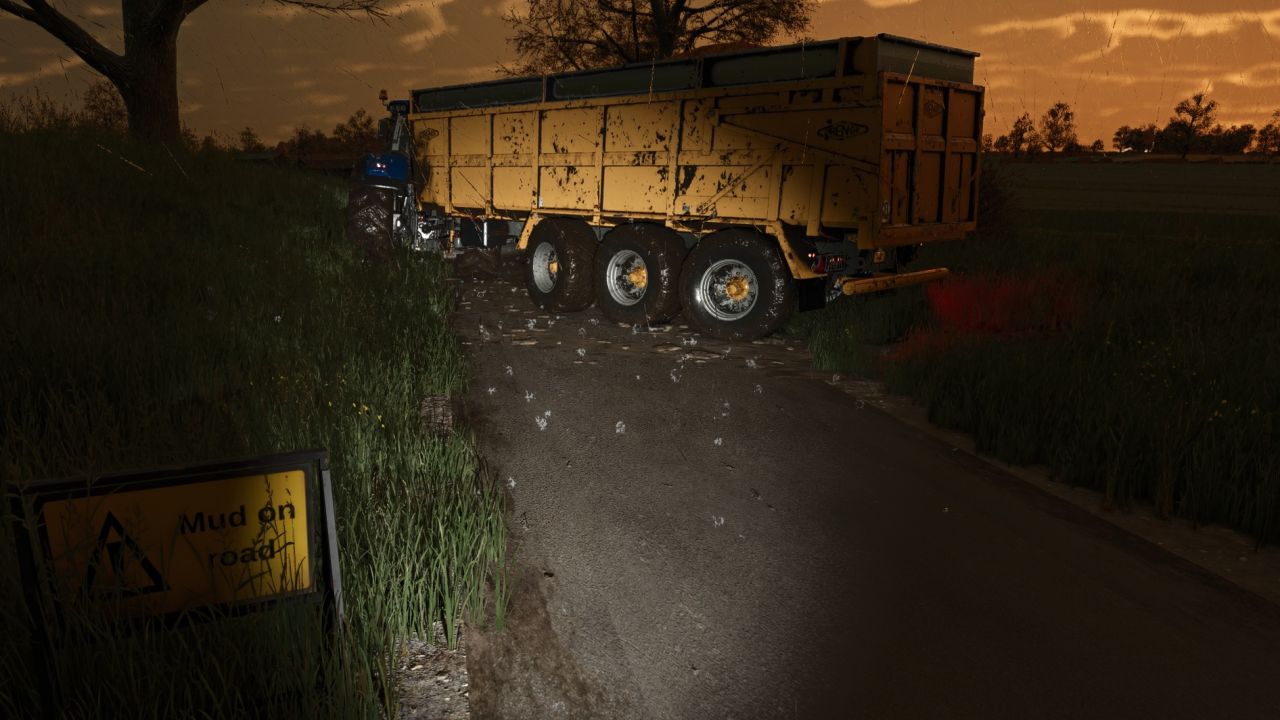
On roads, yards and tracks muddy tyres leave tyre-print smears and throw off clods. Faster driving flings clods further across the road.
The tyres shed their mud as they go, so the tyres clean up as the trail fades over a few hundred metres.
Smears bend with the wheels through corners.
Mud builds up: driving over old mud freshens and thickens it, and new layers go on top.
Works for every vehicle and trailer with wheels, including AI helpers.
CLEANING UP
Rain washes mud off the road: heavy rain clears it in about 5 in-game hours, light rain in around half a day.
In dry weather mud dries and turns pale, and is gone after about three in-game days.
Sweepers clean it up: any sweeper brush that is turned on removes the mud it passes over.
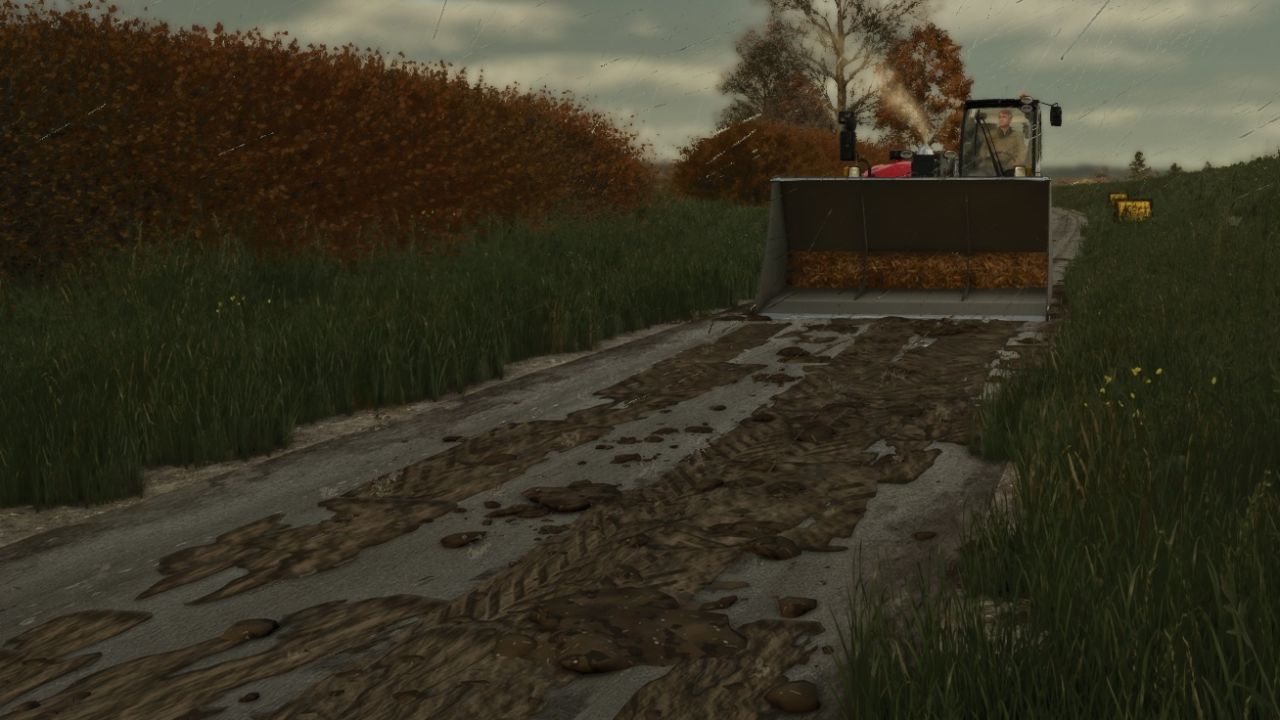
Scrape it up with a bucket: put a loader, telehandler or wheel loader bucket down with its lip on the road and push forward. The mud goes into the bucket (as manure in the base game, or as mud/dirt/soil if another mod adds that fill type).
MUD ON ROAD SIGN
A small A-frame “Mud on road” warning sign in the UK road-sign style.
Shop: Decorations. Price: 25.
GOOD TO KNOW
Mud is saved with your savegame.
Multiplayer: the mud is purely visual and worked out on each PC, so it adds no network traffic.
Settings: modSettings/FS25_MudOnRoad.xml is created on first start. Change how long mud lasts, how far it is carried, how many clods are thrown, the maximum amount of mud on the map and more.
Console commands (press ~):
mudOnRoadLoadTyres – covers your tyres in mud (for testing, single player or host)
mudOnRoadClear – cleans every road
mudOnRoadInfo – shows how much mud is lying around
mudOnRoadToggle – turns mud dropping on or off
mudOnRoadBucketInfo – shows why your bucket is or isn’t scraping mud