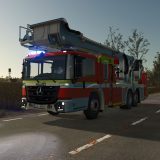
LS25 Fire station exit traffic light v1.1.0.0

LS25 Fire station exit traffic light v1.1.0.0
Update Report: Fire Station Exit Traffic Light for LS25
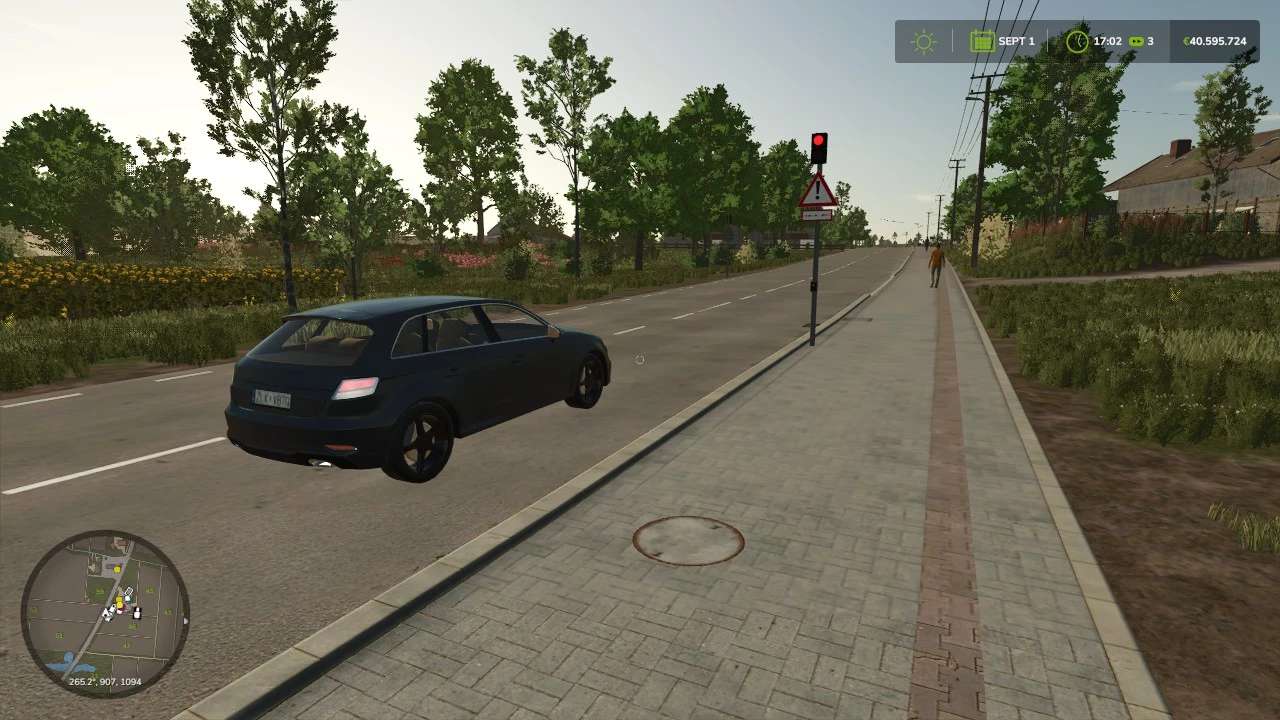
The fire station exit traffic light has been enhanced with a traffic control system for standard AI road traffic.
A “stop zone” has been added in front of the exit.
When the light turns red, this zone is activated, causing approaching AI vehicles to stop before reaching the traffic light.
Once the traffic light is completely switched off, traffic is allowed to proceed again.
When switched on, the light cycles from “off” to amber, then to red.
When switched off, it cycles from red to amber, and finally back to “off.”
The traffic stop remains in effect throughout the shutdown sequence.
The system is operated directly at the traffic light pole.
Any newly placed or sold traffic lights are automatically accounted for by the control system.
For the system to function correctly, the pole must be positioned to the right of the lane being regulated.
The signal lights must face the oncoming traffic.
To display the traffic light within the construction menu, the “ScriptHub Modding” build category mod is required.
Note: The traffic light and its AI control system will still function even without this additional mod.
Additional mod: ScriptHub Modding Build Category