LS25 Work Horse V1.0.0.0
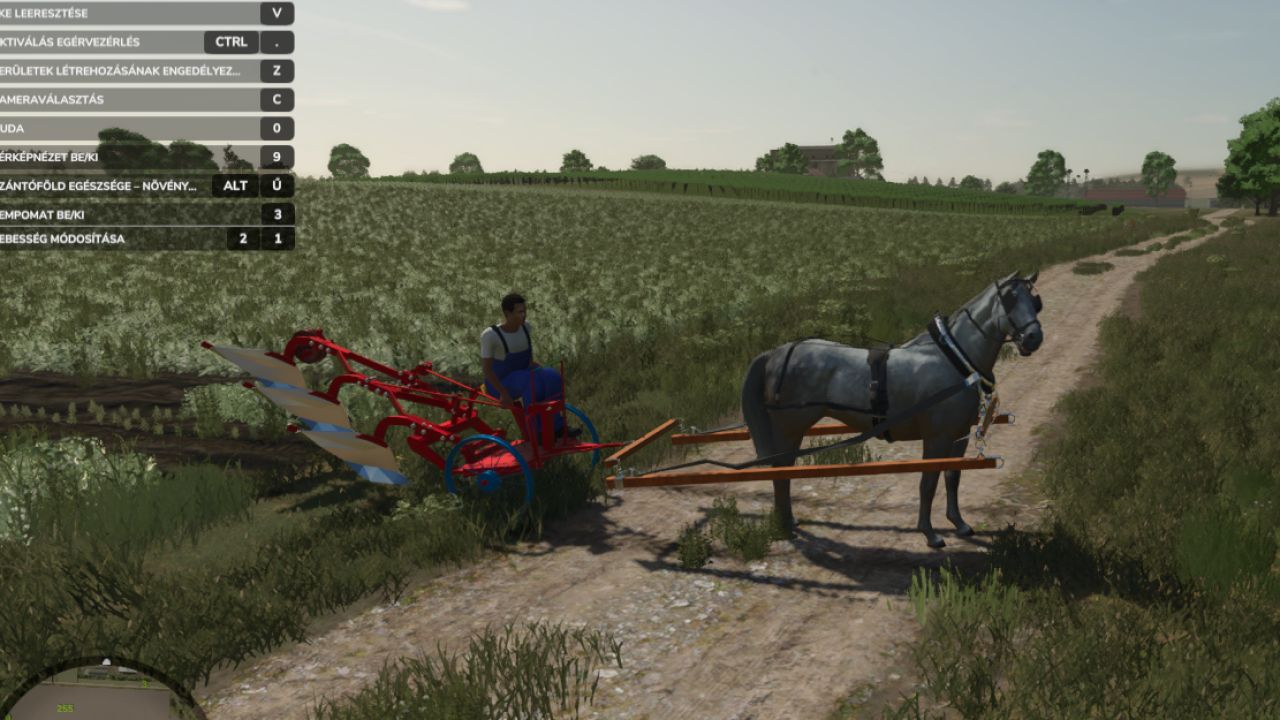

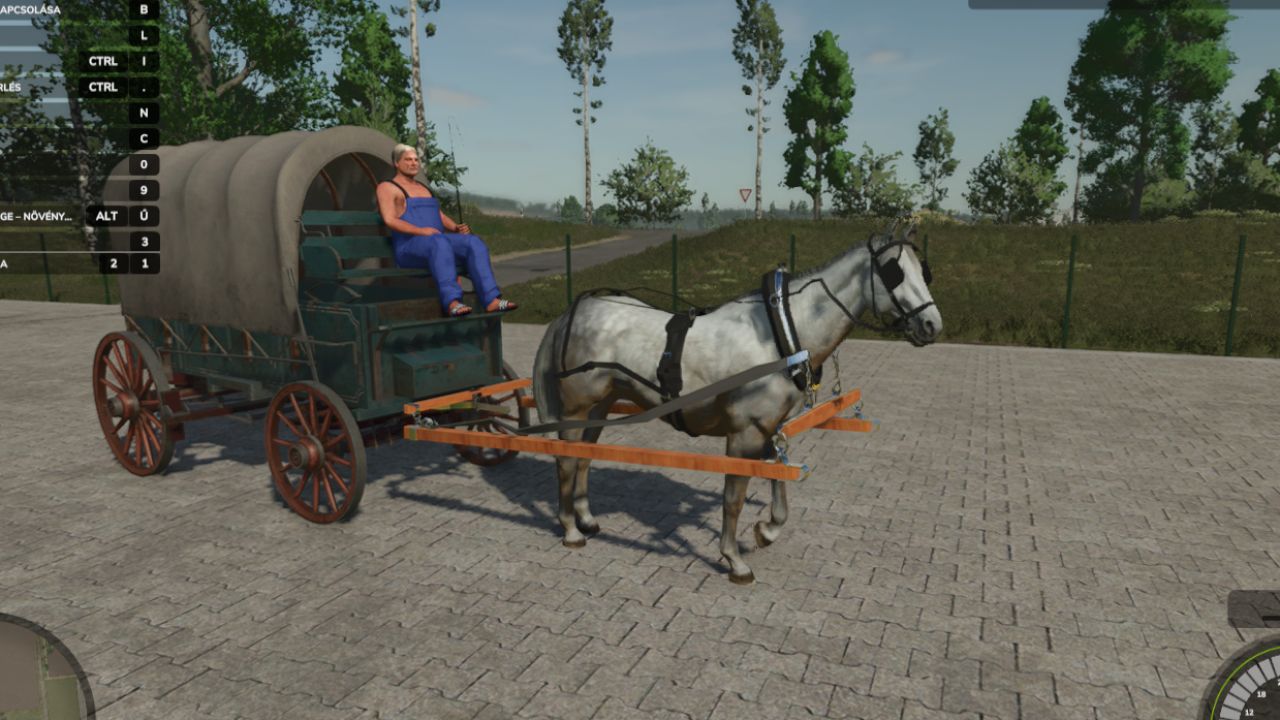
LS25 Work Horse V1.0.0.0
Work Horse Mod Guide
Getting Started & Basic Controls
Attaching the Horse: Hitch your horse to either a wagon or a plow.
Activation (Important): Once the horse is attached to the equipment, you must press the ‘G’ key. This activates the setup and allows you to actually control and steer the horse.
Movement: Drive and steer using the standard W, A, S, D keys. The handling is relatively simple and intuitive.
Speed: The horse operates at two main speeds: a base walking speed of 6 km/h, and a faster trot at 13 km/h.
Wagon Mechanics
When your horse is pulling a wagon, you can toggle between two different transport modes by pressing the ‘M’ and ‘J’ keys:
Equipment Transport Mode: Activate this to transport solid items like seed pallets, big bags, and standard pallets.
Crop Transport Mode: Activate this to load and transport bulk goods like grain and harvested crops.
Plow Mechanics
Operating the plow is very straightforward:
Press the ‘V’ key to lower the plow into the ground and start working.
Press the ‘V’ key again to raise the plow when you are finished or need to turn around.
Required mods:
Interactive Control