LS25 Lizard Terracer TC V1.9.2.0
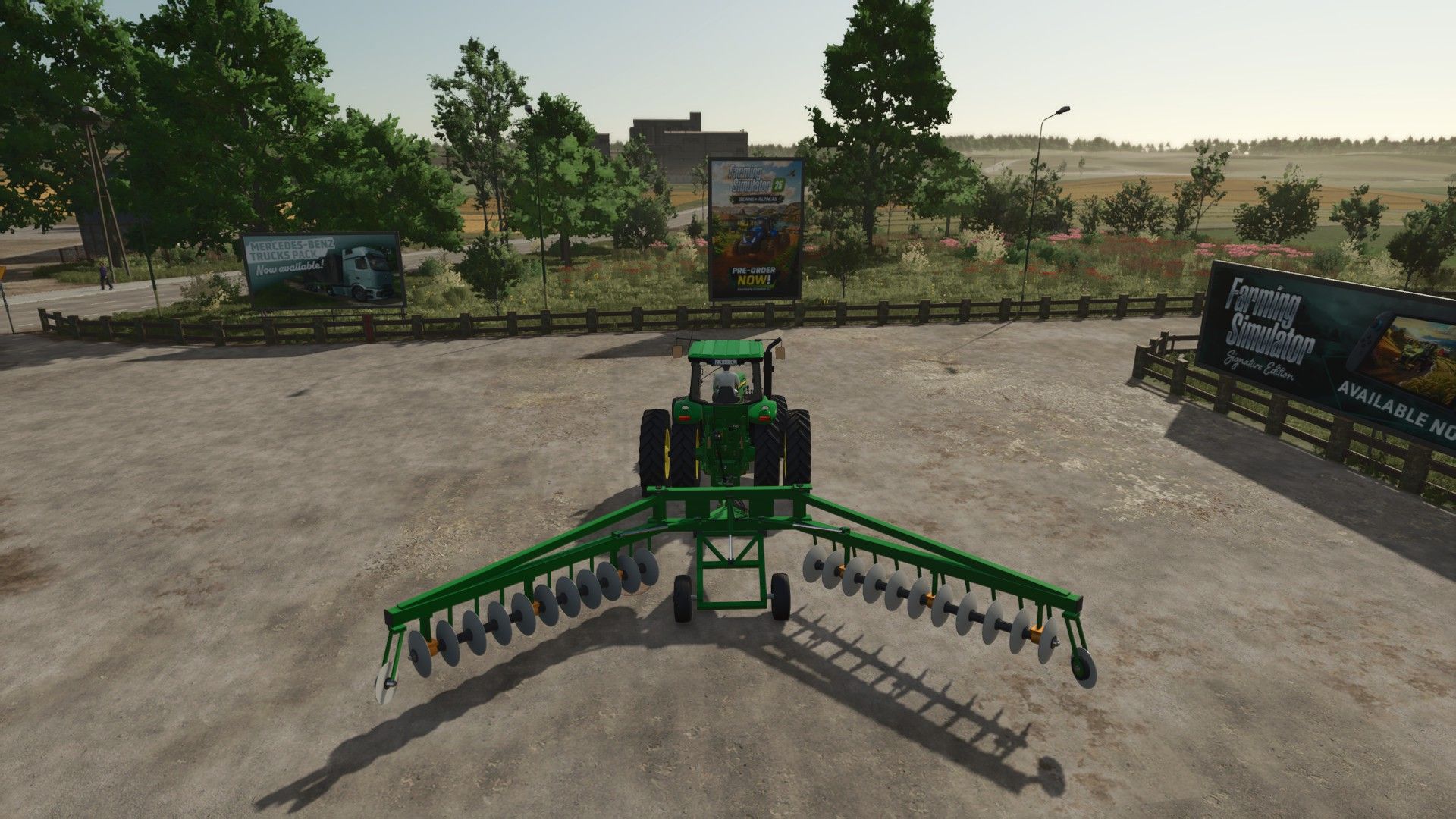

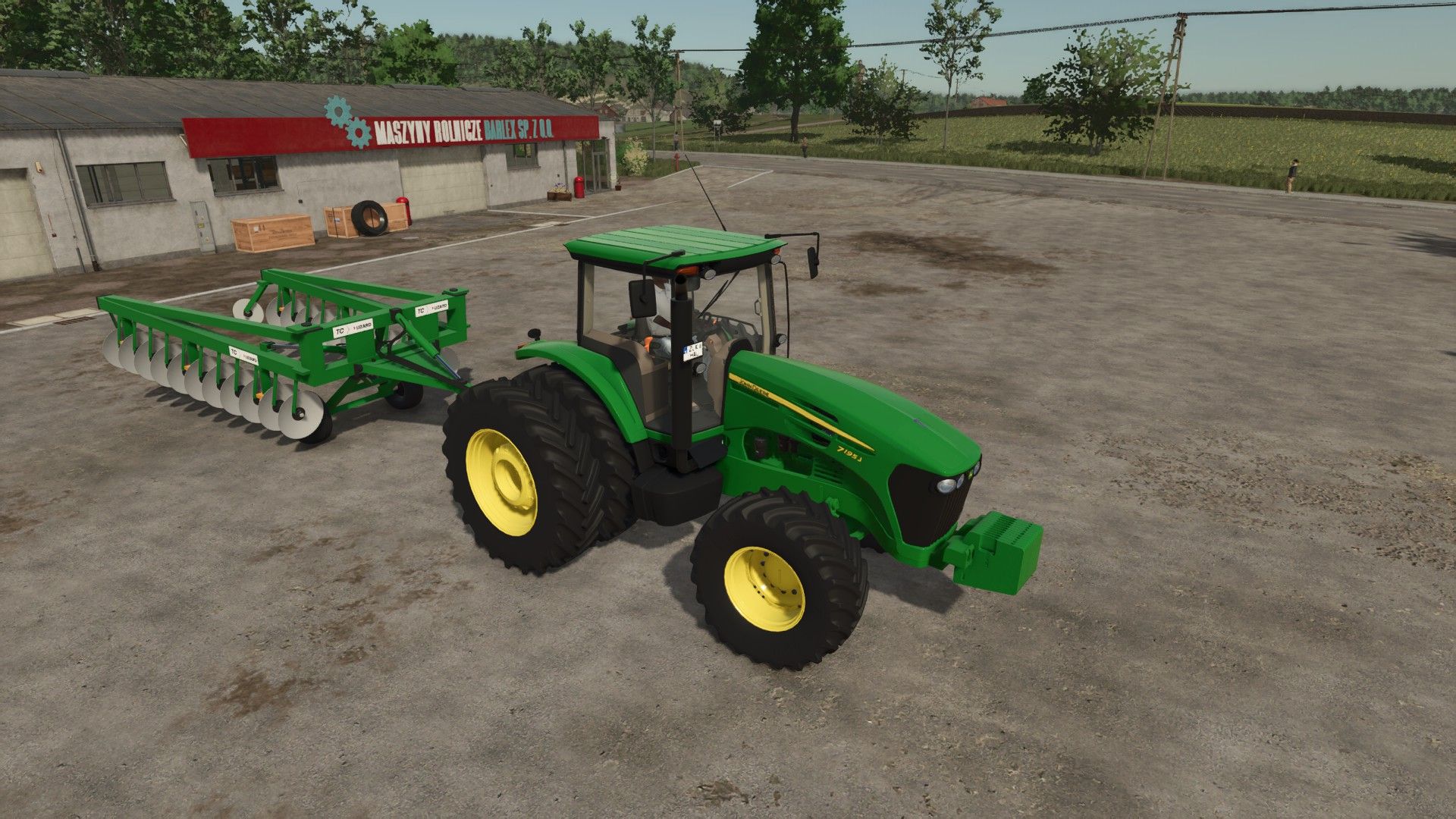
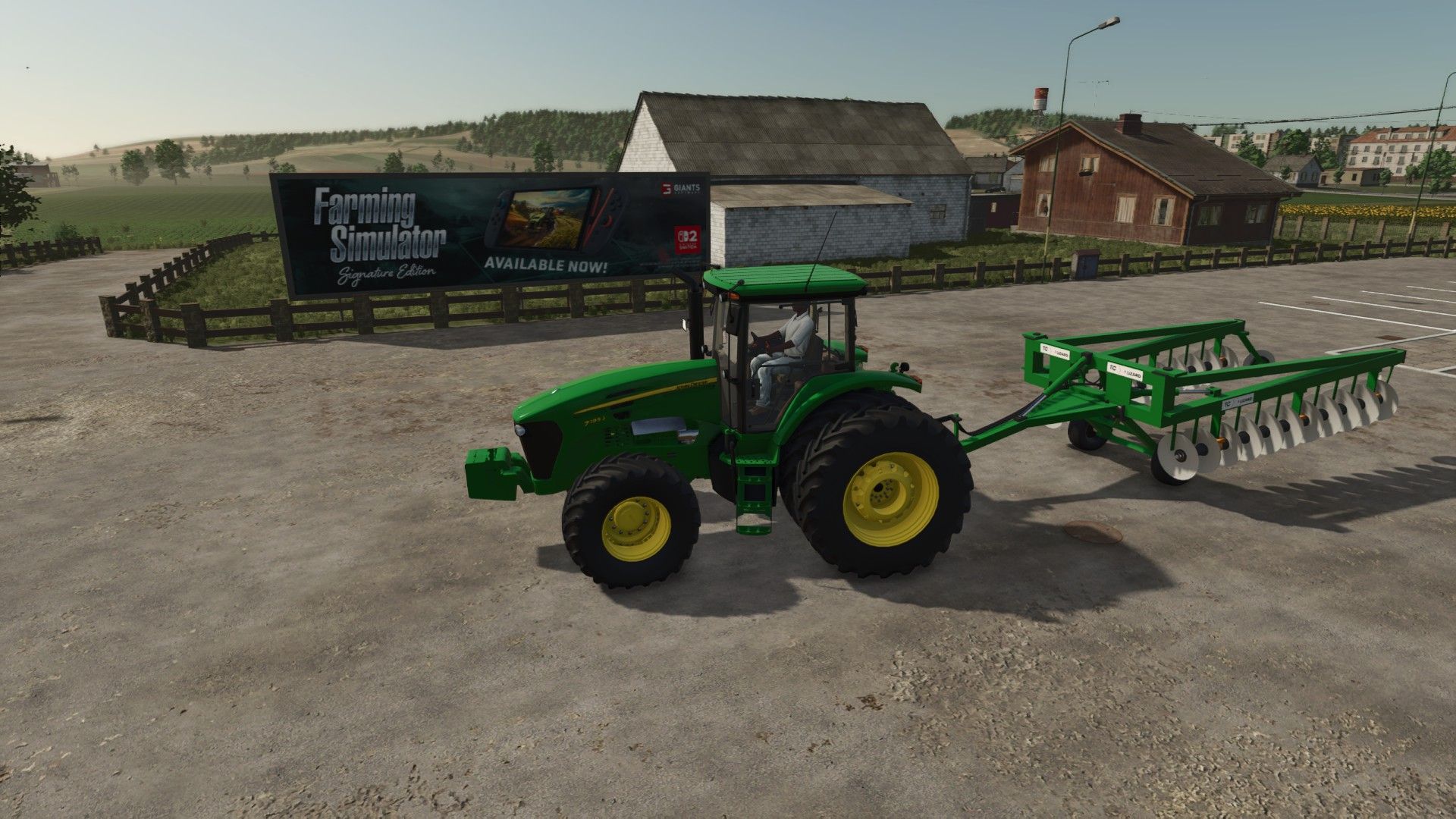
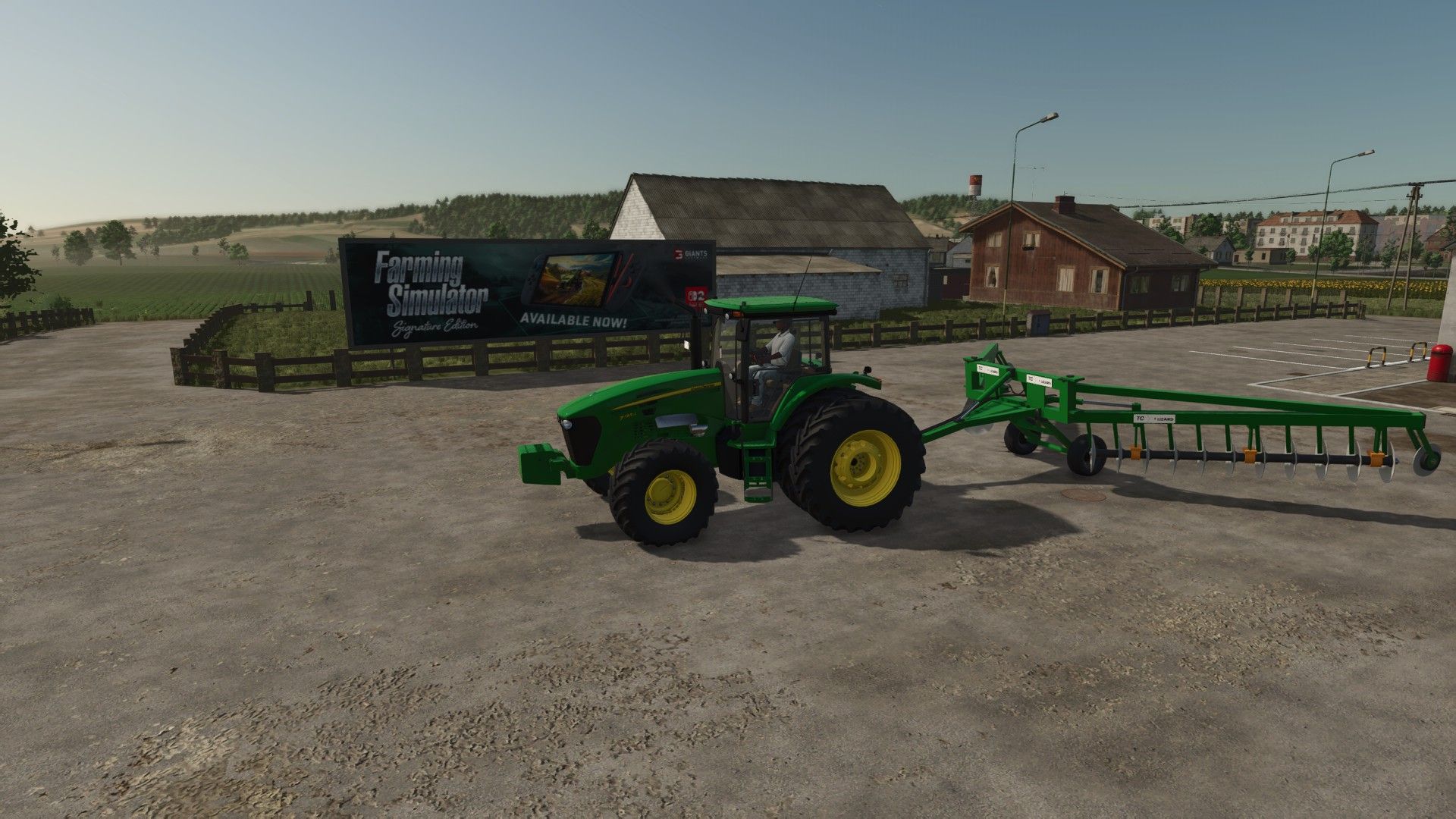
LS25 Lizard Terracer TC V1.9.2.0
Besides harrowing the field, it REALLY RAISES THE TERRACE: with the machine lowered and moving forward, the ground behind it rises, forming a flat-topped terrace with sloped sides, like the Landscaping leveling tool.
Lower/raise: implement lowering key (default V)
Open/close the gangs (transport): implement folding key (default X)
Alt+T: turn the terrace on/off (when off, it only harrows)
Alt+H: terrace height (0.3 / 0.5 / 0.7 / 0.9 m)
Alt+Y: turn field creation on/off (the implement creates a new field on your free terrain when lowered and moving)
Alt+I / Alt+K (hold): articulate the piston rotates the header on the frame pin (±8°), raising or lowering the frame
Alt+M / Alt+J: terrace curve (5 positions), from a narrow top with a steep slope (0.9 m / 24°) to a wide top with a gentle slope (1.8 m / 8°)
Store colors: chassis, header/wheel, discs, bearings and rims (all in-game colors).
Optional in the store: 18 discs (2 x 9, 7.3 m working width) or 22 discs (2 x 11, 8.2 m working width, +6,500).
Price: 34,000
Brand: Lizard
Category: Disc harrows
Recommended power: 120 hp
Required mods:
TerraFarm