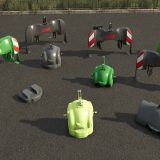
LS25 Vehicle Management V1.4.5.0
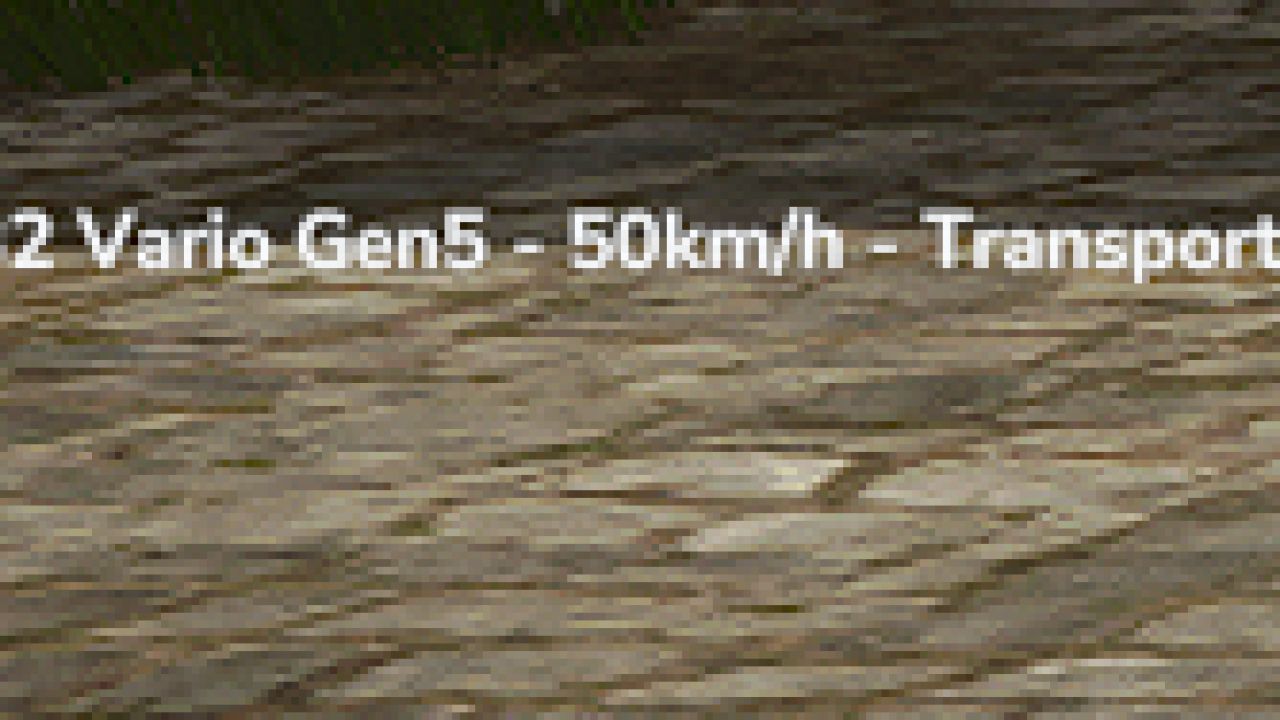

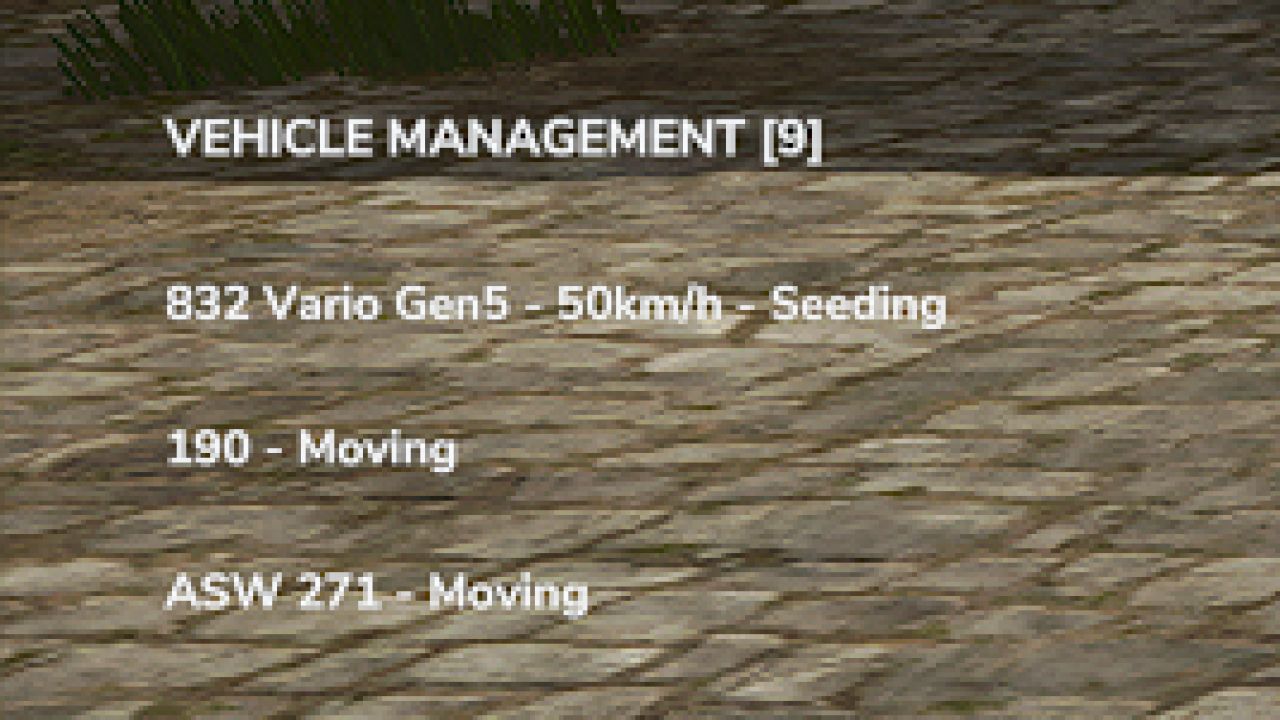
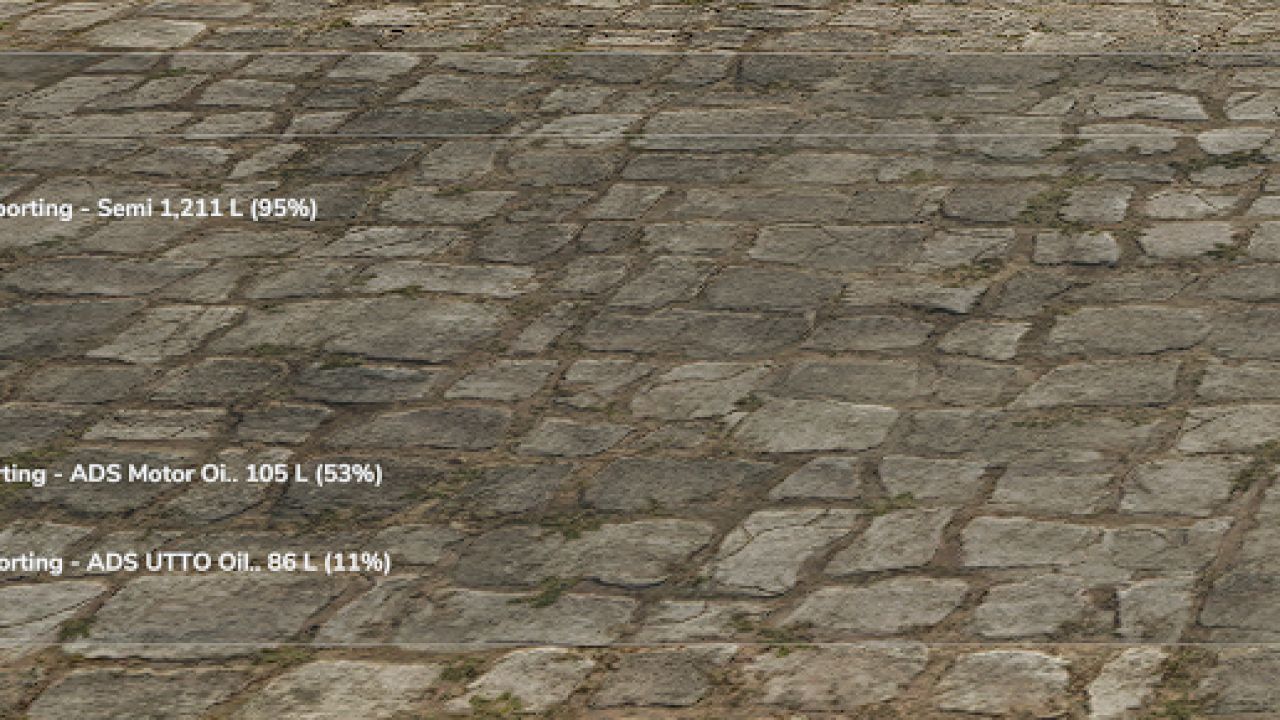
LS25 Vehicle Management V1.4.5.0
Vehicle Management is a lightweight and customizable HUD for Farming Simulator 25, designed to monitor your farm vehicles without cluttering the screen.
Features:
Displays active vehicles from your farm.
Shows vehicle names and current activities.
Detects field numbers when available.
Displays transported materials, quantities in liters and fill percentages.
Automatically hides inactive vehicles.
Three display modes: Full, Half and Minimal.
Transparent text-only interface in Half and Minimal modes.
Adjustable HUD position and size.
Automatically updates vehicle information.
Controls:
Alt + B: Change display mode.
Alt + V: Next vehicle page.
Alt + M: Change HUD position.
Alt + Arrow Keys: Move HUD.
Alt + Page Up / Page Down: Resize HUD.
V1.4.5.0
Added native FS25 icons for fuel, seeds, fertilizers and transported materials.
Added fuel monitoring with percentage display.
Added material quantities in liters and fill percentages.
Added dynamic colors for low resource levels.
Improved vehicle and AI worker activity detection.
Improved detection of attached implements and transported materials.
Improved automatic HUD positioning to avoid overlapping with the minimap.
Simplified the interface to two display modes: Full and Reduced.
Improved HUD readability and compact layout.
Various optimizations and bug fixes.