LS25 Tax And Subsidy System V1.0.0.0

LS25 Tax And Subsidy System V1.0.0.0
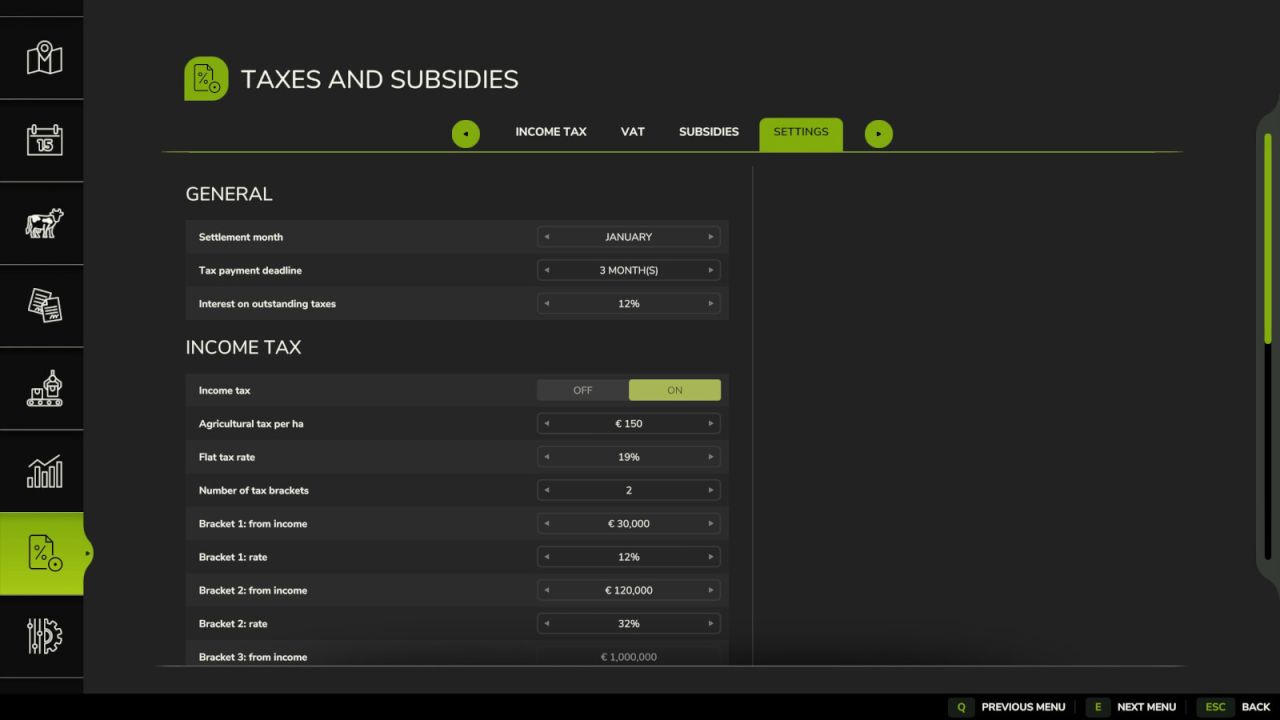
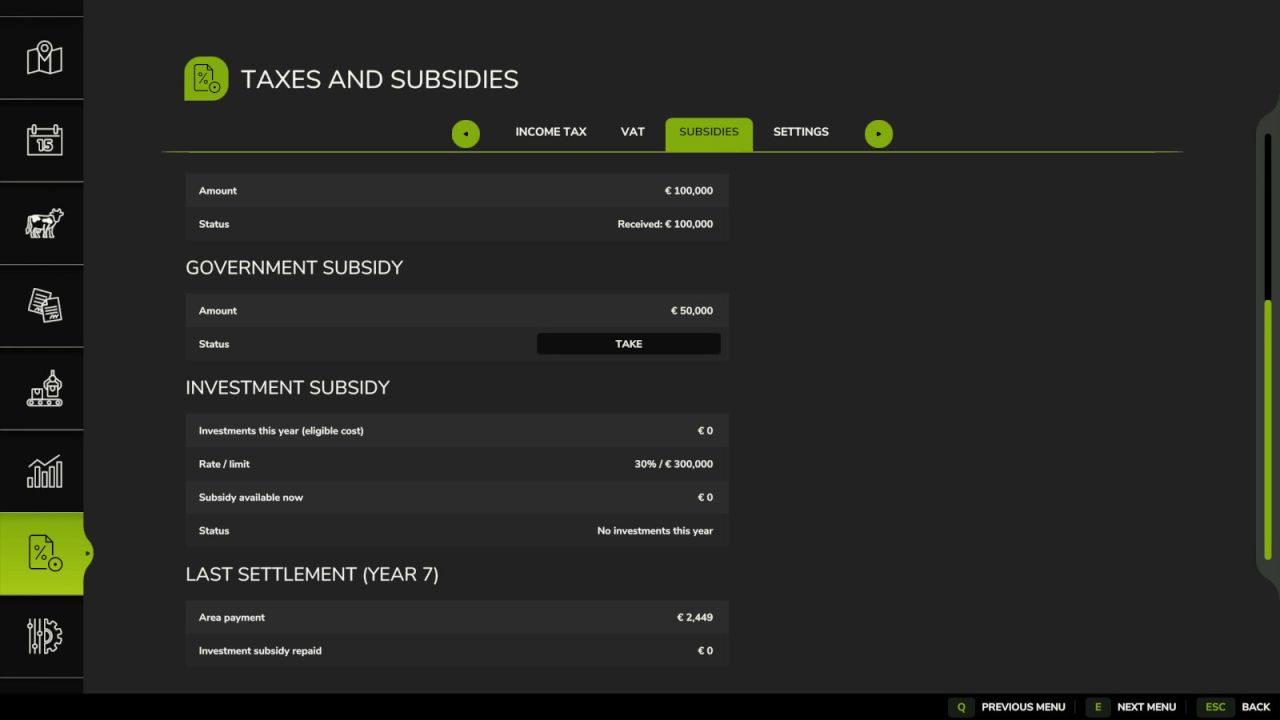
Adds income tax, VAT and subsidies to the game. Everything is managed in the new “Taxes and Subsidies” page of the pause menu, with the tabs Income tax, VAT, Subsidies and Settings.
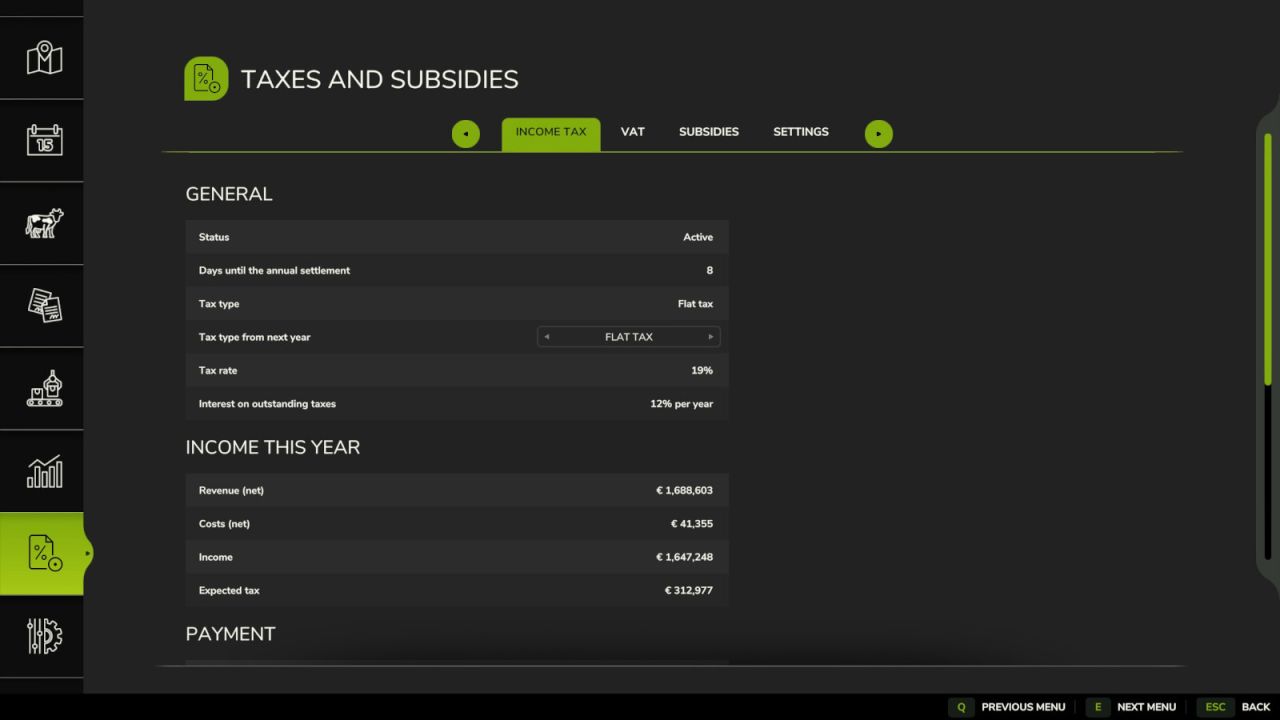
Income tax (every farm chooses its type in the Income tax tab, a change takes effect from the next year):
agricultural tax – an amount per hectare of the farm’s fields
flat tax – one rate of the income (revenue minus costs, without VAT)
progressive tax – up to 3 brackets with their own thresholds and rates
can be turned off in the settings; settled at the end of the year, payment deadline and daily interest as for VAT
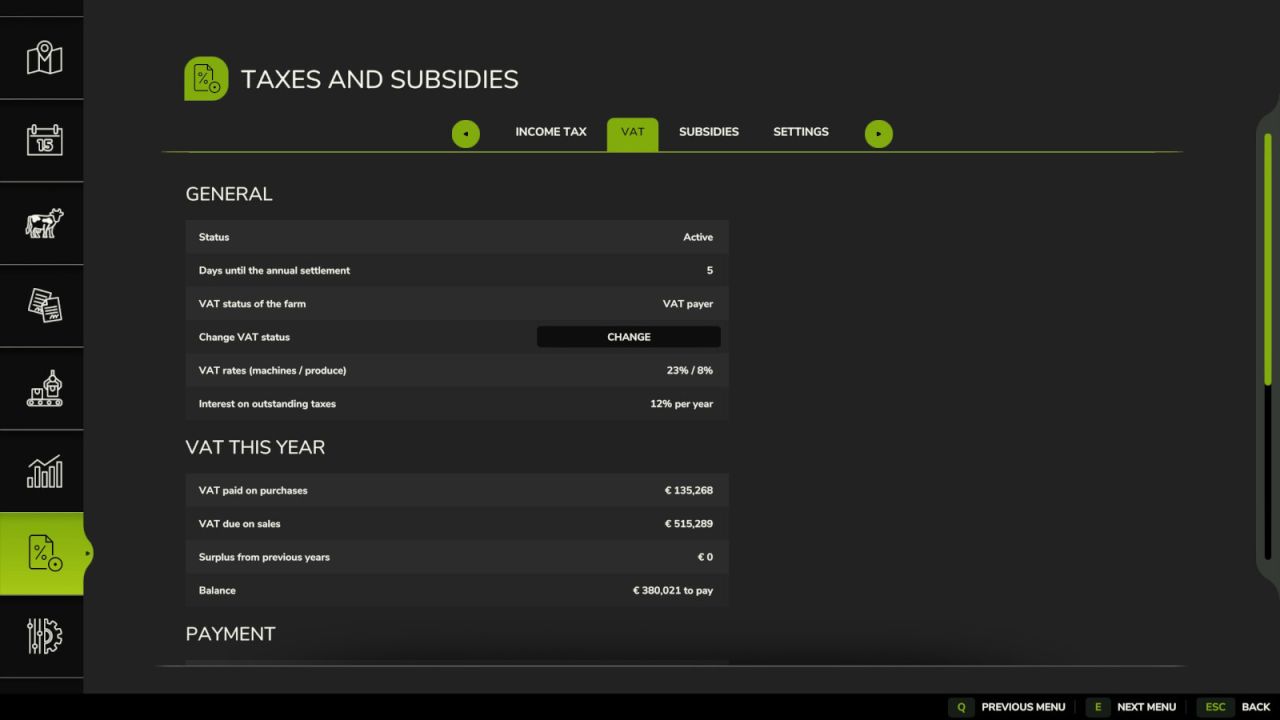
VAT:
all prices already include VAT; the VAT on purchases (vehicles, buildings, fuel, seeds, fertilizer, repairs, …) and on sales (crops, milk, animals, products, sold vehicles, …) is recorded
at the end of the year the VAT is settled: an overpayment is refunded, an amount due can be paid in the menu
separate rates for machines and services and for farm produce
payment deadline and daily interest on outstanding VAT
every farm can choose to be a VAT payer or a flat-rate farmer (no VAT settlement, flat-rate refund on every sale of farm produce); the change takes effect from the next year
Subsidies:
area payment for every hectare of field on owned farmland (only real field ground), paid at the end of the year
young farmer grant – take it with a button, paid immediately, once per game
government subsidy – take it with a button, paid immediately, once per year
investment subsidy – take it with a button, paid immediately, once per year; a share of the net value of vehicles and buildings bought so far this year, up to a limit
the settlement month (default January), all rates and amounts can be changed in the settings (host / administrator)
saved with the savegame, multiplayer support
Console: tssInfo, tssYearEnd, tssMoneyTypes, tssFieldScan