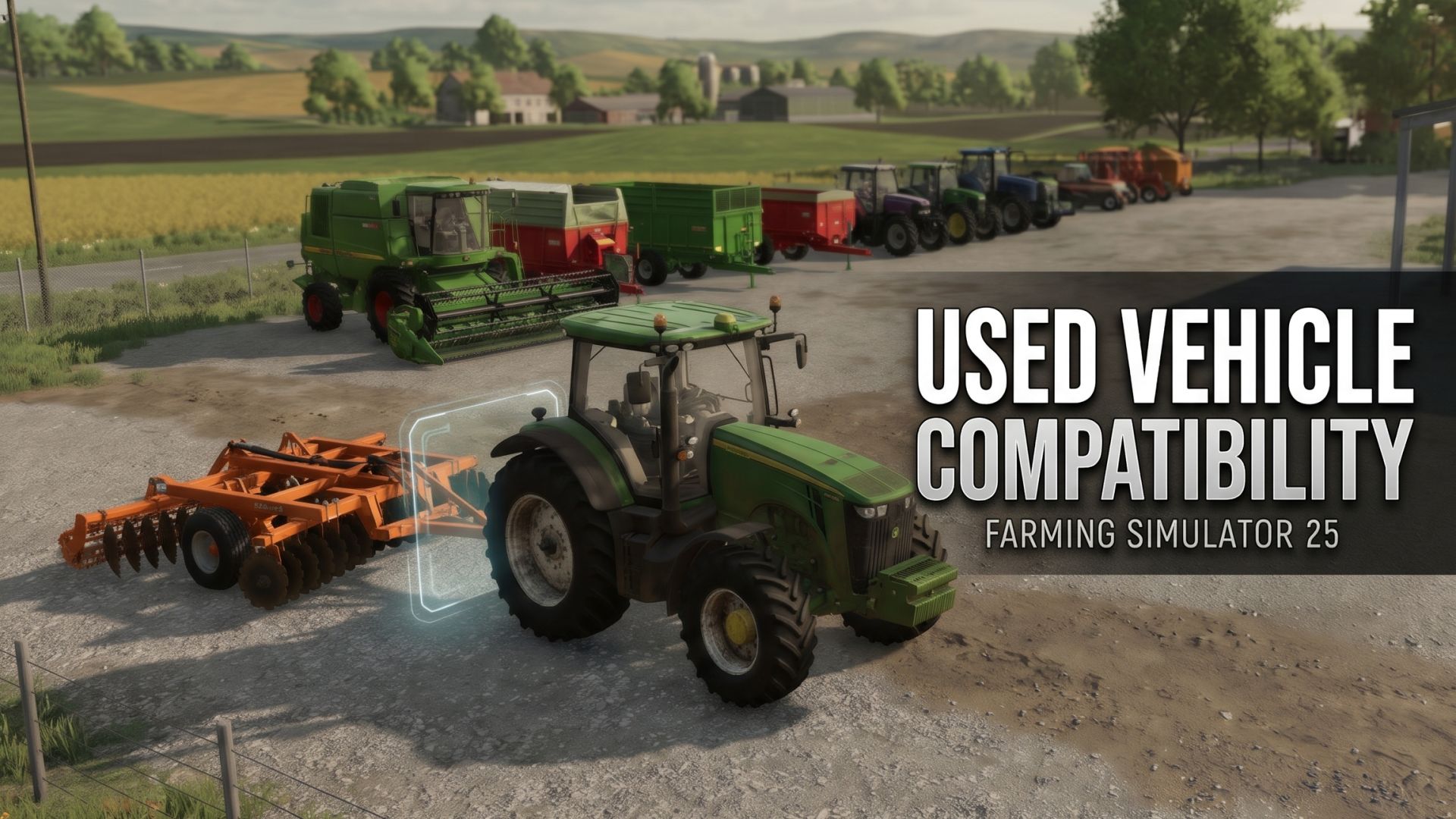
LS25 Used Vehicle Compability V1.0.0.0

LS25 Used Vehicle Compability V1.0.0.0
Ever found a great deal in the Used Vehicle Sale, but couldn’t check which equipment was compatible with it?
This mod brings the vanilla combinations feature to the Used Vehicle Sale.
Browse used vehicles and implements, check their compatible equipment, and make more informed purchasing decisions without having to search for the same item in the regular shop.
Features
– Vanilla Combinations: Access the familiar Combinations screen directly from the Used Vehicle Sale.
– XML-Based Compatibility: Uses the existing compatibility definitions from each vehicle or implement.
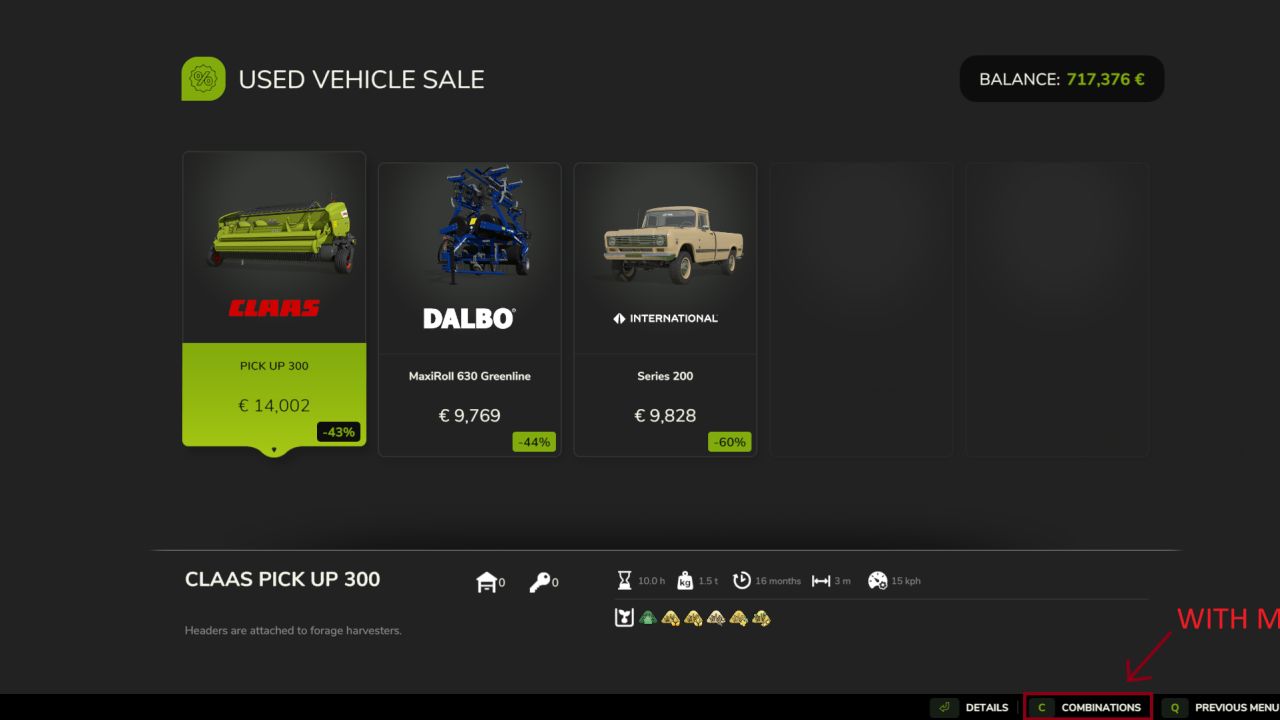
– Context-Aware Button: The Combinations option only appears when the selected item has compatibility information defined.
– Vanilla Functionality: Reuses the game’s existing compatibility lookup and display system.
How It Works
Select a used vehicle or implement with combination information defined in its XML file. The Combinations button will appear in the shop’s action bar.
Press the corresponding button to view compatible equipment, just like in the regular shop.
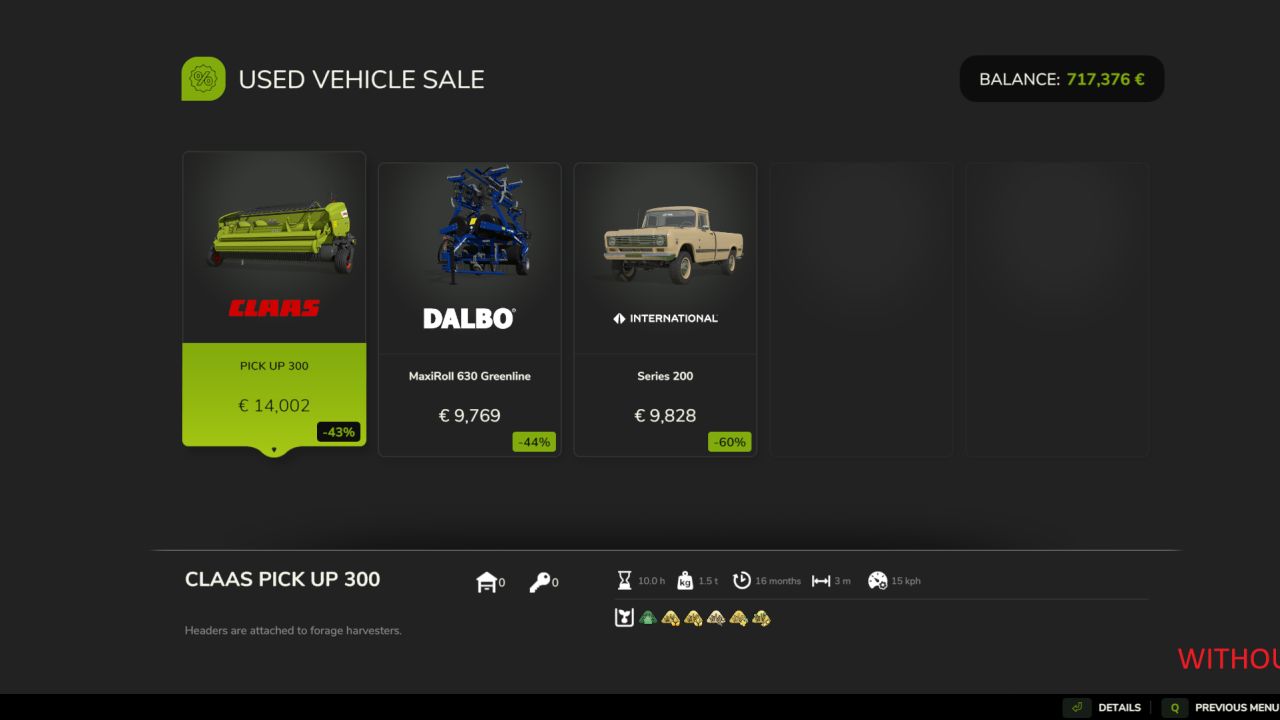
Items without combination definitions will not display the option. The mod does not invent compatibility data or add unsupported combinations.
Compatibility
Works with base-game and modded vehicles and implements that provide compatible XML combination definitions.