LS25 Tire pallet for changing wheels v1.0.0.1

LS25 Tire pallet for changing wheels v1.0.0.1
This mod lets you change the wheels on your vehicles.
With “WheelPallet”, you can now change the wheels on your vehicles in a more realistic way.
Process:
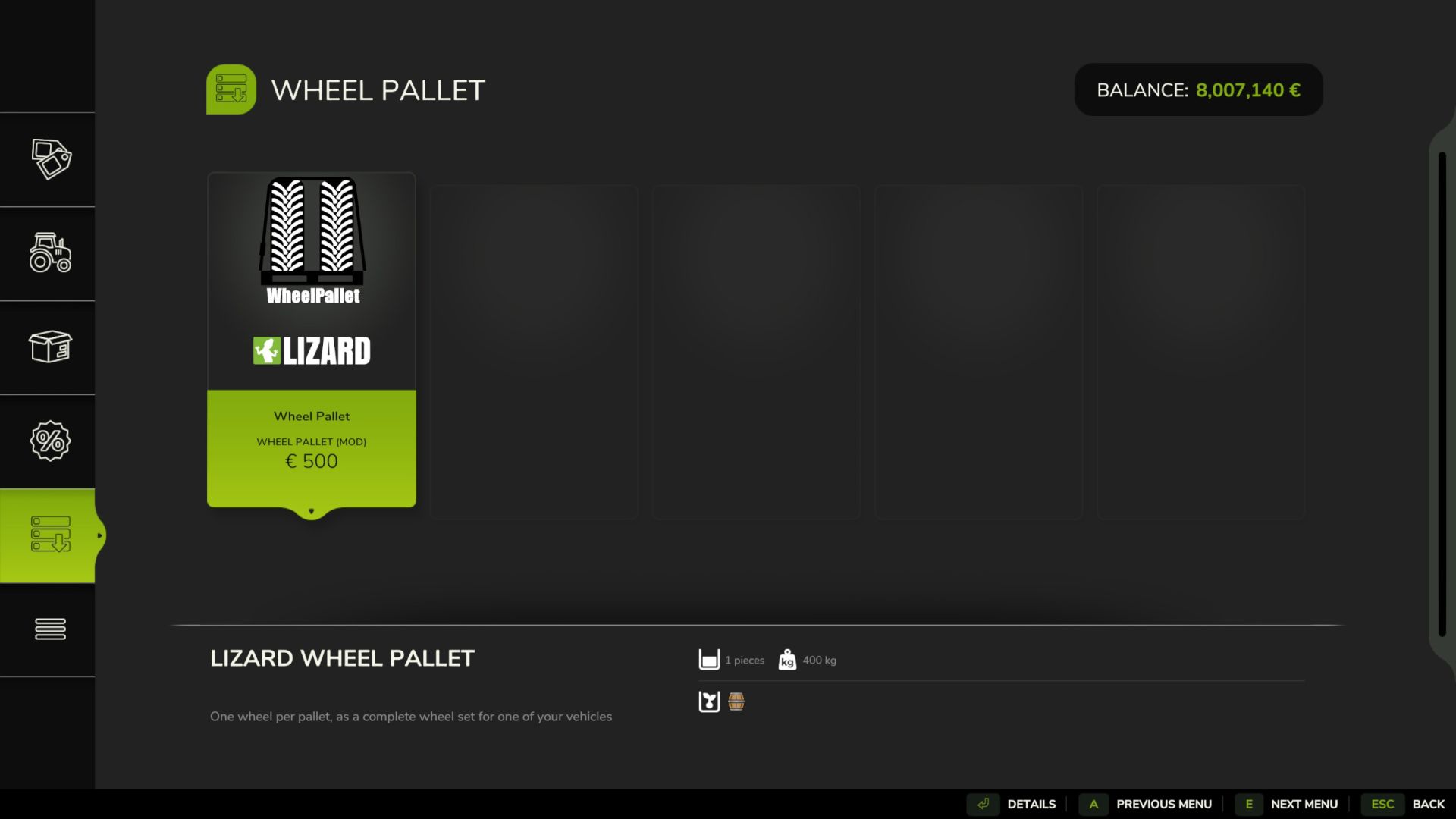
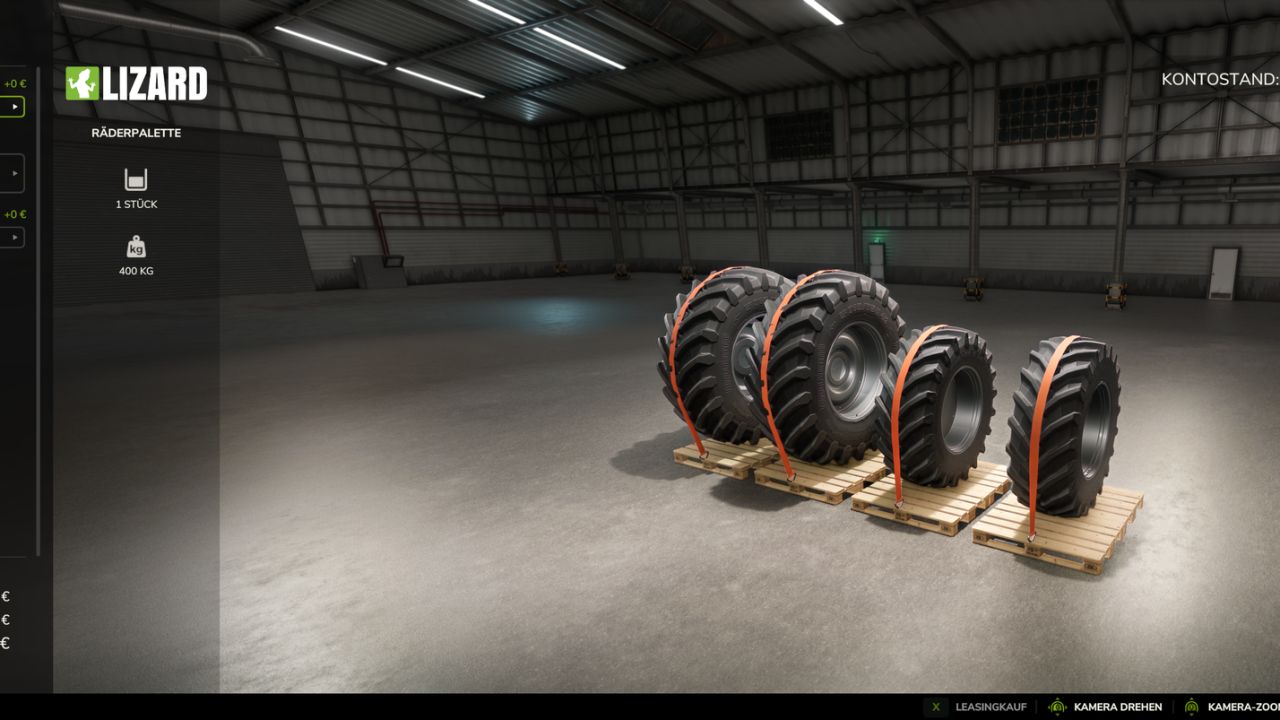
In the shop, under Other -> Miscellaneous, select the tire range.
Select the vehicle in the shop configuration menu.
Choose the tire manufacturer if necessary.
Select the tire type.
Buy.
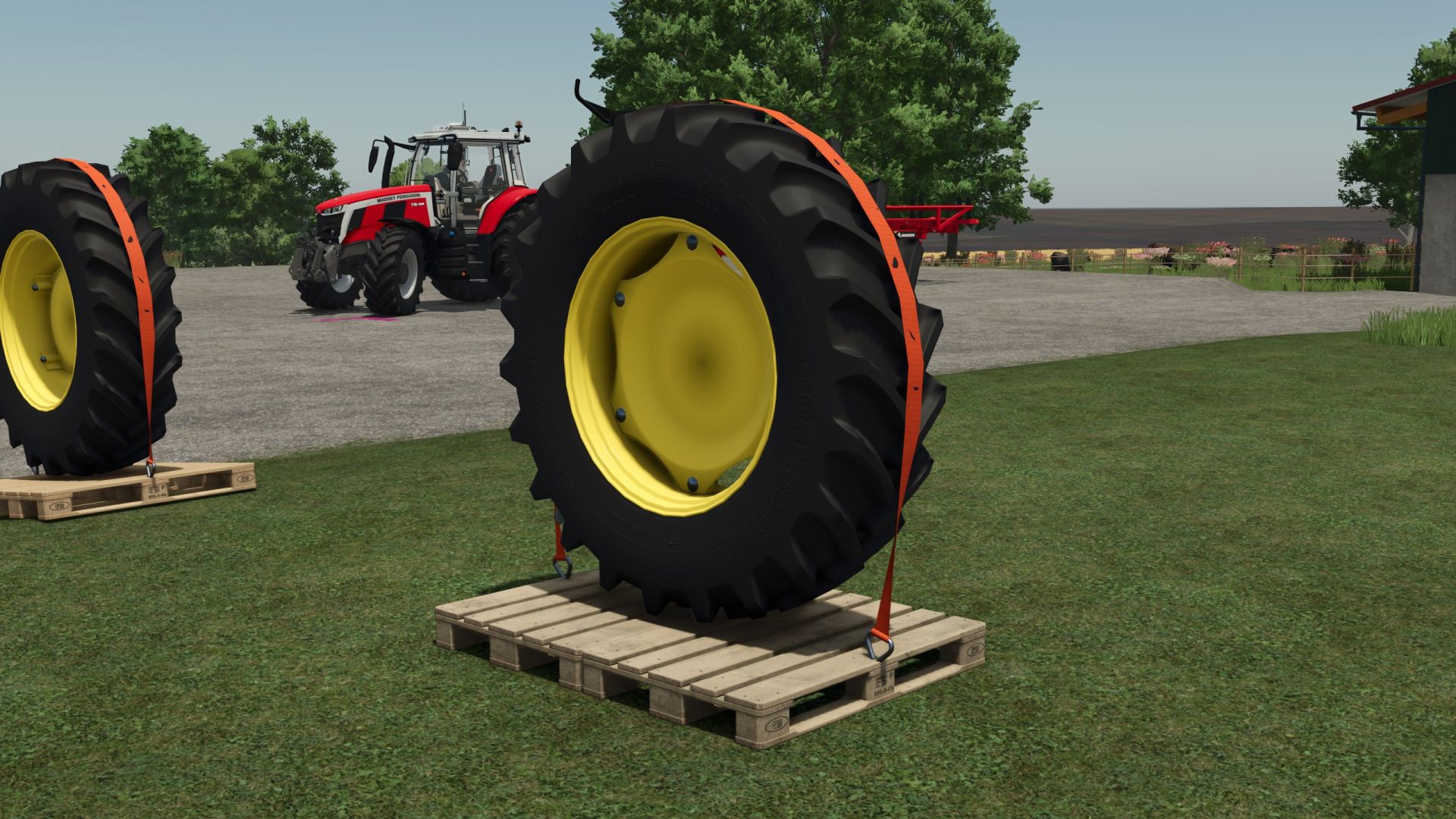
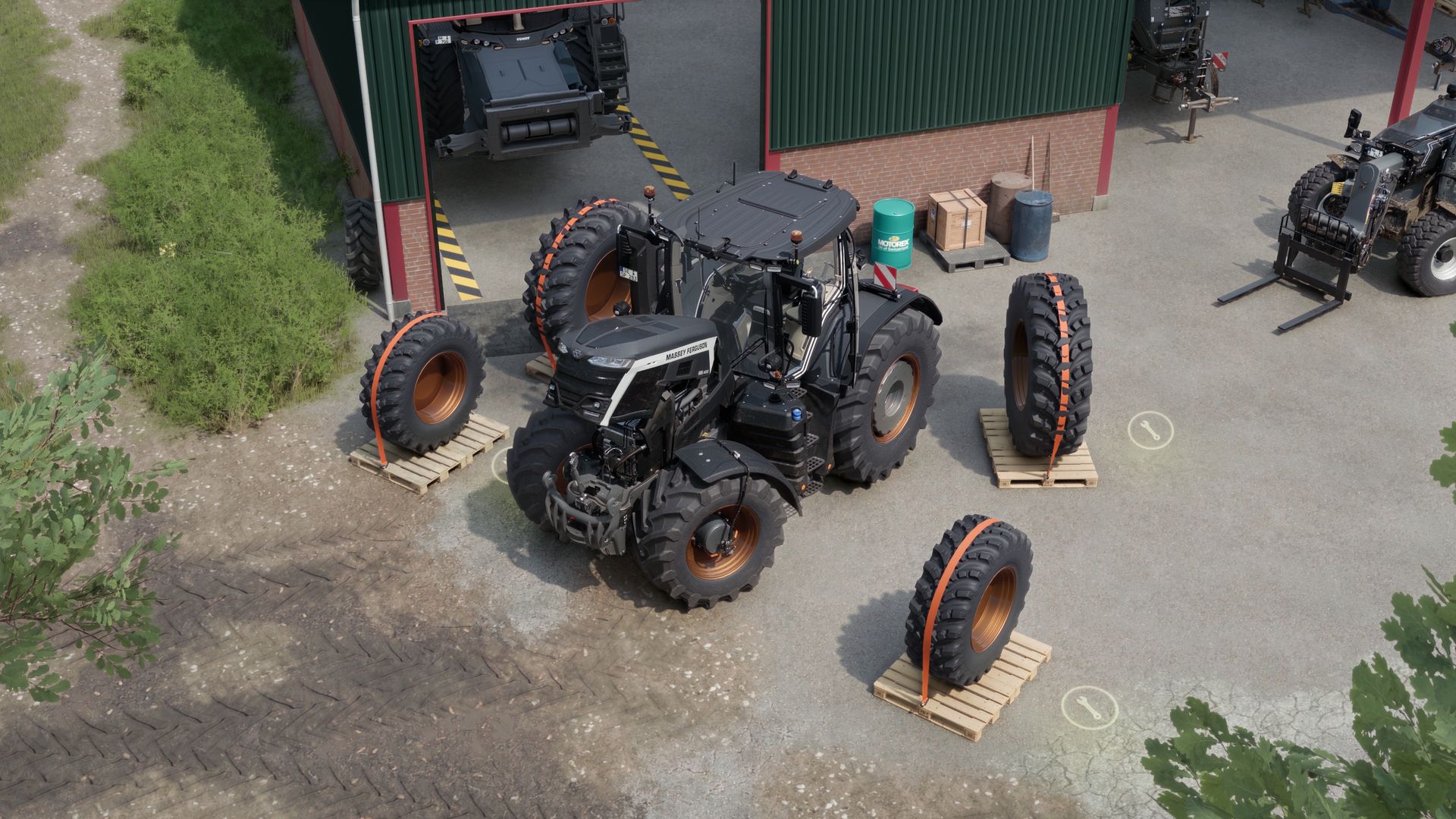
Four pallets with your selected tire configuration will then appear at the shop. You can load them onto a trailer using the front loader and then take them to the farm, field or anywhere else.
Once the wheels are aligned with the vehicle, an icon appears on each pallet. When you enter it, simply press the specified button shown in the information field and the “change” is completed.
Other features:
The tire set can be sold.
If the vehicle for which the tire set was sold is sold, the tire set will automatically be sold along with it, unless there is another vehicle of the same type.
Various notifications appear if something is done incorrectly.
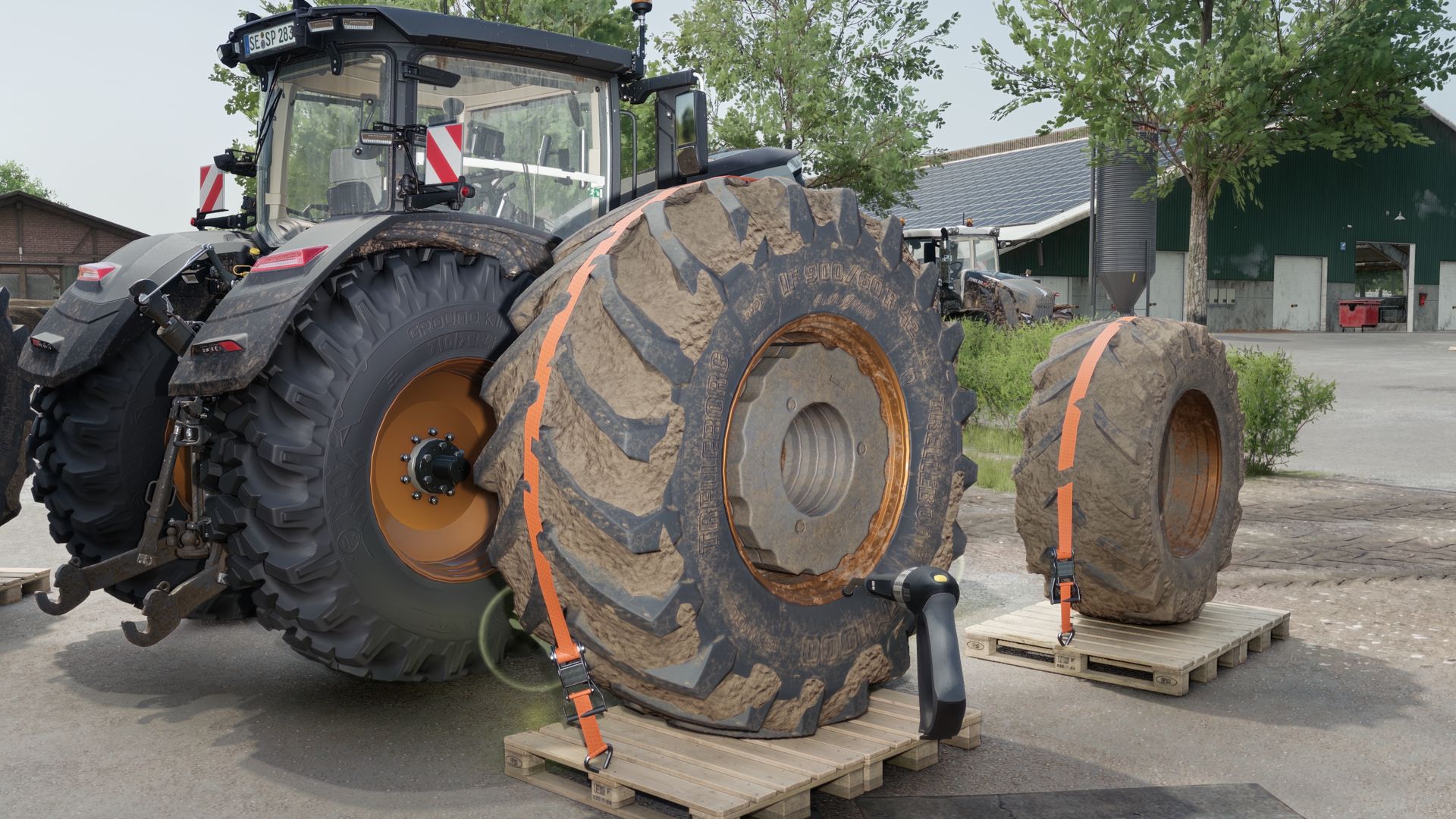
The wheels on the pallet take over the dirt and possible wear values of the wheels on the vehicle (and vice versa). (Use your tires; an amount of 50k is required for wear.)
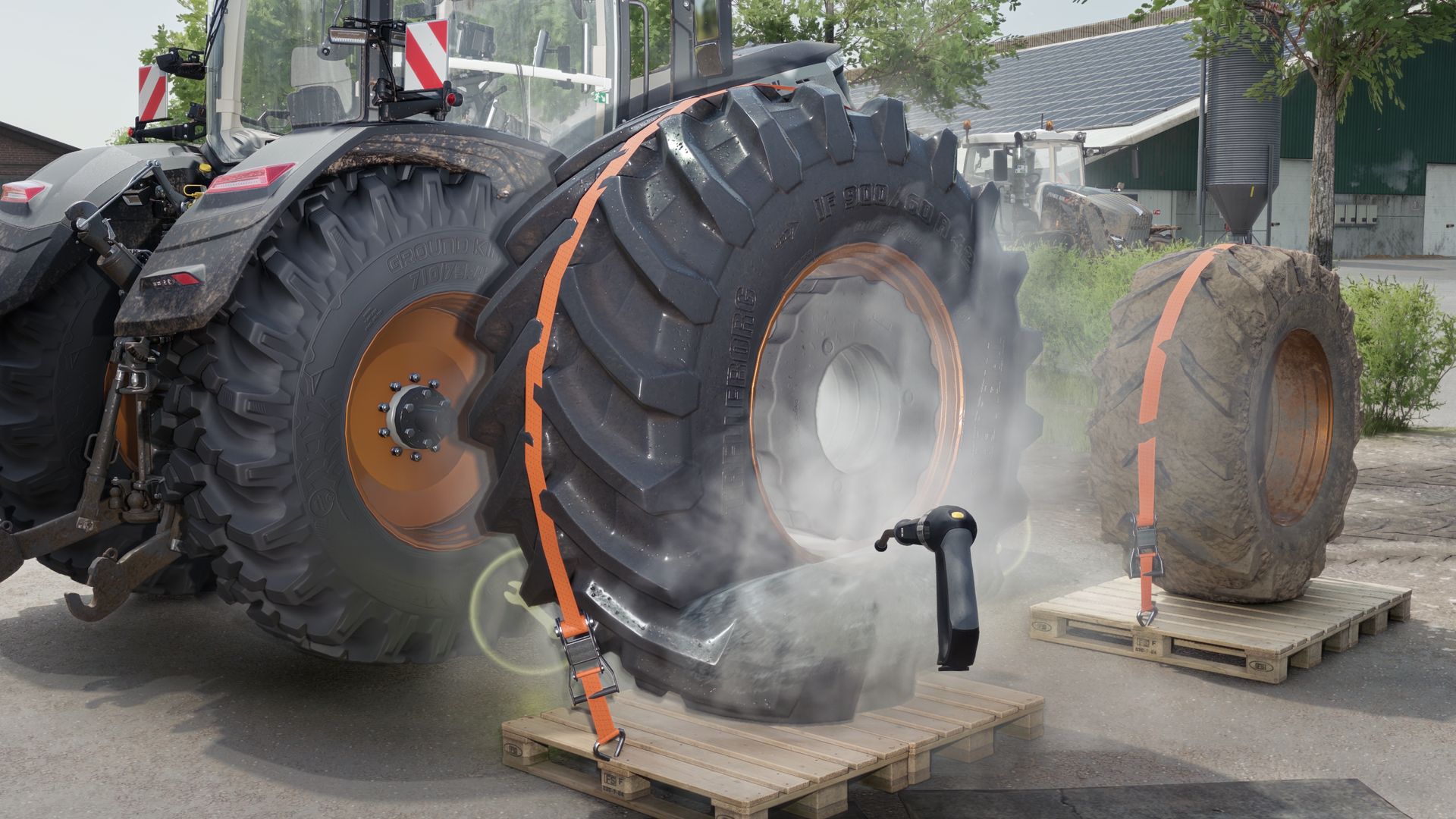
The wheels can be washed with the high-pressure cleaner while on the pallet.
The wheels get wet from rain outdoors and dry again on their own.
Tracked vehicles cannot have their tracks or belt drives replaced.
Required mods
Use Up Your Tyres