LS25 Bevington Farm V1.0.0.0

LS25 Bevington Farm V1.0.0.0
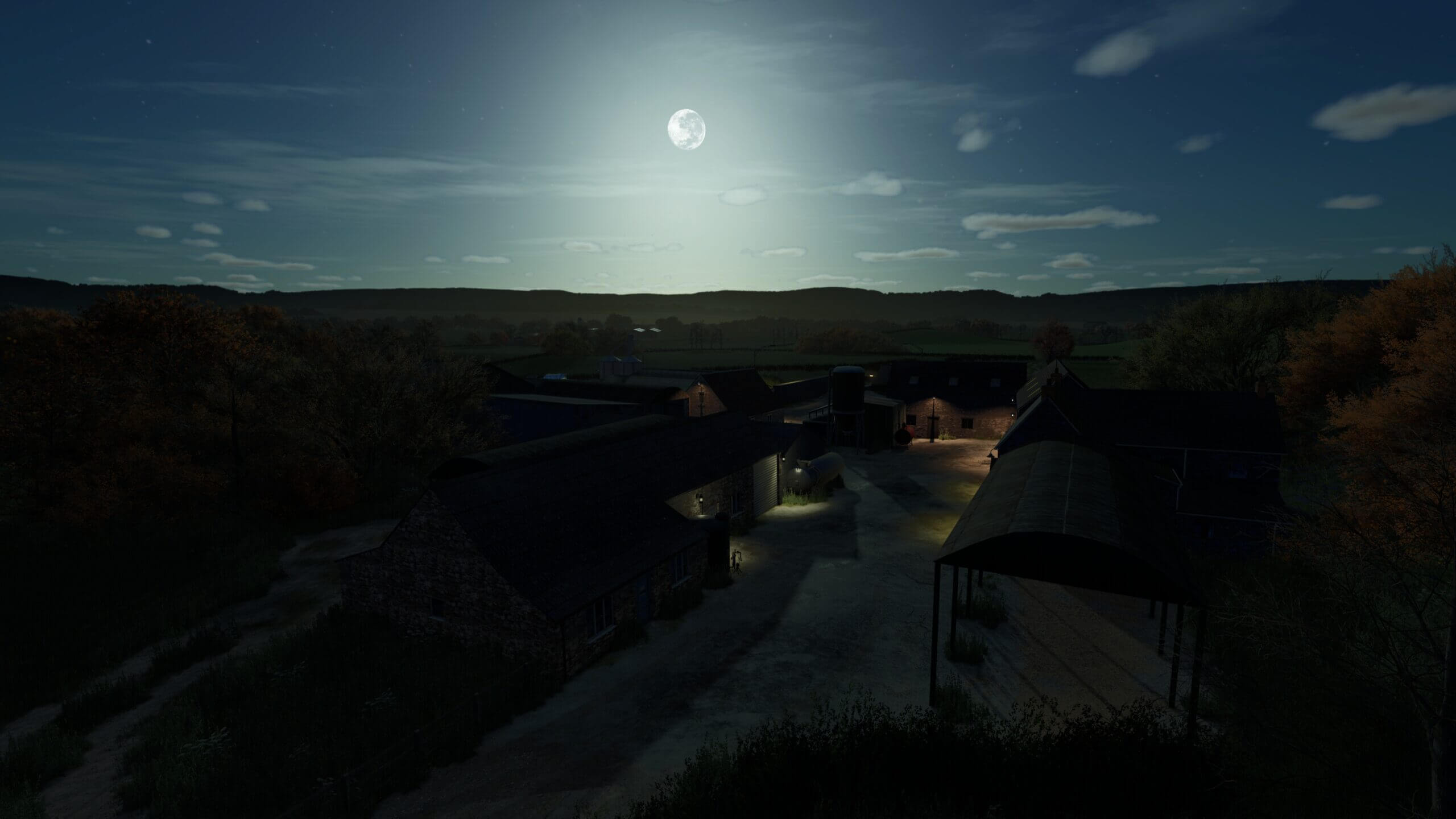
Welcome to Bevington Farm.
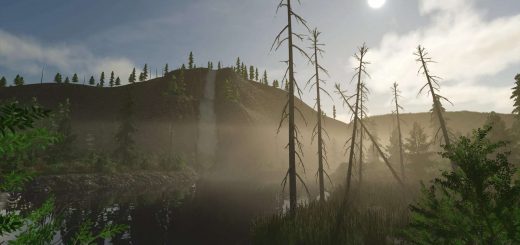
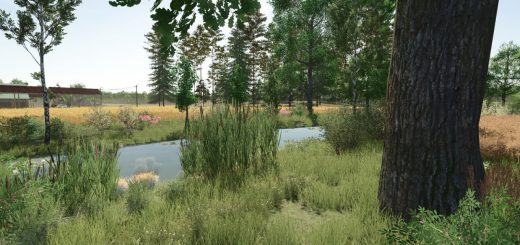
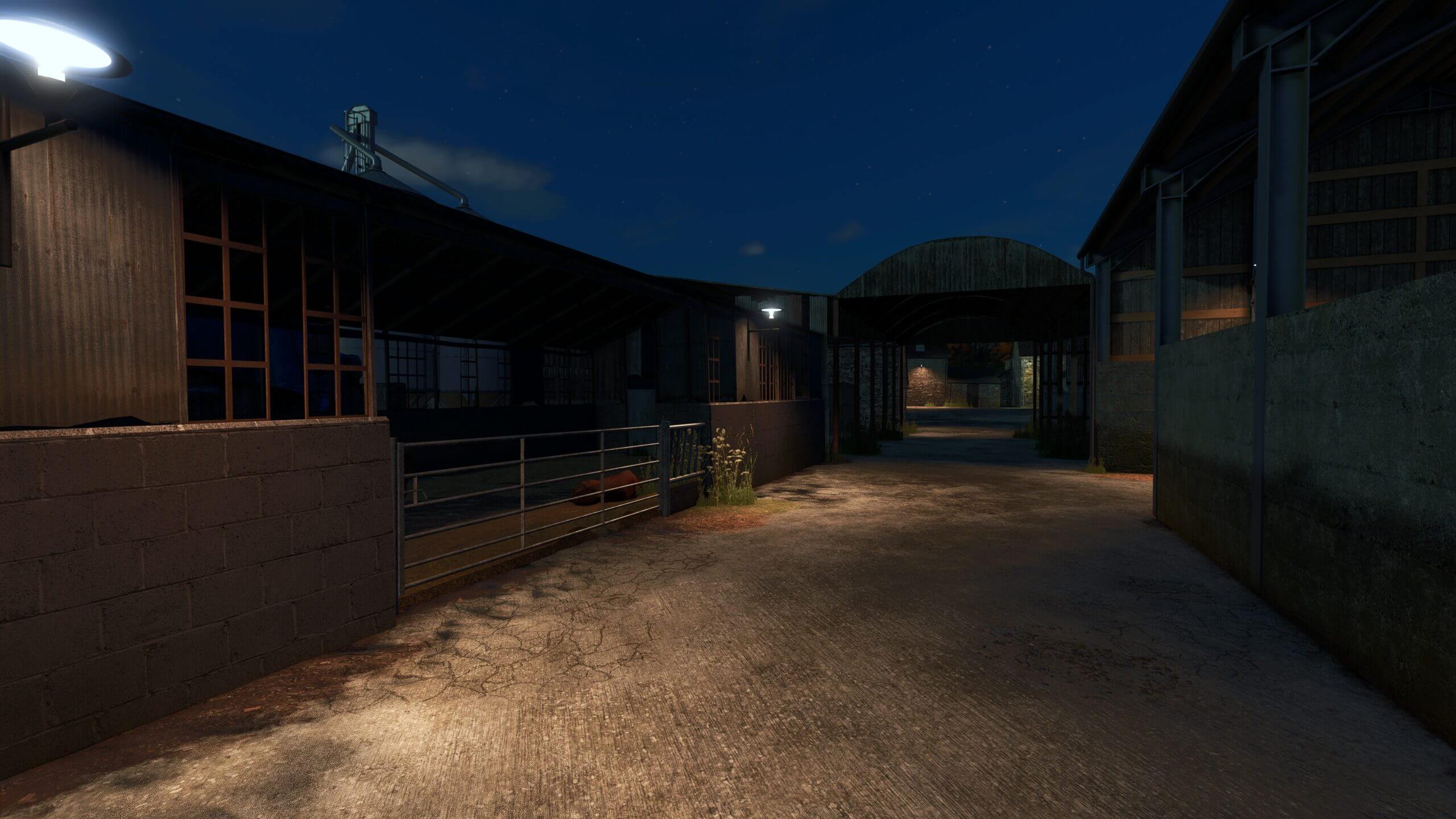
Tucked away in a quiet corner of Calmsden, deep in the heart of the Cotswolds, this is a working farm steeped in history, rust, and stubborn grit.
Built as a custom edit of Calmsden/Oakbridge (with kind permission from OxygenDavid), Bevington Farm is a crafted experience, designed to feel realistic, immersive, and rewarding.
Download includes:
Map edit, 6 modhub mods required (links included), Savegame to add to your savegames, Read me doc.
Backstory:
Old Malcolm Rowelinson ran this farm the old way: outdated sheds, tired equipment, and no room for modern ideas. Now he’s retired, and you’ve bought it, fields, cows, debt and all. With one shiny New Holland T7, a head full of dreams, and planning permission for a proper cow shed… the future’s in your hands.
Savegame Start:
£350,000 starting money
£285,000 starting debt
Brand new New Holland T7
4 ready-to-harvest wheat fields
1 ready-to-harvest canola field
8 grass fields
40 sheep in a pasture
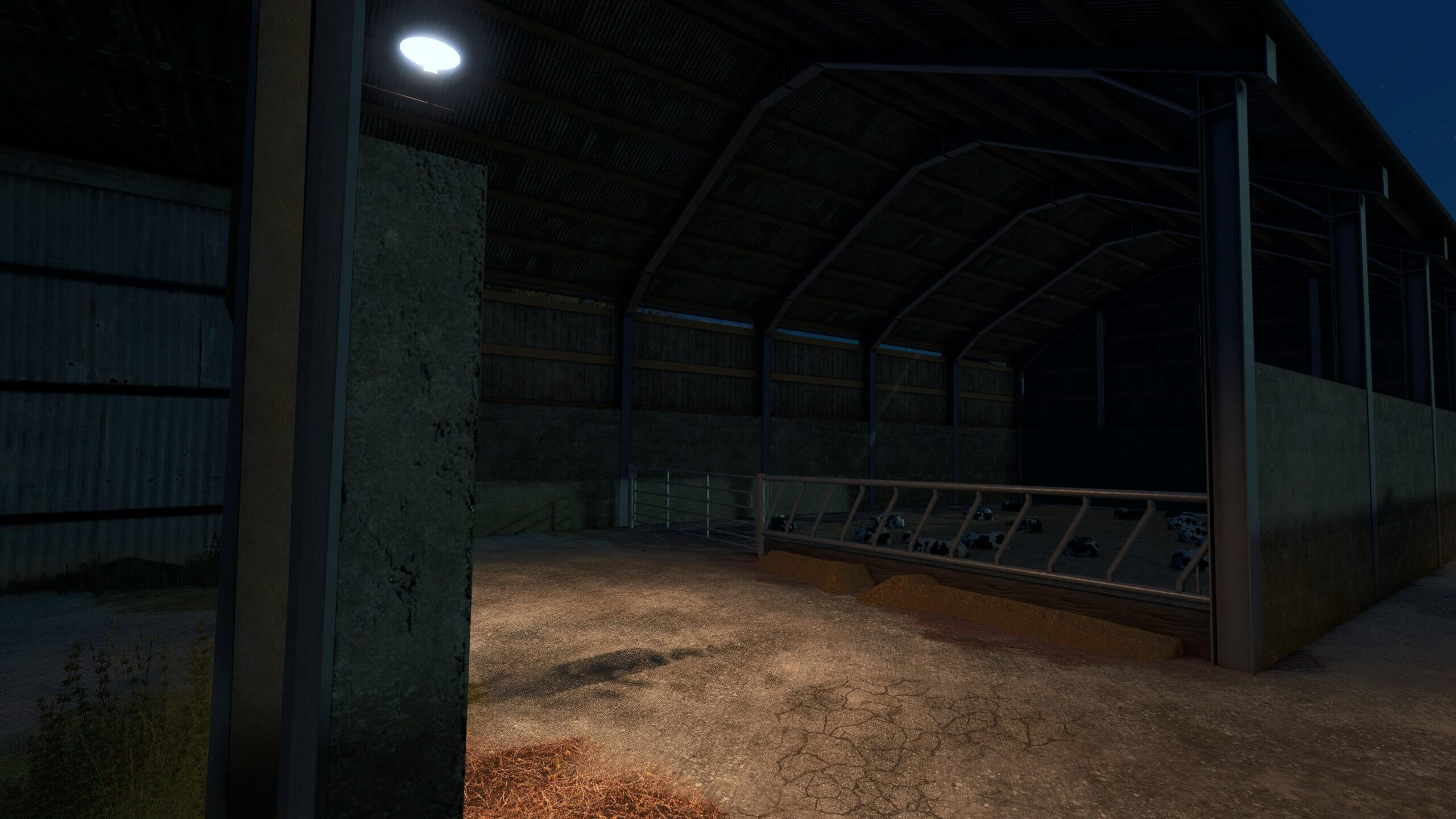
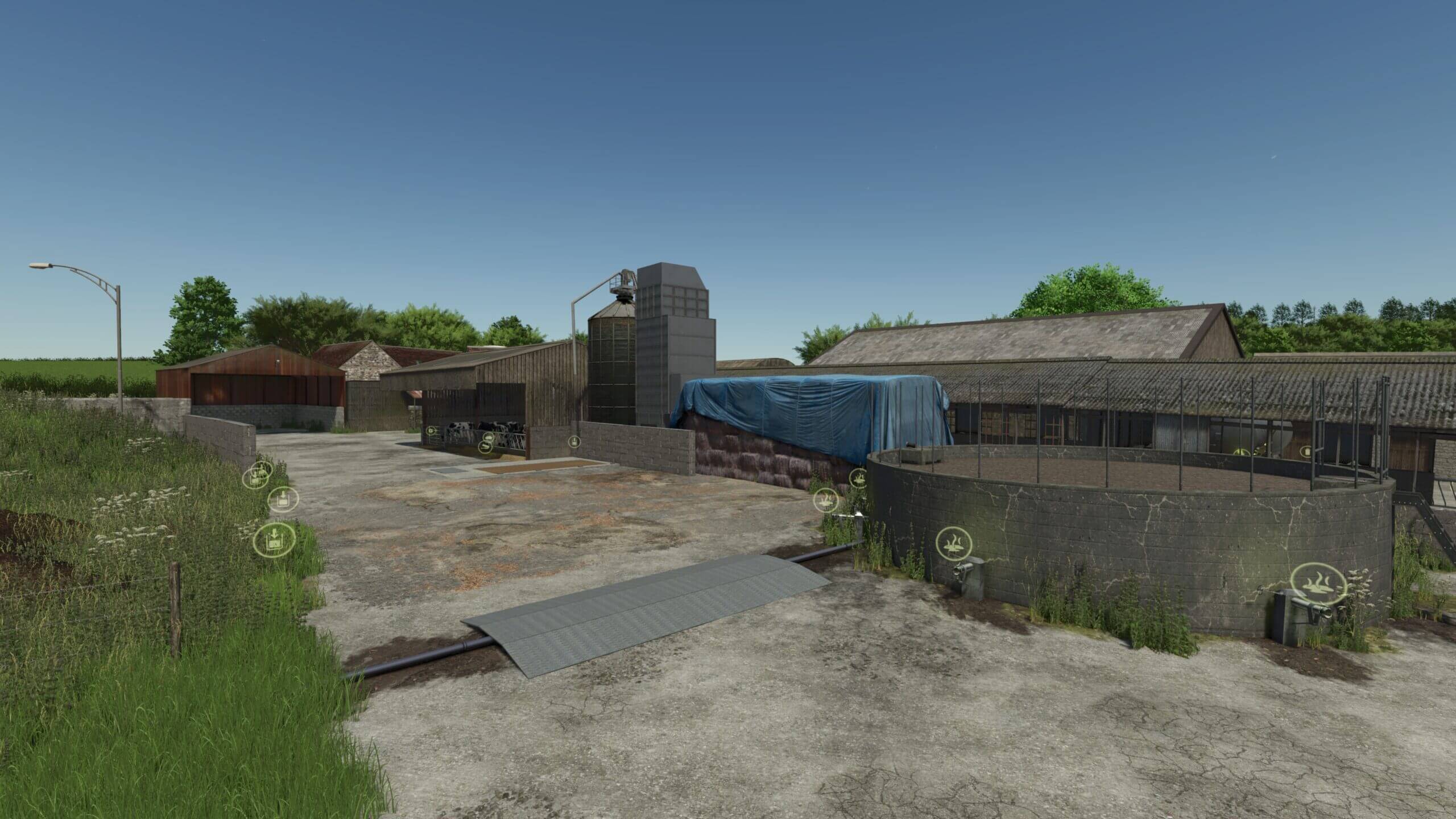
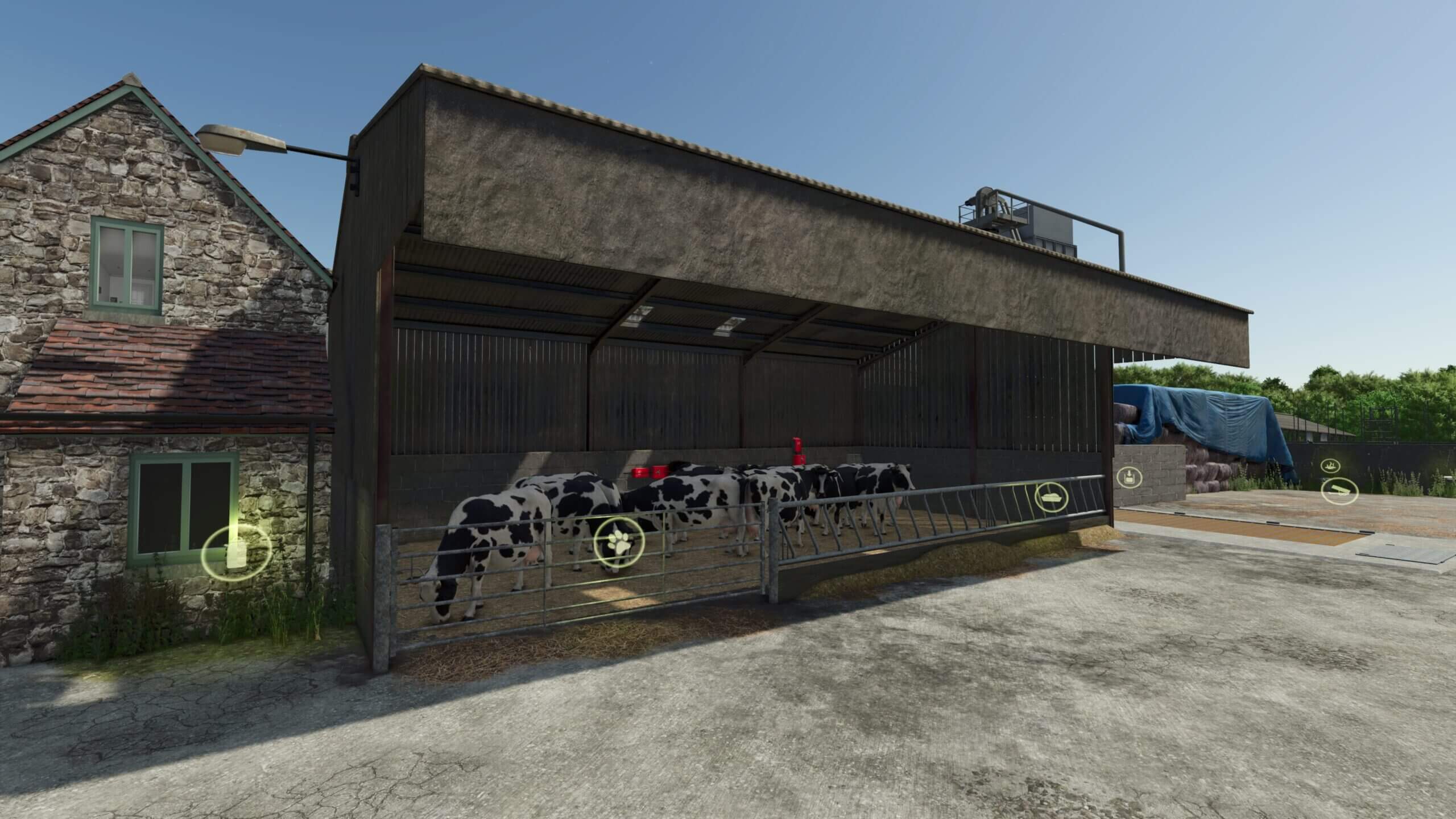
35 cows in 4 old vintage custom-built sheds
100,000 litres of silage in the clamp
A small amount of feed to get you going
Everything is placed and balanced for a challenging but rewarding farm journey.
Download and install instructions from Scroft:
Copy the included map file into your mods folder.
Default path:
Documents/My Games/FarmingSimulator25/mods
Download Required Mods
Open the included Required_Mods.txt file.
Follow the links and download each of the six required mods.
Once downloaded, place all .zip files in your mods folder.
Add Savegame
Open the savegame folder in this download.
Copy all contents into one of your FS25 savegame slots.
Example:
Documents/My Games/FarmingSimulator25/savegame7
(You may need to create the folder if it doesn’t exist.)
Launch the Game
Start FS25, load the savegame. The required mods will load automatically.
Once in-game, save it again — and happy farming.