LS25 Farm Tablet V2.2.0.0


LS25 Farm Tablet V2.2.0.0
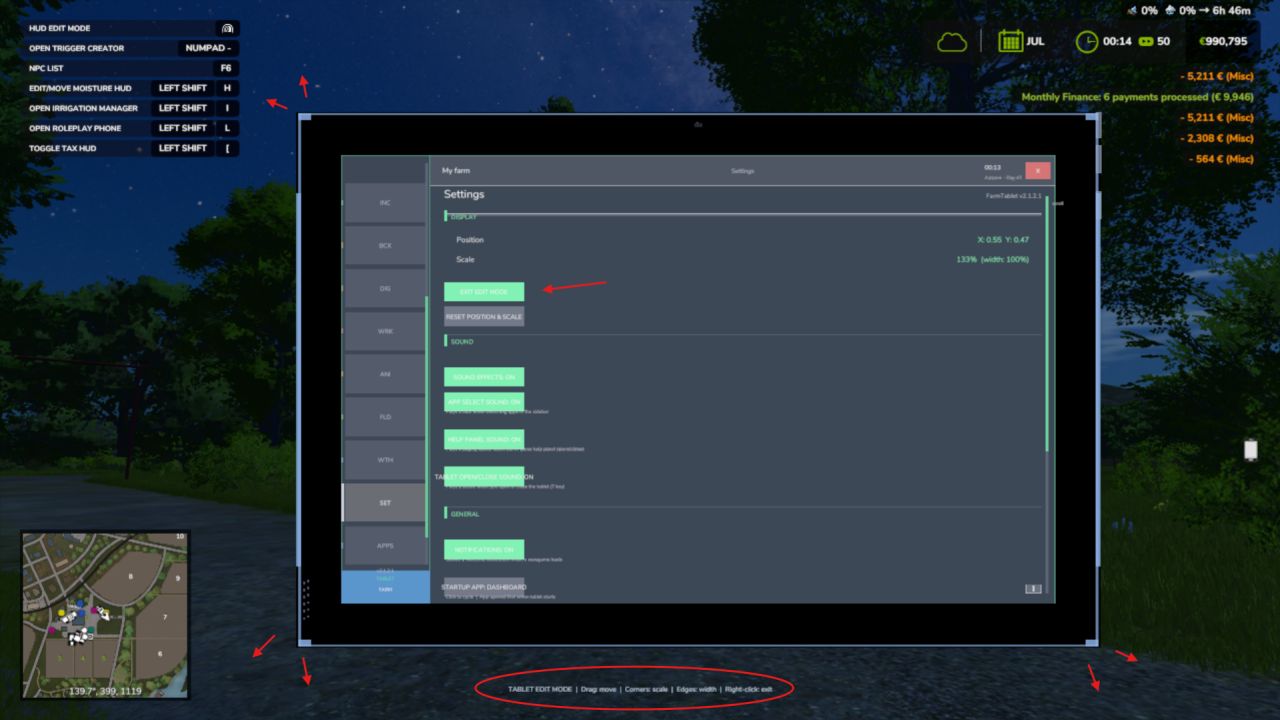
FarmTablet — A compact, all-in-one farm management tablet for Farming Simulator 25.
Originally inspired by a tablet mod for FS17, built from scratch for FS22 and now fully converted and rewritten for FS25. The goal is simple: useful farm info at a glance, without getting in the way of gameplay.
The mod has been rebuilt with a clean, modular structure — every app lives in its own file, making it easy to expand, fix and improve over time. It’s actively developed and shaped by community feedback.
What’s in it right now:
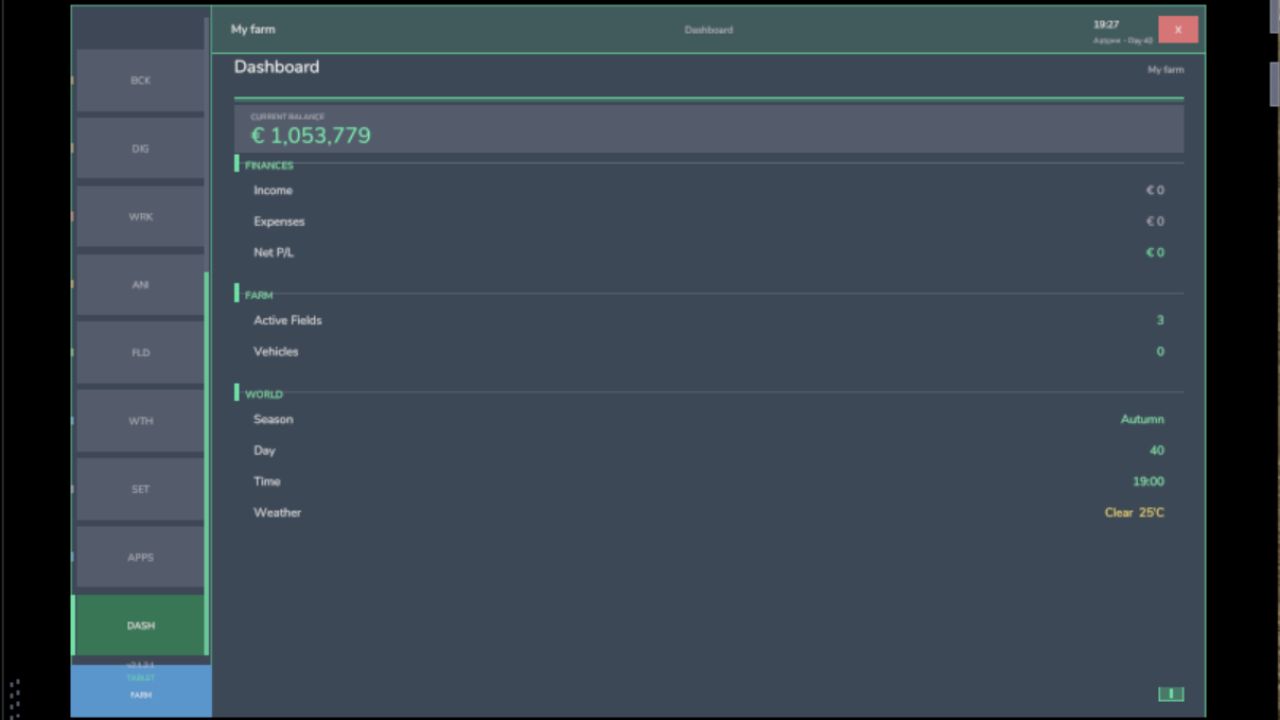
Dashboard — farm overview with balance, fields, vehicles and world state
Weather — current conditions, temperature, wind, cloud cover and forecast
Fields — all owned fields with crop type and growth stage
Animals — pen status with food, water and cleanliness levels
Workshop — nearby vehicle diagnostics with fuel, wear and operating hours
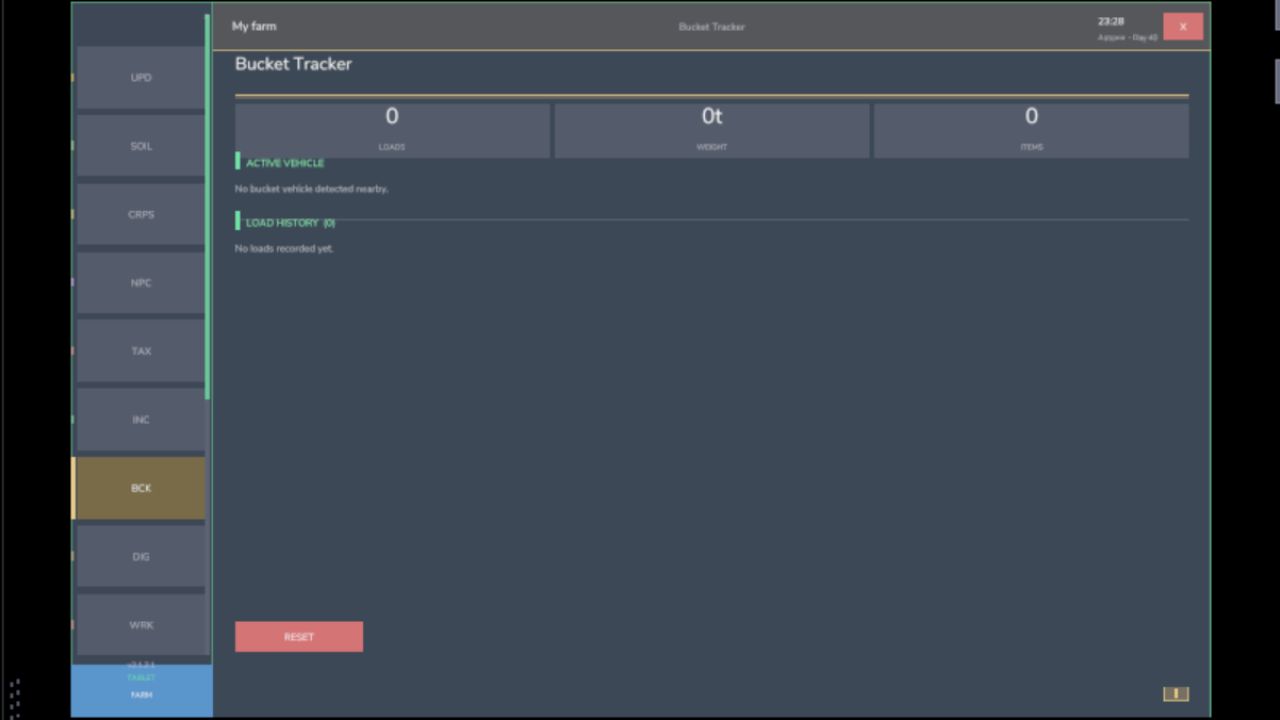
Bucket Tracker — load counter for wheel loaders and excavators
Digging — excavation tracking and soil scanner
App Store — browse and manage installed apps
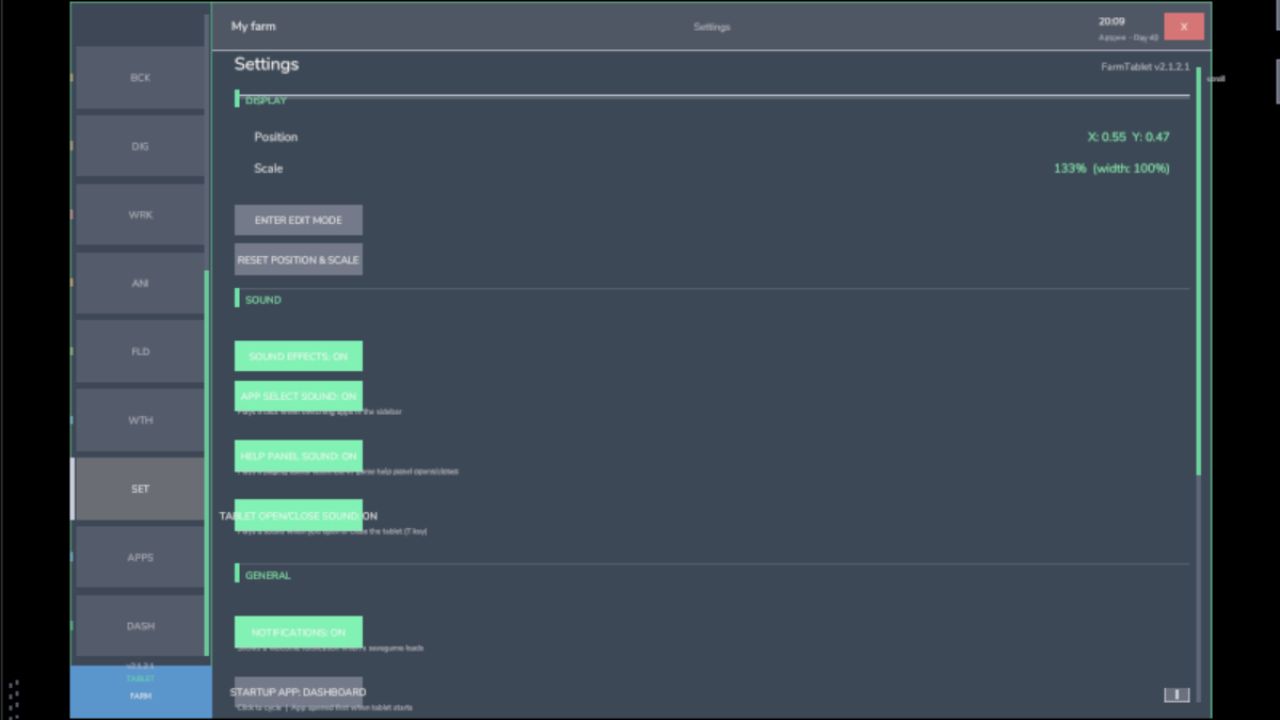
Settings — configure the tablet from the pause menu
Updates — changelog and version history
Mod integrations (auto-detected at runtime, safe to run without them):
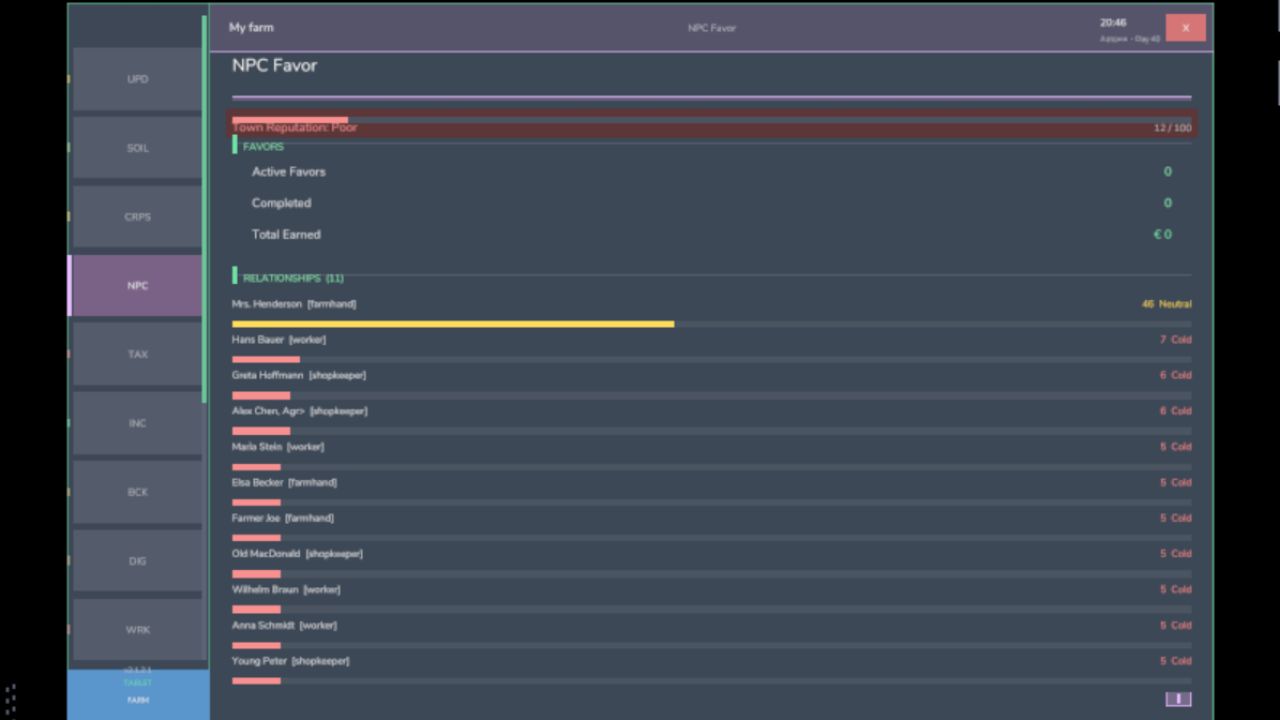
NPC Favor, Soil Fertilizer, Seasonal Crop Stress, Income Mod, Tax Mod
What’s coming next:
Better tablet visuals and frame design
Icons instead of text labels
Sounds, color tweaks and UI polish
More apps and deeper interactions based on feedback
Multiplayer improvements
The mod is in active development. Bug reports, ideas and suggestions are always welcome — this is a community project and your feedback directly shapes what gets built next.
V2.2.0.0
Previously, five apps would silently truncate their content when your farm grew large enough to overflow the screen. The Field Manager showed a “… N more fields” hint but offered no way to see them. Storage, Workshop, UsedPlus and Invoices cut off rows without any indication. This release wires all five into the existing scroll system the same mouse-wheel + scrollbar that already works in Animals, Field Jobs, Income and others.
What changed:
Field Manager all owned fields are now reachable via scroll; the truncation hint is removed
Storage Inventory, Best Sell Prices and Price Comparison all scroll together as one page; no more cut-off crop lists on large farms
Workshop the 6-vehicle nearby cap is lifted; all vehicles within 35 m appear and the Repair button is always reachable
UsedPlus sale listings and finance deals scroll correctly when you have many active entries
Invoices incoming and outgoing invoice lists scroll on large roleplay economies
No behaviour changes for small farms the scrollbar only appears when content actually overflows the screen, so the UI stays clean when there is nothing to scroll.
Requires:
Income Mod
Tax Mod
NPC Favor
Realistic Soil & Fertilizer
Seasonal Crop Stresse