LS25 GE10 Script – FieldToolkit (Prefab) V1.0.0.0

LS25 GE10 Script – FieldToolkit (Prefab) V1.0.0.0
Field Toolkit is a tool for Giants Editor 10, based on the original editor field tool, but with improvements and optimizations.
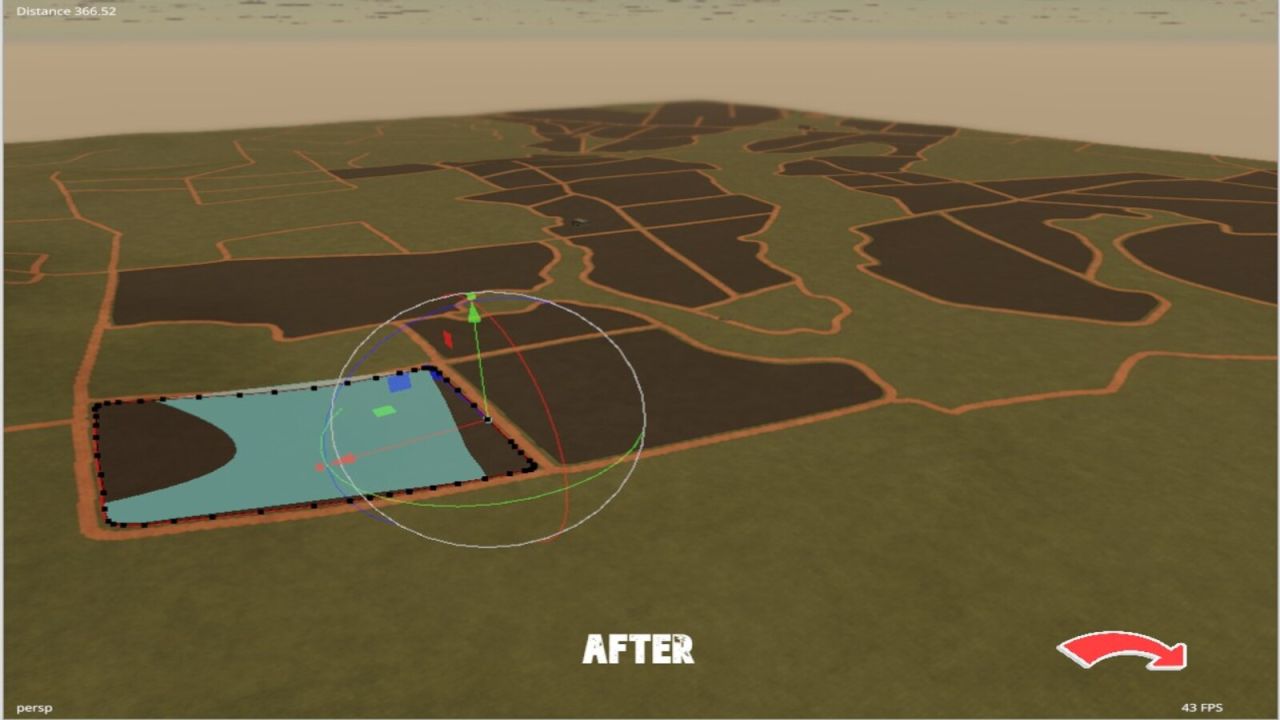
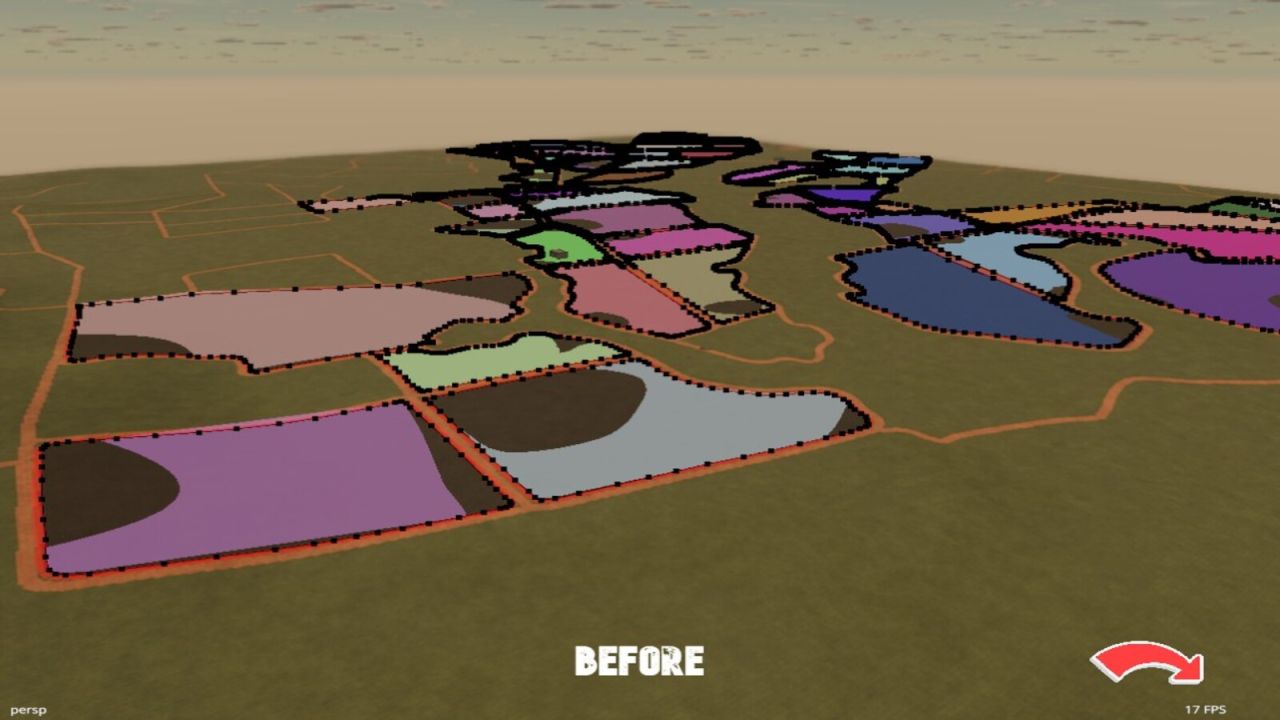
This version includes improvements in field debug rendering. Unlike the original tool, which renders all fields at the same time, this version renders only the selected field, reducing the impact on performance when working on large maps.
Installation:
1.) Navigate to your GIANTS Editor installation directory. Default path: “C:/Program Files/GIANTS Software/GIANTS_Editor_10.X.X/”
2.) Copy the file “SplineToolkit.lua” and the folder “fenceImages” from the prefab into the GIANTS Editor script folder.
3.) The script will then be available in the GIANTS Editor via the menu bar under “Scripts”.